When it comes to gaming, the size of your monitor is an important factor to consider. Regardless of whether you are an experienced gamer or just starting out, finding the right monitor size for your gaming sessions can make a huge difference in terms of performance, comfort and even your enjoyment. Here, we’ll look at the basics of what constitutes a ‘good’ gaming monitor size, so that you can make the most informed decision when selecting your gaming monitor.
What Is The Ideal Size Of A Gaming Monitor?
The ideal size for a gaming monitor is largely dependent on preferences such as size of the room and budget, as well as the type of gaming activity you engage in. Generally, most gamers use a small-to-medium size monitor, ranging from 17-27 inches in screen size; this is large enough to provide a good gaming experience while being small enough that it can be comfortably placed in the typical gaming setup. Of course, if you have the space and budget, there are larger monitors available that can offer an even more immersive experience.
Factors To Consider When Choosing A Monitor Size
When selecting a gaming monitor size, there are a few factors to take into consideration; the most important being the type of gaming you are doing, as this will determine the most suitable size. Do you play console games or PC games? Are you playing in first-person or third-person perspective games? All these factors affect what size of monitor you should opt for. For example, a PC gamer playing in a first-person shooter may benefit more from a larger monitor, whereas a console gamer might prefer a smaller monitor as it will be easier to setup and take down. Another factor to consider is your budget; larger monitors tend to cost more so if you’re on a budget you might want to think about settling for a smaller size.
The Benefits Of A Larger Monitor

As mentioned, larger monitors generally come at a higher cost but offer many benefits. For example, a larger monitor will provide greater speed as well as increased awareness of the gaming environment, which can give you a competitive edge when playing online. Moreover, if you’re looking for a more immersive gaming experience then larger monitors are a great choice; bigger displays give you a more expansive view of your in-game environment, thus creating a much more engrossing gaming experience.
The Benefits Of A Smaller Monitor
While larger monitors offer a range of benefits, smaller monitors are also advantageous. For one, they’re much more affordable, so if you’re on a budget then opting for a smaller monitor can be a great way to get into gaming without breaking the bank. Additionally, smaller monitors are much more portable, making them ideal if you’re planning on taking your gaming on the go. They also don’t take up as much desk space, so you’ll have more room for your gaming setup.
Factors To Consider When Buying A Monitor
Aside from size, there are several other important factors to keep in mind when shopping for a gaming monitor. You want to make sure you get a model with an adjustable or tiltable stand, as this will make it easy to adjust the monitor for an optimal viewing angle. Furthermore, refresh rates, response time and color accuracy are all important aspects to consider, as these will affect the overall quality of your monitor and your gaming experience.
The Types Of Monitors Available For Gamers
In addition to their size, the type of gaming monitor you choose can also have a major impact on the overall gaming experience. If you’re looking for a monitor with top-of-the-line features, then an OLED monitor could be an option to consider. On the other hand, if you’re looking for something more affordable (but still capable of providing a great gaming experience) then a TN, VA or IPS panel may be a better choice. Alternatively, if you’re playing games that require a fast response time and refresh rate, then looking at the specifications of gaming monitors made specifically for eSports may be the way to go.
The Advantages Of Ultra-Wide Monitors
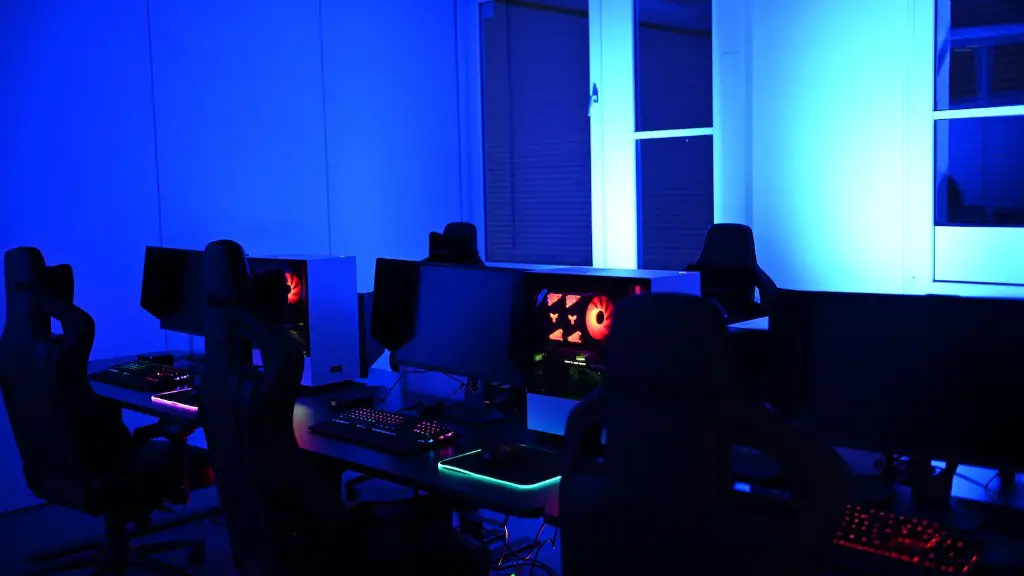
Ultra-wide monitors are larger than traditional 16:9 monitors and offer a much wider viewing area, which is ideal for split-screen gaming or for watching contents. Moreover, due to the increased size, many ultra-wide monitors come with higher resolutions, thus allowing gamers to squeeze out every last bit of graphical detail from their games. Finally, ultra-wide monitors have an immersive aspect ratio, reducing the need for using bezels when gaming, thus creating an even more moddish setup.
Monitor Refresh Rates, Response Time & Color Accuracy
Aside from size, monitors also comes with a range of features such as refresh rates, response time and color accuracy. Refresh rate is good to make sure that the image displayed on the screen is smooth and without any stutters, response time is important to reduce blurring when playing fast-paced games and finally, color accuracy is great to ensure that the colors displayed on the screen match the colors actually present in the game. It is often suggested to get the best gaming monitor with a refresh rate of at least 144Hz, a response time of 2ms or less and an color accuracy of at least 8-bits.
The Pros And Cons Of Curved Monitors
Curved monitors can be a great choice for gamers wanting a more immersive experience. As the name implies, curved monitors have a curved design, allowing for much wider viewing angles and a greater sense of depth. This in turn can provide a more engaging gaming experience, making it easier to spot enemies and providing better visuals. The downside is that curved monitors can be a lot more expensive than traditional flat-screen monitors, so if you’re on a budget curving may not be the best option.
Motion Blur Reduction & Low Input Lag
Modern gaming monitors come with a range of features to reduce motion blur and input lag. Motion blur reduction helps to reduce the blurring that can occur when playing fast-paced games, resulting in clearer images and a more immersive experience. As for input lag, this describes the time it takes for the monitor to receive data from the graphics card as it receives information from the game. This can be reduced through features such as DDR memory and faster response times.
HDMI & DisplayPort Connectors
In order to connect your monitor to your PC or gaming console, you’ll need either an HDMI or DisplayPort connector. HDMI is mainly used to connect your monitor to older consoles, while DisplayPort is better suited for connecting to modern gaming PCs. Both ports can carry HD signals, making them great for gaming, however, DisplayPort connectors typically provide faster refresh rates and response times than HDMI, making them ideal for serious gamers.
