Video games have become increasingly popular with avid gamers looking for the best possible gaming experience. One of the key components to achieving this is a high quality gaming monitor, and an integral factor in determining the quality of these monitors is the refresh rate, which is measured in Hertz (Hz). So what is Hz in gaming monitors?
Hertz is the measure of frequency, or how many times a given action can be repeated in a given amount of time. In a gaming monitor, this is determined by the number of times the monitor can redraw the image on the display. Generally, the higher the Hz, the smoother the image, and the better the gaming experience.
In terms of technical specs, a higher Hz rate essentially reduces the motion blur effect and provides a more seamless gaming experience. For example, if a user’s gaming monitor has a refresh rate of 120 Hz, it means that the image is refreshed 120 times per second. This allows the image to be seen clearer and with less distortion.

The most commonly used gaming monitors have a refresh rate of 60 Hz, although higher refresh rates of 144 Hz and even 240 Hz are becoming increasingly popular. Higher Hz rates provide a smoother gaming experience, as more frames are shown in a given time. This reduces the dreaded “screen tearing” effect, which can occur when the refresh rate is too low.
This is especially important for gamers who are looking to get the most out of their gaming experience. The difference between 60 Hz and 144 Hz refresh rates is noticeable and can be quite dramatic, as the higher Hz rate allows gamers to take advantage of the high speed and precision of modern gaming environments.
Another benefit of a higher Hz rate is that it reduces the amount of input lag, or how quickly the monitor responds to input from a controller or mouse. This can make a noticeable difference to user experience, which is why the Hz rate should be considered when buying a new gaming monitor.
Ultimately, Hz determines the smoothness and clarity of the image. Higher Hz rates provide a more accurate and lifelike experience, while lower rates can cause choppy or distorted images. As such, gamers should consider their gaming needs carefully when deciding on a monitor’s Hz rate.
Computer Configuration & Hardware
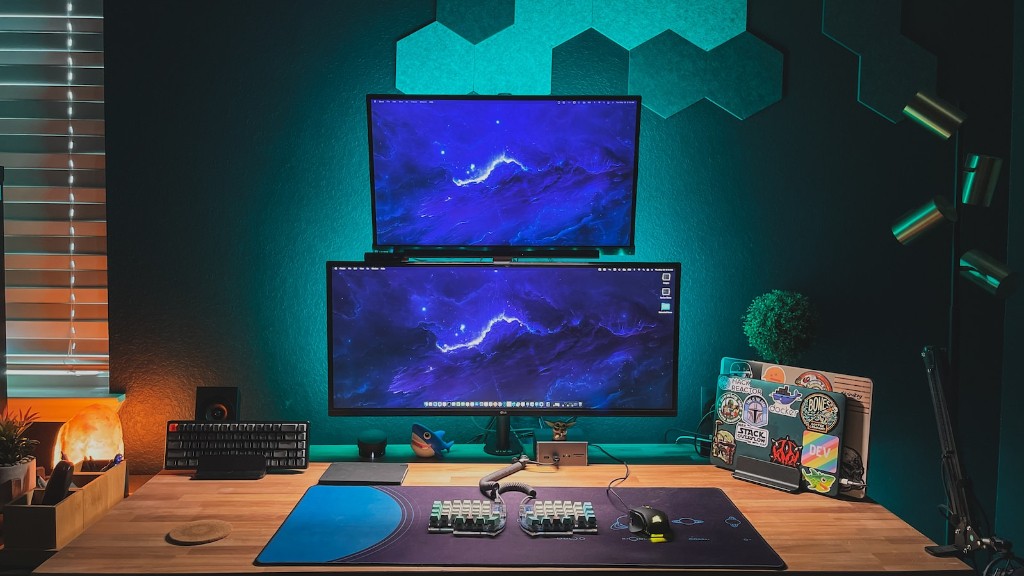
In terms of hardware specifications, Hz measures how quickly the computer can process commands, as well as how quickly the monitor can refresh the image. The configuration of the computer, specifically the type of graphics card, will also play a role in how well the gaming monitor performs. If a computer is underpowered or has an inadequate graphics card, performance will suffer even with a high refresh rate.
For example, if a gamer is using a mid-range graphics card such as the NVidia GTX 1050, they may struggle to run games on a 144 Hz monitor. In this instance, the user should consider a lower Hz rate to accommodate their computer configuration, as this will help to ensure the best possible gaming experience.
On the other hand, if the user has a more powerful graphics card, such as the NVidia GTX 1060 or higher, they should consider a higher Hz rate to get the most out of their gaming experience. This can be especially beneficial for gamers who prefer fast-paced FPS games, where split-second reflexes and quick decision-making can make the difference between victory and defeat.
In general, the more powerful the computer configuration, the higher the Hz rate that can be enjoyed. Gamers should ensure their computer meets the minimum requirements for their chosen Hz rate to get the most out of their gaming monitor.
Types of Displays
The type of monitor is also a factor when considering Hz in gaming monitors. Generally, TN (twisted nematic) and IPS (in-plane switching) panels are the most common types of gaming displays, though newer technologies such as OLED (organic light-emitting diode) and Quantum-Dot are becoming more popular. Generally, these types of monitors are also capable of higher refresh rates than TN or IPS panels.
The type of panel will play a role in the overall gaming experience, as well as the Hz rate. IPS and OLED panels are capable of higher Hz rates, so they may be better suited to gamers looking for a smoother gaming experience. Furthermore, the panels’ response time will also have an impact on the overall user experience, as this indicates how quickly the monitor can transition from one image to another.
In terms of Hz rate, TN panels typically have a maximum Hz rate of 144 Hz. IPS panels, however, can reach as high as 240 Hz. This means that gamers who want the absolute best gaming experience should opt for an IPS panel, as this will provide them with the smoothest experience possible.
That said, TN panels are still popular among gamers, as they are generally cheaper and can reach refresh rates of 144 Hz. This makes them an attractive option for budget-conscious gamers who want an immersive experience without breaking the bank.
Graphics Cards & Performance
The type of graphics card also plays an important role in Hz in gaming monitors. Modern graphics cards are capable of pushing higher Hz rates than their predecessors, so users should ensure they have a powerful GPU to take advantage of the full benefits of the Hz rate. Furthermore, the graphics card should be powerful enough to run the games at the desired frame rate (typically 60 fps or higher).
In terms of performance, the graphics card should be able to handle the level of detail the game requires. For example, some games require more powerful GPUs to handle higher levels of detail, such as 4K resolution or high-dynamic range imaging. As such, users should ensure their GPU is up to the task to prevent any performance issues.
Furthermore, a powerful GPU should also be able to handle higher Hz rates. If a computer is set up to run at a Hz rate of 144 Hz, but the GPU is unable to handle the load, the user will experience stuttering, performance issues, and other technical difficulties. So if gamers want to take advantage of a high Hz rate, they should ensure their GPU is powerful enough to do so.
Finally, gamers should consider their overall budget when shopping for a gaming monitor. High-end gaming monitors with high Hz rates tend to cost more, so it’s important to ensure the user is getting the best value for their money. As such, they should consider the Hz rate relative to the type of games they will be playing, as well as their computer’s configuration and hardware.
Factors for Consideration
In conclusion, Hz in gaming monitors is an important factor to consider when buying a gaming monitor. It impacts the overall gaming experience, as it influences the image clarity and response time. Generally, the higher the Hz rate, the smoother the image, although this depends on the computer configuration and hardware.
Gamers should also consider their budget when shopping for a gaming monitor. High-end gaming monitors cost more, and have higher Hz rates, so it’s important to compare the Hz rate to the type of games they will be playing, as well as their computer’s configuration and hardware. By taking into account all these factors, gamers can ensure they get the best possible gaming experience.
