When it comes to gaming, the right monitor can mean the difference between victory and defeat. Every game is different, and monitor refresh rate plays a critical role in achieving the highest possible gaming performance. But how many Hz is considered good for a gaming monitor?
To understand this, we have to take few important factors into account. Refresh rate is measured in Hertz (Hz), and refers to the number of times a monitor refreshes the image displayed per second. The higher the refresh rate, the smoother the image movement. The amount of frames that a monitor can display per second can be determined by its refresh rate, which is specified in Hertz.
On the other hand, the response time determines how long it takes for pixels to change from one color to another. When choosing a gaming monitor, it is important to find a balance between the two, as a lower response time can lead to motion blur when playing fast-paced games. Therefore, it is important to look for a monitor that offers a good balance of both refresh rate and response time, in order to ensure smooth gameplay.
As a general rule of thumb, a higher refresh rate provides a competitive advantage in gaming. Many competitive gamers opt for monitors with a refresh rate of 144Hz or higher, as this allows them to see and react to movements on the screen more quickly. On the other hand, monitors with a lower refresh rate may not be suitable for fast-paced gaming.
It ultimately boils down to the game you are playing and the type of experience you are looking for. If you are a casual gamer and don’t mind occasional lags or motion blur, then a monitor with a refresh rate of 60Hz is generally fine. However, if you are an avid or competitive gamer, then it is recommended to choose a monitor with a refresh rate of 144Hz or higher.
Overall, the amount of Hertz that is considered good for a gaming monitor really depends on what type of gaming you are doing and the level of performance you are looking for.
Graphics Quality
Another important factor to consider when choosing a gaming monitor is the graphics quality. Most gamers require a monitor that can provide good image clarity and resolution no matter what the game. The monitor should have the ability to accommodate various types of graphics, such as 4K, HD, or even 3D rendering.
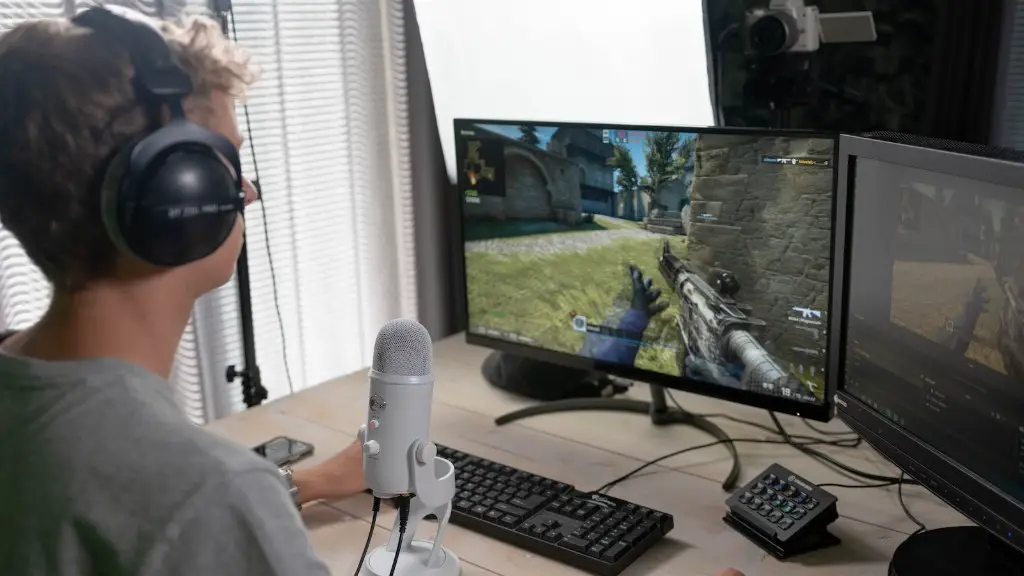
Most modern gaming monitors have higher resolutions, such as 4K (3840 x 2160), Quad HD (2560 x 1440), and Full HD (1920 x 1080), which can provide higher image clarity and detail. Higher resolutions also require more graphics processing power, so they may not be suitable for older graphics cards. It’s important to consider this before making a purchase.
In addition to resolution, other features such as response time and refresh rate come into play when it comes to getting the best graphics. Higher refresh rates can reduce motion blur, while faster response times help reduce lag and improve the overall gaming experience. Finding the right balance between these two features is the key to achieving excellent image quality without any noticeable drawbacks.
The type of panel used in the monitor is also an important factor when it comes to image quality. There are three different type of panels: TN (twisted nematic), IPS (in-plane switching), and VA (vertical alignment) panels. TN panels usually offer the best response time and high refresh rates, but they usually have the poorest image quality. IPS panels have better color accuracy and better viewing angles, but slightly slower response times. VA panels provide good image quality, great viewing angles, and good response time.
Adaptive Sync
Adaptive Sync is a technology that helps to synchronize the monitor’s refresh rate with the GPU’s frame rate to help reduce screen tearing and stuttering. There are two types of Adaptive Sync technologies available in the market: AMD FreeSync and NVIDIA G-SYNC. Both of these technologies help to ensure smooth and seamless visuals while gaming, and can be found on a variety of gaming monitors.

FreeSync is a technology developed by AMD that works with monitors with a refresh rate of 75Hz and above. It syncs the vertical refresh rate of the monitor with the frame rate (FPS) of an AMD graphics card, enabling fluid, tear-free gaming experiences. NVIDIA developed G-SYNC, which is a proprietary technology that works with monitors with a refresh rate of 30Hz and above. G-SYNC is designed to help reduce in-game lag and give gamers a smoother, more realistic gaming experience.
Depending on the graphics card you have, it is important to select a monitor that supports the appropriate Adaptive Sync technology. If you have an AMD graphics card, then you should opt for a monitor with FreeSync support; if you have an NVIDIA graphics card, then you should opt for a monitor with G-SYNC support. Alternatively, if you don’t have either an AMD or NVIDIA graphics card, then you should opt for a monitor without any Adaptive Sync support. This will help to ensure your monitor supports the highest possible gaming performance.
Gaming Monitor Connections
Modern gaming monitors come with a variety of ports and connections, making them suitable for use with a variety of computer hardware. Many of the most common connections, such as DisplayPort, HDMI, and USB Type-C, are often found on gaming monitors. It is important to ensure that the monitor has the right type of connection that is compatible with your graphics card and other hardware.
DisplayPort is a digital connection that is designed to handle higher resolutions and refresh rates, and is the recommended connection for monitors with refresh rates higher than 60Hz. HDMI is a digital connection that is designed for lower resolutions and is best suited for monitors with refresh rates of 60Hz or lower. USB Type-C is an alternative connection that supports USB-C devices, such as smartphones, laptops, and tablets.
It is important to make sure that the monitor you select offers the right type of connection that is compatible with your hardware. If you don’t have a compatible connection, then you will not get the best performance out of your monitor. Additionally, some adapters may be necessary in order to use certain ports; it is important to make sure that the adapter required is compatible with your monitor.
Gaming Monitor Settings
To get the most out of your gaming sessions, it is important to adjust your monitor settings properly. Most gaming monitors come with their own set of preset or tailor-made settings for gaming, such as ‘Game Mode’ or ‘Game Preference’. Utilizing these settings can help to improve your gaming experience and give you an edge in competitive gaming.
These settings will adjust the brightness, color, contrast, and other picture settings in order to provide an optimal gaming experience. Different games require different settings, so it is important to experiment with different settings in order to find the one that works best for you. It is recommended to use the ‘Game Preference’ feature, which allows you to save different profiles for different games.
In addition to gaming preset settings, it is important to familiarize yourself with your monitor’s other settings such as contrast, brightness, sharpness, and color temperature. Utilizing these settings can help to improve the image quality and overall gaming experience. Additionally, some monitors also have features such as Black Boost and Ultra Low Motion Blur, which can help to make objects on the screen appear sharper.
Conclusion
In conclusion, the number of Hertz (Hz) that is considered good for a gaming monitor really depends on the type of gaming that you are doing and the level of performance you are looking for. For casual gaming, a 60Hz refresh rate is generally fine, however, avid or competitive gamers may opt for higher refresh rates for a more immersive gaming experience. In addition to refresh rate, it is also important to consider other factors such as resolution, response time, panel type, and Adaptive Sync technology. It is also important to adjust your monitor settings properly to get the most out of your gaming sessions.
