When it comes to gaming, one of the most important factors is the refresh rate of your monitor. For those unfamiliar with the term, a refresh rate is the number of times a monitor can display a new image in a second, measured in hertz (Hz). A good refresh rate for gaming monitors typically falls within 144Hz-240Hz, although some monitors offer even higher rates. With a higher refresh rate, gamers can enjoy a smoother, more responsive gaming experience, as well as improved image clarity.
A monitor’s refresh rate can be easily adjusted in the display settings of your computer. However, it’s important to note that not all monitors are capable of displaying higher refresh rates. For example, while some 144Hz monitors can display up to 240Hz, others may only be able to support up to 144Hz. As such, it’s important to check the specifications of your monitor before making any changes to the refresh rate.
In addition to the refresh rate, gamers should also pay attention to the response time of their monitors. Response time is the amount of time it takes for a pixel to change from one color to another and is measured in milliseconds (ms). Generally, the lower the response time, the better. A response time of 5ms or less is ideal for gaming, as this ensures that the imagery displayed on your monitor will be smooth and clear.
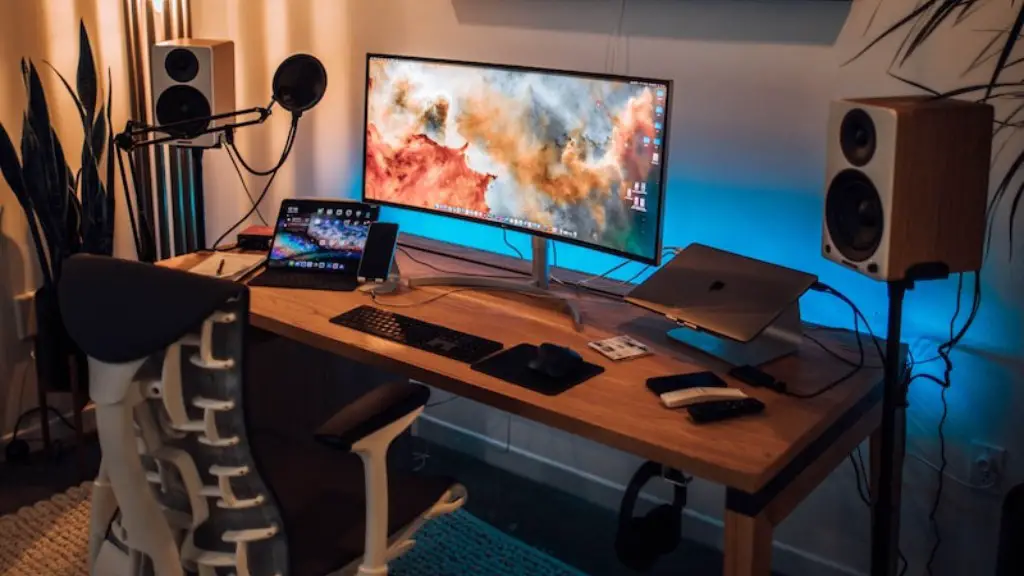
Finally, gamers should also consider the resolution of their monitors. Resolution is the number of pixels a monitor can display, and typically the higher the resolution, the better the image quality. A resolution of 2560×1440 pixels (WQHD), 2560×1080 pixels (FHD), or 3840×2160 (UHD) is ideal for gaming, as it will allow you to take full advantage of your monitor’s capabilities.
In conclusion, the best refresh rate for gaming monitors depends on a variety of factors, including the monitor’s capabilities, the response time, and the resolution. To ensure the best possible gaming experience, it’s important to take all of these factors into consideration and adjust the refresh rate accordingly.
What is the Ideal Refresh Rate for Gaming?
For most gamers, the ideal refresh rate for gaming monitors is between 144Hz and 240Hz. This range provides gamers with a smooth, responsive gaming experience, as well as improved image clarity compared to lower refresh rates. However, it’s important to keep in mind that not all monitors are capable of displaying higher refresh rates, and as such, it’s important to check the specifications of your monitor before making any changes.
In addition to the refresh rate, gamers should also consider the response time and resolution of their monitors, as these factors can have a direct effect on their gaming experience. A response time of 5ms or less is ideal for gaming, as is a resolution of 2560×1080 pixels (FHD), 2560×1440 pixels (WQHD), or 3840×2160 (UHD).
Finally, gamers should also pay attention to the input lag of their monitors, which is the amount of time it takes for input commands (such as pressing a button or moving the mouse) to be processed by the monitor. Generally, the lower the input lag, the better, as this ensures that inputs are processed quickly and accurately. A good input lag for gaming monitors is typically between 1ms and 4ms.
In conclusion, the ideal refresh rate for gaming monitors depends on the monitor’s capabilities, the response time, the resolution, and the input lag. Taking these factors into consideration will ensure that gamers get the most out of their gaming experience.
What Are the Advantages of a Higher Refresh Rate?
A higher refresh rate provides gamers with a smooth, responsive gaming experience, as it allows the monitor to display more frames per second (FPS). This results in more fluid motion, improved image clarity, and a reduction in motion blur. Additionally, since the monitor can display more frames per second, the input lag is also reduced, resulting in more accurate and responsive controls.
In addition to improved motion and responsiveness, a higher refresh rate can also provide better visuals. With a higher refresh rate, images appear sharper, as the monitor is able to display more detail per second. This can result in an overall better gaming experience, as you’ll be able to make out more of the details in the game world.
Finally, a higher refresh rate can also help reduce the risk of eye strain, as the monitor is able to display more images per second. This can be especially beneficial for gamers who spend long periods of time in front of their monitors, as it can reduce the amount of eye strain they experience.
In conclusion, a higher refresh rate for gaming monitors can offer numerous advantages, including improved motion, responsiveness, visuals, and reduced eye strain. As such, it’s important to take into consideration the refresh rate when shopping for a gaming monitor.
Can a Higher Refresh Rate Improve Performance?
In some cases, a higher refresh rate can have a positive effect on performance. This is due to the fact that a higher refresh rate can reduce input lag, which is the amount of time it takes for input commands to be processed by the monitor. This can be especially beneficial for competitive gamers, as it can help them react more quickly and accurately.
However, for most gamers, the performance improvements associated with higher refresh rates are minor. This is because a lot of the improvement comes down to the game’s engine and is not directly tied to the refresh rate of the monitor. As such, gamers should not expect a huge boost in performance just by upgrading their monitor’s refresh rate.
That being said, a higher refresh rate can still have some benefits when coupled with better overall performance. For example, if your PC is powerful enough to support a higher refresh rate, the improved motion, responsiveness, and visuals can lead to a more enjoyable gaming experience.
In conclusion, while a higher refresh rate can have some performance benefits, such as reduced input lag, most of the improvement comes down to the game’s engine. As such, gamers should not expect a huge boost in performance just by upgrading their monitor’s refresh rate.
Can a Monitor’s Refresh Rate Be Changed?
Yes, most monitors allow you to change the refresh rate in their display settings. However, it’s important to note that not all monitors are capable of displaying higher refresh rates. For example, while some 144Hz monitors can display up to 240Hz, others may only be able to support up to 144Hz. As such, it’s important to check the specifications of your monitor before making any changes.
It’s also important to note that not all games are capable of taking advantage of higher refresh rates. As such, gamers should check to see if their game can support a higher refresh rate before making any changes. Additionally, some games may require a specific GPU or higher in order to take advantage of a higher refresh rate.

Finally, it’s worth noting that some monitors may require the use of a DisplayPort cable in order to utilize a higher refresh rate. As such, you may need to check your monitor’s manual or specifications in order to determine what type of cable is required.
In conclusion, most monitors allow you to change the refresh rate, although this may not be possible for all monitors. Additionally, not all games are capable of taking advantage of higher refresh rates, and some may require a specific GPU or higher in order to do so. Finally, some monitors may require the use of a specific type of cable in order to take advantage of higher refresh rates.
