Can a gaming monitor be used as a TV? The answer is yes, but some aspects of its use should be considered. Gaming monitors are typically built with features that can help improve the quality of gaming visuals – features like higher refresh rates, low input lag, and adaptive sync that reduce tearing and juddering – yet those features can limit their compatibility with home entertainment systems.
To start with, gaming monitors tend to have lower resolution than TVs. This means that a gaming monitor won’t produce the same type of image clarity as a dedicated TV. A gaming monitor’s HD resolution will work for streaming small-screen content, but for larger screen viewing, a 4K Ultra HD TV with HDR is needed to get the best viewing experience.
In addition, gaming monitors usually do not have any tuners for receiving over-the-air or broadcast TV signals. This means that, for those wanting to watch their local news, sports and shows, a streaming media player, an external digital tuner, or a standard TV is needed.
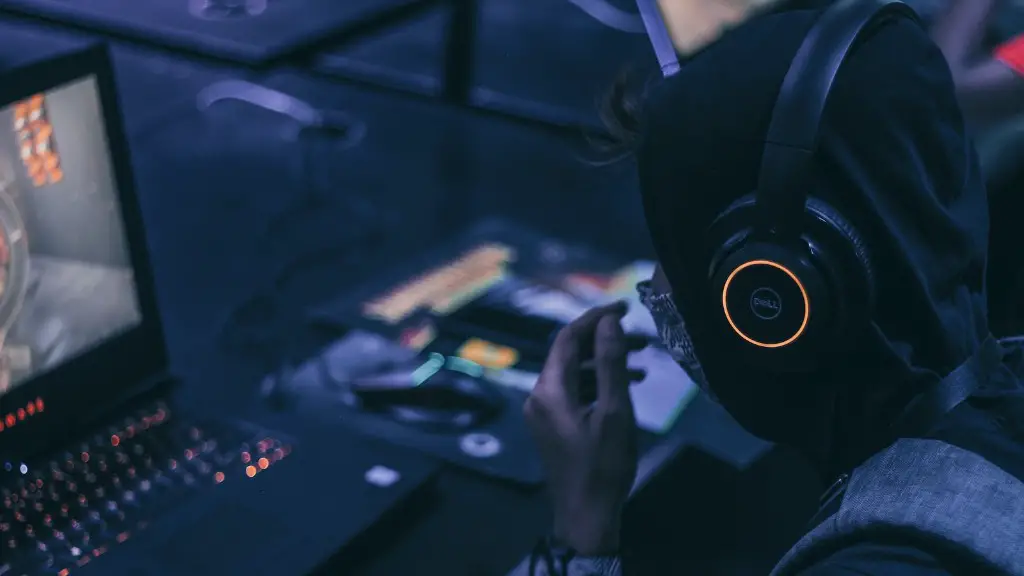
Due to their slimmer profile, gaming monitors are available in sizes that are not available with TVs. This allows users to enjoy gaming and watching content on unusually shaped screens, including those in an Ultrawide format, curved displays, and multi-monitor setups that allow more than the traditional two-screen setup.
Finally, the higher refresh rates that gaming monitors offer, and are generally not available with standard TVs, prove to provide a superior gaming experience thanks to reduced motion blur, especially useful in fast-paced games.
Design of a Gaming Monitor
Gaming monitors are designed to prioritize speed and motion fluidity, including high refresh rates and low pixel response times. This helps to reduce motion blur and ghosting while gaming and in some cases, eliminate screen tearing and video stuttering. In addition, gaming monitors also tend to have more input/output connectors to implement multiple displays, such as a dual monitor setup, and also allow connection of other gaming peripherals like gamepads and headsets.
Connectivity of a Gaming Monitor
Connectivity is an important aspect of any monitor that must be considered. Generally, gaming monitors have higher quality connections with a greater number of ports than regular monitors, making them able to handle more input sources. As 1080p gaming evolves into 4k gaming, gamers will also require increasingly advanced connections with multiple HDMI and DisplayPort connections as well as USB ports.
Differences Between Gaming Monitors and TVs
Although gaming monitors and TVs may look similar, there are some key differences. Firstly, the most obvious difference is typically that gaming monitors are made with higher refresh rates and lower pixel response times than TVs. This makes them better suited to fast-paced action and competitive gaming. Furthermore, gaming monitors are also more accurate in terms of colour reproduction, typically containing improved brightness settings and black levels.
Input Lag and Response Times
Another separate yet important factor to consider when comparing a gaming monitor and a TV is input lag and response times. Input lag is the amount of time it takes for a signal to get from its source to the display, while response time is the amount of time it takes for a pixel to switch from one colour to another. Gaming monitors have around 5-10 ms input lag at low settings and often feature fast pixel response times below 5 ms. On the other hand, TVs generally have much higher input lag and pixel response times.
G-sync and Free-sync
A key point for gamers is that gaming monitors support adaptive sync technologies like AMD FreeSync and Nvidia G-Sync, with both technologies supporting an improved quality of gaming by helping to remove screen tearing and video stutter caused by a mismatching of refresh rates. Such technologies are not necessarily available in TVs, though some 4K TVs with 120Hz refresh rates do now offer the feature.
Cost of Gaming Monitors
In general, gaming monitors can offer more features than a TV and at a more affordable cost. For example, a quality 144Hz gaming monitor will typically cost around the same as a 4K TV, though the features and performance available are typically higher in the gaming monitor. However, certain high-end TVs offer features and performance beyond what can be achieved on a gaming monitor, which may put them beyond the budget of many gamers.
