Getting the best gaming monitor for your setup is just as important as the type of PC or games you’re playing. This can sometimes be difficult to judge, especially if you’re faced with a wealth of monitor options available on the market. One of the first decisions that you need to make when making a purchase is what size of monitor is best for gaming.
For starters, the most important thing to consider when deciding on the size of your gaming monitor is your budget. Monitors come in a range of sizes, with the size typically affecting the cost. If you can afford it, a larger gaming monitor will usually provide superior performance and a more immersive, enjoyable experience. Large monitors deliver a sharper picture, with colors being more distinct and accurate. This can be particularly beneficial for gamers who are playing for extended periods of time, as the larger monitor size may help prevent eye strain.
In terms of what size gaming monitor is best, honestly, there is no clear answer. It really comes down to personal preference, what type of games you play, and how much space you have in your gaming setup. If you’re looking for a quality gaming monitor, a 24-inch monitor should be more than enough for most people. It’s a great size for playing a range of different games, as it provides an ample viewing area without taking up too much desk space. You’ll be able to see everything clearly and get a good level of immersion while gaming.
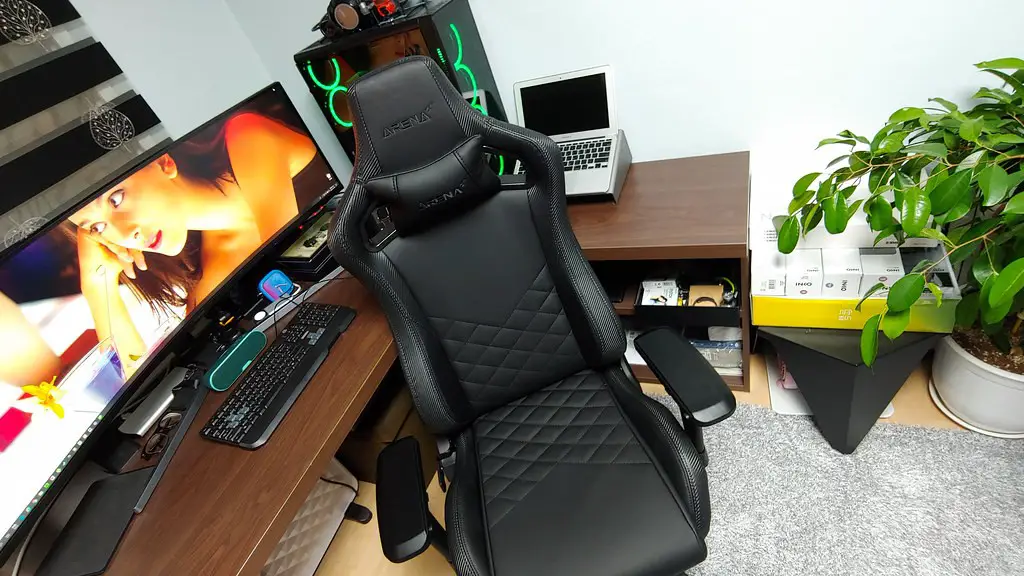
On the other hand, if you’re looking for an ultawide gaming monitor that can deliver an even more immersive experience, you could opt for a 32-inch monitor. This size of monitor is great for games that utilize a wide screen, as it ensures that all of the action stays onscreen without any of it being cut off. An ultrawide monitor can be great for playing specific types of games, such as racing games or simulations, where you need to be able to see what’s happening all around you onscreen.
Additionally, if you’re looking for the absolute largest gaming monitor out there, you may want to consider a 40-inch or larger monitor. These monster screens can provide a truly immersive gaming experience, allowing you to truly get lost in the game. Of course, keep in mind that the bigger the monitor, the more expensive the monitor is likely to be.
Ultimately, what size gaming monitor is best for you depends on your needs and budget. If you only have a limited amount of space, you may want to opt for a 24-inch or 32-inch monitor. However, if you have the means, a larger monitor can take your gaming experience to the next level. With the right monitor and a little bit of research, you can find the perfect gaming monitor to fit your needs and budget.
What Type Of Games You Play
Another important factor that you need to consider when deciding on the size of your gaming monitor is what type of games you play. Some genres of games require a larger screen to achieve the same level of immersion as games that are better suited to smaller monitors. If you typically play first-person shooters or open-world games, a 24-inch monitor should be more than sufficient to get an incredible gaming experience. On the other hand, if you prefer real-time strategy games or massive online battle arenas, a larger monitor may be a better option.

In addition, if you’re playing competitively or if you want to ensure that you have the best chance of getting an edge on your opponents, a larger monitor can be beneficial. A larger screen size provides a better overall field of view, allowing you to see more of the map. This increases your chances of spotting an enemy or an enemy’s movement from further away, improving your chances of victory.
Large monitors with high refresh rates are also the best for competitive gaming, as they provide the fastest response times with minimal input lag. This reduces the ‘delay’ between your commands and what appears on the screen, allowing for a smoother and more accurate experience.
On the other hand, if you’re looking for a monitor specifically for streaming or watching videos, a large monitor isn’t necessarily the best option. While a 24-inch monitor will be more than sufficient for most streaming setups, you may want to opt for a larger screen if you want to take full advantage of the content that you’re streaming.
How Much Space You Have In Your Gaming Setup
The type of games you play is, of course, important when you’re deciding on which size monitor to choose. However, another factor that you should take into consideration is how much space you have in your gaming setup. After all, regardless of what games you want to play or how large you want your gaming monitor to be, if there isn’t enough space for the monitor, it won’t matter what size it is.
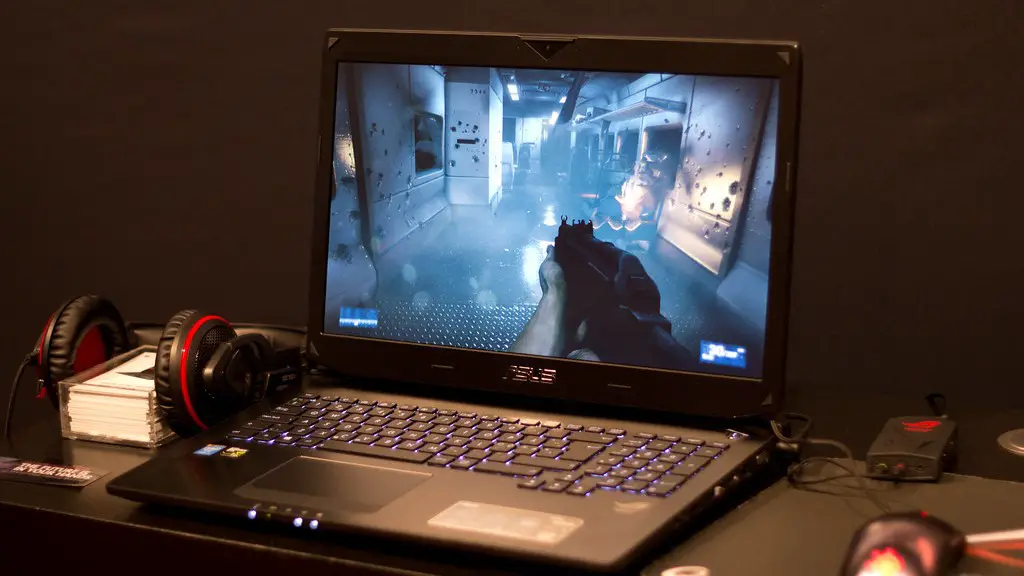
If you have a relatively small desk or gaming setup, you’ll likely need to opt for a smaller monitor. A 24-inch monitor should be more than ample, as it offers a good size viewing area without taking up too much space. Alternatively, if you have a larger desk and gaming setup, you can opt for a larger monitor such as a 32-inch ultrawide monitor.
In addition, you should consider the other elements of your gaming setup that you’ll be placing near your monitor. If you have a cluttered setup or a narrow desk, you may want to opt for a smaller monitor to ensure that there is enough space for all of your gaming peripherals. Similarly, if you plan to use multiple monitors, you’ll need to ensure that you have enough space for all of them.
Enhancing Your Gaming Setup
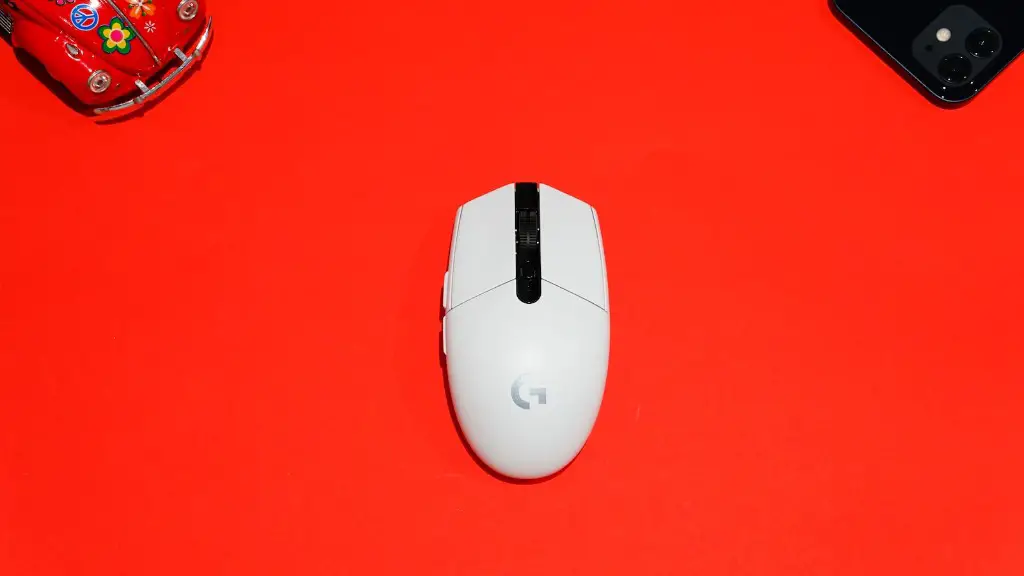
As well as considering the size of your gaming monitor, you should also take into consideration the other elements of your gaming setup. Aside from having a great monitor, you should also make sure that you have the right gaming peripherals, such as a comfortable gaming chair, a quality gaming keyboard, a quality gaming headset and a reliable gaming mouse.
Additionally, if you’re looking to make your gaming setup as immersive as possible, you may want to consider investing in an optimal audio system. A quality audio system can help to create a more realistic and immersive gaming experience, while also providing a great way to listen to music, watch movies or play games with an enhanced soundscape.
Moreover, if you’re looking to take your gaming setup to the next level, you may want to consider investing in a VR headset. VR headsets are the ultimate gaming accessory, as they make it possible to fully immerse yourself in the game and make you feel like you’re actually in the game world.
Finally, if you’re looking for ways to enhance your gaming experience, you may want to consider investing in accessories such as game guides, gaming glasses or a gaming controller. These can all help to make your gaming experience more enjoyable by eliminating distractions and allowing you to focus on the game.
Finding The Right Gaming Monitor For You
The size of your gaming monitor is an important decision that you should never take lightly. With the right monitor, you can ensure that you get a smooth and enjoyable gaming experience, while also ensuring that you get the best visual fidelity possible. When deciding on the right size gaming monitor for your needs, you should consider your budget, the type of games you play and how much space you have in your gaming setup.
Moreover, if you want to enhance your gaming setup, you should also consider investing in gaming accessories and peripherals to make the experience even better. With the right gaming monitor and gaming peripherals, you can create the perfect gaming setup that will give you the best gaming experience possible.
