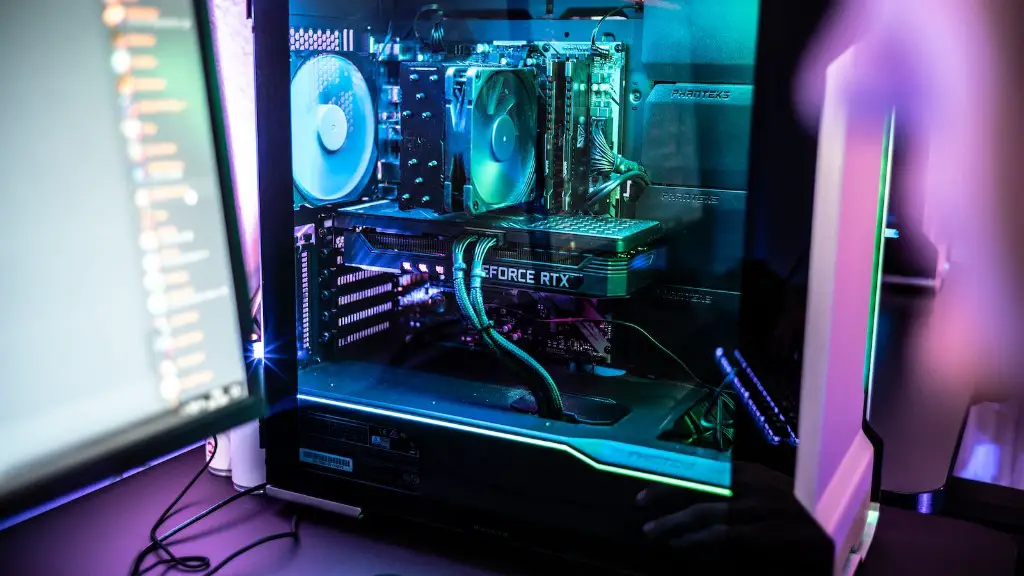
If you’re a gamer and you’re having trouble getting your gaming PC to turn on, there are a few different things to consider. The first is that there could be a glitch in the power supply, meaning that it’s not transferring electricity to your system. A second possibility is that the onboard graphics card is failing and needs to be replaced. Third, it could be that your motherboard is malfunctioning, which requires an experienced technician to diagnose and repair. Finally, if none of these possibilities check out, then it could be that your BIOS settings are incorrect, causing your PC to be unable to boot.
Checking the Power Supply
The first step in troubleshooting a gaming PC that won’t turn on is to check the power supply. This is most easily done by examining the fan on the power supply unit to see if it’s spinning correctly. If the fan is working correctly, then the power supply likely isn’t the issue. If it isn’t, then you may need to get a new one, as it’s likely the cause of your issue.
Replacing the Graphics Card
If the power supply is in working condition, then the next step is to check the graphics card. Depending on the age of your gaming PC, you may have an old graphics card that isn’t able to handle the workload of modern games. If this is the case, then you’ll need to replace it with a newer model in order to get your system running smoothly again. It’s a good idea to do this with the help of a professional technician.
Diagnosing Motherboard Issues
If the graphics card is functioning properly, then the problem could be an issue with the motherboard. This is a more complex issue since it requires someone with experience and knowledge of computer components to diagnose and potentially repair. If this is the case, then you’ll want to seek out a professional technician who can help you get your system running again.
Adjusting the BIOS Settings
The BIOS, or Basic Input/Output System, is essentially the brains of the computer and is responsible for several aspects of the system, such as loading the operating system. If the BIOS settings are incorrectly configured, then your system won’t boot. This is why it’s important to ensure they are correctly set up before trying to get your system up and running again.
The Last Resort
If your power supply is functioning correctly, the graphics card is new and compatible, there are no motherboard issues, and the BIOS settings are configured correctly, then you may have to resort to a last resort in order to get your gaming PC up and running. This can involve resetting the CMOS, which is the data stored on the motherboard and is used to configure the BIOS settings.
Conclusion
When attempting to troubleshoot a gaming PC that won’t turn on, it’s important to look at all possible causes. This includes checking the power supply, examining the graphics card, investigating motherboard issues, and tweaking the BIOS settings. If all else fails, then resetting the CMOS can sometimes get the system back up and running. In the end, it’s important to be methodical and think about all the different possibilities, as this can save a great deal of time and effort.
