
When determining where to place your gaming PC, it’s important to consider the accessibility, ventilation, and other elements that could affect your gaming experience. Some of the top considerations include your budget, the amount of room available in your setup, and your preferred style of play. Here are a few tips for getting the most out of your gaming setup.
Before anything else, it’s essential to make sure your gaming PC is placed in a spot where you can easily access it. This includes placing it at a desk or on a table, ensuring that all cords are out of the way and within reach. Additionally, check to make sure the space is spacious enough to accommodate your gaming setup and the other components that may accompany it.
When it comes to ventilation, it’s important to make sure your gaming PC is positioned in a spot that is away from direct sunlight, heat vents, and any other sources of heat. Consider investing in a PC cooling system as well, as this can help to prolong the lifespan of your device.
In addition to ventilation, a good gaming setup also requires easy access to the internet. This can either be wired or wireless, depending on what type of connection your gaming PC is set up for. It’s important to make sure that any nearby routers can pick up the signal from your setup and stream games at an optimal speed.
Finally, when it comes to style, consider how you want to make your gaming setup look. Whether you choose to go for a minimalist look or a more elaborate design, it’s important to factor in the amount of space you have available and the type of games you intend to play. This can help you determine the type of hardware, as well as accessories, that you’ll need.
Aesthetics
Aesthetic is another key consideration when positioning your gaming PC. You may opt for the classic ‘gamer’ style of a black and green setup, or to diversify you gaming setup in the colors of your favourite team or character. Different colors and designs can offer a personal touch and add to your gaming ambience.
To create a truly unique aesthetic, there are a variety of accessories that you can use. Consider adding led lights or a special gaming chair to your setup to give it an extra level of finesse that can help you stand out from the competition. Not to mention, adding items like light strips or RGB fans can give you more customization options for your gaming experience.
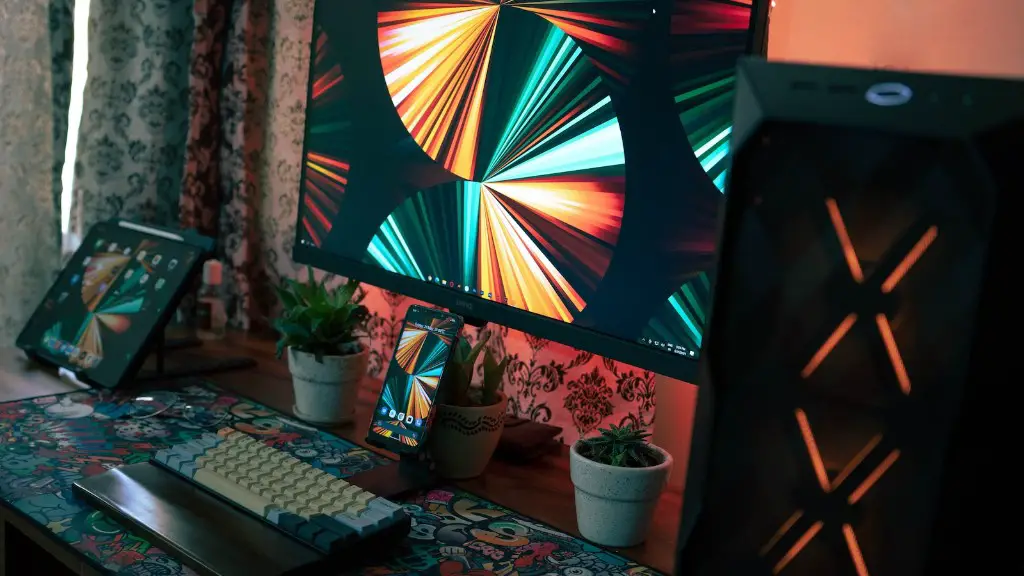
Moreover, if you’re looking for a desktop solution, you can get creative with the shape of the computer case itself. Many cases are specifically designed to look like cars or animals, making it easy to add a fun touch to your gaming setup and show your love for gaming with every use.
Finally, consider investing in a good monitor for your setup. Monitors come in a variety of shapes and sizes and can range from curved monitors to flat panels. You’ll also want to make sure the monitor you choose is compatible with the games you intend to play, as different games may require different screen sizes.
Comfort
When setting up a gaming PC, it’s important that you factor in both your physical comfort and yourlevel of concentration. Your gaming setup should be ergonomically designed so that you can comfortably reach all the keys and buttons while using the device, as well as maintain good posture while in use.
To ensure that you’re comfortable while playing, consider the size of the gaming chair that you choose. Many gaming chairs come in a variety of sizes, colors, and styles to help you find the best option for your body type. Additionally, consider investing in a gaming desk that is large enough for all of your hardware, but also provides the necessary height for your setup.
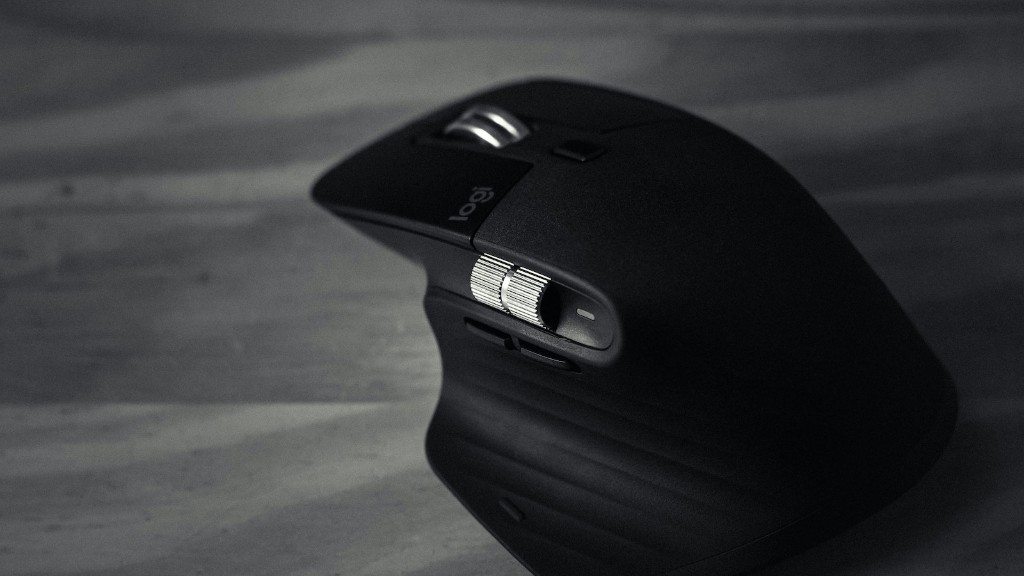
You can also enhance your gaming experience with the inclusion of hand rests and wrist rests to reduce the strain from extended gaming sessions. Moreover, if you’re looking for a more immersive experience, consider gaming headphones that can be used to block out background noise and promote better concentration.
Finally, make sure that there are no obstructions in the way of your setup, such as furniture pieces or cables that may unintentionally impact the way in which you use your gaming PC. Keeping these areas clear can help ensure an uninterrupted gaming session.
Cables
Cables are an often overlooked, yet essential, part of any gaming setup. It’s important to make sure that all of your cables are concealed and/or tucked away, yet still within reach, as this can help to prevent tripping and improve the overall aesthetic of your gaming area. Furthermore, purchasing velcro straps and zip ties can help you secure any loose cables you may have and keep them out of the way.
Additionally, consider investing in a surge protector, as this can help to maintain the safety of your gaming PC. Surge protectors help to prevent damage to the device from resulting from sudden power outages or other electrical issues.
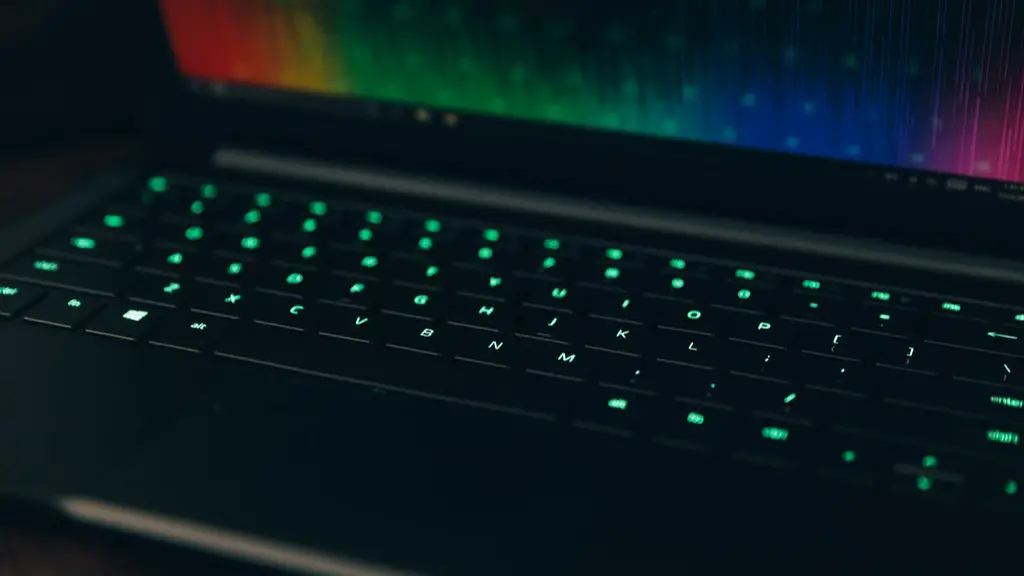
Furthermore, if you have multiple gaming peripherals, a cord management system can come in handy. Keeping all the cables neatly organized can help you to use them more efficiently and reduce the amount of clutter in your gaming setup.
Finally, consider investing in wiremold and cable clips for a more permanent solution. These are two different types of products that can be used to route cables securely and provide your gaming setup with a more professional look.
Connectivity
It’s equally important that your gaming setup includes the necessary hardware to ensure a successful gaming session. This includes having adequate storage space, the right type of ports for your gaming peripherals, and other components such as a sound card.
In terms of storage, make sure that your gaming PC has enough room for all the games and files you may need. Additionally, if your chosen platform allows for online games, you may want to consider investing in an additional hard drive to store greater amounts of data.

When it comes to connecting your gaming peripherals, consider the types of ports available on the device. If you’re looking to plug in gaming peripherals such as a mouse, keyboard, or headset, ensure that your device has the necessary ports to allow for seamless connection.
In addition, if you’re looking for a more immersive experience, consider investing in a gaming-ready sound card. This can improve the audio quality of your gaming setup and allow for higher levels of immersion as you play.
Finally, consider investing in a good gaming router for an optimal connection. Gaming routers are specifically designed to meet the needs of gamers and allow for faster connection speeds, ensuring that your games run smoothly and lag-free.
