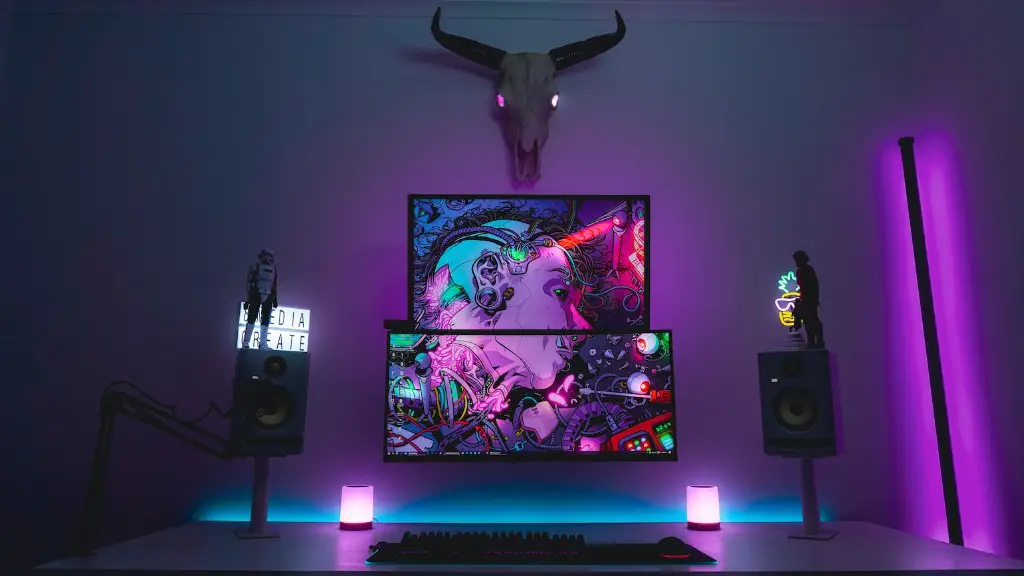
Gaming PCs have become incredibly popular in recent years, with more people turning to them for the best gaming experiences. But for newcomers to the world of gaming, the choices can seem overwhelming. Too often, the sheer range of options leads to too much choice anxiety and ultimately, inaction. But with the right knowledge, new gamers can quickly build their ideal gaming setup and start playing.
The first step in building a gaming PC is to decide on the kind of hardware you are going to use. There are many different types of processors, graphics cards, memory, hard drives and other components to choose from. It can be difficult to understand all of the technical jargon, but this guide will explain the basics so you can make an educated decision. No matter what your budget is, it’s important to choose components that are well-suited to your gaming goals.
Once you have chosen your system components, it is time to assemble your PC. As long as you are careful and take your time, this is a straightforward process and need not be difficult. You should always make sure to follow the instructions in the user manual and double check your work once it is finished. There are plenty of helpful tutorials and videos available online if you are feeling overwhelmed.

After your system is assembled, you need to install an operating system. For gaming PCs, Windows 10 is the most popular choice. Most components now come with a disc that contains the drivers and installation files, otherwise you can download them from the manufacturer’s website. The process of setting up Windows may seem intimidating at first, but as long as you follow the on-screen instructions it should be fairly easy.
Once you have installed your OS, you need to install the drivers and other software. This ensures that your components can communicate and work together properly. Again, installation files are typically included in the product packaging, and you can also download them from the manufacturer’s website. Most components also come with their own user manuals, so make sure you read them carefully.
Finally, you need to install software to make sure your gaming PC is as secure as possible. Having an up-to-date anti-virus and a firewall will guard against malicious software and hackers. It is also a good idea to install a tool such as System Restore, in case something goes wrong and you need to revert your configuration back to a working state.
Now your PC is ready, you can start installing games and other software. Make sure to download all game updates and patches, as this will improve stability and performance. It’s also important to check that the software you are installing is compatible with your hardware and the operating system you are running.
Computers and Graphics
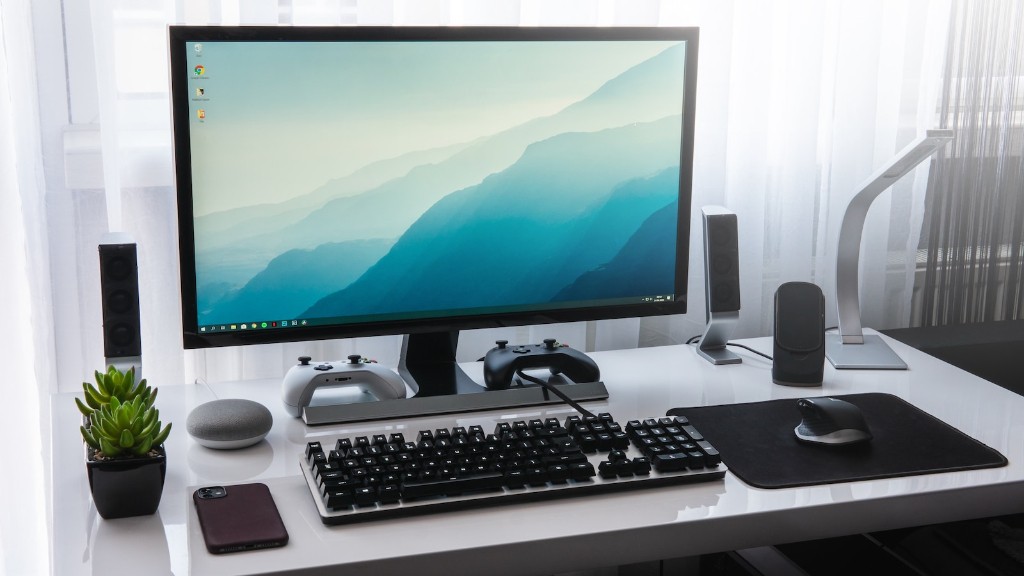
There are two main types of gaming PCs: desktops and laptops. Desktops are the traditional choice when it comes to gaming, as they provide more power for the money, as well as more flexibility in terms of customisation options. Laptops, on the other hand, offer more portability, but performance tends to be lagging behind desktops. This can depend on the specific hardware though, so all is not lost.
When choosing the components for your system, the graphics card can be one of the most important decisions. This will determine the quality of graphics you can expect from your games. The latest games usually require the latest graphics cards, so it is important to choose one that meets your needs and budget. Fortunately, there are a wide range of graphics cards available suitable for all levels of play.
It is also worth considering the type of monitor and other peripherals you will be using. Monitors with a higher refresh rate, such as 144Hz or even 240Hz, can give you a real edge in competitive games, as they provide smoother gaming experiences. Large, curved monitors can also provide a more immersive experience, but these come with their own costs.
Your choice of peripherals will depend on the type of games you are playing. Good quality dedicated keyboards and mice can vastly improve your gaming performance and make your gaming experience much more enjoyable. Headsets and speakers can provide better audio, too, as well as giving you a more immersive experience.
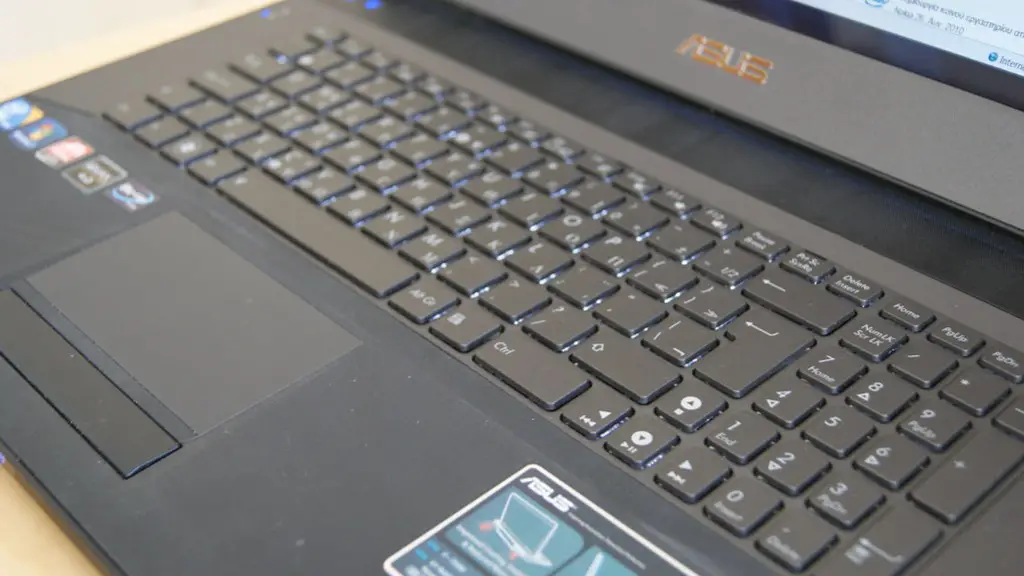
Finally, once you have selected all the components for your PC, you will also need to decide on a chassis. This is the main body of your PC, which houses all the components and determines the look of your system. It is up to you whether you want a big, flashy system that stands out, or something more subtle that blends into the background.
Cooling and Overclocking
When setting up your gaming PC, it is important to consider the effects of heat on your system’s performance. If a component gets too hot, this can cause instability and potentially damage it. Therefore, one of the most important considerations when building a gaming PC is its cooling system.
There are a few different options for cooling. Air coolers are generally the cheapest and most widely available, though they are not as effective as liquid-cooling systems. Liquid coolers can help reduce temperatures more effectively and also offer a more aesthetically pleasing design. But they are usually more expensive and require more maintenance.
It is also important to consider overclocking. This is the process of tweaking the performance of a component by pushing it further than its normal limits. Doing so can offer significant performance gains, but it also increases the risk of heat and instability. You should always take caution when overclocking a system, and if you are unsure then it’s best to just leave it alone.
Because of this, it is often a good idea to use pre-built gaming PCs that are already overclocked and cooled. This way you don’t have to worry about the technical aspects, and you can be sure that your machine will be well-equipped for your gaming needs.
When it comes to gaming, there is no one size fits all solution. Everyone has different needs and budgets, but with a little bit of knowledge and research, you can easily choose the best components and build the perfect gaming PC for your needs.
Gaming Performance and Network Connectivity
Once your PC is built, you need to make sure it performs as expected. Installing the latest drivers and game updates is a must and it’s also a good idea to run benchmark tests to compare your system against similar machines. This will give you a good indication of your system’s performance.
Having a good internet connection is also essential for online gaming. Broadband speeds can vary significantly even in the same area, so it’s important to research and compare prices between providers. It’s worth looking into whether fibre-optic connections are available in your area, as these can provide much greater speeds than a traditional copper connection.
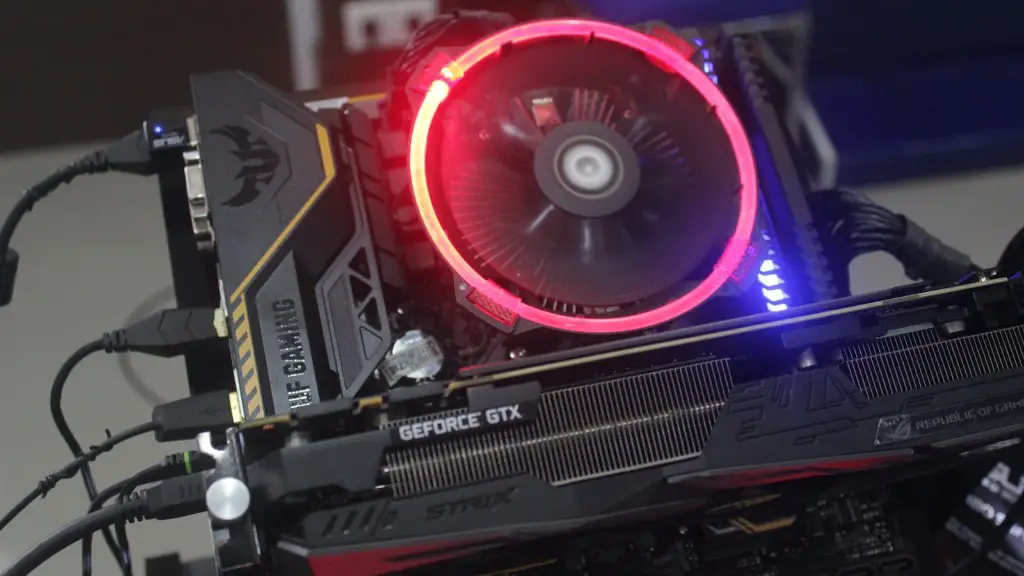
If you are a serious gamer and want the best performance, there are a few extra steps you can take. Adding more RAM or a faster processor will make a big difference to your game’s performance, though you may need to upgrade your graphics card too. Setting your games’ graphics settings to their highest levels will ensure the best visuals, though this may require a more powerful graphics card.
If you are playing online, installing a VPN can help protect your data and provide an extra layer of security. It can also help you avoid region-locking or censorship issues that can come with online gaming. There are a few free VPNs available, but most are paid services and offer better speeds and more features.
Finally, if you are serious about gaming, it is worth investing in a gaming chair. These have ergonomic designs that provide extra comfort, as well as offering more support and adjustable features. But, as with anything else, there is a wide range of chairs to choose from and it is down to personal preference.
Storage, Mods and Mods Management
The next step is to choose a storage solution. Different games require different amounts of space, so you may need more storage than you initially expect. Solid-state drives (SSDs) offer the best performance and greatest speed, so they are a great choice for gamers. Traditional hard drives are also a good option, though they are slightly slower.
Once your storage is sorted, it’s worth looking into mods. Modifications or ‘mods’ are alterations to the game’s code that can offer a range of different features. Mods can drastically change how the game is played, so it is important to choose them carefully to ensure the best experience. Some games require specific mods to be installed, while others may be incompatible with certain ones.
Finally, it’s important to manage your mods. Not all mods are stable and some can cause stability or performance issues. It is therefore a good idea to install a mod management tool, which will help keep track of all the changes and allow you to easily uninstall or update mods.
There are many different options for PC gaming, but with the right knowledge and research you can easily build your own system and begin enjoying the best gaming experiences. Whether you choose a desktop or laptop, the most important thing is to ensure it has the power to run the games you want and that the components are capable of delivering the performance you need.
