When it comes to gaming, having the best gaming PC is essential. The debate regarding which gaming PC is the best can be quite heated, with gamers arguing for various different brands and models. However, to determine which of these gaming PCs is actually the best, we must review the specs and features of each model.
The first spec to consider is the processor. Most gamers agree that the best gaming PCs have the latest, most powerful processors such as Intel Core i5 and i7. These chips provide a good balance between performance and power efficiency, making them perfect for gaming.
Next, we must look at the graphics card. This is perhaps the most important component of any gaming PC as it helps to determine how well the games will run. Most gaming PCs use either an NVIDIA GeForce GTX or AMD Radeon RX graphics card. While both offer good performance, the NVIDIA GTX cards are generally considered to be the best as they provide higher graphics quality and better overall performance.
The next spec to consider is the RAM. This component is important for both gaming performance and overall system stability. For gaming PCs, 8GB of RAM should be enough, but 16GB or even 32GB would be much better if you are playing the latest games.
Finally, we must consider the storage. Hard drives can come in either traditional spinning drives or solid state drives. SSDs are much faster than HDDs, which makes them the ideal choice for gaming PCs. To get the most out of your gaming PC, it’s a good idea to invest in an SSD.
After taking all these specs into account, it becomes apparent that the best gaming PC would be one with a powerful processor, the latest graphics card, enough RAM, and an SSD. With all these components combined, you can expect your PC to be up to the task of playing any game you choose.
Building Your Own PC
While researching the specs of prebuilt gaming PCs can be helpful, some gamers might prefer to build their own PC. This can be a great way to customize your gaming PC and have complete control over its performance. Building a gaming PC starts with the same components discussed above, and the same specs should be taken into consideration.
The first step is to choose the case. This will determine the size of components such as the graphics card, the cooling system, and the power supply. You should also decide whether or not you want to add extra storage or other components such as the processor, RAM, and storage.
The next step is to assemble the components. This requires precise measurements, as even a slight miscalculation can lead to a poor-performing PC. While following the instructions carefully should be enough, it is always a good idea to double-check every step of your build to ensure that everything is in the right place and works properly.
Once the components are in place, you must then install the operating system. This is a relatively simple process for Windows but Linux users will require specialized installation instructions. After the OS is in place, you can then start the process of installing the necessary drivers for your games and the software for your system.
Finally, you should also consider overclocking your gaming PC. Overclocking is the process of increasing the clock speed of the processor to increase performance. While this can be beneficial, it is also a delicate process and requires a good understanding of PC hardware. If done incorrectly it can damage your PC so it is essential to do your research before attempting to overclock.
PC Gaming Peripherals
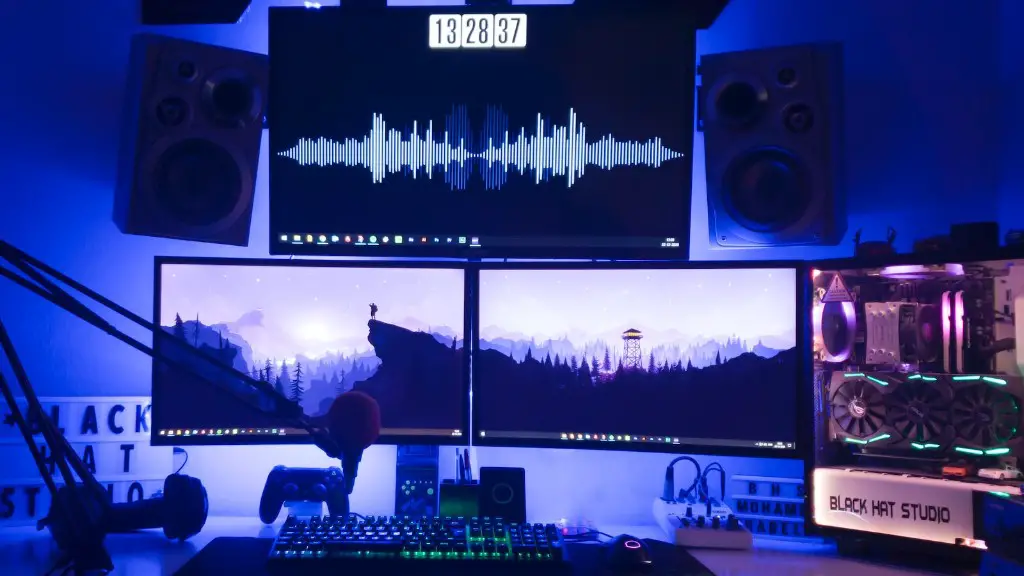
Once you have a gaming PC set up and ready to play, it is important to have the necessary gaming peripherals. These include a monitor, a mouse, and a keyboard, as these will be crucial to game performance. Some gamers may even prefer to use a gaming headset, controller, or even a steering wheel for certain games.
The monitor is arguably the most important peripheral for gaming PCs. The higher the resolution and refresh rate, the better the performance. The size of the monitor also matters, so make sure that it is big enough for the games you intend to play.
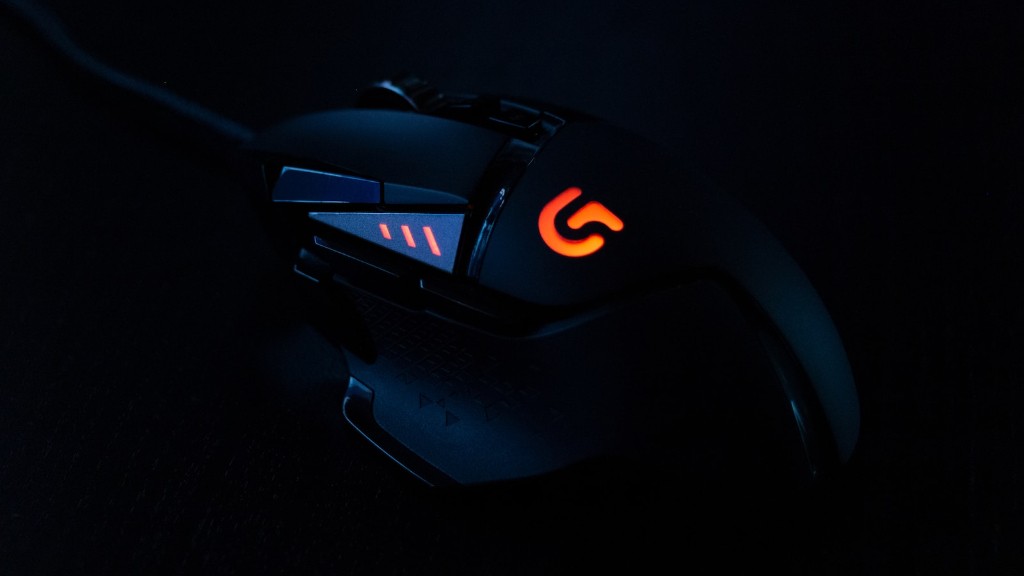
When it comes to the mouse, you should look for one that offers good accuracy and sensitivity. A good gaming mouse will have a higher DPI (dots-per-inch) rating than a regular mouse. You may also opt for a specialized gaming mouse with extra buttons and a wide range of settings.
Finally, the keyboard should have backlit keys which will allow you to game in the dark. Similarly, it is also a good idea to look into mechanical keyboards which have a much higher tactile feedback than membrane keyboards.
By considering these factors when buying gaming peripherals, you should be able to get the most out of your gaming PC. Take your time when researching your peripherals and make sure that they are compatible with your PC.
Upgrading Your PC
If you already have a gaming PC but it is no longer capable of handling the most intensive games, then you may need to upgrade some of its components. The parts you should consider upgrading are the processor, RAM, graphics card, and storage.
When upgrading a processor, make sure to buy one which is compatible with your motherboard. There are also some processors which are designed for specific tasks such as gaming or 3D rendering. It is important to choose the right type of processor for the tasks you will be performing with your PC.
In terms of RAM, always buy RAM which is compatible with your motherboard and processor. 16GB of RAM should be enough for most gaming PCs, while some gamers might even opt for 32GB or 64GB.
For the graphics card, it is important to choose one which offers good performance and fits within the constraints of your budget. An NVIDIA GeForce GTX 10 series card should provide more than enough performance for gaming. Additionally, you should also consider a dedicated liquid cooling system if you plan on overclocking the graphics card.
Finally, storage is another important component to consider when upgrading your gaming PC. Solid state drives are much faster than traditional hard drives, so you should invest in one if you want your games to load quickly. Additionally, you should also consider getting an extra hard-drive for storing your games, especially if you don’t have enough space on your current drive.
PC Maintenance
Finally, it is important to consider how you will maintain your gaming PC. This includes keeping your components clean, checking the safety features of your PC, and using the necessary software to keep your system updated.
Many gamers forget that the inside of their PC can become quite dusty, resulting in poor performance. Regularly dusting the components with a can of compressed air can help to keep your PC running at its best.
It is also important to check the safety features of your gaming PC and ensure that they are all in working order. This includes testing the surge protection, ensuring that you have a good cooling system, and checking to see if your PC has any other safety features such as anti-static protection or fire safety.
Finally, it is also important to keep your PC up to date. This includes using the latest drivers for your gaming peripherals, regularly checking for any software updates, and running anti-virus and security software.
By taking the time to properly maintain and update your gaming PC, you will be able to ensure that it continues to perform well and is safe from any potential issues.
