
Gaming PCs are usually expected to be fast and responsive while playing games or other activities. Unfortunately, some people find that their new gaming PC is actually running sluggishly. Performance issues can have many causes, including types of hardware, installed programs, or even a lack of maintenance. In this article, we’ll explore the main reasons why a new gaming PC might be slow, and how to fix the problem.
The first thing to consider is the type of hardware installed in the gaming PC. Some components can be much slower than others, even if they are equally expensive. For example, if the graphics card is not up to the standard of the game being played, the entire system can seem slow. Similarly, if the processor is not powerful enough, it may be struggling with demanding modern games.
If hardware is not the problem, the next possible culprits are program installations. A gaming PC full of unnecessary programs can easily get bogged down, limiting the system’s performance. Uninstalled programs can leave behind applications, files, and system settings that remain active and further reduce the speed of the computer.
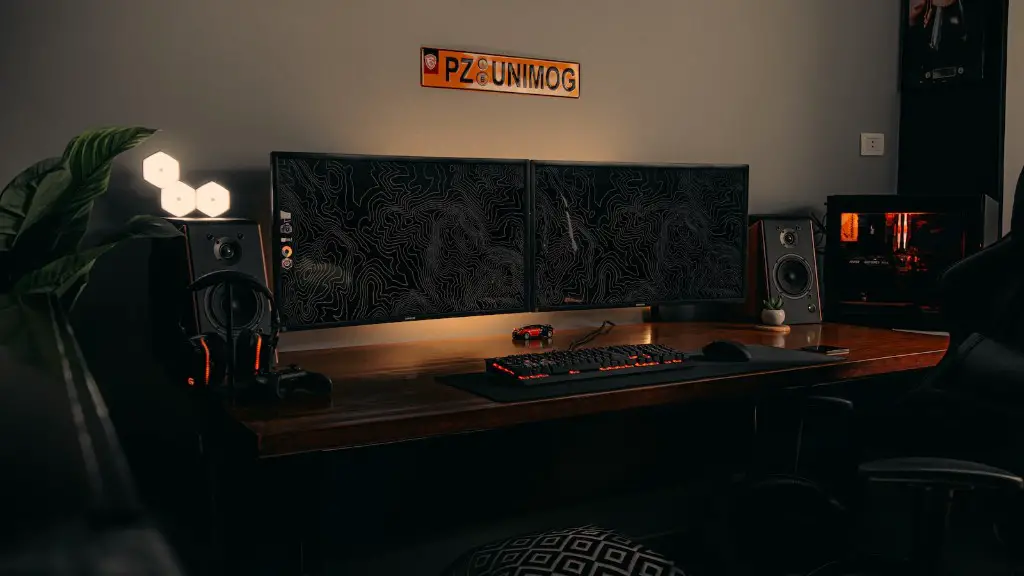
Another common issue with gaming PCs is that they often become clogged with dust or other debris, due to the constant movement of air. Dust can clog cooling fan blades as well as block vents, effectively strangling the airflow. If your PC has been left uncleaned for long periods of time, it may be struggling to keep its components cool, resulting in reduced performance.
Finally, it’s possible that the operating system has become corrupted with viruses or malware. Malware can steal resources and slow the entire system down, making it difficult to work or play games. Viruses can also make it difficult to access records, corrupting files and making the computer crash.
How To Take Care Of A Gaming PC
Maintaining a gaming PC is essential to ensure that it runs efficiently and can keep up with modern games. Regularly checking the hardware for dust, as well as removing unnecessary programs, can help prevent performance issues. Upgrading the computer’s components can also have a big impact if you find that the hardware is simply not powerful enough. System software should also be updated to the latest version, to ensure maximum performance.
Most gaming PCs come with a wide range of tools and programs designed to monitor performance and prevent any potential issues. If a specific program is causing problems, it can usually be disabled or removed using system tools. To keep your gaming PC running smoothly, it is also recommended to run regular scans to detect and remove viruses, malware, and other security threats.
It’s also important to remember that gaming PCs can become hot when playing demanding games, so it’s important to ensure that the system is properly cooled. That means checking the fan blades for signs of damage, and keeping the hardware clean. If the PC has been running for long periods of time, it’s also a good idea to let it rest in order to prevent any overheating.
Upgrading Your PC
If your new gaming PC is still not running as well as you’d like it to, it may be necessary to upgrade certain components. Upgrading the graphics card, processor, or adding more RAM can add extra power and make the PC more responsive. It’s also important to make sure that the RAM is properly configured and matched to the correct motherboard.
Installing a solid-state drive can also dramatically improve system performance. SSDs are many times faster than traditional hard disks, and can help reduce load times when playing games. If your budget allows, replacing the entire system with a new PC can be the most cost-effective solution.
Checking For Problems
If the performance of your gaming PC is still below expectations, it may be necessary to check the computer for any potential problems. You can use system diagnostic tools to determine if there are any issues with the hardware, or contact your computer’s manufacturer if you have any questions. Checking reviews and asking in online forums can also help if you’re not sure what the problem is.
Once you have an idea of what the issue is, it’s time to start figuring out how to fix it. If the hardware is causing problems, you may need to replace or upgrade certain components. If software is the issue, repairing or uninstalling programs can help. If malware is the culprit, performing a quarantine and a full system scan can get rid of the problem.
Preventive Maintenance
To ensure that your gaming PC keeps running smoothly, it is important to follow a few preventive maintenance steps. Keeping the hardware clean, removing unnecessary programs and disabling unwanted programs are all essential. Checking for updates regularly and scanning the system for viruses and malware can also help keep the PC running optimally.
Finally, it’s important to remember that gaming PCs tend to get more and more demanding with each new release. It may be necessary to upgrade the computer every few years to keep up with the latest games and technologies. Upgrading a few components at a time or buying a new system altogether can help ensure that you get the performance you need.
