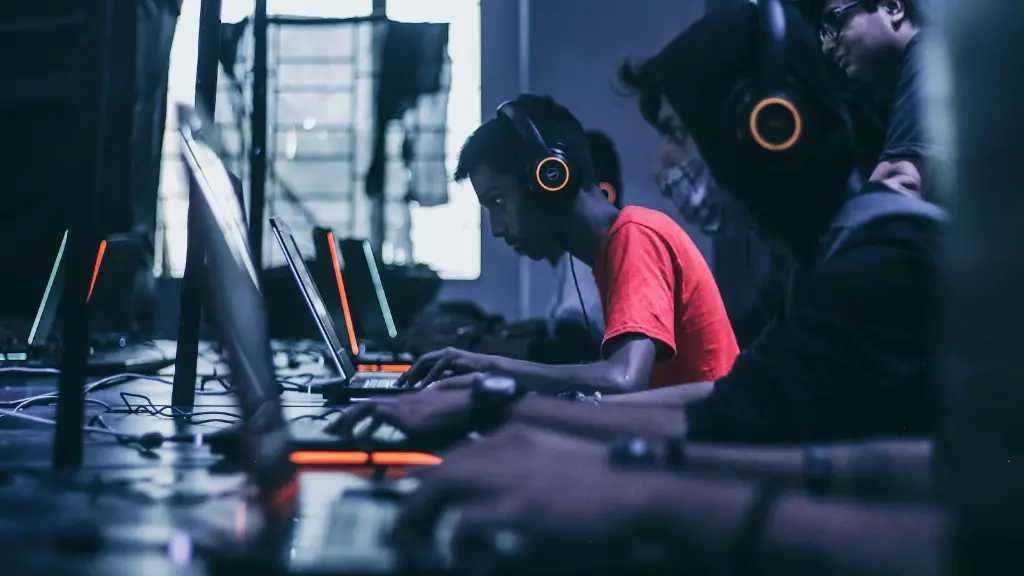
If you wish to build a gaming-focused PC, you will need to consider several factors. What kind of CPU, GPU and RAM do you need? It is important to select the right components for your gaming machine in order to get maximum performance. Additionally, you need to decide on the type of case, cooling system and other components. To build a great gaming PC, you need to understand the components and the different types available. There are a few basic steps that you should take before buying the necessary components.
Firstly, consider how much money you’re willing to spend. It is important to consider the cost of the components and any other additional hardware you might need. It is important to research the components available and the build quality of the parts. This will help you determine which components are suitable for your needs. Once you have decided on the budget, you can begin to shop for the components.
Secondly, decide which components you need. There are different types of gaming PCs. The components you choose will depend on your budget, desired performance and purpose of the gaming PC. It is important to consider the type of CPU, GPU, RAM and storage. Additionally, you should consider other components such as the case and cooling system.
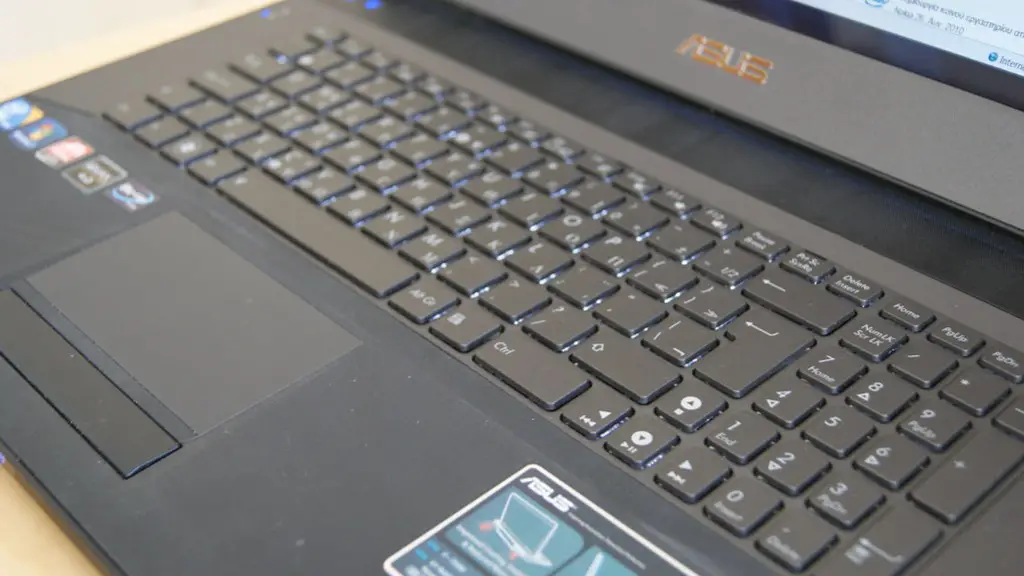
Thirdly, purchase the components. Once you have decided on the components, you will need to purchase them. Most components can be bought online or from a local store. It is important to consider warranties and return policies when purchasing components.
Fourthly, assemble the components. Once you have purchased the components, you need to assemble them. It is important to use a motherboard that is compatible with the other components. Additionally, you should install each component according to the included instructions. If done properly, the components should fit into the case and the system will power up when you turn on the power switch.
Lastly, install an operating system and other software. Once the components have been assembled, you will need to install an operating system and the necessary software. It is important to install the latest version of the software for maximum performance. Additionally, you should install any other necessary software such as anti-virus or game specific software.
Why Building a Gaming PC May be the Best Option
One of the biggest advantages of building your own gaming PC is that you get to choose the exact components and software that you want. Unlike pre-built gaming PCs, you can customize the components to fit your gaming needs. Additionally, you can tweak the components and adjust the settings to give you the best performance. Building your own PC also allows you to save money because you can purchase components at the best prices.
Another benefit of building your own gaming PC is that you don’t have to worry about compatibility issues. All the components are pre-tested for compatibility and will work together seamlessly. This means that you don’t have to spend time troubleshooting components that may not be compatible. Additionally, building your own gaming PC allows you to upgrade components at a later date if needed.
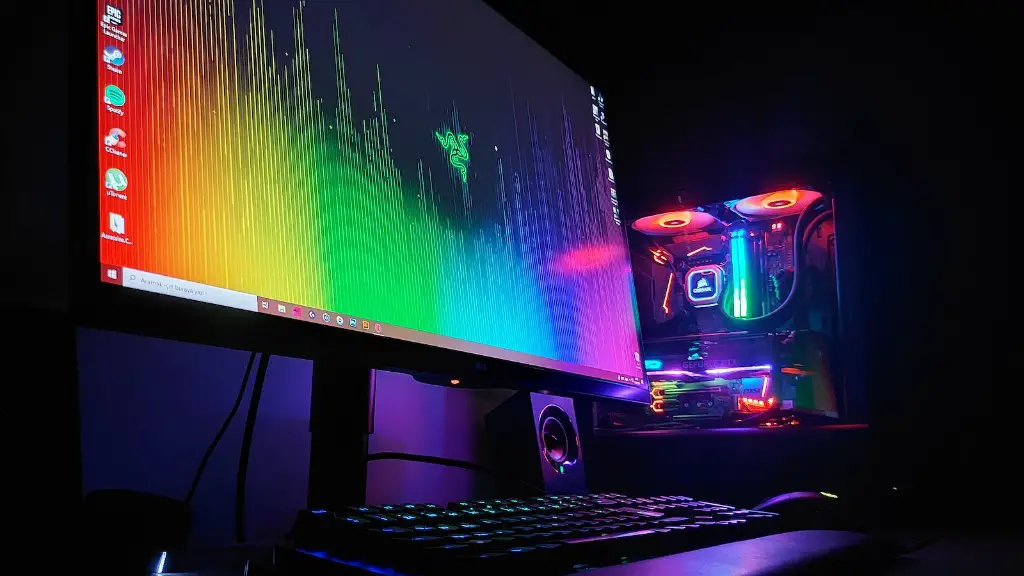
The final benefit of building your own gaming PC is that you have complete control over the setup. You can choose the exact components and software you want and when to upgrade components. This can help you get the best performance for your budget and keep your PC up to date. Additionally, custom building a PC allows you to customize the looks of your PC with custom lighting and cases.
How to Choose the Right Components
Choosing the right components for your gaming PC is essential to maximize performance. Your choice of components should depend on the type of games you plan to play and your budget. When purchasing components, it is important to consider the build quality and price. Additionally, you should choose components that are compatible with each other.
The two most important components for a gaming PC are the CPU and the GPU. The CPU is responsible for the overall performance of the PC and should be chosen based on your budget and the types of games you plan to play. Additionally, you should consider the number of cores, cache size, and clock speed when selecting a CPU.

The GPU is the second most critical component. It is responsible for the graphics of the games and should be chosen based on your budget and gaming requirements. Additionally, you should consider the number of cuda cores, clock speed, and memory size. Furthermore, you should consider the type of games you plan to play and the resolutions you want to run them at when choosing a GPU.
For other components, such as RAM, storage and cooling, you should research the different types and quality of components available. For RAM, you should consider the amount needed, clock speed, and price. Additionally, you should decide between HDD or SSD and consider the storage size, read-write speed, and price when selecting storage. For cooling, you should consider the type of cooling system you want, the number of fans needed, and their noise level.
What Other Types of Components are Needed
In addition to the CPU, GPU and RAM, there are other types of components that may be needed for a gaming PC. Depending on the type of games you plan to play, you may also need networking components, sound cards, and USB ports. Additionally, you may also need motherboards, cases, and power supplies.
For gaming, it is typically best to choose mid-range motherboards. You should consider the form factor, number of RAM slots, number of USB ports, and type of CPU socket when choosing a motherboard. Additionally, you should consider the type of case, fan setup, and cooling system when selecting a case.
For power supplies, you should consider the wattage, efficiency, and quality of the power supply. Additionally, you should consider the number of power connectors and compatibility with the other components. Finally, for sound cards, you should consider the type of sound, number of connectors, and quality.
Upgrading Components Over Time
When building a gaming PC, you may want to consider upgrading components at a later date. Depending on the types of games you plan to play, you may need to upgrade components to get the most out of your gaming experience. For instance, if the games you play are graphically intensive, you may need to upgrade the GPU or RAM. Additionally, you may need to upgrade the CPU or storage if you plan to play more intensive games.
Additionally, if you plan to play newer or more graphically intensive games, you may need to upgrade the GPU or RAM. Upgrading components can also help you get better performance if the games you play are CPU intensive. For instance, if you play games that require a lot of processing power, you may need to upgrade the CPU.
Finally, if you plan to play 4K games, you may need to upgrade the GPU or RAM. Additionally, you may need to upgrade the CPU or storage if you plan to play more intensive games. Furthermore, you may need to purchase additional cooling and power supplies if your components are not compatible with the power and cooling needed.
Summary of Who Can Build Me A Gaming PC
Building your own gaming PC requires research and time. Knowing which components you need, how to assemble them and setting them up is part of the overall process. Additionally, understanding the different components and their price ranges is important to stay within your budget. Additionally, buyers should consider compatibility issues when selecting components and the need to upgrade components over time.
