Building a budget gaming PC is an intimidating process. It’s a complex task that requires deciding on hardware components, assembling them, and making sure they’re compatible with each other. But with the right guidance, anyone can make a powerful gaming PC for an affordable price. Here’s how to make a budget gaming PC in eight steps.
First, consider your budget. Decide how much you can spend, then stick to that number. With budget gaming PCs, you can generally get better value by spending a bit more money. For example, investing in a slightly faster graphics card or processor can improve performance significantly.
Second, determine the type of case you want. There are two main types when it comes to gaming PCs: desktop and tower. The latter offers more space, cooling, and expandability, while the former sacrifices some features in favor of a smaller footprint. Choose the form factor that fits your needs.
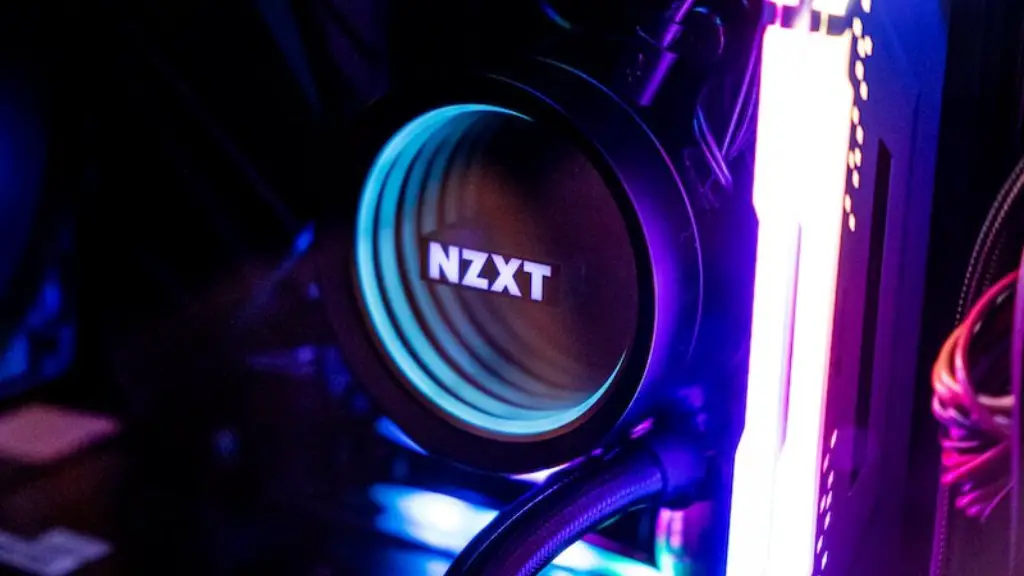
Third, select a processor that can handle your gaming and multitasking needs. Intel and AMD both offer processors for budget gaming PCs. Intel CPUs are typically more expensive, but they offer better performance. AMD CPUs are cheaper, but they’re often behind on performance.
Fourth, pick out a graphics card. This is one of the most important components for any gaming PC. AMD’s Radeon cards generally offer the best value in terms of price-to-performance, but Nvidia’s GeForce cards offer higher performance at a slightly higher price.AMD’s Radeon cards also require less power than their Nvidia counterparts, which can be important when you’re building in a budget case.
Fifth, select the right RAM. 8GB is the bare minimum when it comes to gaming, but more is better if you want to multitask while gaming. For budget builds, stick to 8GB of DDR4 RAM.
Sixth, buy a motherboard suitable for your chosen processor and graphics card. A good motherboard will offer features like USB 3.0 and SATA III ports, as well as overclocking options. For budget gaming PCs, you don’t need to overspend on a motherboard, but make sure it has enough ports for your needs.
Seventh, pick out a power supply. This should match the components you’ve chosen and provide enough power for them to run. A good rule of thumb is to get a power supply that is at least 80% efficient. Make sure it has enough connectors for your PC components.
PC Assembly
Once you’ve picked out the components for your budget gaming PC, it’s time to assemble them. The goal here is to connect the components together and make sure they’re powered on and running. Here’s what you need to do.
First, attach the motherboard to the case. Use the appropriate screws to secure the motherboard in place. Make sure the CPU, RAM, and any other components you’ve chosen fit in their slots on the motherboard.
Second, insert the CPU. Gently slide the CPU in and make sure it connects with the motherboard. Use thermal paste to create a closed loop between the CPU and the cooling fan or heatsink.

Third, insert memory into RAM slots. Make sure the RAM is compatible with the motherboard, then insert it in the appropriate slots. Create a closed loop between the RAM and the cooling fan or heatsink.
Fourth, insert the graphics card. Make sure the graphics card is compatible with the motherboard and slide it into the appropriate slot. Secure it in place with screws.
Fifth, attach the power supply. Make sure the power supply is compatible with the motherboard and processor, then slide it into the back of the case. Connect each of the power supply cables to the appropriate components.
Install the Operating System
Once the budget gaming PC is assembled, it’s time to install the operating system. Windows 10 is the most popular operating system for PCs, so that’s a good option for gaming. Start by inserting the disc into the optical drive, then restart the PC and follow the instructions to install the operating system.

Once the operating system is installed, you should also install the necessary drivers and applications. This includes the graphics card drivers, motherboard drivers, sound card drivers, and any other necessary software.
You should also install any gaming-related software and services you may need. This includes tools like Steam, Origin, and Uplay, as well as game launchers. Once everything is installed, your budget gaming PC is ready to go.
Choose Games
Now that your budget gaming PC is all set up, it’s time to choose some games. The type of games you can run depends heavily on the components you’ve chosen, so keep that in mind when making decisions. When you know the specs of your PC, start browsing through different game stores and sites for titles that interest you.
If you’re on a budget, you should start by looking for sales and discounts. Steam, Origin, and other game stores often have regular sales, so you should check in from time to time. There are also dedicated websites that list the latest discounts, such as IsThereAnyDeal and CheapShark.
You can also look for free-to-play games. There are plenty of free-to-play titles on Steam and other game stores, so you don’t have to spend too much to enjoy gaming. Free-to-play games usually have microtransactions, but they won’t break the bank.
Finally, if you want to try out a game before you buy it, you can always check out game demos. There are plenty of demos on Steam, Origin, and other game stores that let you try out a game before you decide to buy it.
Hardware Upgrades
Once you’ve become comfortable with building budget gaming PCs, you may want to look into hardware upgrades. This is a great way to increase the performance of your PC without spending a lot of money. You can upgrade the processor, graphics card, or RAM, or even add additional storage or cooling components.
When it comes to upgrading, you should start by researching the parts you’re considering. Make sure the upgrades are compatible with your existing components and software. You should also look for deals on hardware upgrades to get the best bang for your buck.
Once you’ve chosen the upgrades, the next step is to install them. Most components are fairly easy to install, but some require extra care. If you’re unsure, check out tutorials and other resources before you start.
Finally, once the upgrades are installed, you can benchmark your system to see the improvements. This is a great way to measure the performance gains and make sure everything is running as expected.
Troubleshooting
No matter how well you build your budget gaming PC, you may run into problems from time to time. Here are some of the most common troubleshooting steps.
First, make sure your PC is running the latest version of its operating system. This can help fix any bugs or errors in the system. You should also make sure all of the components are updated to the latest version.
Second, check for loose connections. Make sure all of the cables are securely connected to the appropriate ports. This includes the power supply, graphics card, and any other components.
Third, check the temperature. Make sure all of the components are within their specified temperature ranges. If they’re too hot, consider getting additional cooling components, such as heat sinks or additional case fans.
Fourth, check for faulty hardware. If a component isn’t working properly, it may be defective. If it’s still under warranty, you should consider sending it back for a refund or replacement.
Finally, if you’re still having problems, consider getting help from a friend or professional. A qualified technician can troubleshoot the problem and help you get your budget gaming PC running at its best.
