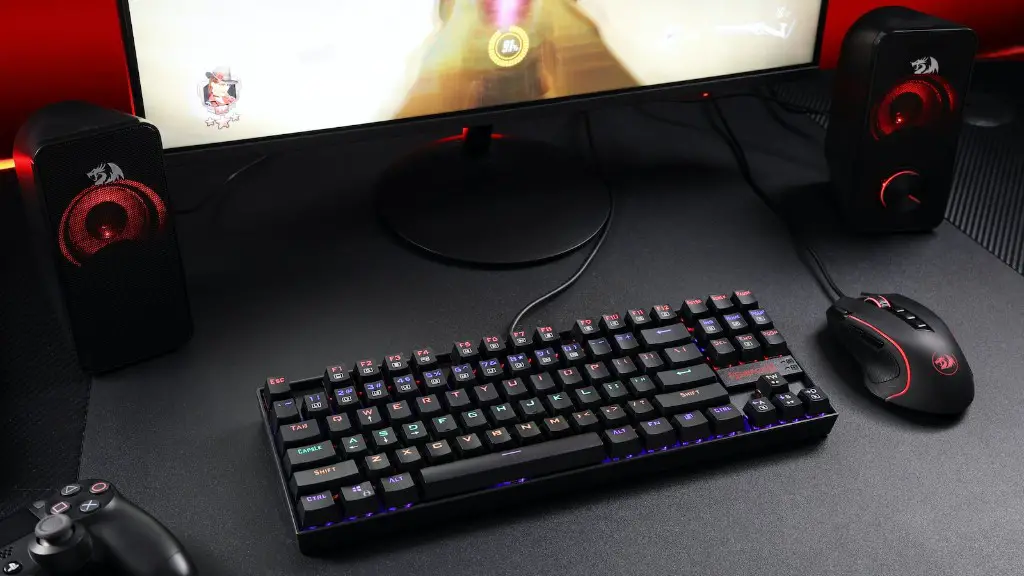
The gaming industry has seen a massive surge in popularity over the last few years. With the release of several next-gen consoles, such as the Xbox Series X and the PlayStation 5, fans of gaming are now looking for new ways to get their gaming fix. One of the most popular options for die-hard gamers is to build their own gaming PC.
But is it a good time to build your own gaming PC? That’s the question every gamer should be asking themselves. On the one hand, the gaming PC market is more affordable than ever before. On the other hand, new games are requiring more powerful graphics cards and processors, making it more costly to build a gaming PC that can keep up with current-gen titles.
To make the right decision, one has to consider the pros and cons of building a gaming PC. Firstly, the advantage of building your own gaming PC is that you have total control over what components go into your rig. You don’t have to settle for pre-installed parts that could be outdated or incompatible with other components. Additionally, if you build a gaming PC with high-end parts, it won’t become obsolete as quickly as an off-the-shelf model might.

On the other hand, building a gaming PC is time-consuming and can get expensive. You’ll need to do research to find the best parts for your budget and then put it all together. Not to mention, the warranty wouldn’t cover any technical problems that might arise from improper installation. Furthermore, if you decide to upgrade later on, you’d have to start the process all over again and reinstall your components.
In conclusion, it all depends on how much time and money you’re willing to put into building a gaming PC. If you’re looking for a more affordable solution that can play the latest games, then it might be a good idea to buy a pre-built gaming PC. However, if you want a custom PC that can stay up-to-date, then building your own gaming PC may be a better option.
Intel vs AMD
When building a gaming PC, one of the biggest questions is which processor to choose. There are two main contenders when it comes to gaming processors – Intel and AMD. Each processor has its own advantages and disadvantages and it’s important to consider which one is best for your particular needs.
For instance, Intel’s processors are known for their superior performance and they are often suitable for AAA gaming titles. However, they tend to be more expensive than AMD processors. On the other hand, AMD processors are often the more economical choice and they tend to have better integrated graphics options, which can be useful for gamers who are looking for a budget-friendly option.
In addition, AMD processors have started to become more powerful with their Ryzen series, which can be overclocked for better performance. That said, Intel’s higher-end CPUs still offer better performance for competitive gaming. Ultimately, it comes down to different user needs and budgets when it comes to choosing between Intel and AMD processors.
Graphics Cards
Graphics cards are one of the most important components in a gaming PC and the choice of GPU can make the difference between a good gaming experience and a poor one. This is especially true for gamers who are looking to play more demanding games and who want the highest graphical fidelity. There are several GPU options on the market and they range from budget solutions to high-end cards that can set you back thousands of dollars.
For instance, an Nvidia GeForce RTX 2080 Ti can provide a high degree of graphical fidelity, but it’s one of the most expensive GPUs on the market. Alternatively, budget-minded gamers may opt for the more affordable RTX 2060, but it won’t be able to provide the same graphical performance as the 2080 Ti.
The bottom line is that the type of GPU you choose is largely dependent on your budget and your desired graphical performance. If you’re looking for a graphics card that can handle the latest AAA games, then it would be worth investing in a more expensive GPU. On the other hand, if you’re just looking for a GPU for casual gaming, then a cheaper graphics card may suffice.
Cooling

A gaming PC should also be equipped with sufficient cooling solutions in order to keep all of its components adequately cooled. Without proper cooling, the hardware can become damaged due to overheating, which can cause the PC to crash or even shut down. This is especially true for gaming PCs with multiple GPUs, because they require more cooling than a single GPU setup.
The most common type of cooling solutions are air coolers and liquid coolers. Air coolers use fans to draw air over the components, while liquid coolers use water to keep the components cool. Both types are capable of cooling gaming PCs, however, liquid coolers tend to be more effective and reliable than air coolers.
It’s important to choose the right cooling solution for your gaming PC, as the wrong cooling solution can lead to overheating and eventually result in hardware damage. That said, it’s best to do some research before deciding on a cooling solution for your gaming PC in order to ensure that you make the best decision for your particular needs.
Storage
Storage solutions are also essential components of a gaming PC and they play a major role in how the PC performs. A good storage solution should provide ample space and be capable of transferring data quickly in order to ensure smooth gaming performance. In general, there are two types of storage solutions that are commonly used in gaming PCs – hard drives and solid state drives (SSDs).
Hard drives are the classic storage solution and they offer a lot of storage space at relatively low prices. On the other hand, solid state drives are much faster than hard drives, but they come at a higher cost. All in all, the best storage solution for your gaming PC depends on your budget and needs, as well as the type of games you play.
If you’re a casual gamer and don’t play many demanding games, then a hard drive might be enough. On the other hand, if you’re a more serious gamer or you’re looking for smoother load times, then an SSD would be the better choice. Ultimately, there is no one-size-fits-all storage solution for gaming PCs, so it’s best to choose the one that meets your particular needs.
Power Supply
The power supply is another essential component that needs to be considered when building a gaming PC. Without a good power supply, the components of your PC won’t receive the necessary power to function and your PC won’t be able to run at its full potential. That said, a good quality power supply should provide enough power for your gaming PC and should be reliable.
When choosing a power supply for a gaming PC, it’s important to pay attention to its wattage and power efficiency rating. The wattage determines how much power the PSU can provide and the efficiency rating determines how much of that power is actually being used by the components. It’s also a good idea to choose a power supply that’s certified by 80Plus, as they are more reliable and efficient.
Overall, the power supply plays a major role in the performance of a gaming PC and it’s important to choose one with the right specs and features. It’s best to do some research on power supplies in order to make the right decision for your gaming PC.
