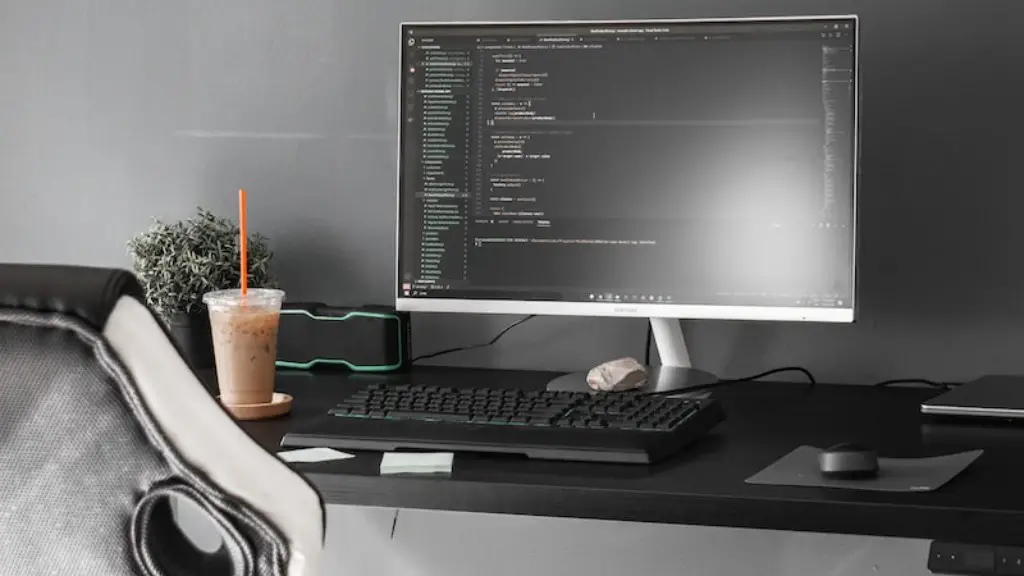
For gamers, having the best gaming setup is probably one of the most important aspects of the entire gaming experience. With that being said, finding the perfect gaming PC and deciding how much to spend can be a daunting task. Below are some key points to consider when choosing the perfect gaming PC for your setup.
Decide on a budget – Before you start browsing for gaming PCs, it’s important to decide on a budget. This helps narrow down your selection and forces you to focus on getting the best performance for your money. Don’t forget to take into account any additional items such as monitors, keyboards, or headsets that you may need to get the best gaming experience possible.
Evaluate the specs – After setting a budget, the next step is to evaluate the specs of the PC. Look for the processor, amount of RAM, and the graphics card. These are the main components of a gaming PC and will determine how well it runs demanding games. Make sure the specs match the games you plan to play and it’s always a good idea to check customer reviews before buying.
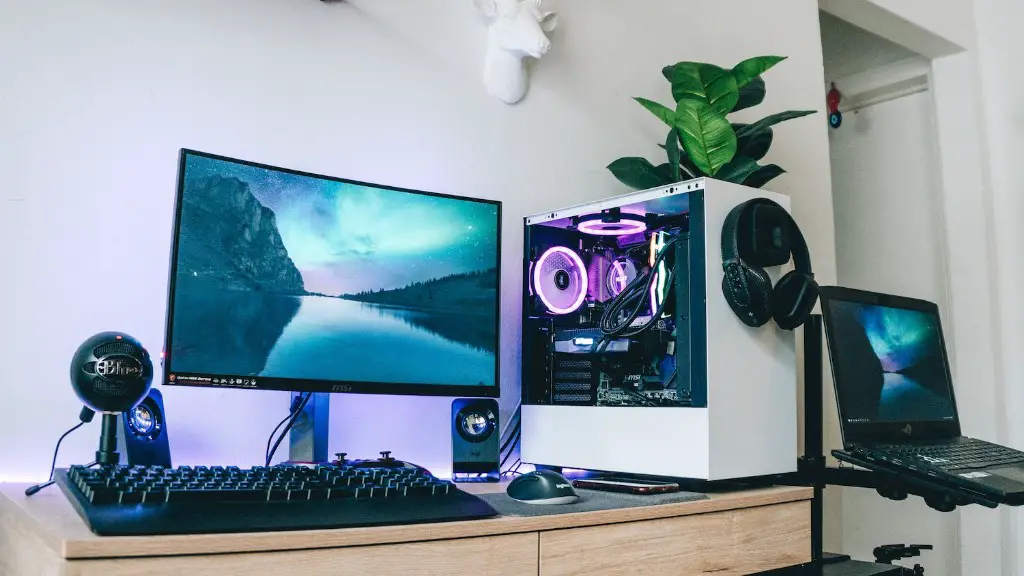
Identify peripherals – Once you have evaluated the basic specs of a gaming PC, it is important to figure out what other peripherals you might need. This includes a monitor, a gaming mouse and/or keyboard, and a headset. While these are not essential components of a gaming PC, they can greatly enhance your experience and can be had for relatively affordable prices.
Find the right vendor – Last but not least, it’s important to find the right vendor. Look for a reputable shops that provide quality customer service and a good return policy. The vendor will play an important role in your overall satisfaction with your purchase and should be experienced in providing recommendations for hardware and software.
What Features Do I Need for My Gaming PC?
Once you’ve identified your budget, evaluated the specs, and identified the peripherals you may need, it’s time to consider what other features you may want to consider for your gaming PC. One of the more important features to consider is cooling. A gaming PC will generate a lot of heat and it is important to have adequate cooling to maximize performance and longevity.
In addition to cooling, an SSD is becoming an essential feature in gaming PCs. SSDs provide faster loading speeds and increased storage capacity. While they can be more costly, they are well worth it if you can afford them.
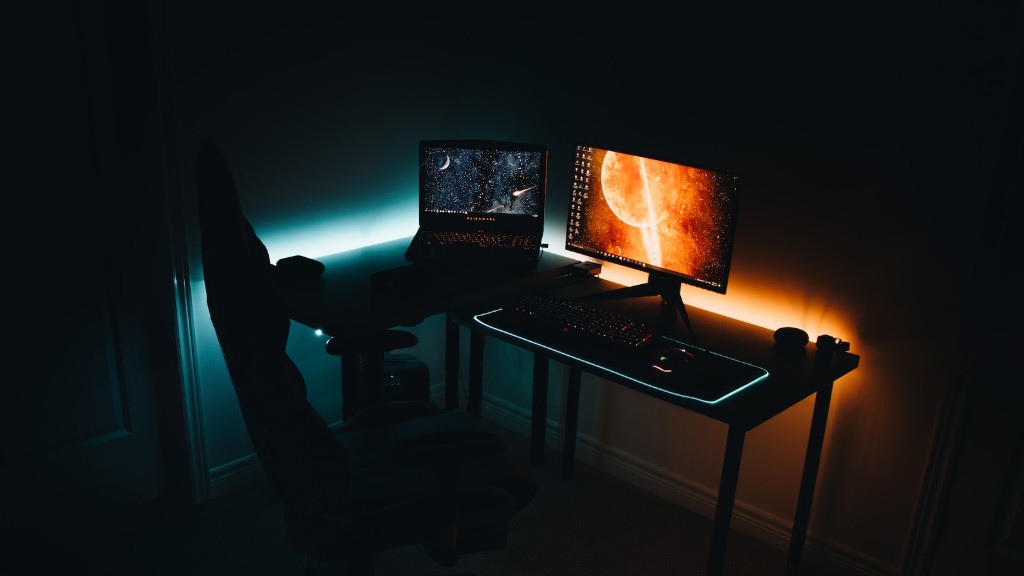
One feature that is quickly gaining popularity is RGB lighting. RGB lighting helps to set the atmosphere in a gaming room and adds a sense of flair and style. If you’re looking to make a statement, RGB lighting is a great way to do that.
Finally, it is also important to think about the software that will be needed for a gaming PC. It is always a good idea to consider what games you plan on playing and ensure that the PC is up to par so there is no lag or stuttering.
What Are The Benefits of A Gaming PC?
Having a gaming PC is a major advantage for gamers as they are designed to handle the most demanding tasks and provide fidelity in graphics and performance. Gaming PCs are also highly customizable and can be tweaked to suit a gamer’s individual preferences.
The most obvious benefit is that gaming PCs can handle a wide variety of gaming titles. With the right hardware, a PC can provide the ultimate gaming experience that cannot be matched with consoles. Furthermore, gaming PCs can also provide a great multimedia experience as they provide plenty of storage capacity for videos, music, and other digital media.
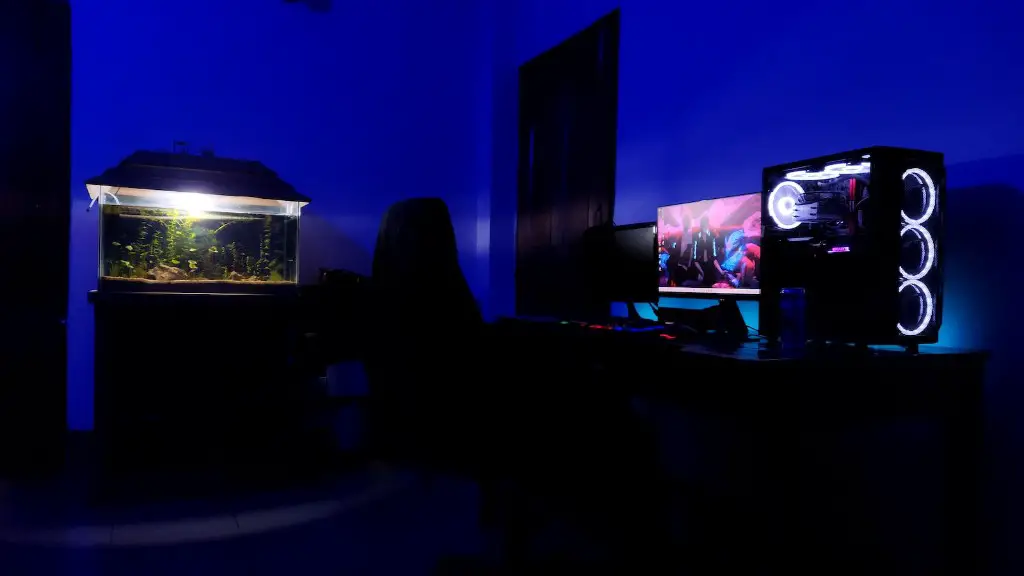
Finally, gaming PCs are also very upgradeable. As gaming technology continues to advance, it is important to keep your gaming PC up to date to get the best performance. With a gaming PC, it is easy to upgrade components as needed for a modest cost.
What Kind Of Games Can I Play On A Gaming PC?
The type of games you can play on a gaming PC depends largely on the hardware within it. It is important to make sure that the gaming PC you are purchasing is up to par with what you plan on playing. Most modern titles run well on most gaming PCs, but there are some that do require more powerful hardware.
In addition to modern titles, it is possible to play older games on a gaming PC. Many of these older titles can be played on a gaming PC as long as the hardware is up to par. Additionally, there are certain games that are only available on a PC such as Strategy and MMORPGs.
Finally, it is important to note that many modern games, such as Fortnite, are available on both PC and consoles. This allows for gamers to play on either platform, providing more options for how they want to experience a game.
What Kinds Of Add-Ons Can I Get?
Once you have the gaming PC of your dreams, you may want to consider some add-ons to enhance your gaming experience. One of the more popular add-ons are gaming headsets. A gaming headset adds a sense of immersion and allows the player to communicate with their opponents or teammates in a game.
In addition to gaming headsets, there are other add-ons such as controllers, turbo buttons, and gaming chairs. Not only do these items enhance the gaming experience, but they can look good too and provide a personal touch.
Finally, another popular add-on is a gaming mouse. A gaming mouse can provide a much better experience than a regular mouse as it is designed for gaming. It has a low response time and is more precise, making it great for first-person shooters or other intense games.
Are Gaming PCs Difficult To Maintain?
In general, gaming PCs aren’t more difficult to maintain than regular PCs. In fact, in many cases, it is even easier. This is due to the fact that many gaming PCs come with software and hardware that helps to monitor system performance and run optimally.

That being said, it is always a good idea to clean the PC of dust and debris and make sure the components are functioning properly. Additionally, it is important to update the system regularly and run regular scans to ensure the system is secure.
Finally, it is a good idea to run benchmark tests to make sure the gaming PC is running as efficiently as possible. Most of the time, these tests can be done with a press of a button, making maintenance a breeze.
How Can A Gaming PC Be Connected To A Network?
Most gaming PCs can easily be connected to a network. This can involve connecting the PC to a Wi-Fi network or using a wired connection. Additionally, there are other options for connecting a gaming PC to a network such as using a powerline adapter.
If you plan on connecting your gaming PC to a network, it is important to make sure the connection is secure. Make sure to use a strong password and enable two-factor authentication. Additionally, it is a good idea to ensure the network is being monitored for any suspicious activity.
Finally, it is also important to make sure the gaming PC is updated regularly with the latest security patches. This helps to ensure the system is secure and running optimally.
