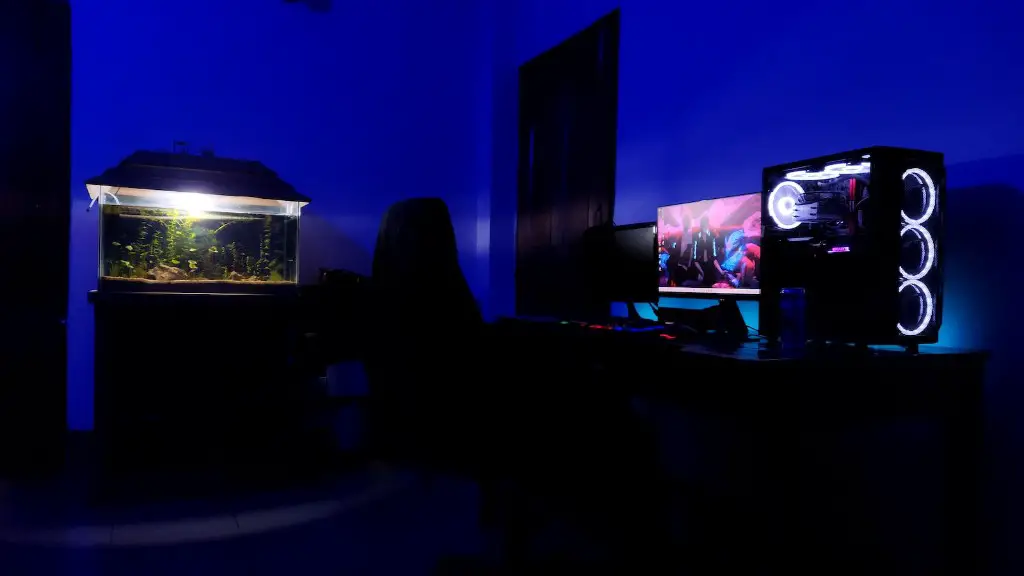
Building a cheap gaming PC can be as affordable as $500-550. It may sound impossible to get much out of such a low budget, but with careful component selection and smart shopping, you can get an entry-level gaming PC without breaking the bank. To achieve your budget you need to understand that graphics and processor performance are important in a gaming PC.
To get the most gaming performance out of the budget, you should plan to spend most of your money on the graphics card. Keeping in mind that you will have to make sacrifices, the processor and motherboard should be chosen carefully. By selecting components that are slightly outdated but still function sufficiently, you can free up funds to speed up gaming performance.
For the purposes of this article, we will be building a gaming PC on a budget. That means that you need to stay vigilant while choosing processor and motherboard. You should go with the most cost-efficient option when shopping for these components. The processor and motherboard are devices that will most likely be upgraded in the future as it may not meet your gaming needs for the long run.
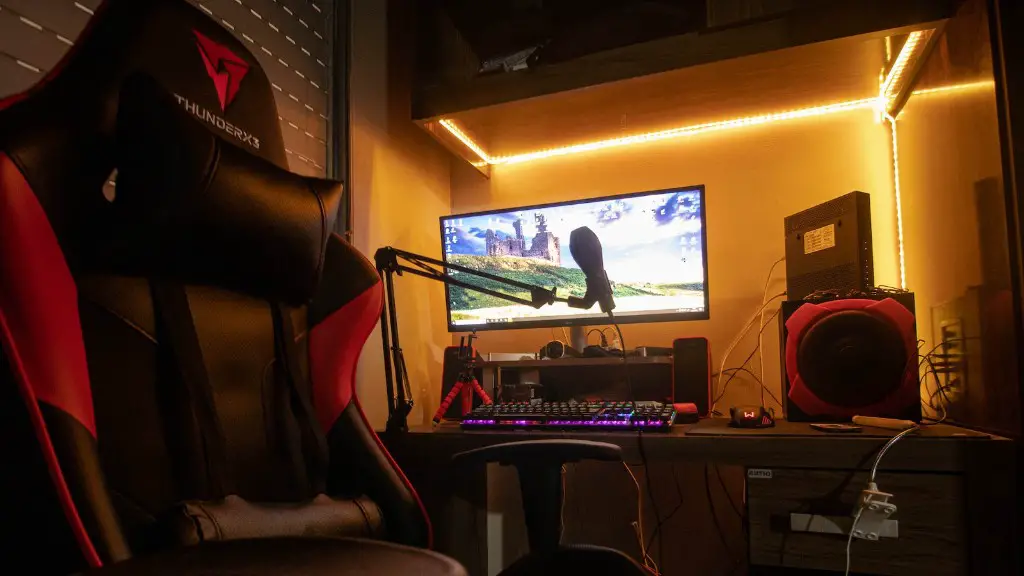
Graphics cards are the most expensive component in a gaming PC. So when you are building on a budget, you want to be careful to select a card that maximizes gaming performance while remaining affordable. Prioritizing performance-per-dollar is essential when choosing your graphics card on a tight budget. It may be too tempting to get a top-tier graphics card in your price range, but remember that any extra funds should be saved for other components or future upgrades.
RAM is also essential in any gaming PC build. Focusing on value over speed is important when buying RAM on a budget. You should choose a RAM kit that is compatible with your motherboard and provides adequate performance for a low price. Be sure to check if your motherboard supports the speed of RAM kit before making a purchase.
The hard drive is one of the few components that can be purchased without a second thought. Keep in mind that speed may vary depending on the model, but a basic hard drive should provide enough storage and performance for a budget gaming PC.
Motherboards
Motherboards are more than just a piece of electronics, they’re the backbone of your gaming computer. Not all motherboards will support the same features, so it’s important to make sure that you get a motherboard that fits your build. When shopping for a motherboard, keep in mind that you should get one that fits your budget while providing enough support for the components you plan on using. Some things to look out for are the number of expansion slots, the type of CPU socket, and the number of RAM slots.
The type of CPU socket is one of the most important factors when selecting a motherboard. This will determine the type of processor that you can use and also how fast it can run. Additionally, it’s a good idea to get a motherboard that has enough RAM slots to support an upgrade down the line. Expansion slots are also important and will determine what kind of peripherals you can connect to your build.
It’s also important to purchase a motherboard that provides enough power for your graphics card and other components. Make sure you know the power requirements for all the components before you purchase a motherboard, as this will determine if it can handle the load or not. Additionally, you should make sure that the motherboard has all the additional sockets and ports necessary for your build, such as audio and USB slots.
Finally, you should check if the motherboard has an onboard Ethernet port, as this can save you money by not having to purchase a separate adapter. It’s also a good idea to check the pin layout on the motherboard. This will ensure that all the cables are connected properly.
Processors
The processor is the brain and heart of any gaming PC. It’s responsible for executing instructions and running the applications required to make your PC perform at its peak. As such, it’s important to choose a processor that provides the best value for money. While faster processors tend to provide better performance, they won’t necessarily give you the best experience if your budget is limited.
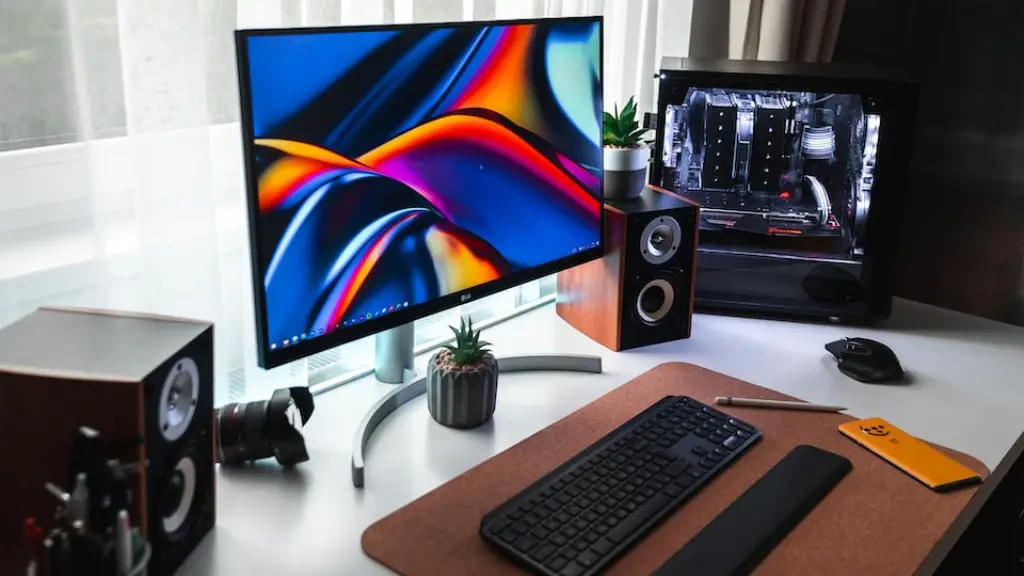
There are several factors to consider when selecting a processor for a gaming PC. First, you’ll want to consider the speed and clockspeed of the processor. The higher the frequency, the more costly the processor will be. Additionally, you should look at the number of cores and threads. Threads refer to the number of independent tasks that can run simultaneously, while cores refer to the number of physical cores within the processor.
The processor should also have built-in features that are beneficial for gaming. Look for features such as Intel Virtualization Technology, Hyper-Threading Technology, Turbo Boost Technology, and Enhanced Intel SpeedStep Technology. Each of these features has its own benefits and can help improve gaming performance.
It’s also important to consider the power draw and the TDP (Thermal Design Power) of the processor. The higher the power draw, the more cooling you will need to keep the processor from overheating. The lower the TDP, the less power that is required to keep the processor stable. Finally, you should also look at the compatibility of the processor with your motherboard.
Storage
Storage is a critical component for any gaming PC. You’ll need enough hard drive space to install games and store your data. However, storage needs vary from person to person. It’s a good idea to get a storage drive with the highest capacity possible based on your budget. For a budget gaming PC, a 1TB hard drive should provide plenty of room.

The two main types of storage drives are HDD and SSD. HDDs are traditional spinning disk drives that are cheaper, but also slower. On the other hand, SSDs are faster but more expensive. If your budget allows, it’s a good idea to invest in an SSD for your operating system and important applications. This will give you faster loading times and improved system performance.
It’s also important to factor in the type of connection that the drive will have to your motherboard. SATA drives are the most common, but if your motherboard supports the NVMe Express protocol, you can take advantage of the faster speeds offered by NVMe drives.
Finally, before making a purchase you should make sure that your storage drive is compatible with your motherboard. Most modern motherboards support SATA, but not all of them support NVMe connections. Check your motherboard manual to make sure that your drive is supported.
Cooling
cooling is essential for any gaming PC. Components generate heat while in use, and if they are not kept at a stable temperature, they can suffer performance loss or even irreparable damage over time. The cooling system you choose will depend on the components you select, as well as the case you get.
Air cooling is the most cost-efficient cooling solution, and can be a great choice for budget gaming PCs. However, air cooling might not be able to keep up with more demanding builds, in which case you’ll need to consider a liquid cooling solution. While these tend to be more expensive, they also provide quieter operation and better temperature regulation.
Another consideration is the case fans. These are an integral part of any cooling solution and should be carefully chosen for your system. Most cases come with stock fans, but these are usually not sufficient for gaming PCs. You should purchase additional fans that have higher airflow ratings and can be mounted to the front and rear of the case.
Finally, you should take a look at the CPU cooler. Intel and AMD provide stock coolers, but they won’t be up to the task of cooling a gaming PC. Investing in a good aftermarket CPU cooler can be costly, but it’s worth it as it can make a huge difference in temperatures and noise levels.
Power Supply
The power supply is often overlooked when building a gaming PC, but it’s one of the most important parts of the system. The power supply is responsible for delivering clean, reliable power to all the components, so you want to make sure that yours is up to the task. When selecting a power supply, pay attention to the wattage, efficiency rating, and number of connectors.
When considering the wattage, always make sure that you are getting enough power for your system. If you don’t, you risk damaging your components or causing instability. Pay attention to the efficiency rating as well, as this will tell you how much power is actually being delivered to your components. Power supplies with higher efficiency ratings are preferable.
Lastly, make sure you get a power supply that has enough connectors for your build. Most gaming PCs will require at least two 6+2 pin PCIe connectors and one 8-pin CPU connector. It’s also a good idea to get a power supply with enough cables to reach all the components.
Conclusion
Building a cheap gaming PC is possible, but requires some planning and research. By focusing on components that offer the most value for money, you can get an entry-level gaming PC without spending more than you have to. While cutting corners on some components may be necessary, it’s important to remember that gaming performance should not be completely overlooked. If you plan it right, you can build a PC that will give you years of gaming enjoyment.
