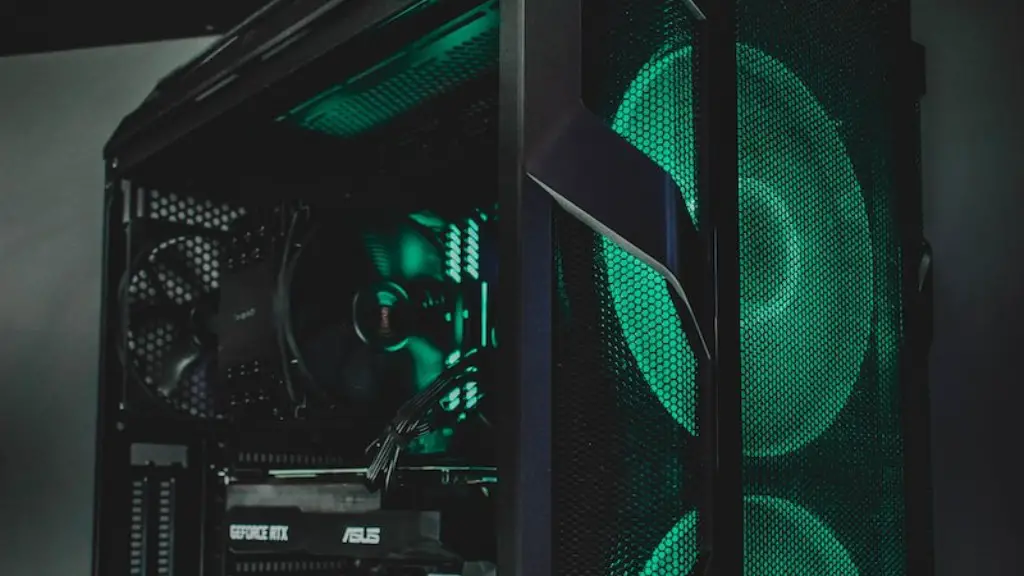
Building a gaming PC is a rewarding but challenging undertaking. Picking out the right parts can be daunting but having a basic understanding of what each component entails is the best way to get started. From the platform to the peripherals, here is everything you need for a gaming PC.
Processor (CPU)
A processor (CPU) is the brain of the gaming PC. It’s responsible for executing every instruction from the OS and applications. Modern gaming CPUs have multiple cores, allowing them to handle more complex tasks simultaneously. The CPU can be divided into two categories: Intel, and AMD. Intel CPUs are generally faster but more expensive, while AMD CPUs are typically more affordable but slower. AMD Ryzen is the latest series of CPUs from AMD and offers some of the best performance for budget builders.
Graphics Card (GPU)
A graphics card (GPU) is what makes a gaming PC capable of reproducing visuals on a screen. The GPU renders the 3D images and processes all the graphical computation associated with PC gaming. Graphics cards come in different form factors, ranging from single-slot, to dual-slot, to triple-slot cards. Most users will choose a mid-range card like the AMD RX 480 or the NVIDIA GTX 1060, depending on their budget.
Motherboard
A motherboard is the base for all the components in the PC. It provides the connections for the CPU, GPU, HDD, RAM, power supply, and other peripherals. Motherboards come in different form factors, the most common of which are ATX and mini-ITX. ATX is larger, providing more expansion slots and ports, while Mini-ITX is more compact and can fit in smaller PC cases.
Memory (RAM)
RAM (Random-access memory) is the memory that is directly accessible by the CPU and GPU. It’s important for gaming because it stores the data associated with the game, allowing for fast loading times and a smooth gaming experience. RAM comes in different speeds like DDR4 for example. As a rule of thumb, 8GB of RAM is recommended for gaming and 16GB if you plan to stream games or use complex applications and programs.
Storage
A good gaming PC needs to have enough storage for games as well as for data and applications. Hard Disk Drives (HDD) are the most popular form of storage as they are inexpensive and have large capacities. Solid State Drives (SSDs) are becoming increasingly popular as they offer much faster loading times compared to HDDs. If you’re on a budget, a combination of an SSD and an HDD is the best option.
Power Supply (PSU)
A power supply (PSU) is what keeps your gaming PC powered. PSUs come in different wattage ratings, with a higher wattage meaning more power. A good PSU should be 80 Plus certified, meaning it meets certain standards for efficiency. A quality 850W PSU is recommended for most gaming PCs.
Peripherals
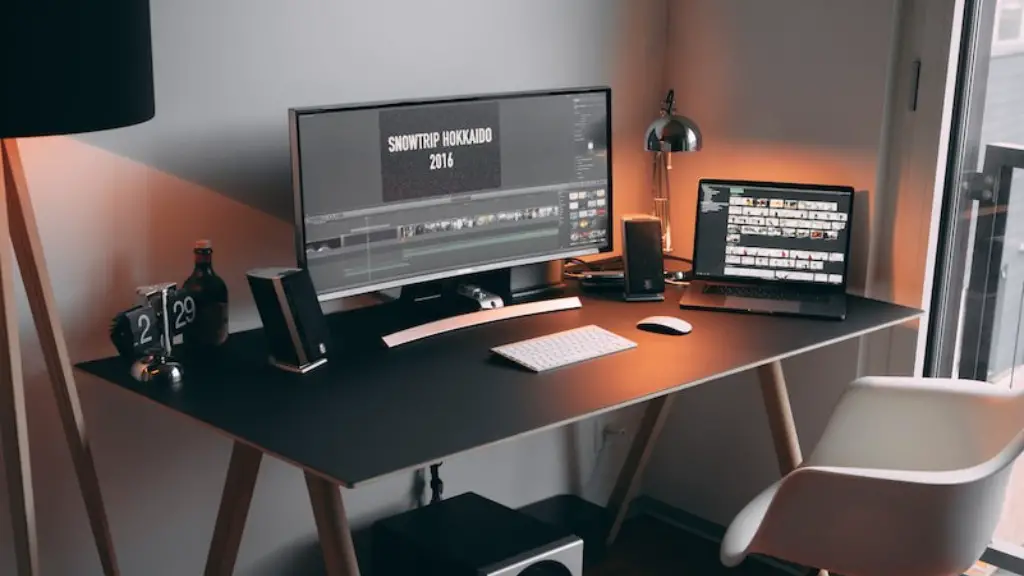
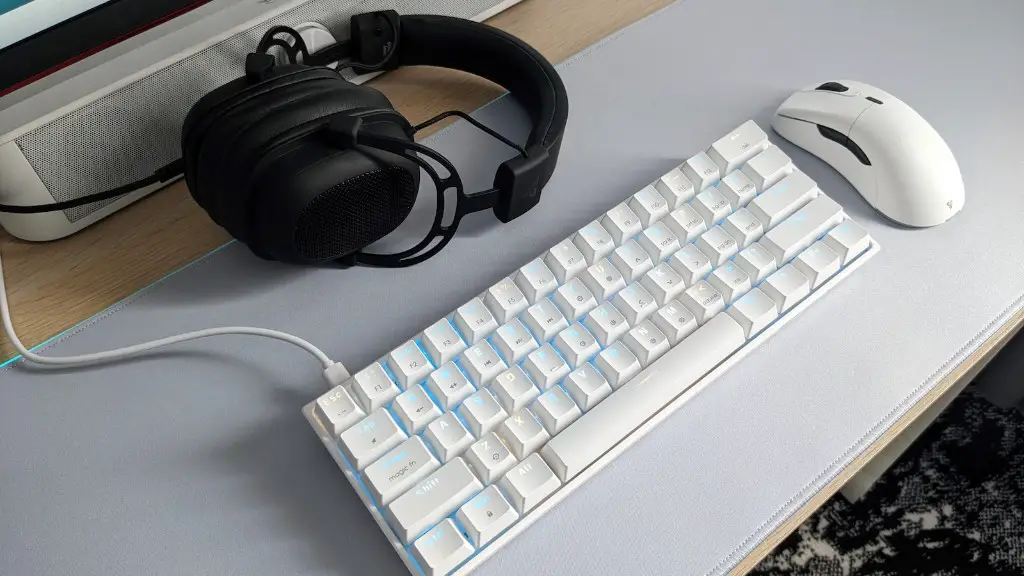
In addition to the processor, GPU, motherboard, RAM, storage, and PSU, there are some peripherals that are required for a gaming PC. A monitor is the most important peripheral as it serves as the display for the graphics card. A gaming mouse and keyboard are also necessary for controlling the PC. Other peripherals like headphones, gaming chair, and a microphone are all optional but add to the gaming experience.
The Other Things Needed To Complete A Gaming PC
Apart from the processor, graphics card, motherboard, RAM, storage, PSU, and peripherals, there are a few other components that are needed to complete a gaming PC. These include a case, which houses all the components and provides airflow, as well as a surge protector, which protects the components from electrical surges. You’ll also need an OS (Operating System) like Windows 10 to actually run the PC.
Things to Consider When Building a Gaming PC
When building a gaming PC, there are a few things to consider. Firstly, you’ll need to decide on the budget for the PC, as this will determine what components you can get. It’s important to consider a good cooling system, as the components will generate a lot of heat during gaming sessions. You’ll also need to consider if you want to overclock the PC, as this could decrease its lifespan. Lastly, you’ll need to make sure that the components are compatible with each other.
The Advantages of Building a Gaming PC
Building a gaming PC has many advantages over buying a pre-built system, as it can be tailored to fit all gaming needs. Firstly, it can be more cost-effective, as users can select their preferred components without having to pay for any unnecessary features. Building a gaming PC also allows for greater customization options, as the user can pick different components for different purposes. Finally, it allows for a greater understanding of the PC, as users gain experience and knowledge when assembling their own gaming PC.
Which Components Are Compatible With Each Other?
When building a gaming PC, it’s important to check if the components are compatible with each other. The CPU and Motherboard must have the same socket type to work together. The GPU should have the same interface as the Motherboard. The PSU should have enough wattage to power all the components and the storage should have the same form factor as the Motherboard. Finally, the RAM should be compatible with the CPU’s memory controller.
What Kind of Warranty Do Gaming PCs Have?
When building a gaming PC, the user should be aware of the warranties associated with the components. Most Motherboards and CPUs come with a manufacturer’s warranty providing the purchaser with a certain amount of time to file a claim should the components become defective. Graphics cards and PSU usually come with a 3-year manufacturer’s warranty, while RAM and Storage usually have a 5-year warranty. The warranties usually only cover manufacturer defects and do not cover issues related to improper installation or usage.
