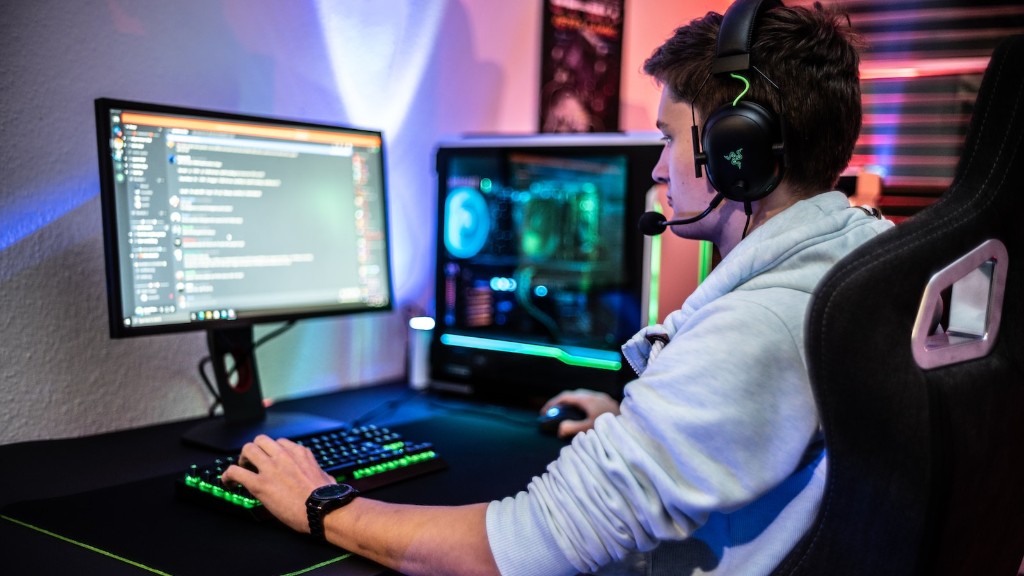
Building a gaming PC can be a great experience for those who are comfortable working with computer components. It allows gamers to customize their system in order to maximize gaming performance and can be more cost effective than buying a pre-built system. If you’re ready to build your own gaming PC, there are a few places where it can be done.
You can purchase the individual components from a variety of sources, such as local computer stores or online retailers. Additionally, some component manufacturers may have their own websites where you can purchase individual components. These websites often have special offers and discounts that may not be available elsewhere, so it’s always worth checking out.
Another option is to purchase a pre-built system from a gaming PC manufacturer. These systems come with all the necessary components, so all you need to do is plug it in, configure the settings and you’re ready to start gaming. Most gaming PC manufacturers will offer guidance on which components to choose and how to properly install them. This can be an easier option for those who don’t feel comfortable assembling their own system.
Finally, you can also build your own PC by visiting online PC builders. These websites allow you to customize your PC by choosing from a range of components from various manufacturers. These components are then shipped to you and you can assemble your PC at home. This may be a cost effective option, as you can often find discounted components on these websites.
In summary, there are a number of ways to build a gaming PC. You can purchase individual components from computer stores or online retailers, purchase a pre-built system from a gaming PC manufacturer or build your own by visiting online PC builders.
Guidance On Components
No matter where you choose to build your gaming PC, it’s important to choose the right components. Gaming PCs typically require high-end components with lots of processing power, making careful selection of the right components an essential part of the process. It’s also important to make sure all the components are compatible before purchasing.
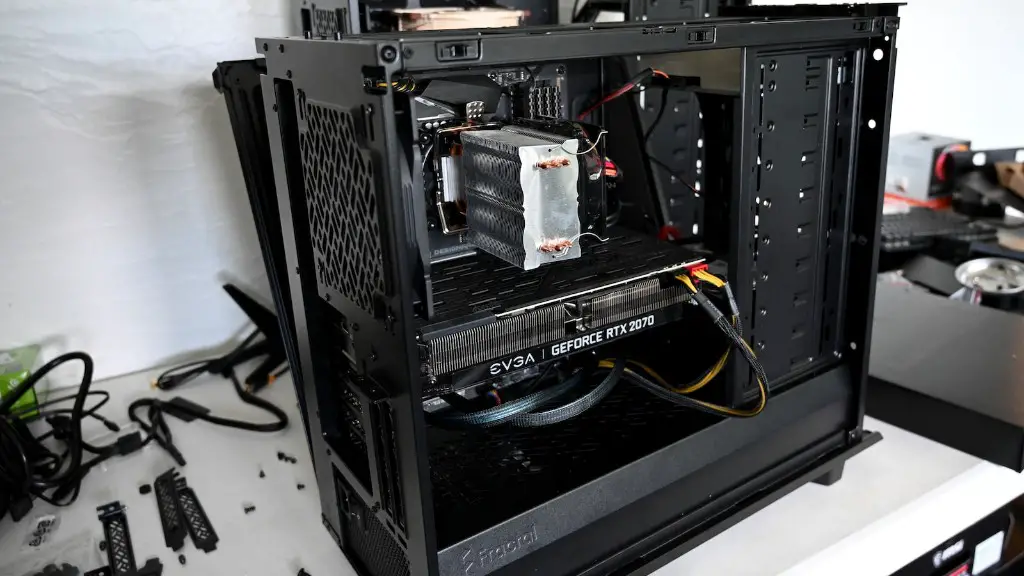
When building a gaming PC, the processor and graphics card are particularly important. It’s important to go with a processor that’s powerful enough to handle intense gaming. The graphics card is also essential, as it is responsible for outputting graphics to your monitor. It’s best to go with a high-end consumer grade graphics card, as these are typically more reliable and better suited for gaming.

Another important component is the motherboard. This is the part that connects all the other components together and ensures compatibility. It’s important to choose a motherboard based on the processor and other components you are using. Paying close attention to the chipset and form factor is also important, as these determine which components the motherboard can support.
Finally, it’s worth considering the power supply. If a gaming PC uses too much power, it can cause problems or even damage components. As such, it’s important to select a power supply with enough wattage to power all the components. It’s also best to go with a reliable brand to ensure long-term reliability.
Cable Management And Cooling
Ensuring proper cable management and cooling solutions is an essential part of building a gaming PC. It’s important to ensure that the components are properly connected and that all cables are tucked away neatly in the case. Otherwise, heat can build up, leading to premature component failure.
Cable management for your gaming PC is important for a variety of reasons. Not only does it help keep the system looking neat, but it also prevents tangling and makes it easier to locate components if a problem arises. To achieve good cable management, it’s best to get a case with cable tidy solutions, such as removable covers and velcro straps.

Additionally, having proper cooling solutions for a gaming PC is critical. This includes ensuring the processor, graphics card, RAM and other components all have sufficient cooling solutions. For instance, it’s best to go with liquid cooling for the processor and a decent fan for the graphics card. It’s also important to ensure the case has adequate cooling, such as fans and vents.
In summary, proper cable management and cooling solutions are essential when building a gaming PC. This includes ensuring all components are connected properly, that cables are neatly tucked away, and that the components have adequate cooling solutions.
Testing and Troubleshooting
Once the gaming PC is built, it’s important to test it and troubleshoot any potential issues. The first step is to ensure all components are connected properly and that the system is receiving power. Then, the BIOS should be set up and the operating system should be installed. Once the operating system is installed, any necessary drivers and software should be installed.
Once all the software is set up, it’s time to test the system. The best way to do this is by running a benchmark test, such as 3DMark. This helps to ensure all components are functioning properly and can help to identify any potential bottlenecks or other issues. It’s also worth running a few games to ensure the gaming performance is where it should be.

If you run into any problems, the best course of action is to troubleshoot. This involves running basic diagnostic tests and looking for any warning signs. It’s also important to update the BIOS and other software if needed. If the problem persists, it’s best to consult with a professional or contact the manufacturer for further assistance.
In summary, testing and troubleshooting are essential when building a gaming PC. It’s important to run a benchmark test, as well as some games, to ensure the gaming performance is up to par. If any problems arise, it’s best to consult with a professional or contact the manufacturer for further assistance.
Final Thoughts
Building a gaming PC is a great experience that can be both rewarding and cost-effective. It allows gamers to customize their system in order to maximize gaming performance and can be more cost effective than buying a pre-built system. There are a number of ways to build a gaming PC, including purchasing components from computer stores or online retailers, purchasing a pre-built system from a gaming PC manufacturer or building your own by visiting online PC builders.
No matter where you choose to build your gaming PC, it’s important to choose the right components. When selecting components, special attention should be paid to the processor, graphics card, motherboard, and power supply. It’s also essential to ensure proper cable management and cooling solutions, such as liquid cooling and fans, to ensure the system remains stable during extended gaming sessions.
Finally, it’s important to test the system and troubleshoot any potential issues. This involves running a basic benchmark test and looking for warning signs. If any problems arise, it’s best to consult with a professional or contact the manufacturer for further assistance.
