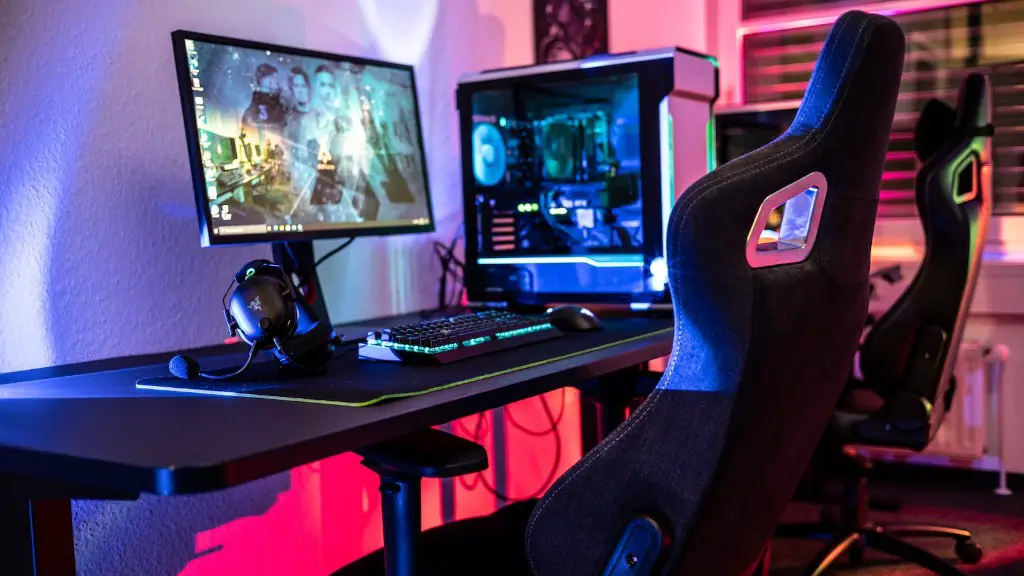
Gone are the days when gaming PCs were considered luxury items and had hefty price tags attached because nowadays, gammers can get a decent gaming PC without breaking the bank. Let’s delve into what gamers can expect to pay for a gaming PC and what factors influence the cost.
The average cost of a high-end gaming PC is around $890, with some models costing just under $600 or as high as $1000+ depending upon the level of performance and specific components one looks to include. Generally, the more powerful and high-end components one desires, the higher the price. Also, the more RAM and the more powerful the processor, the greater the cost.
A low-end gaming PC could cost as little as $180 and up to $400, depending on the model and level of performance. A mid-tier gaming PC could cost anywhere between $490 and $750, while a mid-high-end gaming PC may cost around $700 to $900.
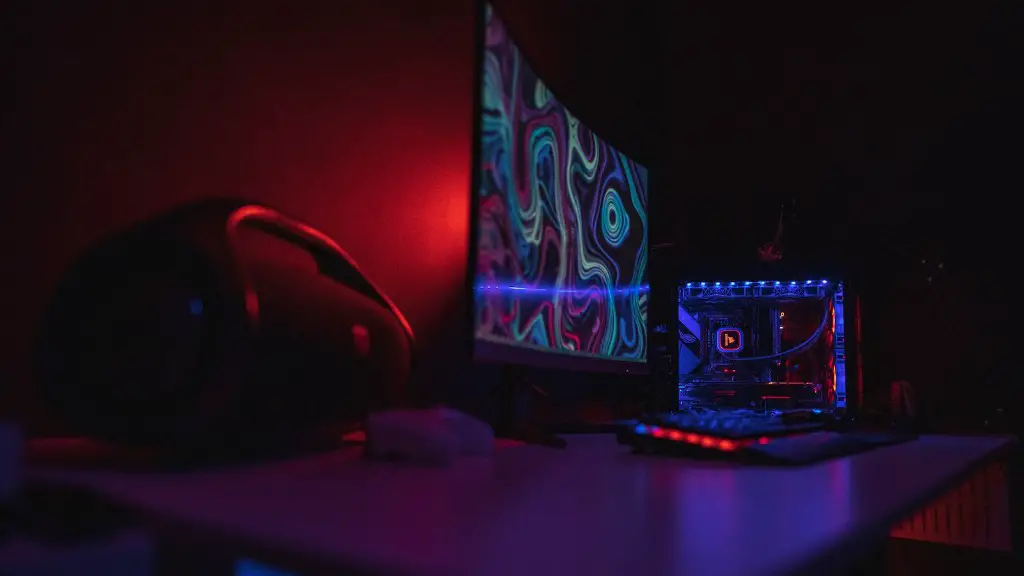
The cost of a gaming PC also depends on what components one wishes to include, such as a graphics card, processor, RAM, hard drives, power supplies and case. Generally, the more powerful components one uses, the higher the price tag will be. It’s also important to consider the presence or absence of peripheral components such as a mouse, keyboard, and monitor, since these will also add to the cost of the gaming PC.
Furthermore, the cost of a gaming PC also depends on what version of Windows one wishes to use. Windows 10 Home costs about $120, while Windows 10 Pro costs around $200. In addition, one should consider the cost of any additional software required, such as gaming software and system utilities.
Finally, while buying a pre-built gaming PC can be more expensive, it is oftentimes the better and cheaper option if one is unfamiliar with hardware and computer parts, or simply lacks the time necessary to assemble a gaming PC.
Overall, the cost of a gaming PC may be slightly higher or lower than the average depending upon what level of performance, brand, and components one chooses.
Types of Gaming PCs
When shopping for a gaming PC, the type of gaming PC you’ll be able to purchase—whether a laptop, desktop, or mini PC—will largely depend on your budget and purpose for the PC.
Desktop gaming PCs are a great choice for those on a budget, while laptops offer the flexibility and portability that desktop PCs lack. Mini PCs are also becoming increasingly popular, as they are the most versatile of all and are more space efficient.
When it comes to comparing prices, laptops are typically the most expensive option when compared to desktops, mini PCs, and mid-range rigs. On the other hand, desktops offer the highest potential performance for gaming at the lowest cost.
The cost of a laptop gaming PC will depend on the size, performance, and storage capacity that you require, with gaming laptops costing anywhere from $500 to $1,500 or more. Desktop gaming PCs can range from $300 to up to $2,000, depending on what components you choose to include. Meanwhile, mid-range gaming PCs are the best of both worlds, typically offering good performance for a fraction of the cost of a more powerful gaming laptop or desktop.
No matter what type of gaming PC you’re looking for, there is definitely a suitable and affordable option out there.
What Affects The Cost of A Gaming PC?
What’s in a gaming PC? Well, the cost of a gaming PC is directly related to the components it contains. There’s a variety of components that might be used to build a gaming PC, each of which can have an effect on cost.
The most important component in a gaming PC is the processor. This is the “brain” of the PC, and it’s what really determines how well a gaming PC can handle intense gaming tasks. Generally, higher-powered processors will cost more than basic processors, so one should be prepared to pay more for a gaming PC that requires one.
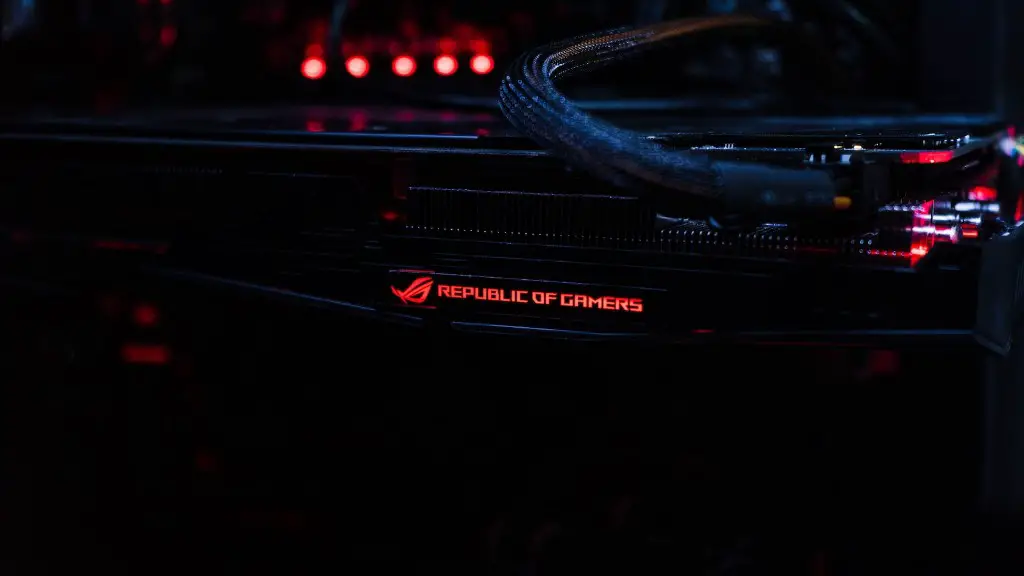
In addition, powerful graphics cards are also important for gaming tasks and can increase the cost of a PC significantly. Higher-end graphics cards will allow gamers to play 3D games or intense games at higher resolutions—which can make all the difference in an immersive gaming experience—but they come with a premium price tag.
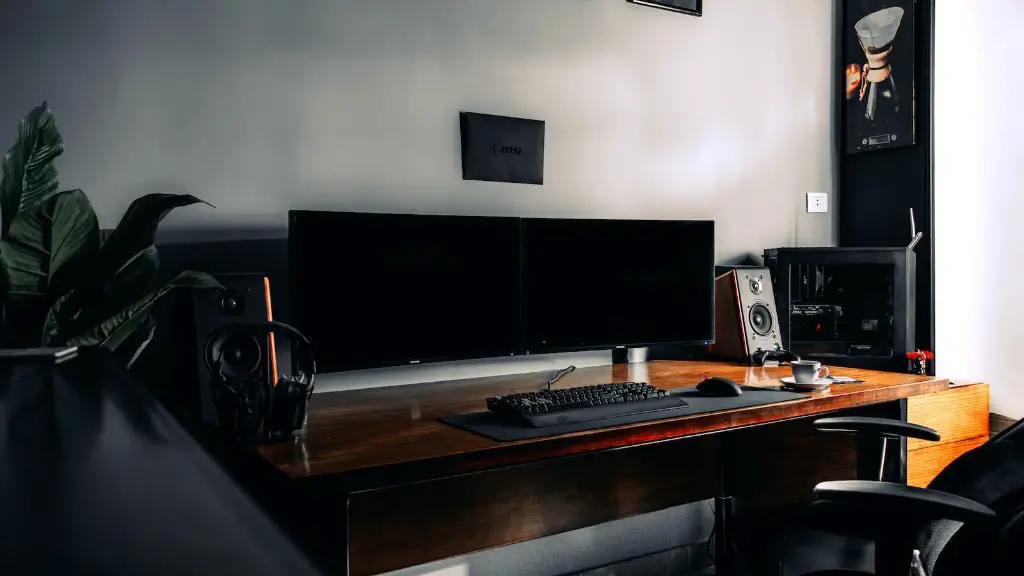
Along with the processor and graphics card, the amount of RAM and type of hard drive you choose can have a significant impact on cost. Generally, the more RAM and better quality hard drives (SSD vs. HDD) you have, the higher the cost. However, if you’re looking to cut down on cost, you can opt for less RAM and a cheaper hard drive.
It’s also important to consider the cost of the peripherals such as a keyboard, mouse, and monitor when you’re building your gaming PC. These components can vary in price significantly, and they can add up quickly.
Custom or Pre-Built PCs?
When deciding how to buy a gaming PC, one must choose between building it from scratch or buying it pre-built. Those who are comfortable with PCs and understand the technical aspects of assembly can opt to build it from scratch, selecting their own components and customizing each element to the specific gaming needs.
This type of gaming PC is usually cheaper and offers more control, while allowing you to upgrade components if needed. It also comes with more flexibility because you can choose to buy components one at a time as your budget allows. However, it can be time consuming and risky if you’re unfamiliar with the technical aspects of building a PC.

Alternatively, gamers can opt to buy pre-built gaming PCs, with many vendors offering pre-built PCs that have already been tested and configured. While these machines are usually more expensive, they’re great for those who lack the time, skills, or confidence to build their own.
Having said that, pre-built PCs are not as upgradeable as custom ones and are typically more expensive. So if you want to save money and have more control over the components, building from scratch or buying a custom-assembled PC is the way to go.
Buying From A Reputable Vendor
Whether you choose to build from scratch or buy a pre-built PC, it’s important to make sure that you’re buying from a reputable and reliable vendor. Check for customer reviews and look for reassurances like warranties and guarantees. In addition, you should make sure that the vendor offers after-sales support, as this could be crucial if you run into any issues while playing.
It’s also a good idea to do some research before you buy. Check online resources for reviews and recommendations on the best components for gaming PCs at different price points. Also, look for discounts and read the vendor’s website for advice and recommendations on how to save money.
In conclusion, the cost of a gaming PC can range from low to high, depending on the type of performance, components, and configuration you’re looking for. Consider the components you need and the type of pre-built or custom PC that’s best suited to your needs and budget. Also, make sure you buy from a reliable vendor and check for any discounts.
