Computer gaming has become a world-wide phenomenon, and players need the best equipment for a truly immersive experience. A great computer gaming monitor is an essential component of any set-up. It needs to have high-level resolution, speed, responsiveness and high contrast display, among other features.
A top-quality gaming monitor should have a high refresh rate. This reduces lag and enables the monitor to keep up with fast-paced games. Gamers should look for a monitor with a refresh rate of at least 120Hz. They should also bear in mind that some monitors may go up to 240Hz, but this isn’t necessary for most types of games.
Another important factor to consider is response time. This is how long the monitor takes to change from one color to another. Look for a response time of 8 milliseconds or less for smooth gameplay. If a monitor has a slower response time, it can lead to the creation of visual distractions.

For an excellent viewing experience, gamers should look for a monitor with high image quality. This means an Ultra-High Definition (UHD) resolution and a wide contrast ratio. UHD resolution provides clearer images with increased detail,while a 2000R curve display adds more comfort to viewing experience compared to a flat screen.
When it comes to size, gamers need to keep the room they are playing in in mind. A larger than necessary monitor may look impressive, but a giant monitor could affect gameplay. Generally, 17-inch monitors are suitable for casual gamers; serious gamers will benefit more from 24-inch or 27-inch monitors.
Finally, gamers should research the esports and competitive gaming industry to learn about special features that certain monitor models have. For example, some gaming monitors offer better synchronization with graphics cards, allowing for a smoother gaming experience.
The Benefits of an OLED Gaming Monitor
Organic Light Emitting Diode (OLED) is the latest technology for gaming monitors. Compared to the classic LED monitors, OLED displays offer an even better contrast ratio and less backlight bleeding. This makes for a more vibrant and colorful gaming experience.
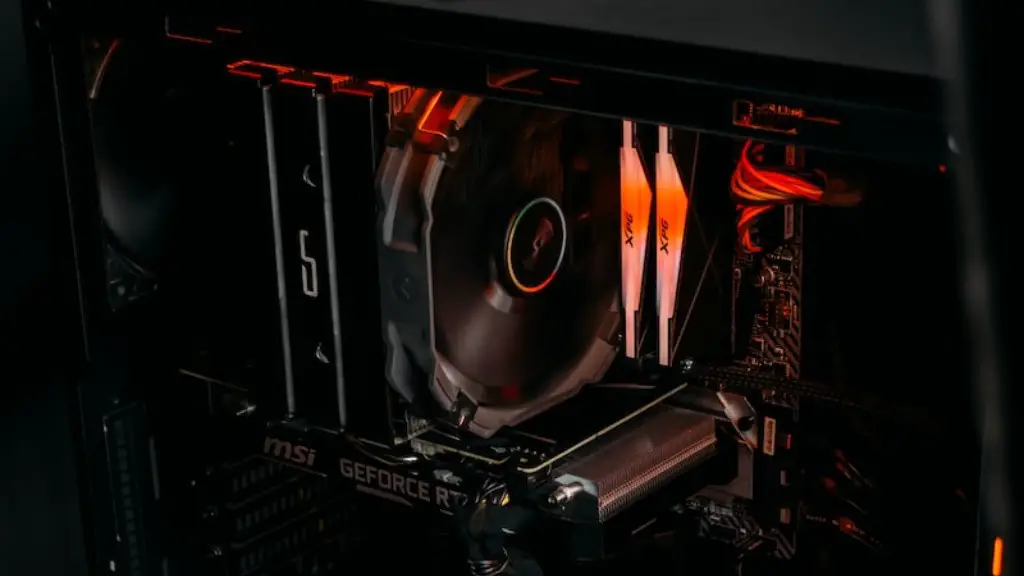
OLED gaming monitors also have a much faster response time, as low as 0.1 milliseconds. This allows for more input lag and smoother gameplay. On top of that, this technology comes with a better image quality in comparison to LED monitors, ensuring all the details of the environment look vibrant.
Unlike LED monitors, OLED displays don’t require an extra cooling system, and they heat up less, so they are more efficient in the long term. While OLED monitors can be pricy, their advanced technology delivers a much better gaming experience.
The Pros and Cons of a Curved Gaming Monitor
Curved gaming monitors place the viewer at the centre of the experience, and many gaming enthusiasts swear by this display type. The curvature of this monitor creates an illusion of deeper depth, providing a more immersive experience with wider viewing angles. Moreover, looking at a curved monitor reduces eye fatigue.
Although curved gaming monitors are popular, they do have a few cons. They’re costlier, and content might appear distorted at the edges. This is because the edges get blurred due to the display’s curvature. Players who prefer a screen with plenty of real estate should opt for a flat screen monitor instead.
A flat screen monitor offers a more traditional viewing experience, and they are more affordable. Many gamers favor this type of monitor as they don’t have any distortion. On the other hand, flat screens don’t provide a natural viewing experience. Additionally, since their viewing angle is limited, gamers need to change their viewing position regularly.
The Role of G-Sync in Gaming Monitors
G-Sync technology eliminates screen tearing and lag by synching the display’s refresh rate with the GPU’s frame rate. This means gamers get smoother visuals and a better response to their input, whether that’s navigating menus or executing a command. It also helps reduce power consumption, so gamers can save on electricity.
G-Sync works by allowing users to set the monitor’s refresh rate according to their preferences. This technology is supported by modern NVIDIA graphics cards, making it easier for gamers to benefit from this technology. Similarly, there’s FreeSync, an AMD alternative that comes with adaptive synchronization.
G-Sync and FreeSync technologies can also be used with HDR and Ultra-Low Motion Blur (ULMB) game modes. HDR adds more colors to images, and ULMB sharpens moving images. Overall, G-Sync and FreeSync are excellent options for gamers seeking a more immersive and seamless gaming experience.
Advantages of Bigger Monitor Screens for Gaming
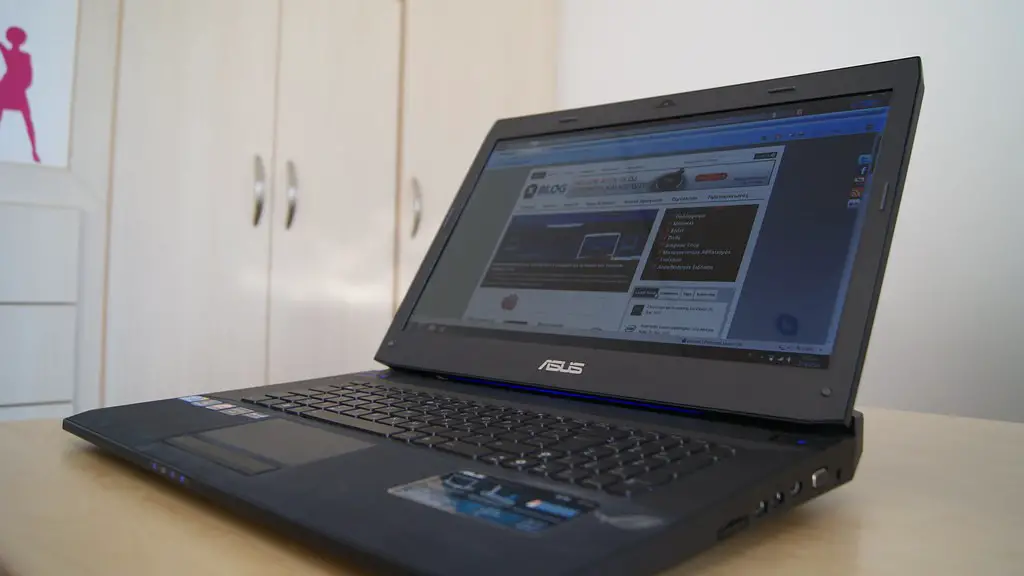
Although many gamers opt for 24- or 27-inch monitors, some swear by bigger screens. Higher monitor sizes are beneficial in several ways. The first is that they provide gamers with a wider field of view, allowing them to see more of the gaming environment. With a bigger monitor, gamers can stay engaged in the action for longer periods of time.
Having a higher resolution also increases the visual acuity of each pixel, so gamers enjoy a better quality of graphics. This helps them identify enemies and obstacles much faster, enabling faster reactions. On top of that, bigger screens are more suitable for multi-tasking as they let gamers stream current events while they’re playing games.
However, a larger monitor can be expensive and heavier to transport. Also, gamers need to make sure their hardware can handle the resolution on bigger screens. For example, a 4K monitor should be supported by hardware such as a powerful graphics card.
Using Multiple Monitors for an Ultimate Gaming Experience
Today’s gamers can use multiple screens to reach a whole new level of gaming. With two or more monitors, gamers can display multiple windows at the same time. This helps gamers easily switch between applications and compare different windows in a split second, giving them an edge when playing competitive games.
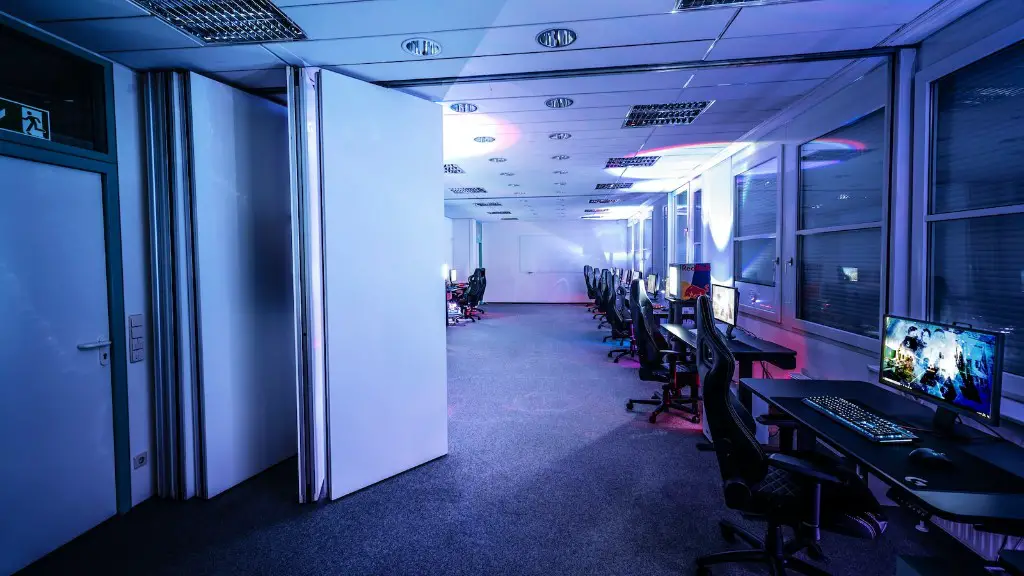
Though gaming on multiple monitors can be an expensive affair, it is the ultimate gaming experience. It requires the right hardware and software setup such as powerful computers and powerful graphics cards. There are also settings to configure, such as the ratio between the monitors so gamers get an ideal viewing angle to enjoy the game.
This setup also comes with a few cons that gamers should know before investing in it. Not all games are fully compatible with multiple monitors. Though this problem resolved itself over time since developers increased support for it. Besides, a multiple monitor gaming set-up could generate too much heat, so gamers need to make sure their computers are capable of dissipating this heat.
