The question of whether gaming monitor can be used for work or not has been asked for some time now. The answer is yes. A gaming monitor can be used for work, but it must have the right features to do so. Gaming monitors have some features that can increase productivity while working, such as improved colors and faster refresh rates. In this article, we will look at the features that make a gaming monitor suitable for work.
Refresh Rate
Refresh rate is one of the most important aspects of gaming monitors. This is the rate at which the display refreshes itself. A higher refresh rate means that text, images, and videos will look much better. It also reduces eyestrain and prevents blurriness when working. In addition, a higher refresh rate can reduce input lag, which is helpful when working with animations or playing video games.
Response Time
The response time of a display is another important factor to consider when using a gaming monitor for work. This measures how quickly a screen can respond to changes in colors. A lower response time helps create fluid imagery with no ghosting or blurring. This ensures that your work looks crisp and clear. Lower response times mean you won’t have to wait for an image or text to clear before you can move on to the next task.
Color Accuracy
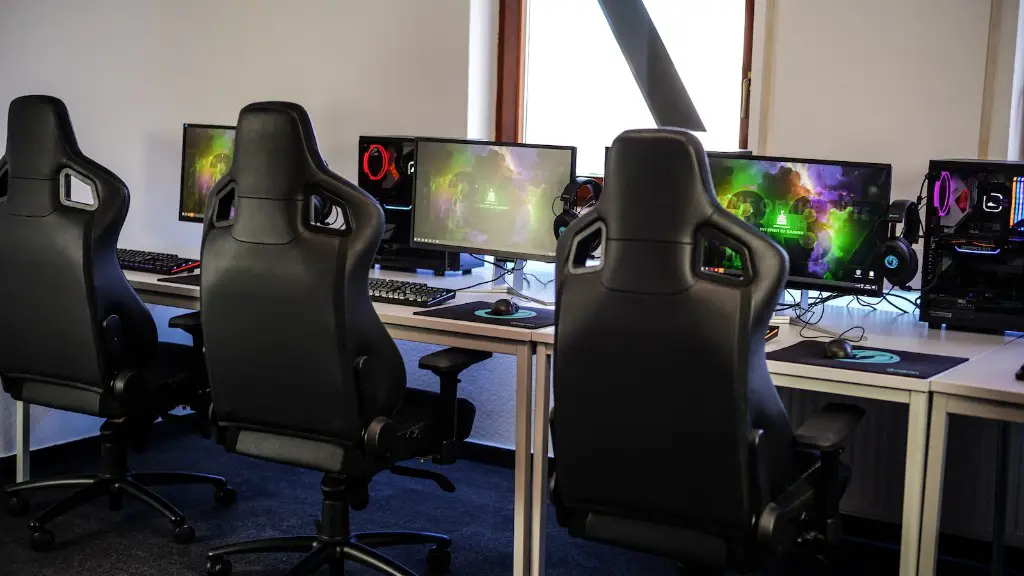
Another important factor to consider when using a gaming monitor for work is its color accuracy. This defines how accurately a display can reproduce colors in artwork, logo designs, and other graphics-related tasks. Ideally, you should look for a gaming monitor that can show the full range of colors accurately. This way, you can be sure that your work is being displayed as you intended.
Movement Clarity
Finally, a gaming monitor should have good movement clarity. This refers to how true-to-life images and videos appear on the screen. Better motion clarity ensures that you don’t have to worry about blurring or ghosting when you’re watching videos or playing video games. Additionally, you won’t have to readjust your monitor’s settings to get the best possible image quality.
Connectivity Options
It is also important to look for a gaming monitor that has a variety of connectivity options. This includes HDMI, DisplayPort, USB, and other ports. This ensures you have enough ports to plug in all the necessary peripherals. In addition, some gaming monitors come with extra features such as built-in speakers. This is especially useful if you need to use your monitor for presentations.
Ergonomics
Finally, you should also consider the ergonomics of a gaming monitor. Ergonomics refers to how comfortable it is to use the display. Look for a monitor that has adjustable settings such as tilt and rotate. This will allow you to use the display in the most comfortable position for your posture. In addition, some gaming monitors have adjustable height options for a more personalized experience.
Comparison of Gaming Monitors vs Regular Monitors
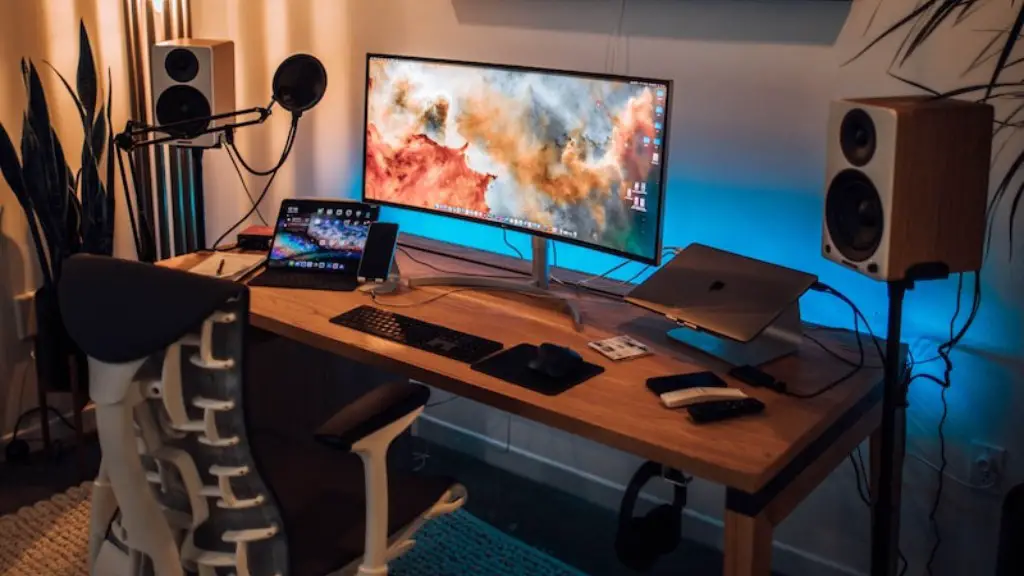
Gaming monitors offer a range of features that make them more suitable for work than regular monitors. They have higher refresh rates and better color accuracy, which can help make work easier. They also have better connectivity options, allowing you to plug in the necessary peripherals. Additionally, they often come with adjustable settings such as tilt and rotate, which make them more ergonomic. Finally, they offer higher refresh rates, which can reduce eye strain.
Advantages of Using a Gaming Monitor for Work
Using a gaming monitor for work can have a range of advantages. It can improve color accuracy and reduce eye strain. It also offers better movement clarity, allowing for smoother animation playback. Additionally, it can reduce input lag when working with animations or playing video games. Finally, it offers adjustable settings such as tilt and rotate, which can improve ergonomics.
Disadvantages of Using a Gaming Monitor for Work
While using a gaming monitor for work can have many advantages, there are also some drawbacks. Gaming monitors can be quite expensive compared to regular monitors, so they may not be an option for everyone. In addition, they may be overkill for some tasks and may not be necessary for everyday use. Finally, they tend to be bulkier than regular monitors, making them more difficult to transport.
Conclusion
In conclusion, a gaming monitor can be a great option for work. They offer a range of features such as higher refresh rates, better color accuracy, and enhanced movement clarity. They also come with adjustable settings and better connectivity options. However, they may be too expensive for some, and may not be necessary for everyday use. It is important to consider all these factors before investing in a gaming monitor for work.
