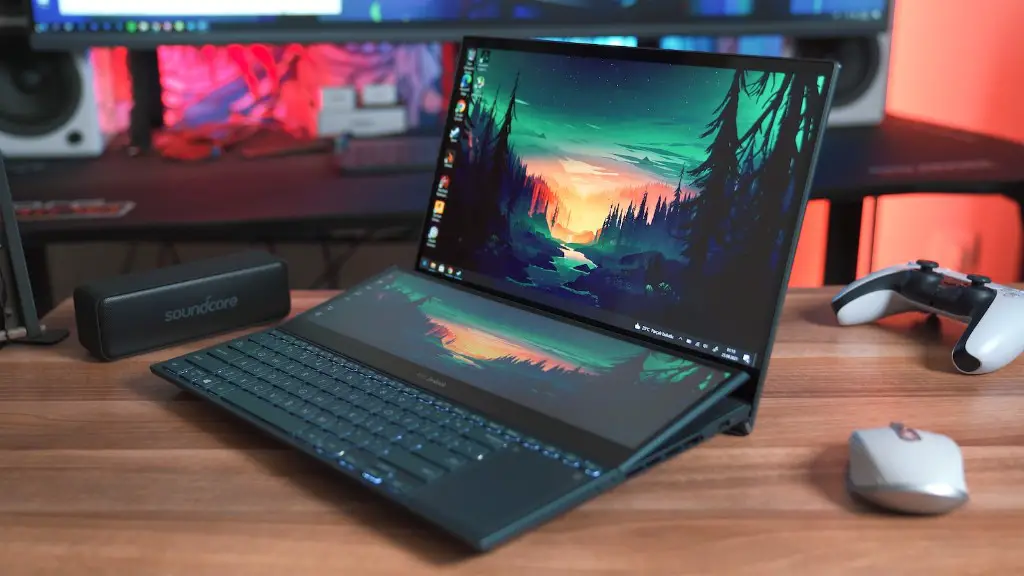
What Is A Workstation And Can I Use A Gaming Laptop As A Workstation?
A workstation is a computer designed for high-performance computing and specialized applications, such as computer-aided design (CAD), computer-generated imagery (CGI), architectural design, engineering, video editing, and graphic design. They usually have more powerful CPUs, a larger amount of RAM, faster storage devices, high-end graphic cards, and improved cooling systems to maintain optimal performance.
On the other hand, gaming laptops are made for gaming and entertainment purposes. Their primary purpose is to deliver superior performance at a faster pace. They come with high-end GPUs, large hard drives, and powerful CPUs for a smooth gaming experience.
Given the differences between the two, it is easy to see why people might not think of using a gaming laptop as a workstation. Nevertheless, as technology advances, it is possible to use such machines for professional work.
Advantages And Disadvantages Of Using a Gaming Laptop As A Workstation
The biggest advantage of using a gaming laptop as a workstation is the versatility that comes with it. If a user needs certain specifications for a job but wants the portability of a laptop, then a gaming laptop would be a great option. It can be used for gaming, streaming, as well as for any regular office tasks.
However, there are a few drawbacks as well. The cost is one of the biggest.Gaming laptops are usually quite expensive given the components and additional features they offer. Additionally, the power consumption of these devices is quite high, making them less energy-efficient than traditional workstations.
What Are The Components That Need To Be Checked Before Choosing A Gaming Laptop As A Workstation?
The first component to consider is the CPU. It should be powerful enough to handle all the applications you will use. Additionally, a dedicated GPU should also be opted for so that the laptop can render complex images quickly.
RAM is another important component. Opt for 8GB or more depending on your requirements. An SSD is also recommended for faster storage. Make sure to check the display as well, as some jobs may require a better screen.
Finally, the laptop should be equipped with a good cooling system to avoid overheating. This can be achieved by purchasing a laptop with a multiple fan system or a larger cooling pad.
Which Are The Best Gaming Laptops For A Workstation?

When it comes to finding the best gaming laptop for a workstation, there are several options. Some of the best choices include the Razer Blade, Alienware Area-51m, Asus ROG Zephyrus, and the Acer Predator Triton 500. These laptops come with top-of-the-line components including an Intel Core i9 processor, an Nvidia GTX 2080 graphics card, and 16 GB of RAM.
Is It Necessary To Upgrade The Components Of A Gaming Laptop To Use As A Workstation?
Although most gaming laptops come with powerful components, some may prefer to customize them further to improve performance. Upgrading certain components, such as the RAM or the storage, can make the machine more efficient. For instance, adding a larger SSD drive can enhance the speed of storing and retrieving data.
On the other hand, some people may choose not to upgrade due to cost or availability of the parts. In this case, the laptop should offer enough performance without the need to upgrade.
Additional Tips When Using a Gaming Laptop As A Workstation
When using a gaming laptop for professional work, there are a few things to keep in mind. Be sure to keep an eye on the temperature to avoid overheating, as gaming laptops naturally generate more heat due to the powerful components. Additionally, make sure to use dedicated software for specific tasks, such as CAD or animation, to improve performance. Finally, take care of the laptop and keep it updated with the latest drivers and software.
Advantages Of Choosing A Traditional Workstation Over A Gaming Laptop
When it comes to choosing between a traditional workstation and a gaming laptop, there are a few key differences to be aware of. First, traditional workstations are usually cheaper and more energy-efficient than gaming laptops. Additionally, they come with a wider range of components and features that are optimized for specific tasks. They can also handle more powerful applications, such as video editing and animation, with ease.
Disadvantages Of Choosing A Traditional Workstation Over A Gaming Laptop
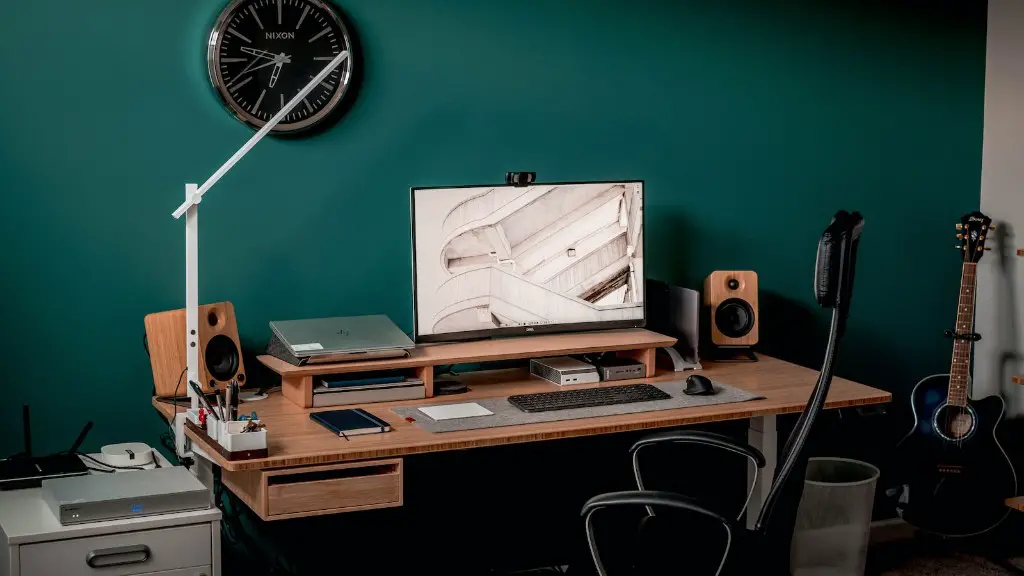
Traditional workstations are bulky, heavy machines that are not suitable for portability. They also require more space than a laptop, making them unsuitable for small workspaces. Additionally, they lack the multimedia capabilities of gaming laptops, such as support for high-resolution graphics, surround sound, and other entertainment features.
Conclusion
Given the versatility of gaming laptops, it is certainly possible to use them as a workstation. However, it is important to consider the components, cost, and other factors such as portability before making a decision. Additionally, a traditional workstation may still be the better option for certain tasks due to its more powerful components and features.
