Can a gaming monitor be used for work? There is no easy answer to this question, since it depends on the type of work and the individual’s requirements. But generally speaking, gaming monitors can provide an increased performance when used in certain types of work, such as graphic design, video editing, and video gaming. The larger size of gaming monitors, compared to regular monitors, can provide more space to work with onscreen, and their higher resolutions can improve the clarity of text and images.
When using a gaming monitor for work tasks, it is important to be aware of the differences between gaming and business-centric monitors. Gaming monitors usually have higher refresh rates, which can help reduce motion blur and increase the perception of smoothness. In addition, gaming monitors often feature advanced options for gamers, such as adjustable settings for sharpness, contrast, backlighting, and other features that can give gamers an edge. However, these features may not be needed for typical work tasks, and may not be as energy-efficient.
The cost of gaming monitors can also be an important consideration, since they are often significantly more expensive than standard monitors. If a gaming monitor is absolutely essential for doing your work, then it may be worth the cost. However, if the features of a gaming monitor do not offer essential benefits for your task, a standard monitor may be a better option.
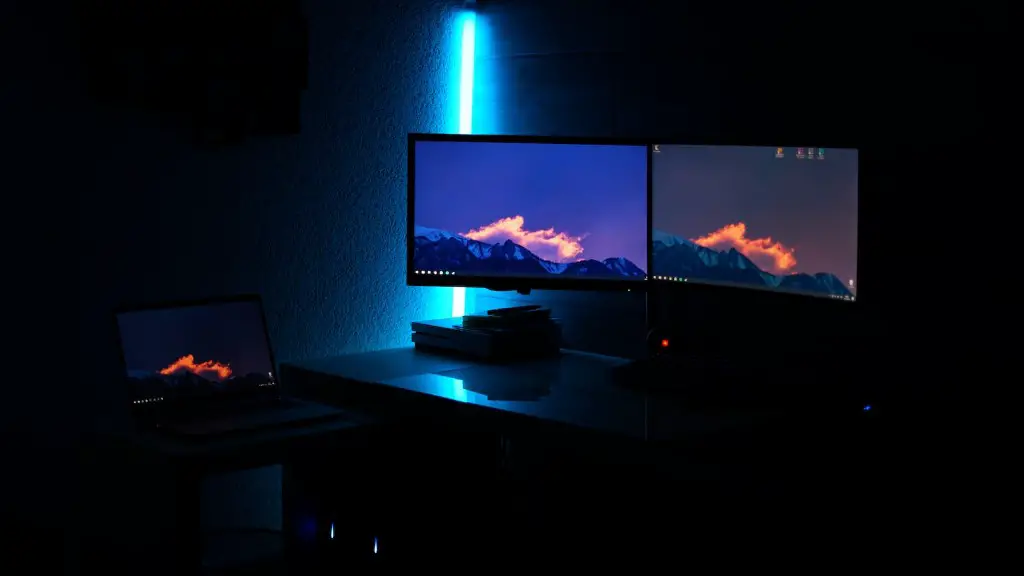
In addition to the cost and features of gaming monitors, it is also important to consider the compatibility with the type of work being done. Some work tasks may require specific software that is incompatible with a gaming monitor’s advanced features. For example, if you are working with text, a standard monitor with a basic feature set may be a better option than a gaming monitor with advanced feature sets.
For those who need the added performance that a gaming monitor provides, it is important to make sure the monitor is compatible with the type of work being done, and that the features are actually needed. If the added features of a gaming monitor are not essential for your specific task, then a standard monitor may be the best choice. A good rule of thumb is to choose a monitor that has enough features for your task, but does not come with unnecessary features that could increase cost or energy usage.
Business-Centric Monitors
Business-centric monitors are designed specifically for professionals and offer feature sets that are tailored more closely to a working environment. Compared to gaming monitors, they typically have lower resolutions, smaller sizes, and limited features, such as less adjustable settings. However, their features can still provide the performance necessary for typical office tasks, such as web browsing, word processing, and spreadsheets.
Business-centric monitors are often more energy-efficient than gaming monitors due to their reduced feature sets. Also, their lower resolutions can make them easier to read for long periods of time, since less text and images need to be displayed on the screen. In addition, their smaller size can help to reduce eye strain, since there is less space on the screen to look at.
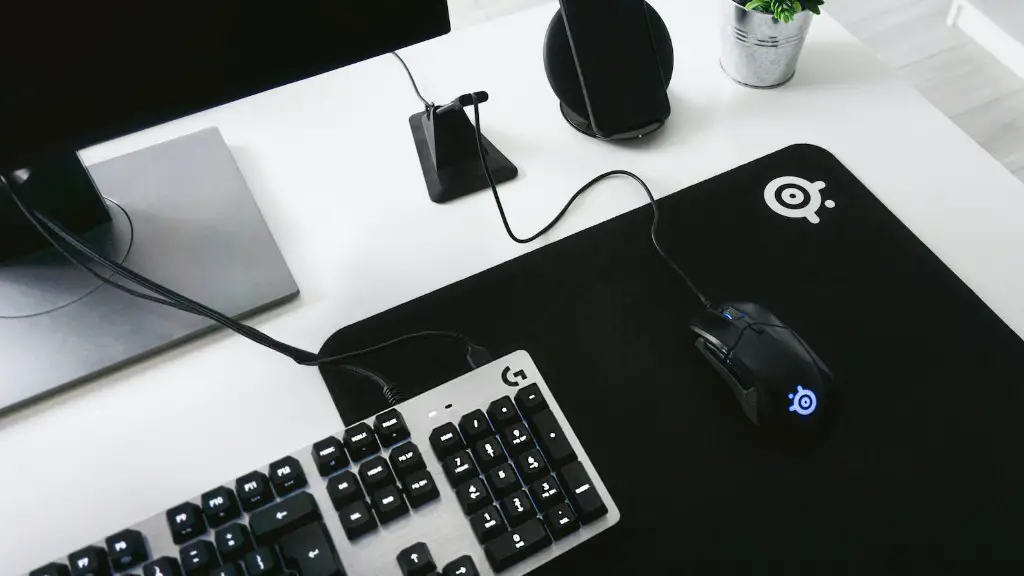
When choosing a business-centric monitor for work, it is important to consider the types of applications that will be used. For example, if graphic design or video editing are required tasks, then a monitor with a higher resolution and more advanced features may be necessary. Also, be sure to select a monitor with a size and resolution that will adequately fit the tasks that need to be completed, while being comfortable to view.
Finally, it is important to consider the cost of a business-centric monitor compared to gaming monitors. While gaming monitors may have more advanced features, they may not be necessary for most work tasks, and it may be more cost-effective to choose a standard monitor instead. That said, if the features of a gaming monitor are necessary for a task, then selecting one may be a more cost-effective solution in the long run.
Comparison Between Business-Centric and Gaming Monitors
When deciding between a business-centric and gaming monitor for work, it is important to compare the various features, specifications, and costs of each type. Generally speaking, business-centric monitors are more energy-efficient, cost-effective, and comfortable to view than gaming monitors. On the other hand, gaming monitors offer more advanced features that may be useful for certain work tasks. Therefore, it is important to choose the type of monitor that best meets the needs of the task.
For those who require a more advanced feature set, gaming monitors may be a better choice than business-centric monitors. In addition to better resolution and higher refresh rates, many gaming monitors have adjustable settings that can help provide an edge to gamers in competitive gaming environments. Also, gaming monitors often come with additional built-in features, such as backlighting and color-correction settings that may be beneficial for graphic design or video editing.
On the other hand, business-centric monitors are often more cost-effective and energy-efficient than gaming monitors. Also, the smaller size and lower resolutions of business-centric monitors can be easier on the eyes for extended viewing periods, and are often better suited for typical office tasks. Therefore, if the features of a gaming monitor are not essential for the task, a business-centric monitor may be the better choice.
Conclusion
In conclusion, when deciding between a gaming or business-centric monitor for work, it is important to consider the type of work and the individual’s needs. For those who need the advanced features of a gaming monitor, it may be worth the extra cost, while those who need the energy-efficiency and cost-effectiveness of a standard monitor may be better off with a business-centric model. Ultimately, the best choice will depend on the type of work and the individual’s needs.
