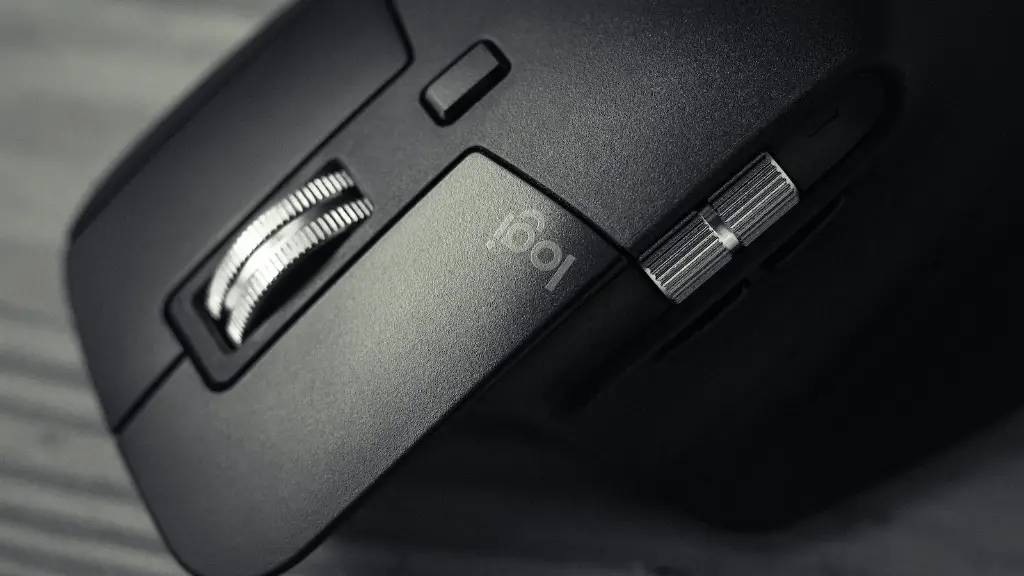
If you’re looking for a gaming mouse to take your PC gaming to the next level, you might be wondering if you can use it for work as well. The answer is – it depends. A lot of gamers use their gaming mice for both gaming and work, but it really depends on your needs and preferences. Some people find that they prefer the extra buttons and customization options that a gaming mouse offers, while others find that a more basic mouse is just fine for work. Ultimately, it’s up to you to decide if a gaming mouse is right for you at work.
It really depends on what you need to use the mouse for. A gaming mouse generally has more buttons than a standard mouse, which can be helpful if you need to perform a lot of different actions during your work. However, if you don’t need the extra buttons, a standard mouse will probably suffice.
Can gaming mouse be used as normal mouse?
Macro keys are keys that can be programmed to perform a specific action or series of actions. They’re commonly used in gaming to perform repetitive actions quickly, but they’re also convenient for general computer use. In addition to having buttons that change mouse sensitivity, most gaming mice also come with macro keys that you can program using the mouse’s software.
A gaming mouse is a type of computer mouse that is designed specifically for use with video games. Gaming mice typically have a higher dot per inch (DPI) resolution, have additional buttons, are shaped more ergonomically, and are weighted. The higher DPI is to make the mouse more precise. The weight is because if you play at highest DPI settings, you tend to get mouse jitter.
Can you use a gaming mouse for a laptop
There are a few factors to consider when choosing a gaming mouse for your laptop. Portability, ease of use for storage, battery life and form factor are all important considerations. There are plenty of great options on the market, so take your time to find the perfect one for you.
There are a lot of factors to consider when choosing the best mouse for work. You need to think about what type of work you’ll be doing, how much money you’re willing to spend, and what features are most important to you.
Logitech makes some of the best mice for work, and their MX Master 3S is our top pick. It’s a great all-around mouse that’s comfortable to use, has a lot of features, and is very durable. If you’re looking for a more budget-friendly option, the Logitech M720 Triathlon is a great choice. It’s not as feature-rich as the MX Master 3S, but it’s still a great mouse for work.

If you travel frequently for work, the Razer Pro Click Mini is a great travel mouse. It’s small and lightweight, but still has all the features you need for work. And if you’re looking for the absolute cheapest mouse for work, the Logitech M100 is a great option. It’s basic, but it gets the job done.
Is gaming mouse more durable?
There are a few reasons why gaming mice are often more durable than regular mice. Firstly, they use better quality components. Secondly, they usually use better materials. Thirdly, they have better methods for paint. Finally, they have longer warranties.
A gaming mouse can be a great asset for any gamer. They are usually more durable and offer improved performance over standard mice. They can also be more comfortable to use, as they are often designed with ergonomics in mind.
Why is a gaming mouse better than a normal mouse?
A gaming mouse is a mouse that is specifically designed for use with a computer game. Gaming mice typically have extra buttons and features that allow for more control and customization than a standard mouse. These extra buttons can be programmed to perform specific actions within a game, making them an essential tool for any serious gamer. Gaming mice typically use optical or laser sensors for their tracking, which allows for higher sensitivity and better performance than a standard mouse.
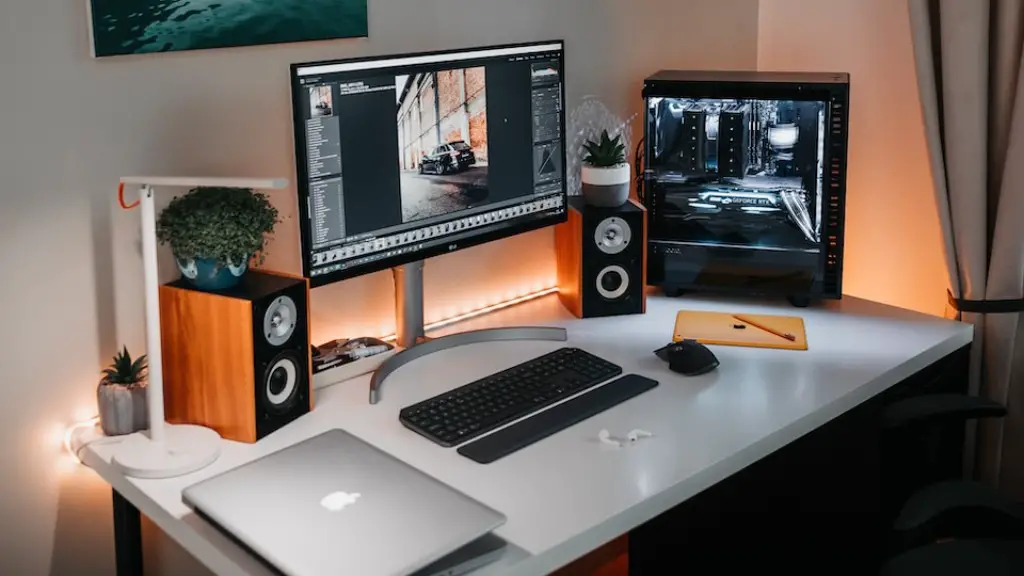
If you’re looking for the best performance possible from your computer, you’ll want to look into a desktop model. Much of this has to do with thermal conditions; desktop computers have an easier time handling heat, meaning that the components can run faster and cooler. This also leads to more cores and higher clock speeds on processors, as well as faster memory. All of these factors result in a computer that can handle more demanding tasks and give you a better gaming and application experience.
Is gaming PC better than workstation
A gaming machine can offer better performance than a workstation for a given price, but it is not ideal for high-tolerance work or jobs that require absolute performance.
There are several reasons why someone might want to use a gaming mouse or keyboard. The extra buttons on a gaming mouse can be customized to perform macros, which can be useful for gamers who want to automate certain actions. Other features of gaming mice, such as weight customization and PTFE feet, can improve comfort and performance. Gaming keyboards are usually mechanical, which can provide a more responsive and durable experience.
Which mouse is better wired or wireless?
There are several reasons why a wired mouse is preferable for gamers. Firstly, wired mice offer the best possible performance in terms of smoothness and reliability over years of use. Secondly, they are more ergonomically designed which makes them more comfortable to use for extended periods of time. Thirdly, wireless gaming mice are often very expensive.
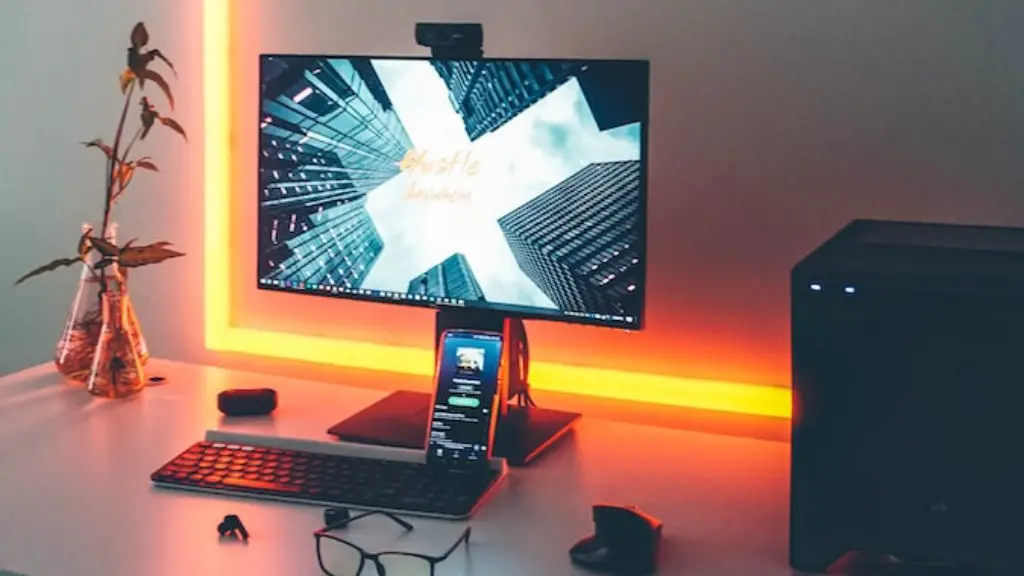
Laptops and notebooks usually don’t come with a mouse like desktop computers have. However, they have USB ports which enable them to connect to any USB mouse. This way, you can use a wired or wireless mouse with your laptop or notebook.
Do mice like light or dark better
Mice are most active at night, so if you see them during the day, it may mean there is a large infestation in your home. They don’t usually like bright lights, but may be seen in the day if their nest is disturbed or they are looking for food. If you see mice during the day, it’s best to call a pest control professional to get rid of them.
If you have a mouse problem, the best way to get rid of them is to use rodenticide. This can be deployed on the exterior of your house, and will be much more effective than traps. Just make sure to use it correctly, and you should be able to get rid of all the mice in no time.
Is a flat or curved mouse better?
Hand and wrist injuries associated with computer use are becoming increasingly common. Any type of movement impairment, whether it’s from an uncomfortable mouse design or poor ergonomics, can increase the risk of injury.
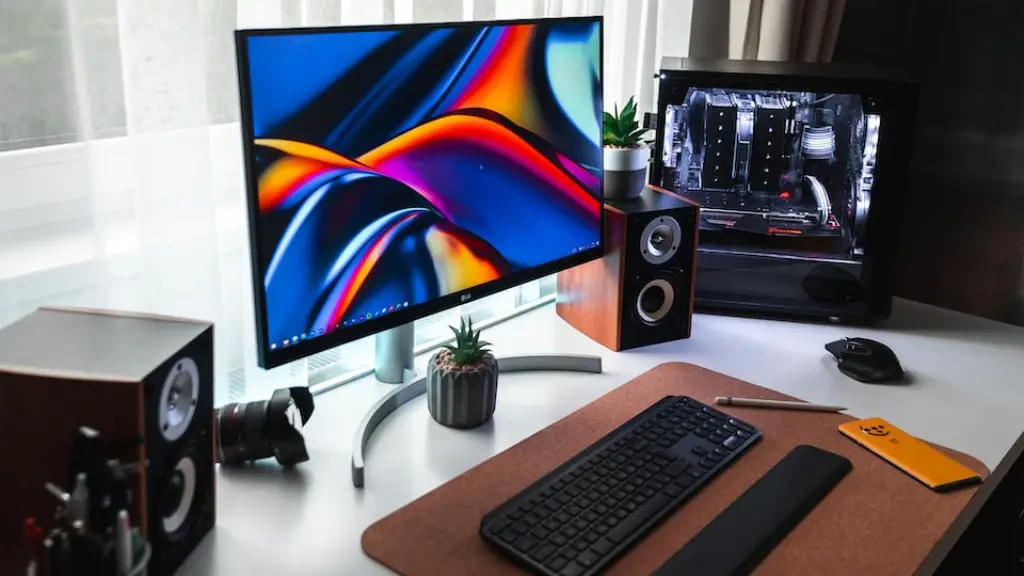
One way to reduce the risk of injury is to choose a mouse design that fits your hand and is as flat as possible. This will help to reduce wrist extension, which can place unnecessary stress on the tendons and muscles in the wrist and hand. Additionally, avoid using a curved mouse, as this can also contribute to discomfort and strain.
A lightweight mouse is typically 80g or less, while a standard mouse is 100g+. A gaming mouse is usually on the heavier side, so if you’re looking for a lighter mouse for gaming, you may want to consider an ultra light or super light mouse.
Conclusion
There is no simple answer to this question as it depends on a few factors. The type of gaming mouse you have and the type of work you do are the two biggest factors to consider. If you have a gaming mouse with lots of buttons and want to use it for work, you might have some difficulty getting used to the new button layout. Additionally, if your work requires precision mouse movements, a gaming mouse might not be the best option as they are often designed for faster movements.
Gaming mice are designed for gaming and have extra features that may not be useful for work. However, you can still use a gaming mouse for work if you don’t mind the extra buttons and if you find the extra features useful.