Games are popular with both casual and hard-core gamers alike. The type of gaming monitor one chooses can greatly affect the gaming experience. There’s a lot of debate in the gaming community about whether or not gaming monitors can have “input lag”, or the delay between the physical input from a gamer and the resulting action in the game.
Input lag is very important for competitive gamers trying to maximize their performance in particularly tight and competitive match-ups. Any delay between the players’ input and the action in the game can be reduced to a minimum in order to optimize the competitive experience.
Obviously no gamer wants to sacrifice performance or responsiveness from their gaming monitor. This is where input lag can become a major concern and might require changes to the overall gaming setup. Input lag is often caused by a laggy connection between the monitor and the console or personal computer, leading to slow response times.

The good news is that input lag can be minimized by choosing the right gaming monitor. Professional gamers often prefer to buy monitors with a very low input lag rating. It is also important to choose the right type of monitor and make sure to configure the graphics and network settings correctly.
Many modern monitors are designed to reduce input lag, and some of them even have specialized modes designed to minimize the delay between the input and the action in the game. This is a great option for avid gamers as it allows them to minimize the amount of lag present on their monitors.
Finally, it is important to note that there is no such thing as a lag-proof gaming monitor. While some monitors are designed to reduce input lag, the amount of lag present will depend on various factors such as the hardware, the connection type and the type of game. Ultimately, the most important factor is to choose a monitor which is fast and responsive.
Input Lag & Response Times
Input lag and response times are two key factors that gaming enthusiasts need to consider when setting up their gaming system. Input lag is the delay between the physical input from a gamer and the resulting action in the game, while response times are the time it takes for pixels to change color. This is especially important for competitive gamers as it can have a direct impact on their performance.

Modern gaming monitors have a number of features designed to reduce input lag and improve response times. For example, high refresh rates and low latency modes are designed to reduce the response time, while low latency modes can reduce the amount of input lag present on the monitor.
However, it is important to note that response times and input lag can vary depending on various factors such as the hardware and connection type. It is also important to note that input lag can be caused by external factors such as a bad internet connection or a faulty graphics card.
Finally, it is important to note that no gaming monitor is completely “lag-proof”. It is still possible for competitive gamers to experience input lag and slow response times, even if they use a high-end gaming monitor.
Input Lag & Display Technology
Certain display technologies are more prone to input lag than others. The most common display technologies used in gaming monitors are TN panels, VA panels, and IPS panels. Generally, TN panels tend to have the lowest response times and input lag, while IPS panels tend to have the best image quality and color accuracy.
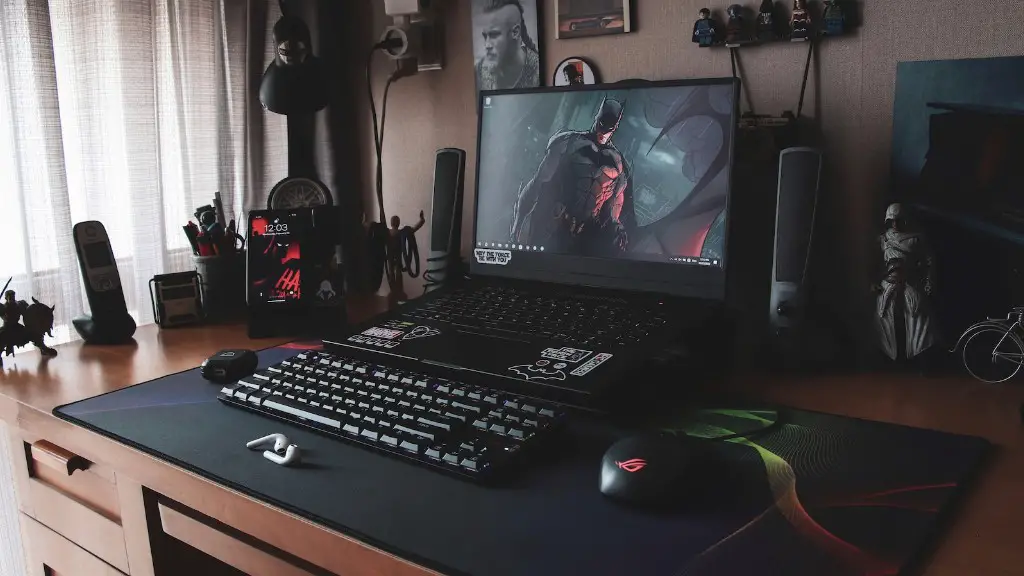
It is important to note that all display technologies have their advantages and disadvantages. For competitive gamers, TN panels are generally the preferred choice as they offer the lowest response times and input lag. However, they also have some drawbacks, such as poor viewing angles and color accuracy.
On the other hand, IPS panels are generally better when it comes to color accuracy, but they tend to have higher response times and input lag. This makes them better suited for gamers who prioritize image quality and color accuracy over responsiveness and speed.
Finally, VA panels offer a better balance between image quality and response times. They have better color accuracy and viewing angles than TN panels, while also offering lower response times than IPS panels. This makes them a great choice for gamers who value both responsiveness and image quality.
Input Lag & Display Settings
Display settings such as adjustable brightness and contrast can also have an impact on input lag. Generally, it is best to keep these settings at or near the default level. Turning up the brightness too high can increase the amount of input lag, while turning it down too low can decrease the visibility of the display.
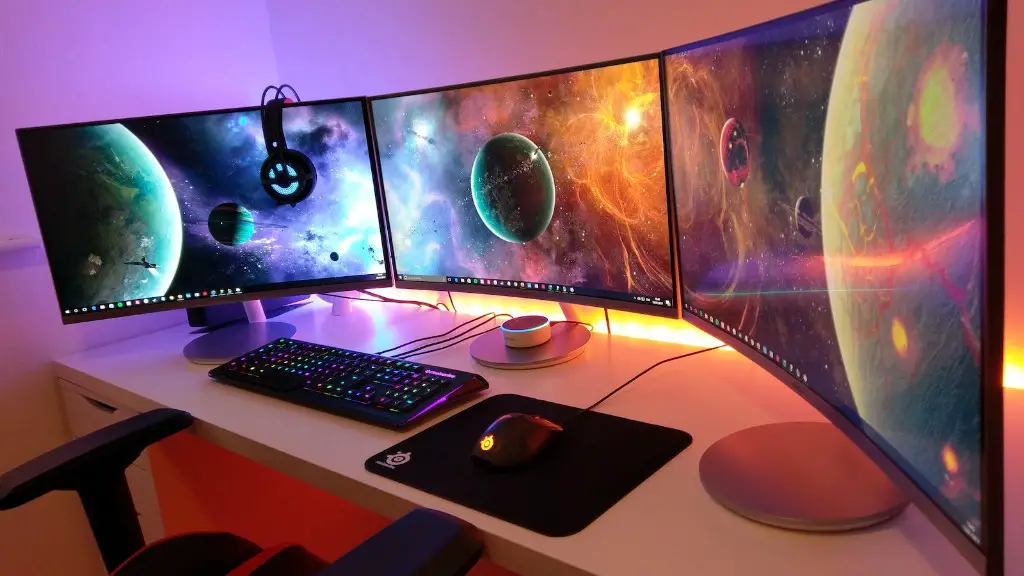
It is also important to make sure that the display is properly calibrated. Improper calibration can cause excessive input lag, as well as an inaccurate representation of the displayed image. This can be done manually by a professional calibrator, or by using specialized calibration software.
It is also important to note that the display will still have a certain degree of input lag even when it is properly calibrated. This is due to the inherent limitations of the display technology and cannot be further reduced.
Finally, it is important to make sure that the graphics card and network settings are correctly configured. Both of these can have a major impact on the amount of input lag present on the monitor.
Input Lag & Connection Types
The type of connection between the monitor and the console or personal computer can also have an impact on input lag. Generally, a wired connection is recommended as it is less prone to interference and can offer the best performance. Wireless connections, on the other hand, are more prone to interference and can result in increased input lag.
It is also important to keep in mind that displays with a high refresh rate will often require a more powerful connection. For example, displays with a refresh rate of 144 Hz or higher typically require a DisplayPort connection to achieve the maximum performance.
Finally, it is important to note that the amount of input lag present on the monitor will also depend on the game being played. Games that require more intense graphics processing will generally be more prone to input lag than simpler games.
Conclusion
Input lag can be an issue on some gaming monitors, but it can generally be minimized by choosing the right type of monitor and making sure that the settings and connection type are properly configured. While there is no such thing as a lag-proof monitor, it is possible to significantly reduce input lag to a minimal level.
