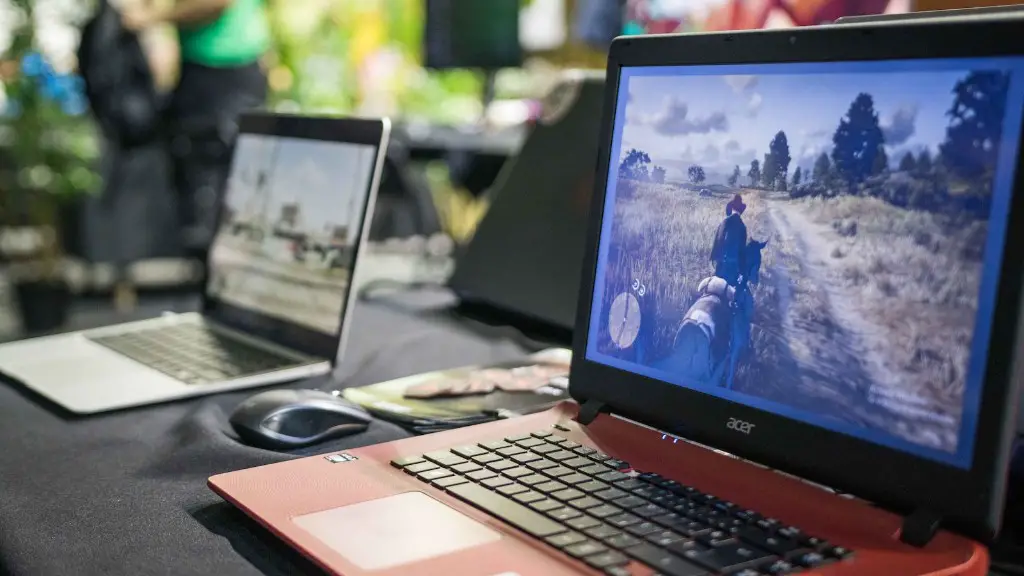
Virtual reality is becoming more popular by the day, and with so many different platforms, it can be difficult to keep up with the latest and greatest technology. With that being said, one of the platforms gaining some steam is VRchat, which can offer an immersive social experience for multiple gamers at once. Of course, the key question though, is can you run VRchat on a gaming laptop?
The answer to that is yes and no, but ultimately if you have a gaming laptop that is up to date with hardware requirements, you can run it. Most gaming laptops are designed with high-end hardware components to meet the growing demand for VR gaming, and you’re looking at something like an NVIDIA GeForce GTX 1060 or better to really experience VRchat. How powerful the laptop is will depend on how well you can run VRchat.
To get a better understanding of the laptop, one must take another look at the GPU. This is the heart and soul of the laptop, as it has the computing power to render 3D and virtual reality environments. Without the right GPU, you may have issues running VRchat, as the hardware requirements are quite demanding. If the GPU is too old or outdated, it won’t be able to successfully run VRchat.
It’s not just the graphics card though, as the processor, RAM, and storage must also be up to date. For instance, the minimum RAM requirement to run VRchat is 8GB, but if you have 16GB, then that is even better. As for storage, you should have at least 128GB on the laptop, but ideally a 256GB or higher, depending on how many games you plan on running. Also, having a laptop with a quad-core Intel i7 processor or better is highly recommended, so that the laptop can match the GPU’s speed.
Now, this all boils down to how much you’re willing to spend on a gaming laptop. If you want to run VRchat with near-perfect results, then you’re looking at spending upwards of $1500 for a laptop with the necessary hardware components. However, if you’re on a budget, then it is possible to find a laptop that can still run VRchat properly, but you’re going to have to accept the fact that it won’t be as powerful as if you had the top-of-the-line hardware.
It is also important to note that you will need the right gaming peripherals to experience a great VRchat experience. You need a virtual reality headset, controllers, and headphones. All of these cost money and must be taken into consideration when you are determining how much you should spend on a gaming laptop.
Updates and Patches
You may experience some issues when you first set up VRchat on your laptop due to updates and patches. These are necessary to ensure that the game is running on the latest version and that you are getting the optimum performance. Some of the more common patches and updates can take up more of the laptop’s memory, so be sure you have enough RAM to handle this. And it is also worth noting that if your laptop does not have an SSD, you will experience slower loading times when compared to a laptop with an SSD.
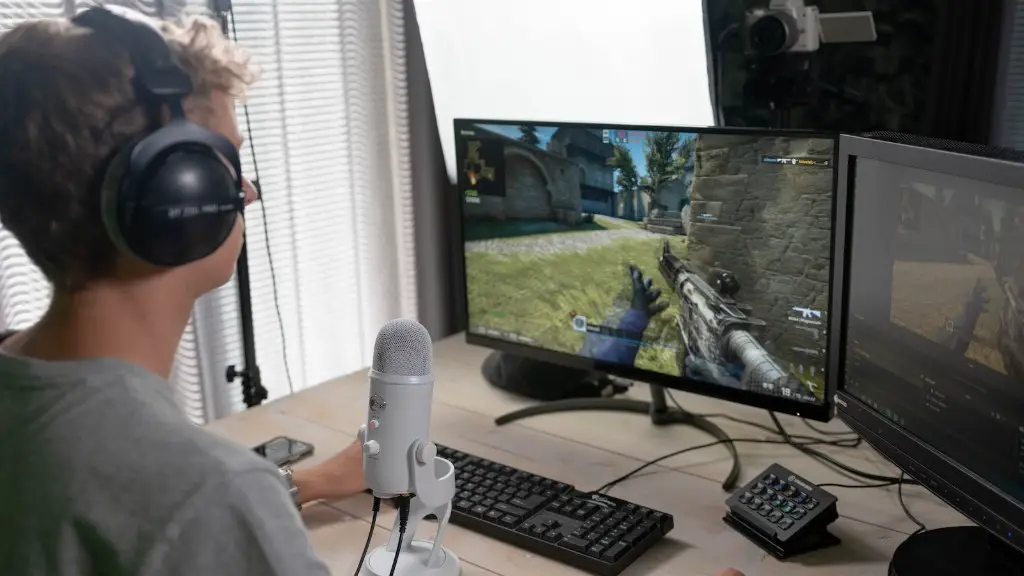
If you are experiencing lag or stuttering when playing VRchat, then you should try to turn off some of the graphics options in the settings. This can help to reduce the demands on the laptop and increase the performance. You should also turn off any other applications or windows that are running in the background, as this can also take up a lot of the laptop’s resources. And lastly, make sure you have the latest GPU drivers installed on your laptop.
All in all, VRchat can be a great addition to any gaming laptop, but you will need to make sure your laptop has the right hardware to be able to handle the demands. It is also important to remember that you need the right gaming peripherals as well, so budget for those as well. But if you are looking for an immersive and social experience, then VRchat is an excellent place to start.
VRchat Limitations
It is important to remember that VRchat is limited as to what it can do in terms of graphics. It is not as powerful as some of the AAA games, and because of that, the graphics may not be as good. This is something that should be taken into consideration when choosing a gaming laptop, as some of the laptops that have the hardware to run these AAA games may not have enough power to run VRchat with smooth, clean graphics.
Another limitation of VRchat is the platform. Currently, the game is only available on PC and Oculus, but that could change in the future. With that said, if you’re looking to be able to play VRchat on other platforms as well, then you may have to consider a more powerful gaming laptop and run the game on a higher graphical setting.
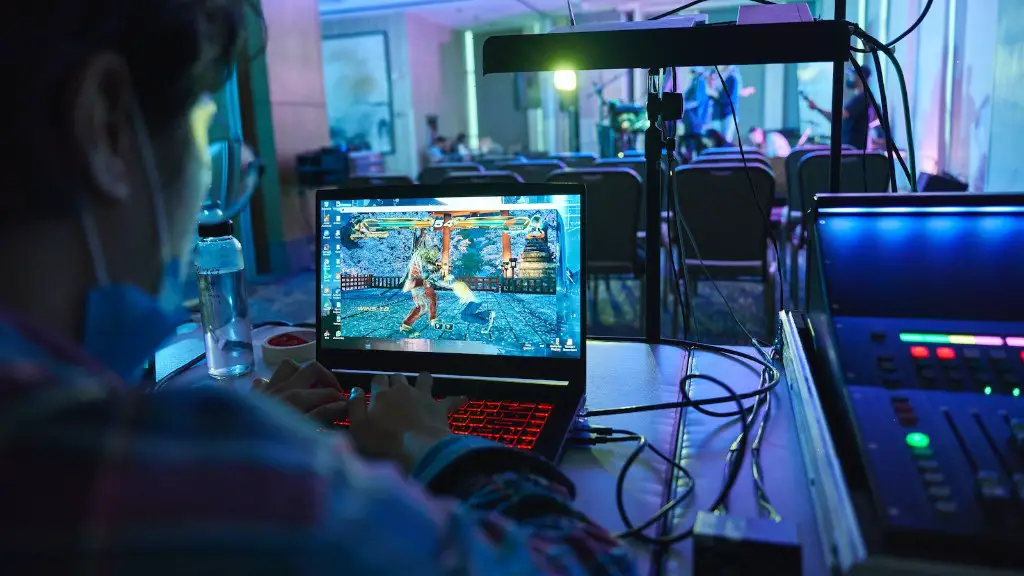
The last thing to consider is the controllers. Some of the gaming laptops come with their own gaming controllers, but there are some that do not. If your laptop does not come with controllers specifically for VRchat, you may want to look into buying some to be able to experience the game fully.
Game Developer Support
VRchat developers are constantly working to provide players with the best experience and they have to constantly update the game to make sure the game is running at its best. If a laptop is outdated or running older hardware, then playing VRchat may be an issue. That is why it is important to make sure the laptop is up to date with the latest hardware and software, so that the game runs smoothly.
Also, the community of gamers and developers around VRchat is really helpful in finding solutions to any technical issues that may arise. There are forums, Reddit threads, and other forms of communication where players can go to share their experiences and get help from the developers in real time.
Not only do developers offer technical support but also, they regularly take feedback from the community and use that to update the game for the better. This allows for more people to play the game, as the developers can make the necessary adjustments to ensure that the game runs nicely on all laptops.
Overall, VRchat is a great alternative to the more popular AAA games, as it can offer a social experience that allows gamers to interact with each other in virtual reality. If you have the right hardware, then you can be up and running in no time. And with the ever-growing support from developers, it is nice to know that they are always looking out for those who are experiencing any technical issues.
Networking and Communication
In order to really experience VRchat, you need to be able to network and communicate with other players. Luckily, this game offers a wide variety of platforms for networking and communication. The most common platform is the in-game chat, which allows for players to connect and find multiplayer matches.
Also, there are dedicated programs that allow for gamers to connect directly with each other for voice chat and more. Many of these applications are free, but some of them may require a subscription fee. It all depends on what you are looking for, but having a good networking tool is important to ensure that your VRchat experience is enjoyable.
Another way to find other gamers to play with is to join gaming events and tournaments. These events and tournaments often have dedicated chat rooms and voice chat systems, as well as dedicated streams to watch the events. This allows for gamers to communicate and interact with each other easily and quickly.
Not only does this game offer many opportunities for networking and communication, but the developers are also constantly encouraging players to network and cooperate with each other. Not only does this make the game more enjoyable, but it also creates a sense of community within the VRchat community.
Storage Capacity and Performance
In order to experience the full potential of VRchat, a gaming laptop must have sufficient storage capacity and performance. The minimum storage capacity that is required for the game is 128GB. This should be a minimum if you plan to download and install multiple games on the laptop.
As for performance, it is important to make sure the laptop has a quad-core processor. This will ensure that the laptop can handle the demands of the game, while running smoothly. Also, the laptop should have at least 8GB of RAM, but if you are looking for the best performance out of the game, then 16GB is recommended.
A laptop should also come with an SSD, as this will provide faster loading times for the game. It can also help to reduce the amount of stuttering and lag in game, as well as give the laptop an overall boost in performance.
Of course, all of the hardware components of the laptop should be up to date and certified for the game. Otherwise, you may experience issues running the game on your laptop, as the hardware may not be able to support the game.
Overall Benefits
Overall, if you have a gaming laptop that meets the hardware requirements of VRchat, then you can enjoy the immersive and social environment this game has to offer. The graphics may not be as good as some of the more popular AAA titles, but if you are looking for a social experience, then VRchat is an excellent choice.
Also, the developers of the game are constantly working to improve the experience and the hardware requirements, so you can be sure that your laptop will be able to handle the game for many years to come.
Not only that, but the fact that VRchat offers plenty of networking and communication options means that you can always find someone to play with. And with the ever-growing community and support from the developers, you can be sure that you will be getting an enjoyable experience each time you play.
