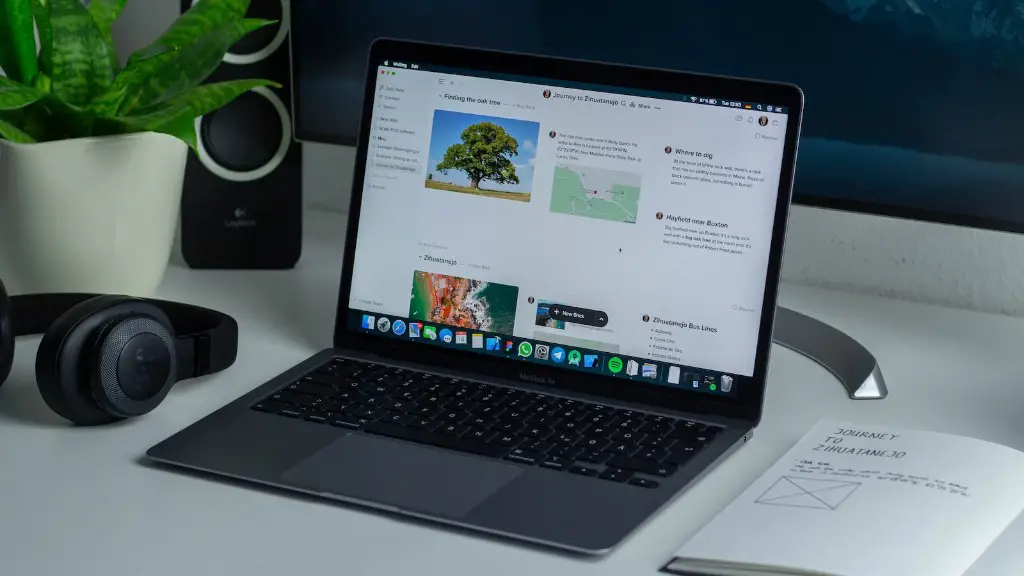
The last few years have seen a surge in gaming laptops, taking the market by storm. But the traditional desktop computer still holds the edge when it comes to gaming, with superior graphics processing power. But for those who don’t want to lug around a heavy desktop, a gaming laptop is an attractive option.
When it comes to gaming laptops, the GPU is the key component that determines how well the laptop will handle the latest games. Laptop GPUs are not as powerful as desktop GPUs, and no laptop on the market today can match the power of high-end desktop GPUs. This means that most laptop GPUs will struggle to get the most out of new games.
The question then is, can you upgrade the laptop GPU to something more powerful? Unfortunately, the answer is no. Laptop GPUs are integrated into the mainboard, so they cannot be replaced with a more powerful GPU. However, there are some ways to get around this.

One option is to purchase a gaming laptop with a powerful GPU. This may be more expensive than buying a standard laptop, but it will provide more gaming power and allow you to play the latest games. Of course, this will still not be as powerful as a desktop GPU, but it can take advantage of the laptop’s portability.
The other option is to connect an external GPU to the laptop via Thunderbolt or USB. This will add another layer of complexity and it may not be compatible with all laptops, but it is an option for power-hungry gamers. The external GPU will provide a major boost in performance, and is a viable option for those who don’t want to invest in a gaming laptop.
Overall, it is not possible to replace the GPU in a laptop, but there are ways to get more gaming power from a laptop. Buying a gaming laptop with a powerful GPU is one option, as is connecting an external GPU to the laptop. However, for the best gaming experience, it is still recommended to opt for a desktop PC with a powerful GPU.
GPU Design
At the heart of the gaming laptop is the GPU, or graphics processing unit. This is responsible for rendering 3D graphics and animations, and is typically the most powerful component in a gaming laptop. GPUs are typically based on chipsets from AMD or Nvidia—these two manufacturers are the industry-leaders in GPU design, and they offer chipsets with a variety of features and capabilities.
The design of a GPU can vary dramatically between different manufacturers, with different levels of performance and features. Generally, AMD GPUs offer the best performance in the mid-range, while high-end gaming GPUs are usually from Nvidia. Games are designed to take advantage of certain features of GPUs, so it is important to pick the right GPU for your uses.
When looking for a gaming laptop, it is important to pay attention to the GPU design. This is the most important component for gaming power, and picking a powerful GPU is critical for good performance. Also, keep in mind that the price of laptops usually increases with better GPU designs, so budget carefully to get the best performance.
GPU Upgrades
Although it is not possible to replace the GPU in a laptop, it is possible to upgrade it. This is done by installing a performance-enhancing software package, such as Nvidia’s GeForce Experience or AMD’s Catalyst software. These programs allow users to tweak graphics settings for specific games or for general use, and can help boost performance without the need for major hardware upgrades.
Another option is to invest in a higher end model of GPU, such as an Nvidia RTX 30-series or AMD Ryzen 5000-series. These GPUs feature the latest and most advanced technologies, and can provide a significant performance boost in games. This may require additional cooling, so it is important to research the model thoroughly before investing in one.
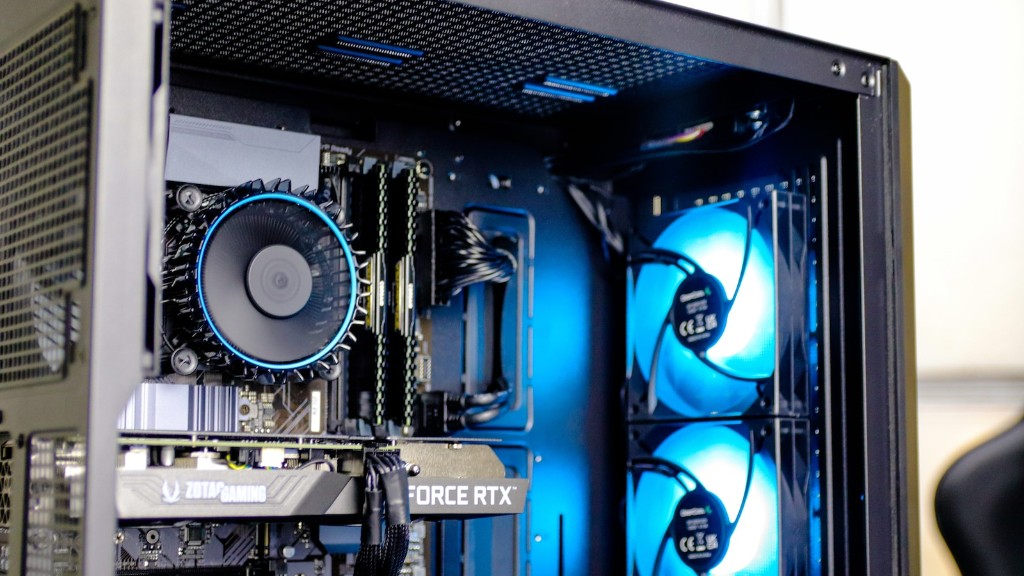
Finally, it is possible to add additional RAM to the laptop, which can also help performance in some cases. Again, this is a more advanced option and should only be undertaken if the user is confident in their ability to upgrade the laptop.
Popular GPUs
When looking at gaming laptops, one of the most important components to consider is the GPU. This is the most important part of the laptop for gaming power, and there are a few GPUs that stand out from the crowd.
The Nvidia RTX 30-series is currently the most powerful consumer-grade GPU on the market, and features cutting-edge technologies such as ray tracing, real-time ray tracing, and DLSS 2.0. It is expensive, but it is the top-of-the-line GPU for gamers who need the ultimate in performance.
On the AMD side, the Ryzen 5000-series is another great option. This is the newest generation of GPUs, and it offers excellent performance in games and other applications. It is also more affordable than the Nvidia RTX 30-series, making it a great option for those who want top-of-the-line performance at a lower price.
For those who don’t need the absolute most powerful GPU on the market, there are several mid-range options that offer excellent performance. The Nvidia GeForce GTX 16-series and the AMD RX 5000-series are popular mid-range options that offer good performance at a lower price.
Gaming Performance
Ultimately, the performance of a gaming laptop is determined by the GPU. If the GPU is not powerful enough, the laptop will struggle to run modern games, even if the CPU and RAM are powerful. On the other hand, if the GPU is too powerful, the laptop may be too expensive and may not be able to take full advantage of the GPU.
It is important to research properly and choose the right GPU for your needs. Also, keep in mind that cooling solutions are essential for gaming laptops, as components such as GPUs can generate a lot of heat. Invest in a laptop cooling solution if you plan to play games for extended periods of time.
Finally, it is important to remember that GPUs are only part of the equation. The CPU, RAM, storage, and display all have an impact on gaming performance, so make sure to pay attention to all the components when choosing a laptop for gaming.
Power and Portability

When it comes to gaming laptops, it is important to consider the balance of power and portability. Laptops are designed to be portable and lightweight, but this also limits their power. To get the most out of a gaming laptop, it is important to pick a model that offers the right balance of performance and portability.
Size is an important factor to consider. Laptops come in many different sizes, and some are much larger and heavier than others. Choose a laptop that is not too large, but still offers enough power for your needs.
Also, battery life is an important factor. Gaming laptops tend to have poor battery life due to their powerful components, so it is important to choose a laptop with a good battery. If you need to play games on the go, choose a laptop with a longer battery life.
Finally, weight is also a factor to consider. Larger gaming laptops can be quite heavy, so if you are going to be carrying the laptop around, choose a lighter model. However, keep in mind that lighter models will typically have weaker hardware.
Summary
In conclusion, it is not possible to replace the GPU in a laptop, but there are ways to get more gaming power from the machine. Buying a gaming laptop with a powerful GPU is one option, as is connecting an external GPU to the laptop. When picking a gaming laptop, it is important to consider the balance of power and portability, as well as the battery life, size, and weight.
