Many people have asked the question if their television can be used as a gaming monitor. This is a great idea if you have an older TV set and don’t have money to buy an expensive gaming monitor. It is important to consider a few factors before using a TV or traditional monitor.
The main difference between a TV and a gaming monitor is the size. TVs are usually much larger than gaming monitors, making it difficult to fit them onto your desk. This may be an issue if you want to play your games in tight spaces. On the other hand, a monitor is usually smaller and more compact, so it can fit in smaller spaces.
The second factor to consider is the resolution. TVs are designed with the intention of watching movies and have a much lower resolution than gaming monitors. This means that if you’re playing a game with a lot of detail, you may not be able to see as much on a TV as you would on a gaming monitor. Also, some TVs have a slow response time, making it difficult to make quick movements in game, especially when playing action games.
The third factor to consider is the refresh rate. This is how fast the TV can refresh the image, and this is important for gaming. Most gaming monitors have a refresh rate of 120-144Hz, which is much faster than most TVs, which usually only have a 60Hz refresh rate. This makes playing fast-paced games smoother and more responsive.
Lastly, you need to consider the cost. TVs are usually much cheaper than gaming monitors, so they can be an affordable option if you’re on a tight budget. However, a gaming monitor may be able to provide a better gaming experience in the long run.
Connectivity Options
When using your TV as a gaming monitor, it is important to consider the connectivity options. Newer TVs usually have several different ports for different types of devices. This includes HDMI, DVI, and VGA, which are all commonly used for gaming. Older TVs may have fewer ports, so you will need to make sure that your gaming device is compatible with the ports available on your TV.
Some TVs also have built-in wireless receivers, so you can connect your gaming device without needing a cable. This is a great option if you want to play in a different part of the room without having to worry about wires.
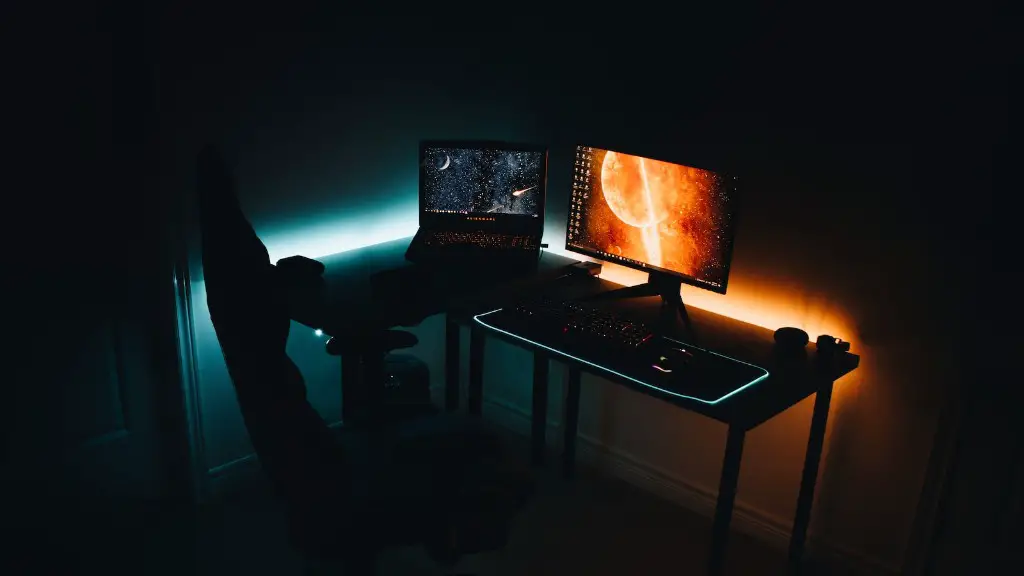
Lastly, some TVs have built-in speakers, so you don’t have to worry about buying a separate sound system. However, the sound quality from these built-in speakers is usually quite poor, so it may be worth investing in a dedicated sound system if you want to get the best audio experience from your games.
Input Lag
Input lag is an important factor for gamers, as it determines how responsive your gaming experience will be. Most TVs have a high input lag, which can cause games to feel sluggish and unresponsive. This is especially true for fast-paced action games.
If you want to use your TV as a gaming monitor, it is important to check the input lag. Look for models that have a low input lag of less than 15ms, as this will give you the best gaming experience.
TVs usually come with lots of extra features, such as 3D, HDR, and others. While these can enhance the gaming experience, they can also add to the input lag. So, if you want the lowest input lag possible, it may be best to turn off these features when playing games.

It is also important to note that different connection types have different input lags. For example, HDMI connections usually have the lowest input lag, while DVI and VGA connections tend to have a slightly higher lag. So, be sure to check the input lag for the connection type you will be using.
Gesture Control
Some newer TVs come with gesture control, which can be used to control your games. This can be useful if you want a more intuitive gaming experience or if you don’t have a gamepad.
Gesture control works by tracking your movements and translating them into commands in-game. This can make controlling your games more natural and give you a sense of immersion.
This can also be beneficial if you’re playing a game that doesn’t have controller support. For example, you can use gesture control to control a character in a shooter game, or use it to control a flying drone in an adventure game.
However, gesture control can be imprecise and may not be suitable for all types of games. So, it is best to test it out before relying it on it for your gaming.
Conclusion
In conclusion, it is possible to use your TV as a gaming monitor, but you have to consider a few factors, such as the size, resolution, refresh rate, and input lag. Also, make sure to check the connectivity options, such as HDMI and DVI, and see if your TV has gesture control.
With the right set-up, you can get an enjoyable gaming experience from your TV. Just keep in mind that it won’t be as good as using a dedicated gaming monitor.
