Custom gaming monitors are becoming ever more popular amongst computer gamers. If you’re a serious gamer, you know that snagging the right monitor is incredibly important for your gaming experiences. It’ll not only improve your game but also enrich the overall gaming environment. Here, we’ll explore why you could greatly benefit from getting a gaming monitor and some of the features you should consider.
Rather than a regular computer monitor, gaming monitors have an array of features that can help you get the most out of your gaming experience. Most gaming monitors have super low response time, while their refresh rates can exceed the industry stand of 60Hz. This means an improved level of accuracy and smoother frame rates.
Prevailing technologies like RTX, which requires extra bandwidth and improved refresh rates, are now being used in gaming monitors. This ensures you’re getting optimal gaming performance while supporting the latest gaming graphics.
Additionally, you’ll benefit from smooth and clear image quality. Thanks to the introduction of resolutions like WQHD and 4k, game graphics look incredibly realistic. This means you’ll get the most out of the game you’re playing.
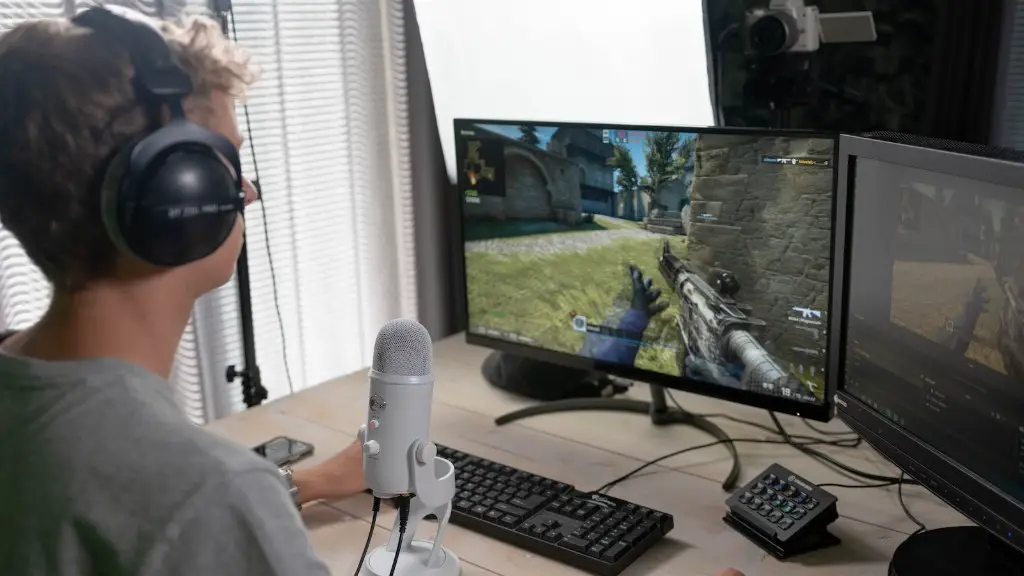
Flexibility is also an important factor to consider. When it comes to gaming, you need an adjustable monitor that can fulfill your gaming requirements. Thus, you should look for a gaming monitor with plenty of built-in features like height and tilt adjustments. It also helps to have features like anti-glare, reducing eye strain during long gaming sessions. Also, for multiple display requirements, it’s beneficial to consider ultra-wide gaming monitors.
Advanced gaming monitors come with added features that make the gaming experience more immersive. It’s now easy to access cutting-edge gaming technology that only the most modern gaming monitors offer. Options like G-Sync and FreeSync are crucial for stutter-free gaming. Not to mention, they provide smoother frame rate transitions that are essential for competitive gaming. And with compatibility options like HDMI, DisplayPort, and USB ports, you can play with multiple gaming consoles.
Response Time
A gaming monitor must have fast response time to provide smooth frame rates and low input lag. Most gaming monitors come equipped with a response time of at least 5ms, which is the industry standard for competitive gaming. Some gaming monitors even have a response rate as low of 1ms, which is best for gamers who play fast-paced games. When you’re buying a gaming monitor, keep an eye out for features like Overdrive, which helps reduce ghosting, and VRR, which provides a wider dynamic range for sustained frame rates.
Color Precision and Refresh Rates
For vibrant and clear visuals, it’s important to consider the color precision of your gaming monitor. Look for monitors with a standard of at least 8-bit or 10-bit, depending on your graphics card. Refresh rates are also essential for smooth visuals. Monitors with a refresh rate of 144Hz or more are best for competitive gaming. For HDR gaming, look for monitors with Quantum Dot and HDR 10 technologies, which can provide brighter and extended colors.
Gaming Monitor Size

It’s essential to consider the size of your gaming monitor. If you’re into immersive gaming, then it’s best to invest in a 27-inch monitor or higher. However, if you prefer more portability, then consider a 24-inch display. Additionally, you can get ultra-wide gaming monitors with features like IPS that provide wider viewing angles.
Budget
Just like any other gaming equipment, gaming monitors come in various price points. Make sure to set a budget for your gaming monitor before you start shopping. Most gaming monitors cost around $300 to $400, but if you’re willing to spend a bit more, you can get monitors with more advanced features.
Conclusion
To summarize, a gaming monitor is an essential tool for any gamer who wants the ultimate gaming experience. It comes with a variety of features, such as low response time, enhanced refresh rates, and color precision, that can make or break your gaming performance. Keep the size, budget, and latest technologies in mind and you’ll be equipped with the best gaming monitor for your needs.
