The Hz gaming monitor is an essential part of the gaming setup. But what is a Hertz, and how many Hertz should you use in your monitor? Let’s explore these questions in further detail.
A Hertz (Hz) is simply a measurement of the frequency of which something vibrates or oscillates. A refresh rate in terms of Hertz will be the frequency with which a monitor can refresh its image. This is represented by how many unique images it can display per second. The higher the Hertz the smoother the image will appear and the better a gaming experience you’ll have.
Many gaming monitors come with a refresh rate of either 60 Hz or 144 Hz. The higher the Hz the better in terms of gaming performance. However, if you are a casual gamer who does not necessarily need the most advance graphics and gaming stability, then a 60 Hz monitor may be more than enough.

It’s important to note that just because a monitor has a certain Hz, doesn’t mean it will necessarily give you the best gaming experience. Different factors come into play, such G-Sync or Freesync compatibility with your graphics card, adaptive refresh rates, and frame rate cap, all of which will affect your gaming performance.
In terms of Hz, it really all depends on the type of performance you are looking for and the type of games you are playing. If you are playing fast-paced, competitive games then a 144 Hz monitor will give you the edge and greater gaming accuracy. However, if you are a casual, more relaxed gamer then a 60 Hz monitor is still a good option.
Finally, it’s important to understand what type of GPU you are using to make sure it will be able to take advantage of the Hz setting on your monitor. Otherwise, you won’t be able to enjoy gaming at the highest Hz settings which can impact your gaming performance.
G-Sync & FreeSync Monitors
G-Sync and FreeSync are both technologies that allow for a refresh rate to be synced with the frame rate of the GPU. This eliminates screen tearing and stuttering and can seriously enhance your gaming experience.
It’s important to have a compatible graphics card along with a compatible monitor in order to take advantage of these technologies. NVIDIA G-Sync only works with NVIDIA cards and AMD FreeSync only works with AMD cards. Otherwise, you won’t be able to take full advantage of the technologies.
Most gaming monitors are advertised as G-Sync compatible, FreeSync, or both, with 144 Hz and up being the preferred refresh rate for the best gaming experience. Nevertheless, even if you don’t have a compatible graphics card a monitor with a refresh rate of 144 Hz can still give you great performance and good quality gaming.
G-Sync and FreeSync can make all the difference in fast-paced games where responsiveness is vital. If what you are looking for is a competitive edge, then making sure you have a G-Sync or FreeSync compatible monitor with a high Hz setting will guarantee it.
Finally, bear in mind that both G-Sync and FreeSync technologies add a premium to the price of the monitor. So, if you are a casual gamer or you are on a budget, then it may be worth looking into a 144 Hz monitor without any of these technologies.
Variable Refresh Rates (VRR)

Variable Refresh Rate (VRR) is a feature found in some gaming monitors which allows the display’s refresh rate to adapt to the frame rate of the GPU. This eliminates screen tearing and stuttering as well as significant input latency improvements.
This technology has become popular as it is available on certain gaming monitors from multiple manufacturers. However, most of these monitors come with a 144 Hz refresh rate as it is the most popular higher Hz option for gaming performance.
VRR has been a huge help for gamers, as it helps to eliminate lags and stuttering when playing games. It also helps to reduce input lag and allows for better visual quality. When playing games that require quick reflexes, this technology can seriously help to give you the edge you need to stay ahead of your opponents.
In terms of Hz, some VRR monitors can support higher refresh rates of 200 Hz and even above. This means that you will get the smoothness of a high Hz monitor. Such higher refresh rates can really improve the gaming experience and give you the high-quality performance you’re looking for.
The only downside to gaming monitors with this technology is that they tend to be more expensive than the non-VRR monitors. But, if you are looking for premium gaming performance, then a VRR monitor with a higher Hz rating is a solid investment.
RGB Monitors
RGB monitors are ones that come with RGB lighting to add a bit of extra flare to the gaming experience. This has become a popular option for gamers looking to customize their gaming setup with various additional lightings.
It’s important to note that most RGB monitors also come with a higher Hz rating. This is due to the fact that gamers often want a higher Hz setting coupled with easy to sync lightings, making the combination a perfect setup for gaming performance.
Most RGB monitors come with a 144 Hz rating, but higher Hz settings are now becoming more viable. Some monitors come with a refresh rate up to 240 Hz, making it perfect for serious gamers who need a smooth gaming experience.
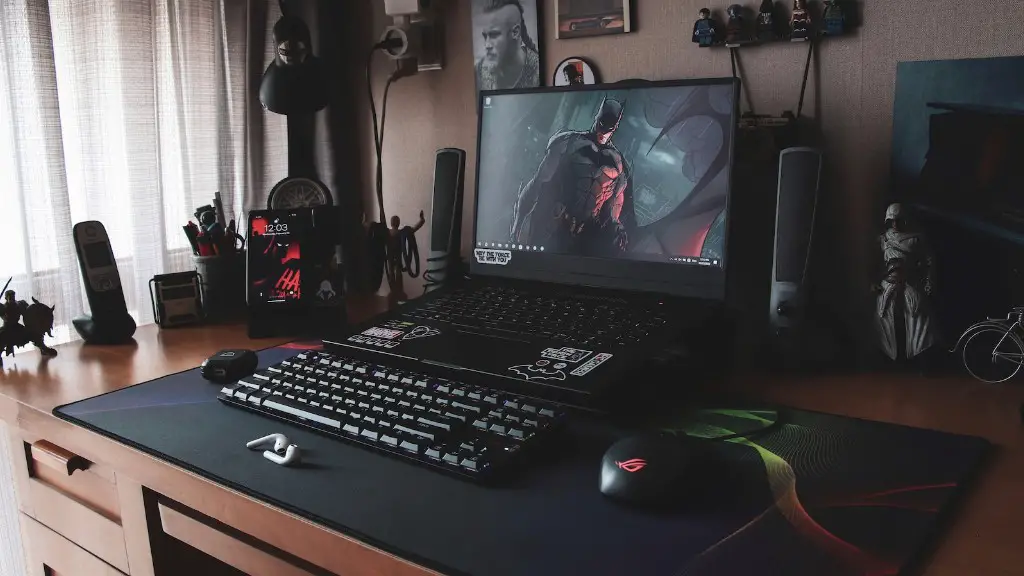
It’s important to bear in mind that for RGB monitors extra cost is often involved. This also applies for the higher refresh-rates. But if style and gaming performance are on the top of your priority list, then it might be worth considering investing in the more expensive RGB monitors with a high Hz rating.
Finally, be sure to check for any compatible software for the RGB that you choose so that you can make the most out of the lighting system. This way you can customize your gaming setup to your own style and preference.
Conclusion
When choosing a gaming monitor, it’s important to know what type of performance you are looking for. Generally, a higher refresh rate, such as 144 Hz or above, will provide the best gaming performance, but it all depends on the type of games you are playing.
It’s also important to take into account other technologies such as G-Sync or FreeSync compatibility, Variable Refresh Rate (VRR), and RGB lighting to customize your gaming experience. Ultimately, the type of gaming monitor and Hz rating you choose should be based on your budget, preferences, and the type of games you are playing.
