It’s no secret that gamers are prepared to invest in the best gaming monitors available. But when it comes to buying a gaming monitor, how much should you expect to pay? The answer isn’t straightforward because the cost of a gaming monitor largely depends on the specifications and features you need. There are many factors to consider when determining the cost of a gaming monitor, including resolution, screen size, refresh rate, panel type, and more. Let’s take a look at the aspects of a gaming monitor that influence the price and how you can decide what’s right for you.
Resolution is one of the main components that determines the price of a gaming monitor. A higher resolution means sharper details and better overall visuals. A 4K gaming monitor, for example, will cost much more than a standard Full HD monitor. Similarly, a larger screen size will also increase the cost, since the production costs are greater.
Refresh rate is another important factor to consider. A higher refresh rate means smoother visuals and a more responsive gaming experience. A 144Hz gaming monitor is considered ideal for a competitive gaming experience, but you can expect to pay more than standard 60Hz or 75Hz monitors.
Panel type is also an important factor to consider. Most gaming monitors are TN, IPS, or VA panels. TN panels are the most affordable, but the image quality isn’t great. IPS panels offer the best image quality and better viewing angles, but they’re also the most expensive. VA panels are a good compromise between the two.
Finally, some gaming monitors feature additional features such as variable refresh rate and HDR. These features can help to enhance the gaming experience, but they will also add to the cost. It’s important to consider whether you need these features and if they are worth the extra money.
Pros and Cons of Gaming Monitors
When it comes to buying a gaming monitor, there are a number of pros and cons to consider. On the one hand, gaming monitors offer better visuals, higher refresh rates, and other features that can enhance the gaming experience. On the other hand, gamers should also be aware of the additional cost associated with purchasing a gaming monitor.
The pros of gaming monitors include improved visuals, greater responsiveness, and a better overall gaming experience. Higher resolution monitors provide sharper details and better visuals, while higher refresh rates offer smoother motion and more responsive gameplay. Additionally, gaming monitors are often equipped with additional gaming-focused features such as variable refresh rate and HDR that can help to further improve the gaming experience.
However, the cons of gaming monitors are primarily related to cost. The features and specifications of gaming monitors come at a premium price, often costing more than standard monitors. Additionally, many of the features offered by gaming monitors, such as variable refresh rate and HDR, may not be necessary for certain types of gaming and are therefore not worth the extra cost.
What Are the Best Brands for Gaming Monitors?
When shopping for a gaming monitor, it’s important to consider the brand. Some brands offer better value for money than others and it’s worth researching the different brands to decide which is best for you. So, what are the best brands for gaming monitors?
Asus is one of the most popular brands for gaming monitors. Asus offers a wide range of gaming monitors with a variety of specifications and features. These monitors are relatively affordable and offer good value for money. Additionally, Asus gaming monitors are generally well-reviewed and considered reliable.
Acer is another popular brand for gaming monitors. Acer monitors are widely praised for their good value and quality construction. Additionally, Acer offers a variety of screen sizes and resolutions, so there’s sure to be an Acer monitor to suit your needs.
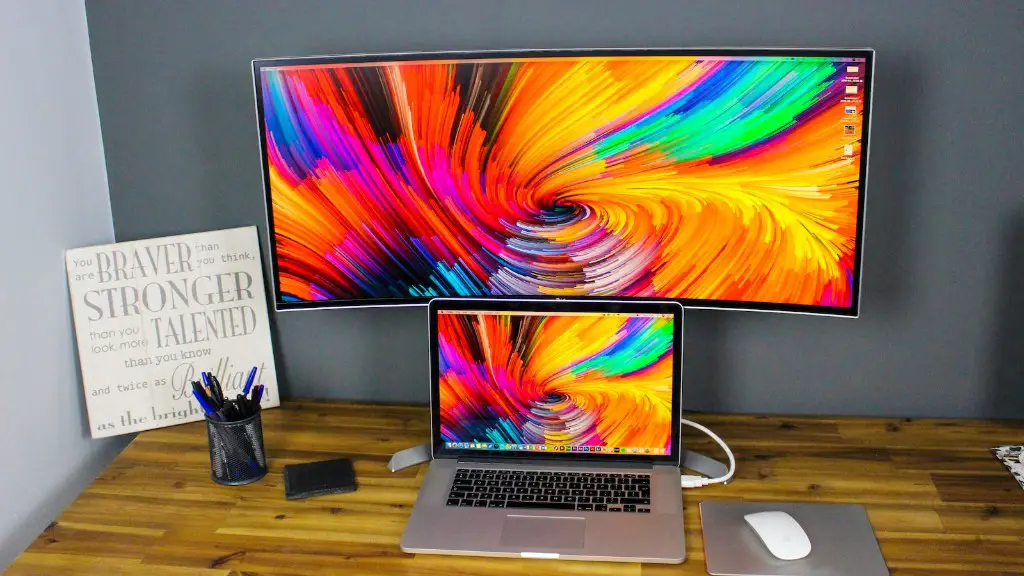
LG is another popular choice for gaming monitors. LG gaming monitors are well-regarded for their image quality, wide viewing angles, and rich colors. These monitors are slightly more expensive than other brands, but they offer excellent performance overall.
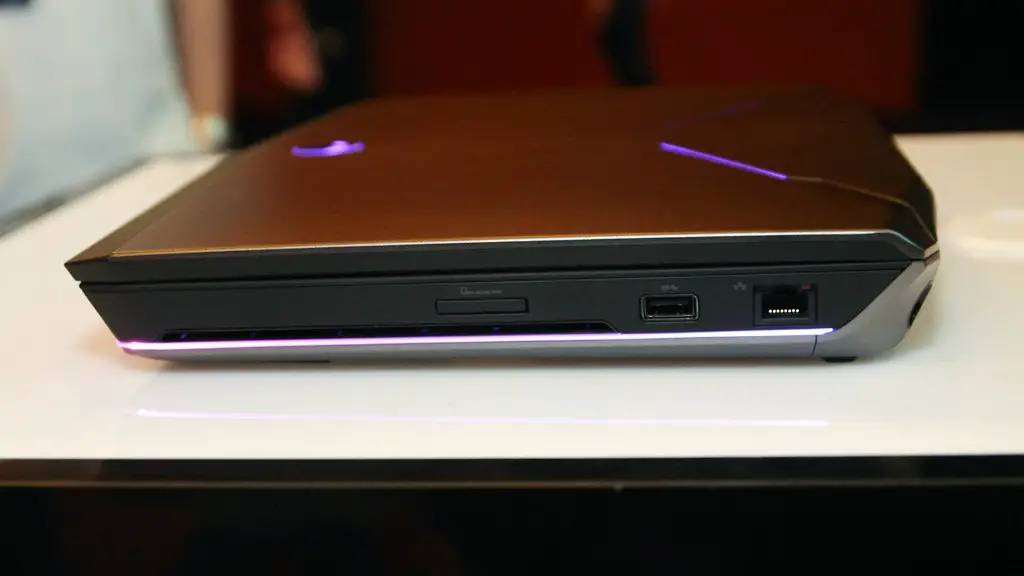
Alienware is one of the more expensive brands for gaming monitors. Alienware gaming monitors are praised for their premium design, excellent performance, and a variety of features. However, these monitors come with a premium price tag and may not be worth the extra cost for some gamers.
BenQ is another well-known brand for gaming monitors. BenQ monitors are generally affordable and offer good image quality and efficient performance. BenQ gaming monitors are also praised for their low input lag, making them a great choice for serious gamers.
How Can You Buy the Best Gaming Monitor?
Now that we’ve discussed the different brands and features of gaming monitors, let’s look at how you can find the best monitor for your needs. The most important factor to consider is your budget. Once you have a budget in mind, you can start researching the different monitors that fall within that price range. It’s also important to consider the features and specifications you need, such as resolution, refresh rate, panel type, and extra features. Consider how these will affect your gaming experience and decide which are worth the extra cost.
Another important consideration is the size of the monitor. You want to make sure the monitor fits comfortably on your desk, so it’s worth measuring the area before you buy. Similarly, if you plan on using the monitor for work, you may want to opt for a larger screen size.
Finally, it’s also worth researching reviews of the different monitors you’re considering. Reviews and opinion pieces can help you make an informed decision and ensure you get the best monitor for your needs.
How Do You Set Up a Gaming Monitor?
Once you have purchased a gaming monitor, the next step is to set it up. The process of setting up a gaming monitor is actually fairly simple and can be done in a few easy steps.
First, you’ll need to connect the monitor to your PC. This can be done with either an HDMI or DisplayPort cable. Once the monitor is connected, you can begin to adjust the settings. The monitor’s on-screen displayed will allow you to adjust the brightness, contrast, color, and other settings. You can also access the monitor’s specific gaming settings, such as overdrive and black equalizer.
Once your settings are adjusted, you can begin to test the monitor. Open up a game, preferably one with high graphics settings, and make sure the visuals are as expected. If you have a gaming console, you can also test the monitor with console games. The goal is to make sure the monitor is performing as expected.
Finally, once you’re happy with the performance, you can start gaming. Enjoy your new monitor and take advantage of the enhanced visuals and gaming-focused features it offers.
Can You Use A Regular Monitor For Gaming?
Regular monitors can indeed be used for gaming, however, they may not offer the same level of performance as dedicated gaming monitors. Regular monitors are generally limited to 60Hz refresh rates which can lead to stuttering and image ghosting. Additionally, regular monitors may not feature gaming-centric features such as HDR and super-fast refresh rates, making them less than ideal for competitive gaming.
That being said, regular monitors may still be suitable for casual gaming. The visuals may not be as sharp as a dedicated gaming monitor, but the picture quality is likely to still be good enough to enjoy the game. Additionally, regular monitors are generally more affordable than gaming monitors, making them a more attractive option if you’re on a budget.
In the end, it’s up to you to decide if a regular monitor is suitable for gaming. Consider your budget and needs and decide if the performance of a regular monitor is good enough.
What Are the Benefits of Gaming Monitors?
Gaming monitors offer a number of advantages over regular monitors, making them the preferred choice for many gamers. These advantages include improved visuals, higher refresh rates, and additional gaming-focused features.
Higher resolution monitors provide sharper details and better visuals, while higher refresh rates offer smoother motion and a more responsive gaming experience. Additionally, gaming monitors often feature additional gaming-focused features such as variable refresh rate and HDR that can help to further improve the gaming experience.
Another benefit of gaming monitors is the build quality. Gaming monitors are often built to last, with sturdy construction and durable materials. This ensures the gaming monitor will stand up to the rigors of gaming, making it a long-term investment.
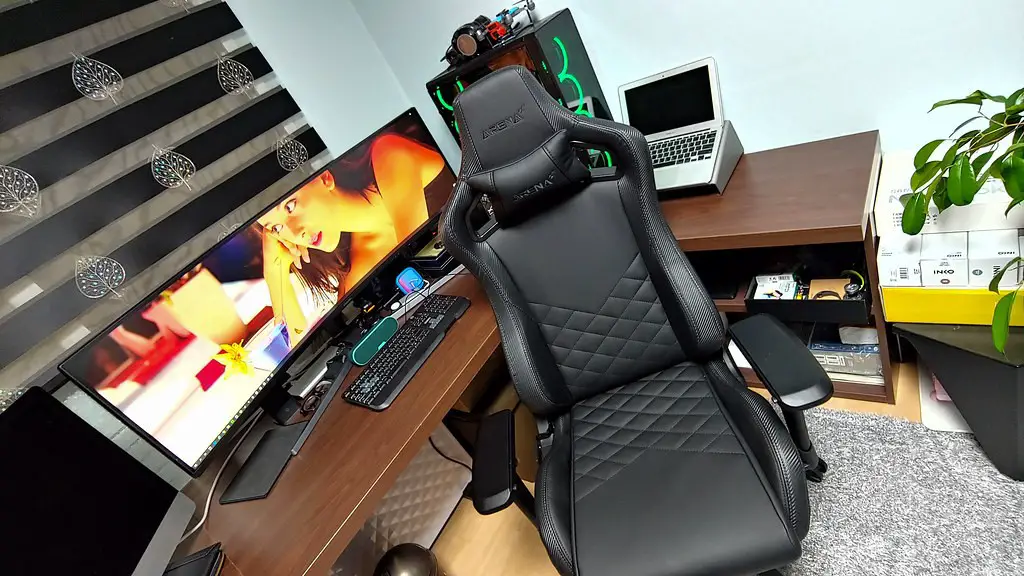
Finally, gaming monitors offer good ergonomics as well. Many gaming monitors have adjustable stands so you can find the most comfortable position. This can be beneficial if you plan to use the monitor for extended gaming sessions.
Are Gaming Monitors Worth the Cost?
Ultimately, whether gaming monitors are worth the cost will depend on your needs, budget, and preferences. If you’re a serious gamer who wants the best visuals and performance, then a gaming monitor is definitely worth the cost. On the other hand, a gaming monitor may not be worth it for casual gamers or those on a tight budget.
It’s important to consider the features and specifications of gaming monitors, such as resolution, refresh rate, panel type, and extra features, and decide if they are worth the extra cost. Additionally, it’s important to consider the size of the monitor and how it will fit with your setup. Take into account your needs and budget before deciding whether a gaming monitor is right for you.
