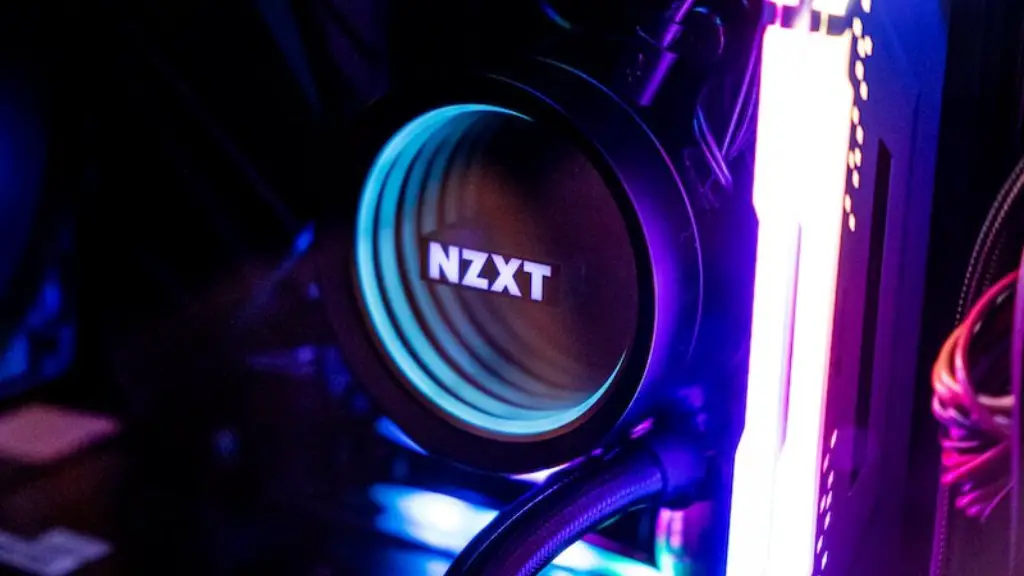
South Africa is home to a thriving gaming community, which is why it is no surprise that many people are curious about how much a gaming PC costs in the country. While there is no definitive answer since pricing varies depending on the components and the brand, there are some general guidelines. Generally, a quality gaming PC will cost somewhere between R10,000 and R50,000 ($730 to $3,655 USD), though this can go higher depending on your needs and what you want to put into it.
It is possible to buy a base model gaming PC for much less, but be aware that it may not meet your needs if you are looking to use modern games. If you are building a gaming PC from scratch, some essential components to consider are a CPU, motherboard, RAM, a GPU, storage, case, and power supply. These components could easily add up to R10,000 or more if you opt for high-end models. At the other end of the spectrum, you could build a modest gaming PC for around R20,000.
While R10,000 to R50,000 may seem like a large range, the type of components you get and how you configure them can significantly impact the final cost of your gaming PC. Generally, if you have more money budgeted, you will have more freedom when it comes to picking parts and configurations. It is also important to factor in other costs such as the cost of operating system, software, and peripherals such as a monitor and gaming mouse, as you may need these to get the best experience.
Where to Buy a Gaming PC in South Africa
If you don’t want to build your own gaming PC, there are many shops in South Africa that offer pre-made gaming PCs. Many of these shops also provide customisations, meaning you can tweak the components in order to get exactly the gaming PC you want. Some popular gaming PC manufacturers include PC Worx, Techswit, and Computer Obsession.
Moreover, online stores such as Amazon offer a wide selection of gaming PCs from different brands. Some of the most popular brands are Alienware, MSI, and ASUS. Depending on the online store, it is sometimes possible to get better deals than shopping in brick and mortar stores. However, be aware that shipping times and costs can vary, so it is important to factor this into your decision.
Online marketplaces such as eBay and Gumtree are often a good place to find pre-built gaming PCs at discounted prices. It is important to be careful when buying second-hand electronics, however, as the seller may not tell you of any issues with the unit, so do your due diligence before buying.
What to Look for When Choosing a Gaming PC in South Africa
Choosing a gaming PC can be a daunting task, especially for those who are not familiar with hardware components and software. To ensure that you get the best gaming PC for your needs, it is important to pay close attention to both the hardware components and the software specs. CPU and GPU are two of the most important components to consider when buying a gaming PC, as these have the biggest impact on performance.
When it comes to CPU, look for models with at least 4 cores and 8 threads, such as the Intel Core i7 or AMD Ryzen 5. For the GPU, the higher the number of CUDA cores and clock speed, the better the performance. Finally, it is important to consider the software specs, such as graphics card drivers, operating system, and gaming engine support. Some brands such as MSI and Alienware include software packages that provide extra support for popular gaming engines.
In addition to the hardware components, it is also important to consider cooling solutions. High-end gaming PCs require proper cooling solutions to ensure that the components don’t overheat, so make sure that the case has plenty of vents and fans. Also, the motherboard should support automatic fan control to ensure that the fans are not running at full speed all the time.
Choosing the Best Peripherals for your Gaming PC in South Africa
Once you have chosen the perfect gaming PC, you need to pick the best peripherals to match. This includes picking the right monitor, gaming mouse, and gaming keyboard. The monitor will be the most important part of your setup, as this is what you will be looking at while gaming. Look for a model with at least 1080p resolution and a response time of at least 5ms. Also, consider getting a gaming monitor with features such as G-Sync or FreeSync, to reduce input lag.
For gaming mouse and keyboard, you need to pick models that are comfortable to use and fit your gaming style. Look for models with extra buttons and customizable settings, so that you can configure them to your preferences. You should also consider getting additional peripherals, such as a gaming headset, to increase immersion and heighten your gaming experience.
What to Do if Your Gaming PC Fails in South Africa
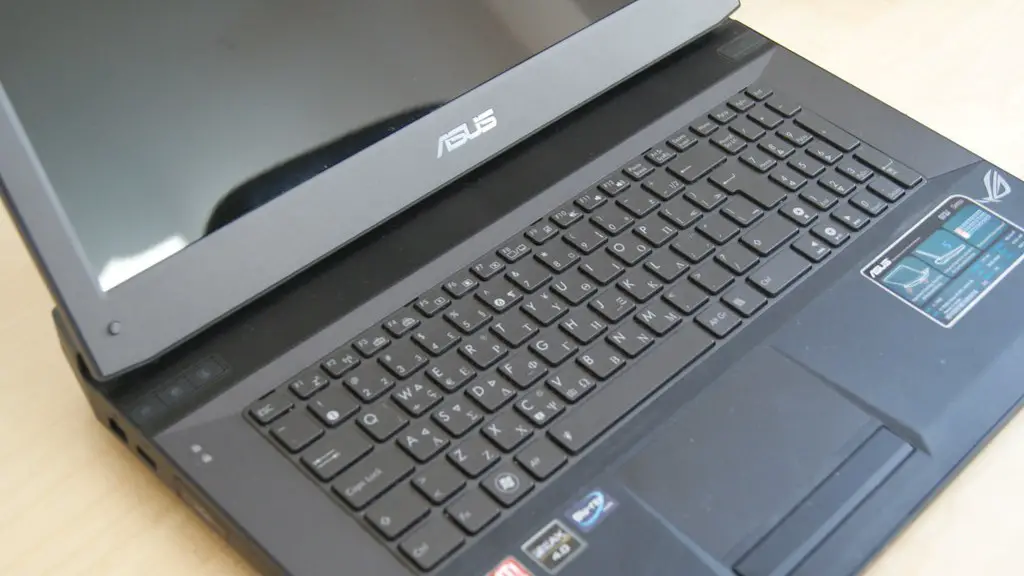
Unfortunately, sometimes even the best gaming PCs can fail. If this happens, the first step is to check if the problem is related to the hardware or software. If the problem is related to the hardware, it can often be solved by checking the cables and connection and replacing the faulty component. If the issue is related to the software, it can often be solved by reinstalling the operating system and drivers, or restoring the system to a previous state.
If you cannot find the cause of the problem, you may need to take your gaming PC to a service center. Fortunately, many PC shops in South Africa provide repair services for gaming PCs. This can be an expensive option, however, depending on the issue, so it is best to try troubleshooting the issue yourself first. Most modern gaming PCs come with a warranty, so if the issue is covered, the service may be offered free of charge.
Maintenance Tips for Gaming PCs in South Africa
To ensure that your gaming PC continues to perform well, it is important to keep it maintained. This includes regular cleaning of the case, fans and components to ensure there is no dust build-up. Also, the thermal paste used on the CPU and GPU should remain in good condition and be reapplied every 3 to 6 months. Doing this can help prevent your gaming PC from overheating and premature component failure.
Finally, it is important to make sure your PC is up-to-date. This means regularly updating your operating system, device drivers and applications. This will ensure that you have the latest software and will help keep your gaming PC running smoothly. It is also important to ensure that your gaming PC is protected from viruses and online threats, by running anti-virus and firewall software.
