How much will a gaming pc cost? That’s a question many gamers have asked themselves at least once, and one that can be difficult to answer due to the wide variety of components available and the various prices of those parts depending on where you buy them. Fortunately, there are some basic guidelines you can use to get an idea of the total cost of your gaming PC.
At the most basic level, a gaming PC will cost around $500 to $600. This price typically covers the bare essentials; a processor, motherboard, RAM and a hard drive. This type of setup is good enough for basic gaming, but it’s not going to provide the best experience, especially if you want to play more demanding games.
If you want a better gaming experience, you should consider investing in a more powerful gaming PC. A mid-range gaming PC will usually cost around $1000+, depending on the components you get. This setup usually includes a powerful processor, a high-end video card and plenty of RAM. This type of setup allows you to play almost any game out there, and can even manage some of the more demanding titles.
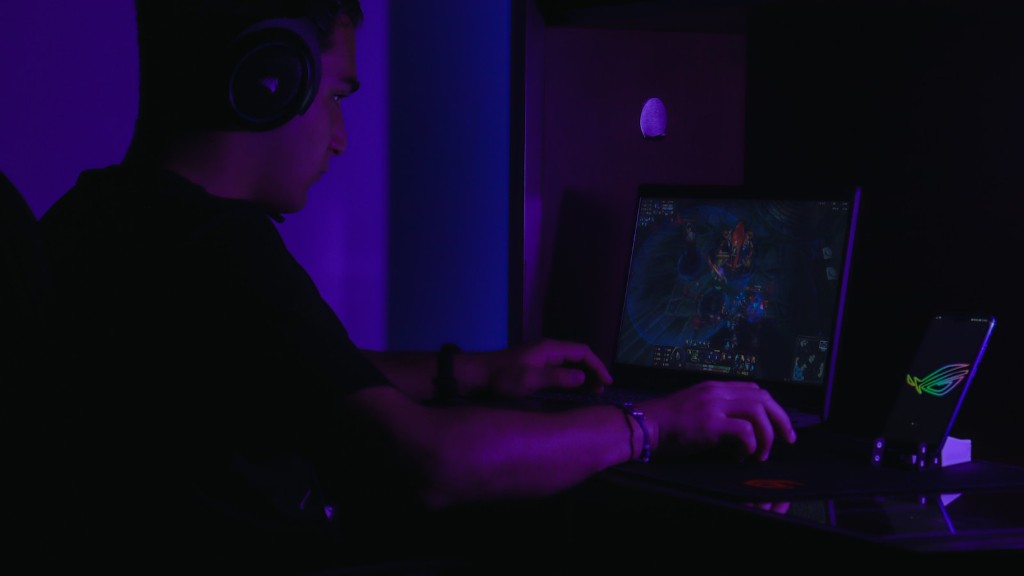
If you’re looking for the best of the best, you won’t find something much better than a high-end gaming PC. These PCs usually cost around $1500 to $2000, depending on the specs you choose. This type of setup includes a powerful gaming processor, a top-of-the-line video card and multiple drives for lots of storage. It’s also possible to get multiple monitors to enhance your gaming experience.
Finally, it’s worth noting that there are many other components that can be added to a gaming PC to make it even better, such as better sound cards, faster storage solutions and a better cooling system. The cost of these components can add up quickly, so it’s important to be mindful of your budget when building your gaming PC.
How to Choose Components for Your Gaming PC
When it comes to choosing components for a gaming PC, there are some basic rules to consider. First and foremost, you should think about what kind of games you want to play and how much power you need to properly run them. For example, if you’re primarily playing older games, you won’t need as much horsepower as someone who is playing the latest titles.
When choosing components, it’s also important to think about which ones will provide the best performance for the price. For example, you might be tempted to get the most powerful processor you can find, but if it is significantly more expensive than an alternative that provides a similar level of performance, it might be worth going with the cheaper option.
Another tip when it comes to choosing components is to look for bundles or bundles of compatible components. This can often be a much cheaper way to buy components than buying them separately, and can even result in savings on items that wouldn’t normally be discounted.
Finally, it’s important to keep in mind that more expensive components don’t always mean better performance. It’s important to take the time to do your research and make sure you are choosing components that are going to provide the best performance for the price.
Building Your Gaming PC
Once you’ve done your research and purchased all the components for your gaming setup, it’s time to begin the process of physically assembling everything. This can be an intimidating task for some, but there are a few tips that can help make the process go as smoothly as possible.
First, it’s important to make sure all your components are compatible with each other. Installing incompatible components can cause serious performance issues and could even damage your PC. Also, take the time to read through the instructions that come with each component to make sure you know what you’re doing.

Once you’ve checked that all the components are compatible and read the instructions, it’s time to start assembling the PC. It’s important to make sure all the connections are snug and that nothing is loose. This includes the power cables, data cables and any external cooling solutions you may have installed.
Once all the components are connected and everything is tight, it’s time to power on your PC and make sure everything is working properly. This is a good time to make sure all your components are recognized by the BIOS and that no hardware is failing.
Installing Software and Games
Once you’ve checked that all the hardware is working properly, it’s time to install any software you need. This includes any software needed to get the most out of your components, such as drivers for your graphics card or software for your storage solutions.
Next, it’s time to install any games you want to play. Again, you want to make sure all the components are working properly and that you have the latest drivers installed. This can be a good time to test out any games you’re interested in playing to make sure your setup can run them.
Finally, once everything is working as it should, it’s time to start enjoying your gaming PC. Make sure you take the time to set up any settings you need and look into any overclocking options you may have.
Tips to Improve Performance
Once you’ve got your gaming PC up and running, there are a few tips you can follow to help keep it running its best. First, make sure you keep your drivers up to date, as this will ensure all the components are running as efficiently as possible.
Another tip is to make sure your PC is clean and free of debris. Dust and dirt can build up over time and this can lead to slower performance if not removed. You can use a vacuum cleaner to remove any dust and dirt from your PC.
You can also look into overclocking your PC to improve performance even further. This can be done by adjusting the BIOS settings or using a dedicated piece of software. Care should be taken when doing this, as overclocking the wrong component can lead to serious performance issues or even hardware damage.
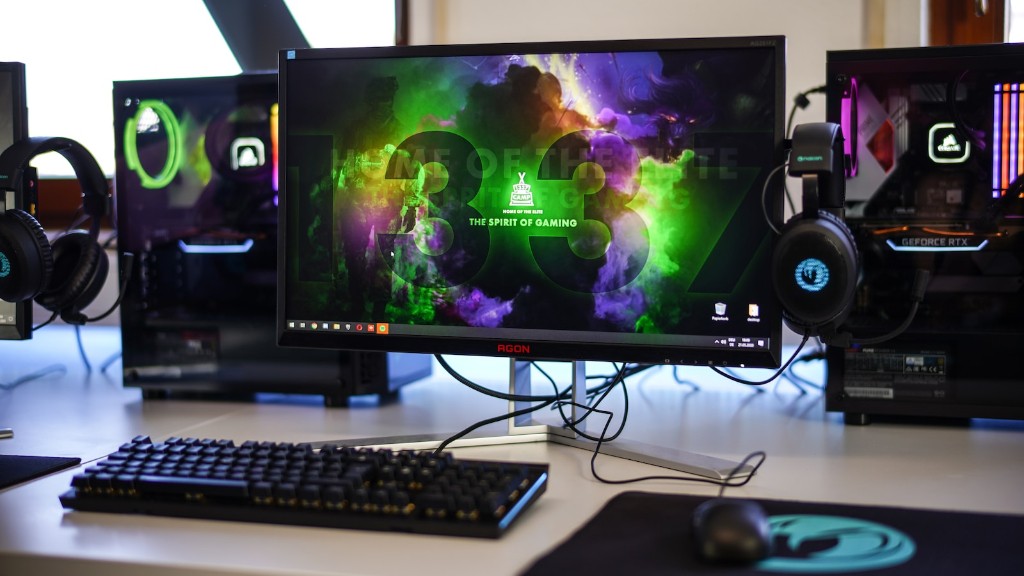
Finally, if you’re having any performance issues, it’s worth checking out what kinds of hardware upgrades you could make. You may be able to get a better gaming experience by adding a new video card or a faster processor, or even additional RAM.
Understanding PC Components
Understand each of the components you need for a gaming PC and how they work together. Your video card is responsible for rendering the graphics for your games, while your processor handles the calculations needed for the game to run properly. Your RAM acts as a temporary storage for every thing your game needs and your HDD or SSD is your storage for things like your OS and games.
Your motherboard is where all the components plug in and can often determine the type and number of components your PC can use. Finally, the power supply is what actually powers all the components, and is an often overlooked but very important aspect of a gaming PC.
When building a gaming PC, it’s important to keep these components in mind and make sure you choose components that compliment each other and can both provide the performance you need and stay within budget.
Learning Basic PC Maintenance
As a PC gamer, it’s important to know how to keep your PC functioning as well as possible. This includes things like cleaning the components, as dust can build up and reduce your PCs performance. Also, make sure to check for any BIOS updates that could improve stability or performance.
You should also keep your software up to date, as this can help with performance and even introduce new features. Finally, make sure to keep your games up to date, as this can help prevent crashes and freezes.
Overall, taking the time to learn basic PC maintenance can greatly improve your PCs performance and help make sure you get the most out of your gaming experience.
Updating Your PC
One of the great things about gaming PCs is that they are continually evolving. New components can be added, or existing components can be upgraded. Each time you upgrade or add components, it’s important to take the time to make sure your PC can handle the hardware.
First, make sure you do your research and make sure the components you intend to use are compatible. This means making sure they have the same specifications and socket type, as well as checking for any BIOS updates that may be necessary.
It’s also important to make sure your PC can handle the additional power draw of any components you add or upgrade. You may need to upgrade your power supply if the current one doesn’t have enough power to handle the extra components.
Finally, if you’re upgrading your processor or graphics card, you may need to update your Windows or BIOS to make sure they are running properly. Taking the time to make sure everything is running smoothly will help you get the most out of your upgrade.
