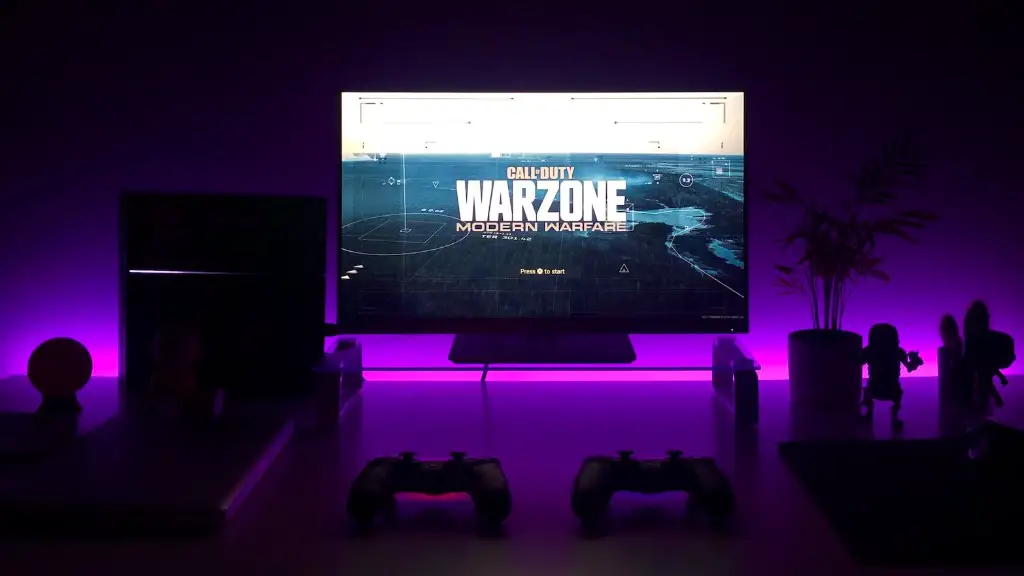
If you are looking to build your own gaming pc and don’t know where to start, then you’ve come to the right place. Building your own gaming pc can be daunting, but with the right amount of research and guidance, you will be able to create a computer system that meets your gaming needs. Here’s how to get started.
First off, you’ll need to decide on a budget. This will be the foundation of your gaming pc, since it will determine what parts and components you can afford and what kind of gaming performance you can expect. Once you’ve got your budget nailed down, you’ll need to narrow down the components you want to include in your system. Research which CPU, GPU and motherboard will offer the best value for your budget.
The next step is to select the components you have settled on. You will also need to decide on the case, storage, RAM and other parts that your gaming pc will need. Check to make sure that all the items you plan on buying are compatible with one another and make sure they are within your budget. Once you’ve selected all the parts, you can start thinking about the assembly.

The assembly process is more involved than you may think, so make sure you have plenty of time set aside for it. Read all the instructions for the components carefully to ensure that you are doing everything correctly. Take your time and don’t rush. After everything is put together, you’ll have to install the operating system and the drivers for all the parts. This will allow everything to run correctly.
Once all the components are installed and working correctly, you can install your game library. This will also give you a chance to try out the performance of your gaming pc and adjust settings accordingly. Before long, you will be able to begin gaming on your new system!
Tips & Tricks
Building your own gaming pc may seem intimidating, but it’s easier than you think. Here are some tips and tricks to help you along the way.
First, watch some helpful videos on YouTube and read tutorial articles from tech websites. This will give you a better understanding of the process and make assembly easier. In addition, always check for compatibility of all the parts you plan to use. This will save you time and potential headaches in the long run.
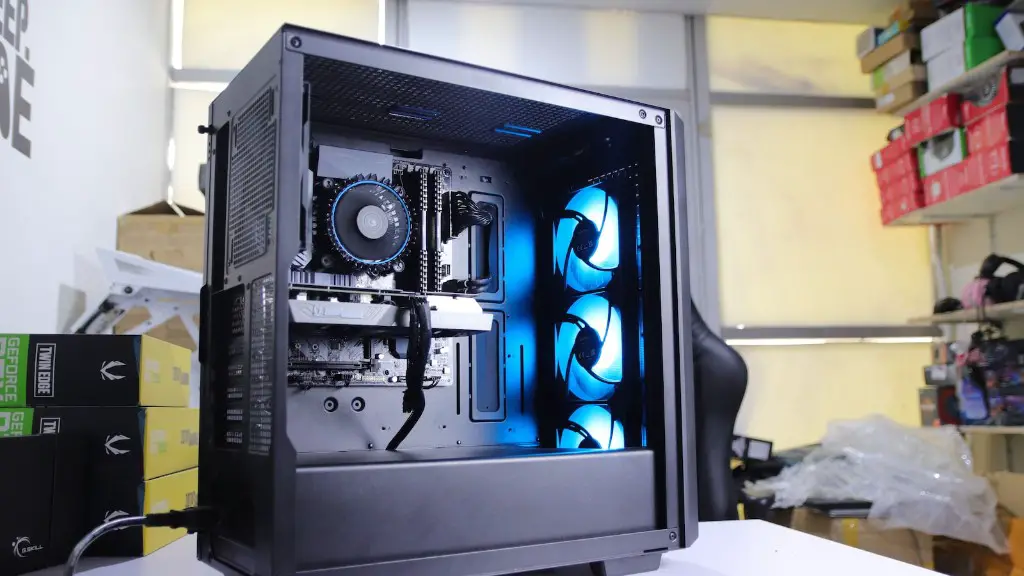
Second, look for paperless instructions or “how-to” guides for the components you have chosen. This will make it easier to assemble the components and give you a visual reference for the parts you have purchased. This will help you to confirm that all the components are compatible and make it easier to assemble.
Third, make sure you have all the tools you need for the assembly. Having the right tools will make the assembly process much simpler. There is nothing worse than getting halfway through the assembly and realizing you are missing a tool which holds up the entire process. Finally, take the time to make sure all the components are securely seated and that they are properly connected. It is always better to double check than to rush the process and have to start again later with a faulty part.
Tools & Materials
Before you start the assembly process, you’ll need to make sure you have all the necessary tools and materials. Here is a list of items you’ll need:
- A Phillips-head screwdriver
- An anti-static wrist strap (highly recommended if you’re building a gaming PC)
- An array of variously-sized screws
- Additional items that may be needed depending on the components in your build, such as standoffs and LED cables.
It is also highly recommended that you have an anti-static mat or surface. An anti-static mat or surface protects your parts from static electricity which can damage delicate components. Make sure you wear protective equipment when handling components and avoid touching pins on circuits.
Monitoring Performance & Temps
Once you have your gaming pc assembled, it is important to monitor its performance and temperatures. This important step ensures that all components are running optimally and prevents any potential damage from thermal stress.
First, use a software such as HWMonitor to track your CPU and GPU temperature. Some games also have built-in tools that can help you monitor your temperatures while gaming. Next, use a benchmarking tool such as 3DMark or Unigine Heaven to measure the performance of your gaming pc. Finally, you’ll want to check to make sure all the fans are spinning properly and that the airflow is sufficient to prevent overheating.
It is also important to regularly maintain your gaming pc by keeping it clean and dust-free. Also, consider investing in a quality cooling solution and upgraded components if you’re looking for better performance or improved visuals.
Testing & Tweaking
Once you have your gaming pc up and running, you may want to try out a few games to test its performance. If your gaming pc meets your expectations, then you can move on to the next step: tweaking. Tweaking involves making small adjustments to your system settings to maximize performance and smooth out issues.
First, adjust the frequency of your CPU and GPU using your UEFI settings. This can be done by entering into the UEFI settings via a shortcut key in the boot screen. Next, activate any settings that allow you to overclock your CPU and GPU. Be sure to research and learn how to properly overclock before attempting it. Finally, make sure your power supply is providing enough power, and adjust the settings accordingly. Improper power supply can lead to poor performance and unexpected system shutdowns.
Once you have finished tweaking your system, it’s time to have some fun! Enjoy the freedom of being able to create the gaming pc of your dreams and the satisfaction of having done the work yourself!
