
Benchmarking a gaming PC is a great way to evaluate its performance and capabilities. It helps determine the right components and settings for the best gaming experience. To begin benchmarking, the user must take their computer offline and turn off any non-critical programs running in the background. The user should then close any unnecessary open windows and disconnect from any network drives. Next, the user should download a benchmarking program such as Time Spy, AOMark, or Metro Exodus Benchmark.
Using these benchmarking programs, the user can run tests on both the CPU and GPU to determine the PC’s readings on these components. To use the program, the user should select the medium or high performance preset or presets, depending on the program. Once the tests are completed, the user will have a set of readings regarding the computer’s performance in comparison to others with similar hardware configurations.
The benchmarking program will also tell the user which components need upgrades or modifications in order to get the best performance. To modify the components, the user should make sure the drivers are up to date, as this will ensure more stable performance during tests. The user should also consider overclocking the CPU and/or video cards to increase the performance even further. This process involves alterations to the BIOS settings, so the user should be sure they have the skills and knowledge to do this before attempting it.
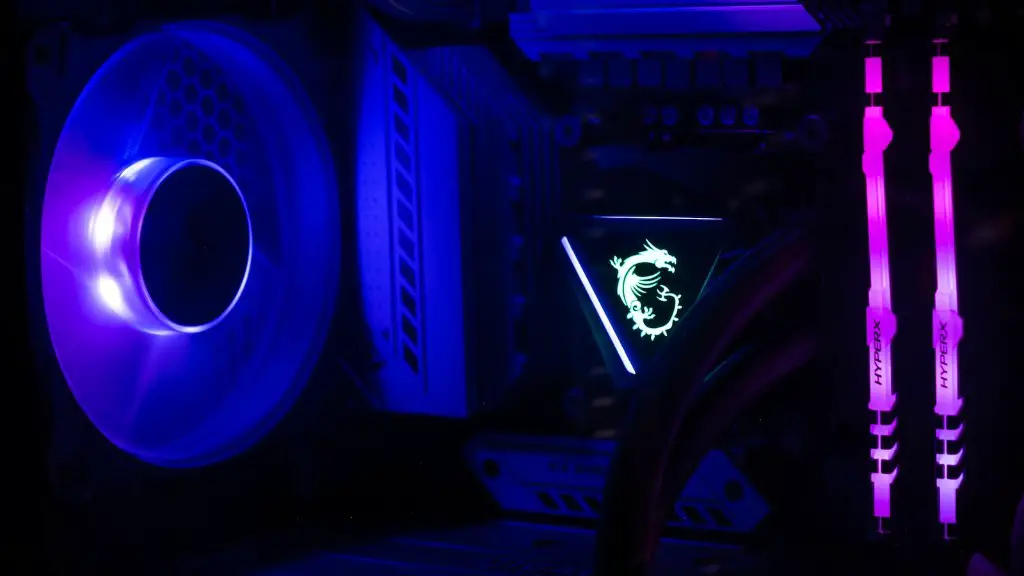
If the user does not wish to overclock the components, they can simply focus on updating the drivers, making sure the PC’s internal components are functioning properly, and upgrading to better hardware. They should also make sure the PC works in tandem with their monitor, as some games may be limited by the refresh rate or resolution of the monitor. Finally, the user should ensure the PC is connected to the Internet so that any updates or patches can be downloaded and installed, further preventing any compatibility issues or glitches.
Tips For Benchmarking
When benchmarking a gaming PC, there are several tips to remember. First and foremost, benchmarking should always be done away from potential distractions like internet browsers, phone notifications, or incoming emails. Second, in order to get the best results, the benchmark should be run multiple times. This will help identify any faulty components and will allow the user to adjust the settings accordingly. Third, the user should use the “high” preset when benchmarking, as this will give them accurate and meaningful results. Finally, the user should be mindful of the temperatures of their components, as a laptop or desktop can overheat during the benchmarking process.
Hardware & Software Benchmarking
When benchmarking, it is important to understand the differences between hardware and software benchmarking. Hardware benchmarking is done by running tests on CPU, GPU, RAM and other components individually to see how well they perform. Software benchmarking is done by running programs or applications and measuring their performance. This can also be done using benchmarking tools like 3DMark or Cinebench. Software benchmarking is important to evaluate how the PC handles certain gaming applications, like graphics-heavy games or open world games.
Note that while hardware benchmarking may give a good indication of a gaming PC’s performance, it is not a substitute for running applications and measuring their performance. Hardware benchmarking can give a good idea of the PC’s performance, but software benchmarks are more useful when evaluating the capabilities of a gaming PC.
Benchmark Avoidance
In some cases, benchmarking a gaming PC will not be necessary. If certain components are already known to work well with the intended game or application, then benchmarking may not be needed. Additionally, if the gaming PC has already been benchmarked, then benchmarking it again will not be necessary unless new components have been added or changes have been made to the existing configuration.
Benchmarking Tools
When it comes to benchmarking a gaming PC, there are a variety of different tools available. The most popular tools are 3DMark, Time Spy, and Metro Exodus Benchmark. 3DMark is generally considered the best benchmarking tool, as it offers a wide range of different tests and metrics. Time Spy is also very popular, as it allows users to easily compare their results with those of other users. Lastly, Metro Exodus Benchmark is a great tool for testing how a PC handles open world games.
Benefits of Benchmarking
Benchmarking a gaming PC provides a myriad of benefits. It can help determine the best components and settings for the best gaming experience. It can also identify any outdated or malfunctioning components. Benchmarking can also measure the PC’s performance before and after any modifications or upgrades. Furthermore, it can help compare the performance of different PCs, so the user can get a better idea of what to expect from their own gaming experience.
Disadvantages of Benchmarking
While benchmarking has its advantages, it also comes with some risks. Benchmarking can put a strain on the PC components which can lead to overheating and other issues. Additionally, some benchmarking tools can be time consuming, depending on the type and number of tests being run. Lastly, benchmarking may be expensive, as some benchmarking tools require the user to purchase a license or subscription.
Conclusion
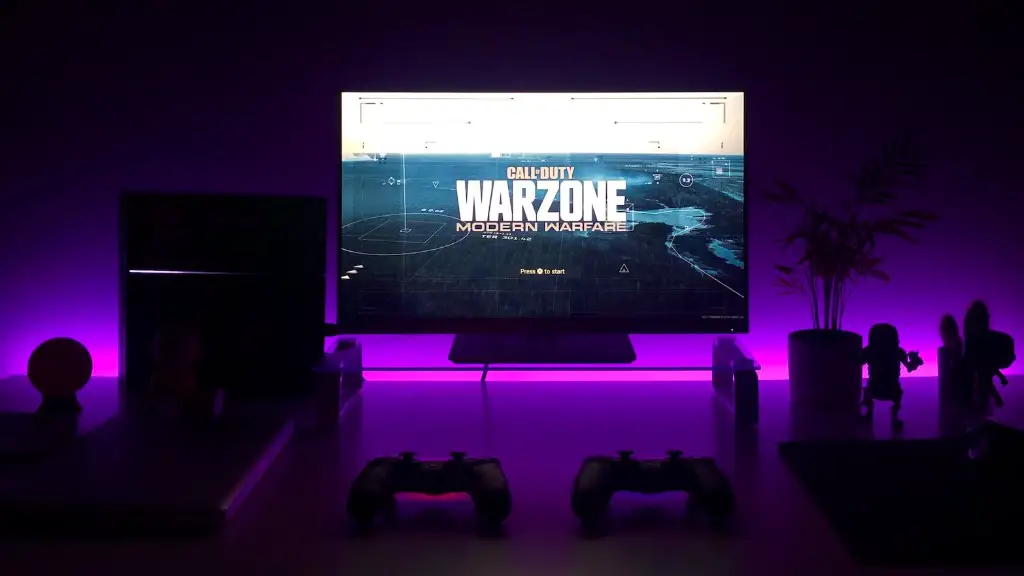
In conclusion, benchmarking a gaming PC can be a great way to evaluate its performance and capabilities. Benchmarking can identify any outdated or malfunctioning components as well as measure the performance of different PCs. Benchmarking does come with some risks including overheating, time consumption, and expenses. Users should keep these risks in mind when deciding whether to benchmark or not.
