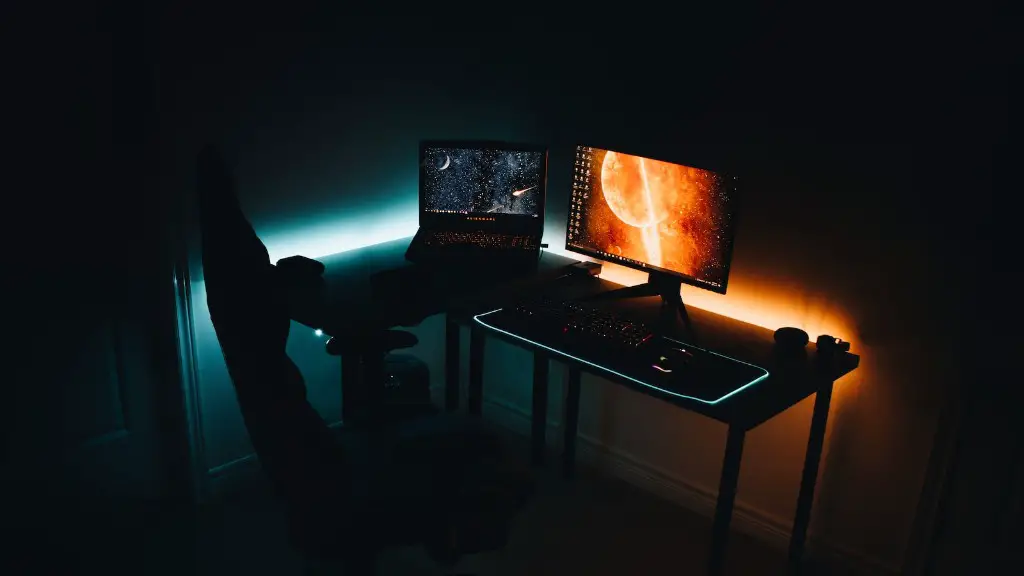
Building a cheap gaming PC is possible without sacrificing quality or performance. Even with a $300 budget, modern gaming PCs can still be built that are capable of playing the latest games at 1080p resolution and with good frame rates. To get the most bang for your buck, follow these simple steps.
Firstly, choose a solid processor. Ideally, you should opt for the AMD Ryzen 3 3200G, which is available for around $100. Not only is it good for gaming, but it has enough power for multimedia tasks. It also includes integrated Vega graphics, which can provide decent gaming performance.
Secondly, choose an adequate motherboard. For just $50, you can get the MSI B450M Gaming Plus motherboard. It has support for up to four USB 3.0 ports and four SATA ports, and is compatible with the latest components.

Thirdly, choose a good, reliable power supply. You don’t need a high-end, 1000-watt beast– something like the EVGA 600 BQ will do just fine for less than $50. This 600-watt power supply has an 80Plus Bronze certification, so it’s reliable and efficient.
Fourthly, pick RAM. 8GB is the minimum you want when building a gaming PC and there are plenty of budget options available. Something like G.SKILL Ripjaws V Series 8GB DDR4-2400 will work great and costs just $50, depending on where you shop.
Fifthly, choose a storage solution. You can get 1TB of storage for less than $50, so you should definitely take advantage of this. For best performance and reliability, opt for a solid state drive. The Silicon Power 120GB SSD is a good choice and costs around $30.
Finally, choose a graphics card. Unfortunately, budget GPUs aren’t very powerful–you’ll be limited to older cards like the Nvidia GTX 1050 Ti or the AMD Radeon RX 560. Both cards cost around $100 and will be able to play the latest games, but don’t expect to be able to max everything out.
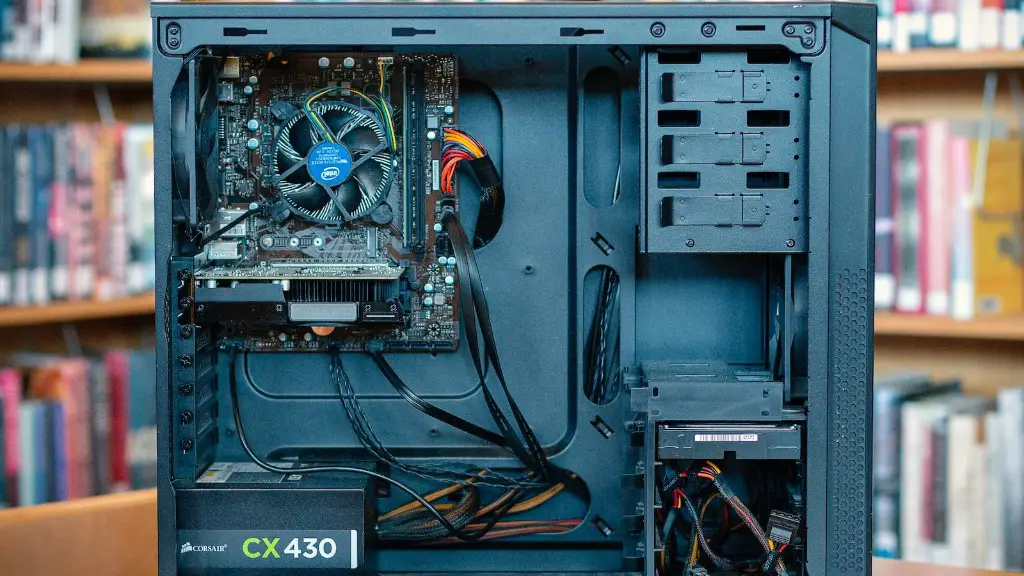
With all of these components, you just need to put it together, install your operating system, and you are set. Congratulations, you just built a $300 gaming PC!
Cooling System for your gaming PC
It is important that you have an adequate cooling system for your gaming PC. High-end CPUs, such as the Ryzen 3 3200G, require adequate cooling to run optimally. Having a good cooling system is essential for your gaming PC and should not be overlooked. There are many different options for cooling, but the most common are air coolers and liquid cooling.
Air coolers are typically the most affordable option and are relatively easy to install. You can get decent air coolers for around $20 or less. However, if you want the best performance and cooling, then you should opt for a liquid cooling solution. Liquid cooling solutions are more expensive and require more setup, but they are more efficient and provide more cooling.
It is important to be aware of the cooling needs of your gaming PC, as it is essential for keeping your components running cool. This will keep them running at optimal performance and reliability. Make sure to budget for an adequate cooling system when building your gaming PC.
Case for your gaming PC
Another factor to consider when building a gaming PC is what kind of case to use. Modular cases are becoming popular as they allow for customizability, but they can also be quite expensive. However, for a budget gaming PC, you don’t need to go for a fancier case. The Rosewill FBM-01 Micro-ATX case is a great budget option and costs around $20.
This case provides plenty of room for your components and can accommodate many different types of components. It also has dust filters to keep your components clean. It’s a great option for budget-minded gamers looking for a good looking case for their gaming PC.
It is important to choose the right case for your gaming PC, as it can make all the difference in terms of performance, aesthetics, and cooling. It is important to consider both form and function when choosing a case.
Peripherals
Finally, consider the peripherals you plan to use with your gaming PC. These include monitors, keyboards, mice, speakers, and headsets. Monitors vary greatly in price, but you can get decent 1080p monitors for around $100. For other peripherals, you can find cheap options and you don’t need to spend a lot.
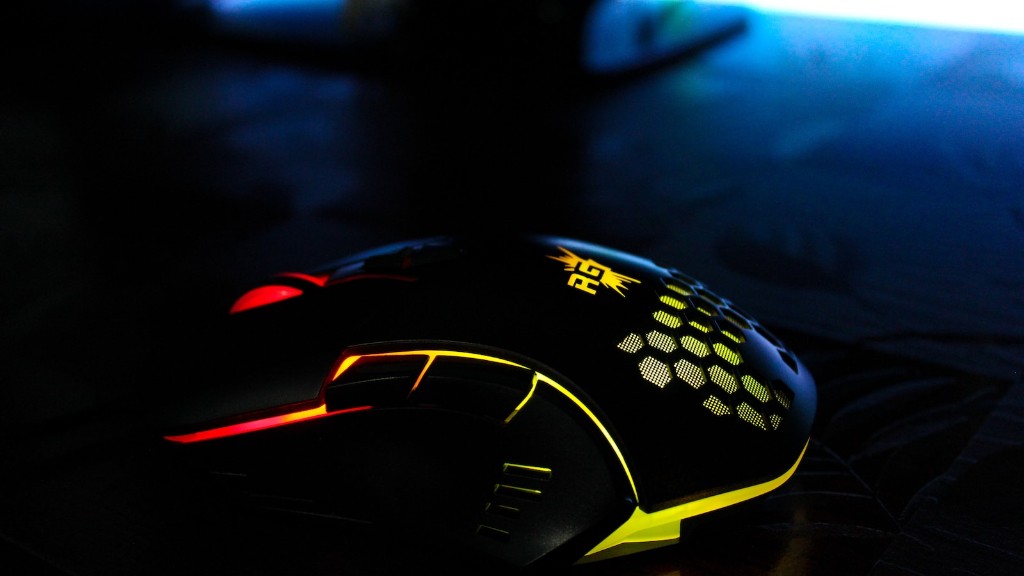
For a keyboard, the Redragon K552 KUMARA is a great budget option for around $30. It’s a full-size keyboard with mechanical switches, and provides a great typing experience. For a mouse, the Logitech G203 Prodigy is a great budget-friendly choice for around $25. It has up to six buttons and a comfortable shape for long gaming sessions or work.
For speakers or headsets, you can get decent options for under $50. You don’t need expensive headsets to enjoy gaming. A good set of headphones with a microphone can provide an immersive gaming experience without breaking the bank.
Conclusion
Building your own gaming PC is a great way to get good performance at an affordable price. Even with a budget of $300, you can still build a capable gaming PC. By carefully choosing the right components, you can get the best bang for your buck. Just make sure to budget for an adequate cooling system, case, and peripherals, as these items can play a big part in your gaming experience.
