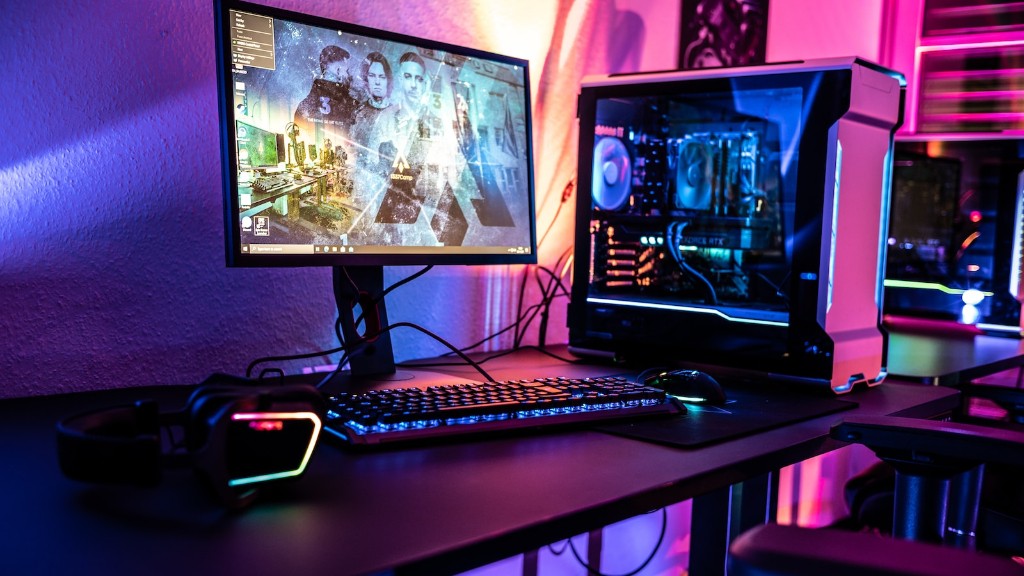
Building a top-of-the-line gaming PC isn’t as daunting as you may think. With a little technical knowledge, even inexperienced gamers can build a powerful gaming computer. Here’s how.
First, you’ll need to identify all the parts of the system you’ll need to build the PC. This includes a motherboard, CPU, graphics card, RAM, HDD, and other necessary parts. Make sure to select components that are compatible with each other, so they’ll work together. Before making a purchase, read reviews and check the specs of each component to be sure you’re getting the best possible performance.
Second, you’ll need to assemble the parts. This can be a tricky process, so take your time and be sure to follow the directions carefully. If any of the components don’t fit properly together, be sure to double-check the specs of the parts. You’ll also need to format the HDD and install the correct drivers.
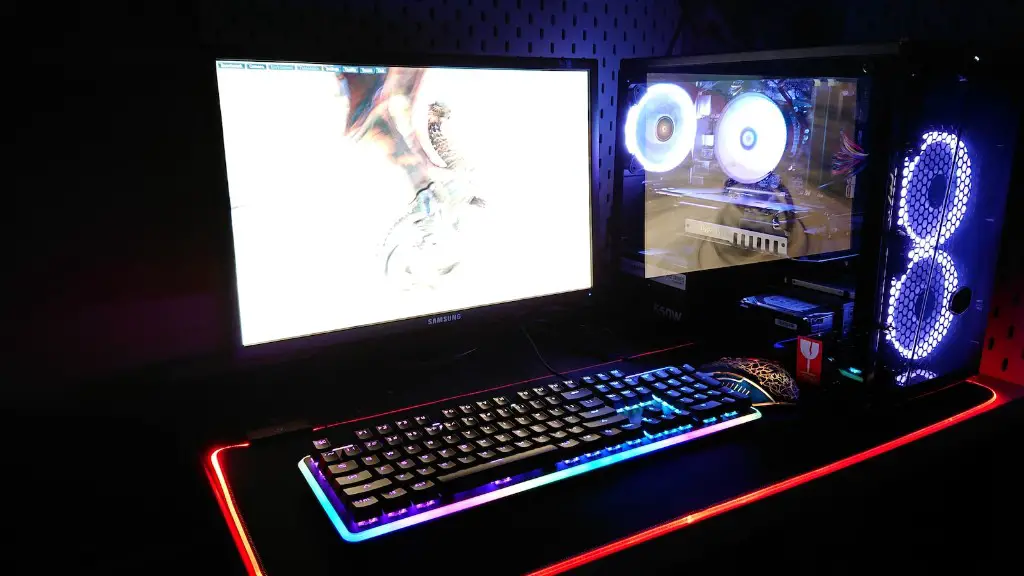
Third, install the OS, such as Windows, Mac OS, or Linux. Once the OS is in place, you can begin installing your programs, such as video games and other applications specific to your gaming needs. Make sure you continually update the OS and the programs so they remain at optimal performance.
Fourth, you’ll need to consider graphics settings. If you plan on having crisp, high-quality graphics, you’ll need both a powerful graphics card and a high-resolution monitor. You may also need to tweak the graphics settings in the game itself to match with the hardware.
Fifth, it’s important to pay attention to your software. Overclocking and other software applications can give your PC a boost. Be sure to research the pros and cons of overclocking and tweak the software settings accordingly.
Lastly, don’t forget about the peripherals. This can include a gaming mouse, joysticks, a gaming headset, and more. Be sure to select peripherals that are compatible with your operating system and the hardware in your PC.
OC & Additional Software

Overclocking your system can give your PC an extra performance boost, but it should be done carefully. Make sure to research the correct way to overclock, read reviews, and ensure the hardware is compatible with overclocking software. Also, be sure to monitor the temperature of the PC and the voltage of the components. If temperatures are too high, be sure to take additional steps to cool them down.
Additional software is also important when building a top-of-the-line gaming PC. This can include antivirus applications, system coolers, and more. Be sure to select software that is compatible with your system and the games you plan to play. Additionally, these applications should be updated regularly to stay on top of any new threats.
In order to get the most out of your gaming PC, you’ll likely need some additional peripherals. This includes a gaming mouse, mechanical keyboard, gaming headset, and more. Be sure to select products that are compatible with your system and offer the features you need for your gaming setup.
Also, consider the type of gaming monitor you will use. This can greatly affect your overall gaming experience. Choose a monitor that is compatible with your graphics card, has a good refresh rate, and offers the resolution you desire.

Simple cleaning can also help improve your gaming PC’s performance. Keeping dust levels to a minimum can enhance cooling performance and keep your system running smoothly. Consider using compressed air or a vacuum to clean out the interior of the PC.
Ventilation, Cooling & Wiring
Ventilation is often a critical component of gaming PC performance. Without proper ventilation, temperatures can become too high, potentially damaging components. Be sure to install case fans in positions that will push air out, ensuring air is constantly being circulated inside the case.
Proper cooling is also essential when building a gaming PC. Be sure to check the temperature of the components and the overall case regularly. If temperatures are too high, you can install additional case fans or even a liquid CPU cooler. Additionally, it’s important to update the drivers of your hardware and make sure any fan speeds are set to the recommended speed.
The wiring of the PC is important, as poorly managed wires can be a form of clutter and make it hard to troubleshoot in the future. Make sure to use a number of power outlets, or even a surge-protected power strip. Additionally, try to use zip ties or cable management tools to neatly route and bundle the cables.
Finally, any gaming PC should have a UPS, or Uninterruptible Power Supply. This will make sure a power outage won’t cause any data loss and will protect your hardware in the event of a power spike. A UPS can be especially important when gaming and will provide you with the peace of mind that your system is safe.
Power Supply & Testing
It’s important to select a quality power supply for your gaming PC. Make sure to read reviews of your selected power supply and compare it with other models. Additionally, be sure to buy a unit with enough wattage to support all the components inside your PC.
Be sure to test the gaming PC after you have finished building it. This can be done by running benchmarks, playing video games, and doing other tests that are pertinent to your gaming needs. If any piece of hardware or software isn’t performing up to your standards, you can pinpoint and troubleshoot the issue.
A gaming PC is an investment, so be sure to keep the components up-to-date. This includes replacing your memory or the HDD, when needed, and updating your graphics card and CPU. Additionally, be sure to back up your gaming data and make sure your hardware is properly cooled.

Finally, it’s important to be aware of how much energy your gaming PC is consuming. Be sure to check regularly how much energy the PC is using and how much you’re paying in electricity costs. Unplugging unnecessary components, such as microphones and webcams, when not in use can help save energy.
Networking & Maintenance
Networking is often a critical component of gaming PCs, as many games require you to connect to the internet. Make sure your network connection is stable and that your PC has a secure connection to the internet. You can test your connection speed and contact your internet service provider if additional support is needed.
Maintenance of your gaming PC is also important and should be done regularly. This includes regular cleaning of the interior and exterior of the PC, as well as updating hardware drivers and programs. Additionally, be sure to monitor software updates and download the latest patches for your games.
For multiplayer games, it’s important to know your opponents. Be sure to keep your gaming environment friendly and free from hostile language or trolling. Additionally, use online etiquette and stay aware of the rules of each game.
Building a gaming PC can be quite rewarding, as it gives you control over the performance of your device. With a little technical knowledge, even novice gamers can build a top-of-the-line gaming PC. However, you must be aware that the process requires research, careful selection of parts, and proper maintenance to keep the PC functioning at its peak.
