Introduction: Building a gaming PC does not have to be expensive. Even on a tight budget, you can create an excellent gaming machine.
By understanding the components you need and making strategic decisions, it’s possible to construct a gaming PC that won’t break the bank. To build a cheap gaming PC, you’ll need a capable processor, enough RAM, and a mid-tier graphics card.
Moreover, you have to opt for the latest available hardware and parts to keep the cost low. You can save money by reusing older components and taking some simple budgetary steps to ensure you don’t overspend on your gaming PC build.
Know your hardware
Before you start building a gaming PC, you should research the components available to you. Read product reviews and consider pricing from different stores. That way you don’t waste money on parts you don’t need and you can determine which components are the best bargain.
You’ll also want to know what types of specs your games need. Many AAA titles require an Intel Core i5 processor and 8GB of RAM to run optimally. You can find the specs for most games on their product pages.
Along with cores, clock speed, and RAM, the type of graphics card is crucial in a gaming machine. Graphics cards provide massive processing power and upgradeability over integrated graphics, but they can also be expensive if you purchase the latest series. Look for mid-level graphics cards to save money.
A good way to save money is to buy previous generations of components. These are typically much cheaper than the newest model. The tradeoff is a slight drop in performance, but the performance difference won’t be noticeable for casual use.
Reusing components
You can save money by reusing components from your old PC. The processor and motherboard are the two most important components that you can use. For example, if you buy a mid-level processor, you could upgrade it to the latest version by simply replacing the processor. Reusing components isn’t always the best option, but it can help you save money.
Moreover, there are many used parts available on sites like Craigslist and eBay. However, it is hard to tell whether these used parts are in good condition. Buyer beware! Therefore, it is best to buy components from a trusted source if you want to save money.
It is also important to get the right motherboard for your gaming PC build. You’ll need to make sure that the motherboard can handle the processor, RAM, and graphics card you plan to use. Furthermore, make sure that the motherboard has the right port options for your needs. For instance, if you plan to use a high-end graphics card, you’ll need to get a motherboard with a PCI Express 3.0 slot.
Cooling system
A cooling system is essential for a gaming PC. The CPU and graphics card are particularly vulnerable to heat damage, so you need to make sure the means used to cool the components is up to the task. The ideal way to cool your gaming PC is to install a liquid cooling system. This is very effective, but it is usually expensive. Alternatively, you can use air cooling fans to help keep the temperature in check.
Another important aspect to consider is case fans. These will help increase airflow in your PC and keep components from getting too hot. You will also want to opt for a case with good ventilation options such as mesh panels, fans, and dust filters.
Finally, you should also consider the source of your power. A good power supply will ensure that your components are getting consistently stable power. Get a power supply with a high efficiency rating and a capacity to handle your components.
Reasonable Storage capacity
Storage is also an important factor in building a gaming PC. The best type of storage for gaming is a Solid State Drive (SSD) but these can be expensive. You could go for a hybrid drive or look for older hard drives to save money. Be careful when choosing a hard drive, because older hard drives tend to be slower.
Another option is to get a low-capacity SSD and supplement it with a larger conventional hard drive. The SSD will boost loading times for games and the larger conventional drive will provide plenty of storage space. However, this won’t be ideal if you need a lot of storage for large games. In this case, it is better to invest in two large drives.
Exterior Accessories

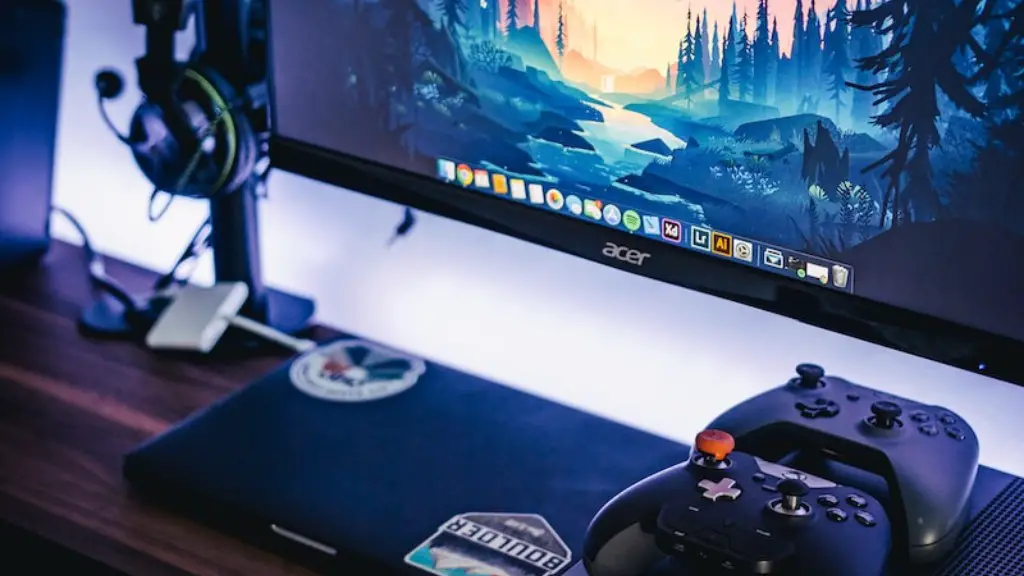
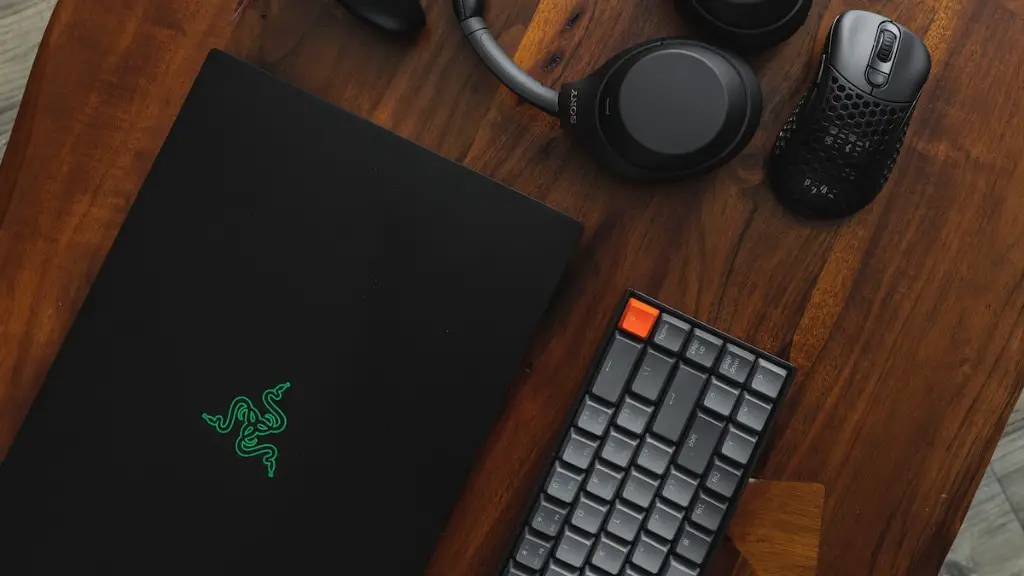
Don’t forget the exterior accessories when you build a gaming PC. The peripherals and accesories will determine the gaming experience a lot. Depending on your budget, you can opt for standard peripherals such as a keyboard, mouse, and headphones. For an immersive experience, you can opt for headsets and special controllers.
Finally, you should get a good monitor for gaming. There are many monitors available at different price ranges, with different features. Higher refresh rates and larger screen size will provide a better gaming experience, but these can be expensive. Opt for mid-level monitors as an affordable way to get a good picture and maximize resources.
Software
To get the most out of your gaming PC build, you need to make sure your software is up to date. Firstly, you will need an operating system. There are a variety of options, but Windows remains the most popular choice. If you don’t want to pay for the premium version, you can always get the free Windows 10 Home version.
A good antivirus program is also necessary. You don’t want to be left vulnerable to malicious attacks, so make sure you get good antivirus software before you start gaming. There are plenty of free options, but paid services usually offer more features and better protection.

Finally, you will want to get a streaming software such as OBS or XSplit. This will allow you to stream your gaming sessions so others can watch. It is a great way to interact with your viewers and will help you grow your gaming audience.
Cost analysis
The cost of building a gaming PC depends on the components you choose and where you buy them. Depending on your budget, you can opt for high-end components or cheaper alternatives. Generally, it is best to choose products from reliable brands as they often offer better quality and support. Moreover, it is a good idea to shop around to find the best deals.
Make sure to budget for accessories as well. You don’t want to skimp out on important peripherals that can improve your gaming experience. Also, research shipping and handling fees along with any applicable taxes.
In addition, there may be other costs such as assembling the PC or buying computer building tools. Make sure to shop around for these costs and compare prices from other providers. This will help you keep your costs down.
Tips and tricks
There are several tips and tricks to save money when you build a gaming PC. The most important one is to do your research before you buy. Read reviews and watch videos of other gaming PC builds. This will give you a good idea of what you’ll need and what components work best together.
You can also save money by buying older parts or used components. As mentioned earlier, it is important to make sure these parts are in good condition before you buy them. Another good tip is to buy components in bulk when possible. This can help you save money on shipping and handling fees.
Another way to save money is to use coupons and promotional codes. Many stores offer discounts when you buy from them and these can help reduce the cost of your gaming PC build. Finally, keep an eye out for sales and clearance items. These can provide some great savings.
Conclusion:
With a little bit of research and strategic decisions, it is possible to build a gaming PC on a tight budget. You can reuse components where you can, opt for mid-tier parts, and take advantage of discounts. Furthermore, make sure you get the right peripherals to get the most out of your gaming PC. With the right components and a little budgeting, you can build a great gaming PC without breaking the bank.
