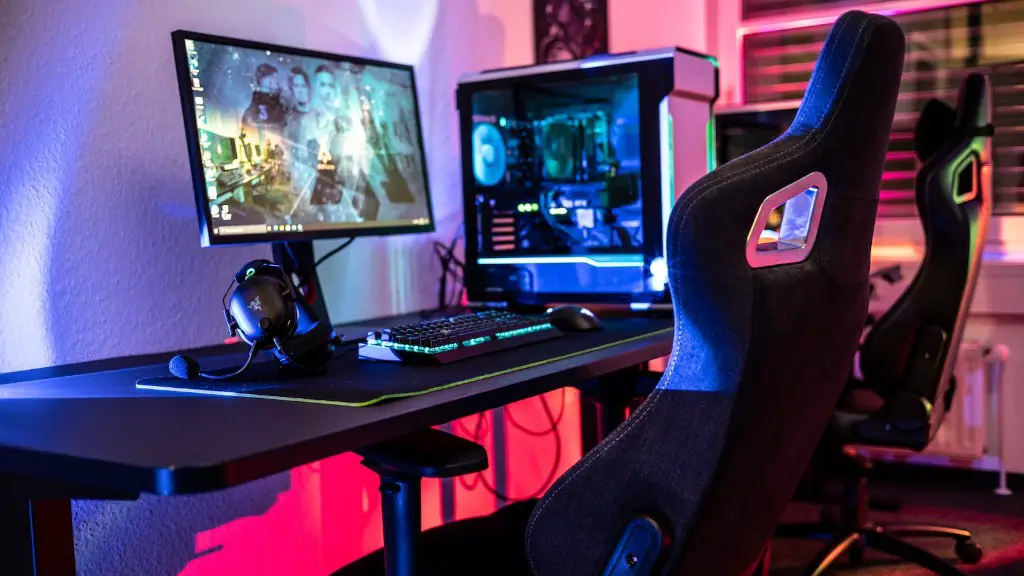
Building your first gaming PC can be daunting and intimidating. That’s why it is important to prepare everything that you need and go through step-by-step instructions carefully. Whether you’re looking to build a gaming powerhouse or a basic laptop alternative, here’s how to get started.
Gather your components. Before you start building your gaming PC, you’ll need to pick out all the parts. This includes the motherboard, CPU, RAM, GPU, PSU, storage, and case. Remember, you don’t need the best of the best components. Aim for components that are good enough for the type of games that you plan on playing. Research reviews and prices, and check for compatibility between parts.
Install the processor and cooler. After you have all the parts, the next step is installing the CPU and the CPU cooler. Start by opening up your case and finding the processor’s mounting bracket. Place the CPU in the bracket and attach the CPU cooler. Connect the fan to the motherboard and make sure it’s powered on and running.
Slot in the RAM and the graphics card. Next, you’ll need to slot in your RAM and the graphics card. Start by inserting the two RAM modules. Be sure to match the slots that they fit into with the RAM slots on the motherboard. Then, put the graphics card into a PCI Express slot, making sure to screw it in and connect the power to the card.
Connect the power supply, hard drive, and other components. Now, you’ll need to connect the power supply, hard drive, and any other components you may have. Connect the main power cable to the power supply, then start connecting the individual components – in this order: CPU power, graphics card power, storage power, fans, and additional peripherals like a Blu-ray drive. Once everything is connected, you’re ready to power on your system.
Install the operating system. Now it’s time to install the operating system. Insert your OS disk or USB drive into your computer and follow the on-screen instructions. If you purchased Windows 10, you can enter your product key during the installation process. Once the OS is installed, you’ll need to install the drivers and any patches or updates before you can start using your PC.
Customize the BIOS. Finally, you’ll need to customize the BIOS. The BIOS is the software that runs your computer before the operating system boots. There are a few settings you’ll want to change, like the boot order, fan speed, and any overclocking settings.
Additional Tips

When building your first gaming PC, it’s important to remember a few additional tips. Start by ensuring that your components are all compatible with each other. This will help you avoid compatibility and performance issues later on. Make sure you follow all the steps in the right order and double-check your work before powering on the system. Don’t forget to install any OS updates or patches to make sure your system is running smoothly. Lastly, once your PC is built, take the time to set up your gaming environment. This includes a good headset, chair, and mouse.
Maintenance and Upgrades
Once your gaming PC is set up, it’s important to stay on top of maintenance and upgrades. Regularly check your system’s temperatures and ensure that your components are running cool. Clean out the dust and debris from your machine every couple of months. Upgrade your components as needed in order to keep up with the latest games and tech. Finally, install any security patches and keep your anti-virus software up to date.
Tips for Staying on Budget
When building a gaming PC, it’s important to stay on budget. First, decide what you need versus what you want. Basic components like RAM and storage can be purchased used to save some money. If possible, buy components in sets, which can save you quite a bit of cash. Also, keep an eye out for deals or sales, which can drastically lower the cost of some components. Furthermore, don’t be afraid to shop around, as different retailers may offer different prices.
Testing and Troubleshooting
Before you start gaming, it’s important to test out and troubleshoot your system. Run benchmarks and other performance tests to make sure that everything is running smoothly. If you experience any issues, it may be a good idea to run a memory and stress test to diagnose the problem. Look for any defective components and be sure to check if all the parts are connected properly. If the issue persists, consult forums and tech support to resolve the problem.
