Building a great gaming PC on a budget is one of the most sought-after tasks by people planning to buy the latest gaming products. To help you do just that, here is a 7-step guide on how to build the best, most affordable gaming PC.
First and foremost, you need to research the types of components that will best suit your budget and needs. Consider how much power you’ll need, and how much you can afford to spend — you’ll want to pick up as much computing power as you can while still staying in your budget.
Next, you’ll want to look into assembling your PC, like what type of case or motherboard to use. You’ll also want to make sure your components are compatible with one another. If you’re unable to do this, there are plenty of online resources to help you out.

Third, consider opting for a processor that’s made for gaming. An Intel Core i7 or an AMD Ryzen 7 is the best bet, as they’ll provide the performance you need to play the latest games.
Fourth, you’ll want to look into buying RAM. A minimum of 8 GB is recommended, with 16 GB being ideal. Buy RAM with a high speed as well as a low latency. Higher speed RAM is more expensive, but it’ll provide a better gaming experience.
Fifth, you’ll want to think about how to power your PC. A good power supply unit (PSU) is important, as it can make or break your gaming experience. Look for something with at least 500W of power, as this will allow for plenty of overclocking.
Finally, once all your components are in place, be sure to plug them in and get your software setup. Update and configure any drivers, as this will help ensure your gaming PC performs optimally.
Types Of Components

When it comes to building the best cheap gaming PC, understanding what types of components you’ll need is essential. While researching the parts, it’s important to make sure they’re compatible with one another. Generally, you’ll be looking at components like CPUs, GPUs, RAM, power supply, and cooling components. It helps to look into which processor is right for your needs, since gaming is one of the most power-intensive tasks.
For gaming on a budget, an Intel Core i7 8700K or an AMD Ryzen 7 2700X will provide the best performance per dollar. An Nvidia GeForce GTX 1050 Ti or an AMD Radeon RX 570 is great for 1080p gaming, while an AMD Radeon RX 580 or an Nvidia GeForce GTX 1060 gives you higher 1080p performance and better results at 1440p.
RAM isn’t much of a consideration when building on a budget. 8 GB of RAM is considered the minimum for gaming, but 16 GB provides better multitasking performance between different applications. It’s important to get high speed RAM as well.
Choosing A Motherboard
The motherboard is the heart of your PC, essentially. It’s what holds all your other components together and ensures that every component works in cohesion. You’ll also need to make sure your motherboard is compatible with the CPU you choose, whether it be Intel or AMD.
For Intel CPUs, there are a variety of motherboards ranging from B360 to Z370. Generally, you’ll want to look towards the more expensive models if you plan to overclock your CPU. For an AMD processor, look towards the A320, B350, and X370 boards.
Price is also a major consideration when it comes to motherboards. Aim to look at motherboards that cost around the same amount as your CPU. If you’re going for an Intel processor, boards with Intel’s B360 chipset offer the most features for the lowest cost.
Choosing A Case And PSU
Whether you go for a mid-tower or a full-tower ATX case, price and size are important considerations. Mid-towers are great for a budget build and tend to be small enough that you won’t need to worry about space constraints or noise. Full-towers are better for more advanced builds, as they have plenty of room for larger components and for better air flow.
A good PSU is the unsung hero of any gaming PC, as it provides the power to your components. Look for something with at least 500W of power. Cheaper PSUs can be tempting, but they’ll lead to more instability and can even damage your components over time.
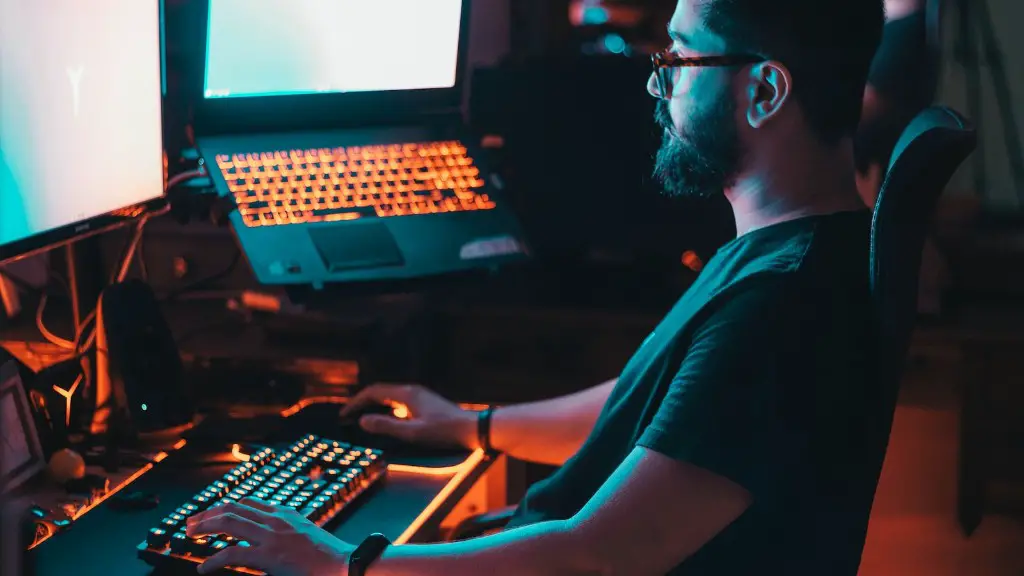
You want your PSU to be reliable and efficient, as this will drive down your electricity bills. The 80Plus power rating lets you know how efficient the power supply is. With the 80Plus rating, you should aim for Bronze, Silver, or Gold at the minimum.
Storing And Cooling Components
A good hard drive or solid state drive is just as important when it comes to gaming. Look for a HDD or an SSD with high read/write speeds and reliability if you’re looking for HD storage. For an SSD, you may want to consider a larger capacity if you plan on storing games and other files on it.
Finally, you’ll need to consider the cooling components. A good air cooler and CPU cooler are good investments if you plan on overclocking your processor. Make sure to get something that’s big enough to keep your components from getting too hot.
Alternatively, an AIO liquid cooler is great for keeping your components cool without taking up too much space. You can also look into custom water cooling if you’re going for a more hardcore gaming build. Just remember, the more you spend on cooling, the better your processor will perform.
Software Setup
Once you’ve put your components together and have powered them up, the next step is to set it up and get it ready for gaming. This typically means installing an operating system like Windows 10, as well as any necessary drivers.
Once all the drivers are installed and configured properly, it’s important to make sure your software is up to date. This includes any software associated with your games, as well as any applications you plan on using. Doing this will ensure everything runs smoothly and stably.
Finally, it’s important to back up your data. Make sure to back up all your important files and documents, as this will make it easier to recover them in case anything happens. This is an especially important step if you plan to play online, as it’ll help protect your credentials.
Testing And Troubleshooting
It’s essential to test your PC once its finished. This means running it through its paces and ensuring it can handle the type of tasks and games you plan on using it for. Since gaming PCs aren’t used for general tasks as much as their non-gaming counterparts, you should run some performance tests to see how your PC fares.
Benchmarking software can be used to benchmark your gaming PC, allowing you to easily compare it to the latest gaming products on the market. This can help you identify any potential issues with your system, as well as any areas you can improve on.
Once you’ve identified any issues, the next step is to troubleshoot them. Make sure to double-check your components and make sure they’re properly installed. If that doesn’t fix the issue, check to see if any drivers need updating or if your software needs to be reconfigured.
Finally, if you’re still having issues, there are plenty of online resources you can use. Sites like Reddit, YouTube, and dedicated forums are great for finding advice from people who have experience with the same components. These people can provide you with invaluable advice on how to get your system running at its best.
