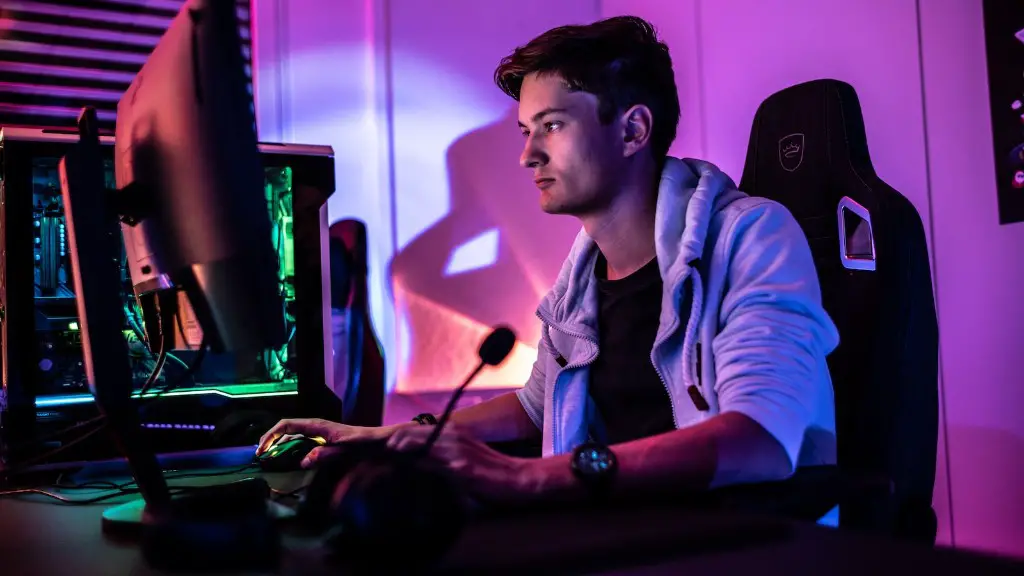
Building your own gaming PC for the first time may seem daunting, but it doesn’t have to be. With the right knowledge and tools, anyone can easily assemble a powerful gaming system. Here’s a quick guide on how to build your first gaming PC.
To get started, you’ll need to purchase the components that make up your gaming computer. You’ll need to decide on things like the processor, video card, motherboard, RAM, storage, and power supply. You can find all of these components at any computer store or online. Once you have all the components, it’s time to assemble them into your PC.
The first step is to put together the motherboard, processor, and RAM. Start by putting the CPU into its socket on the motherboard. Making sure to use the correct mounting bracket, secure the processor with the screws provided. Then, insert the RAM into the appropriate slot on the motherboard and secure with the accompanying clips.
After that, you’ll need to install the power supply and storage. Start by connecting the power supply to the motherboard and storage. Make sure to use the correct cables to connect the power supply and components together. Then, install your storage device; either an HDD or SSD. Securely plug in the power cables, SATA cables, and other connectors as needed for the storage device.
The next step is to install the video card. Video cards often require an external power connection, and you should refer to documentation for your video card for proper installation and wiring. Once that’s done, you’ll need to connect the video card to the monitor using an HDMI or DisplayPort cable.
The last step is to install the case fan. This is to ensure that your system stays cool and runs reliably. Make sure to install the case fan on the side closest to the processor, as they need to draw heat away from the processor.
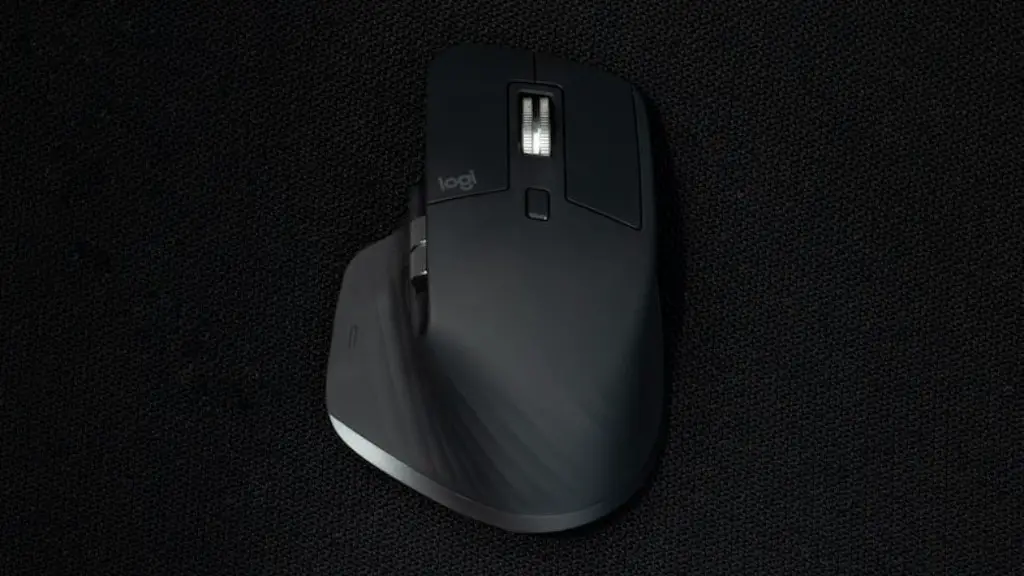
Finally, you’ll need to plug in all the power, USB, and audio cables needed to connect your peripherals, such as a mouse and keyboard. You should also connect your network cable, if you need one. Once you’ve done all of this, it’s time to power on your system and install your operating system.
Tools For Building A Gaming Pc
You may need some basic tools and supplies to build your gaming PC. Common tools include a screwdriver, a flashlight, a pair of needle-nose pliers, and a cordless drill. Additionally, you’ll need anti-static wrapping materials and thermal paste to ensure that the components are properly insulated and cooled. Other supplies, such as cable ties and zip ties, will help you keep cables organized and neat.
If you don’t have any of these tools, you can buy them online or at any hardware store. Having the right tools and supplies will make it much easier to build your gaming PC, so make sure you have what you need before you start.
Finally, if you’re new to PC building, there are lots of helpful video tutorials available online. They can show you how to assemble the different parts of your gaming PC and how to connect them correctly. Watching some of these videos can help you gain the confidence and knowledge you need to build your gaming machine.
Installing Your Operating System
Installing the operating system is the final step in building your gaming PC. One of the most popular operating systems for gamers is Microsoft Windows 10. This OS is easy to use and has a lot of features, such as game optimization and DirectX support, that make it ideal for gamers. You can purchase the OS directly from Microsoft or buy it from an online retailer.
Once you’ve purchased the OS, you’ll need to install it on your new gaming PC. This process is fairly straightforward and will require you to enter your product key. Once that’s done, you’ll need to set up some basic settings, such as selecting a username and setting up a password. After that, you’ll be ready to start gaming.
If you want, you can also set up a firewall and antivirus on your new gaming PC. This will help protect you from malicious software and hackers. Microsoft Windows 10 comes with built-in antivirus protection, so you don’t have to worry about buying additional protection if you don’t want to.
You can also install programs on your PC, such as a web browser, music player, and video player. Once you’ve installed all the programs you need, your PC is ready to use. That’s it – you did it! Your first gaming PC is now up and running.
Tips For Building a Gaming Pc
When building your first gaming PC, it’s important to keep a few things in mind. First, make sure you read all instructions from the components’ manufacturer. This is especially important for components such as the graphics card and motherboard, as they require specific installation procedures.
Also, double-check that all components are properly seated and connected. Connectors and ports can be easily damaged if installed incorrectly, so it’s important to make sure everything is in the right place. Finally, when setting up your gaming PC, be sure to optimize your windows settings for gaming. This will ensure that your PC runs as optimally as possible.
Overclocking and Troubleshooting
Once you’ve built your gaming PC, you may want to consider overclocking it. This is the process of increasing the clock speed of a component, such as the processor, to improve its performance. It can be a great way to get more performance out of your system, but it should only be done with caution.
If you plan on overclocking, make sure to do your research and understand the risks. It’s also important to use a good thermal paste and aftermarket cooler to keep your components from overheating. And if you run into any issues, consult the documentation for your components or refer to an online troubleshooting guide.
Conclusion
Building a gaming PC for the first time can be a daunting task, but with the right knowledge and tools, anyone can do it. Start by gathering all the necessary components and tools, then follow the instructions from the component manufacturers to assemble your PC correctly. Once you’ve done that, all that’s left is to install your OS and any programs you need. And if you want to boost your PC’s performance, you can consider overclocking it.
