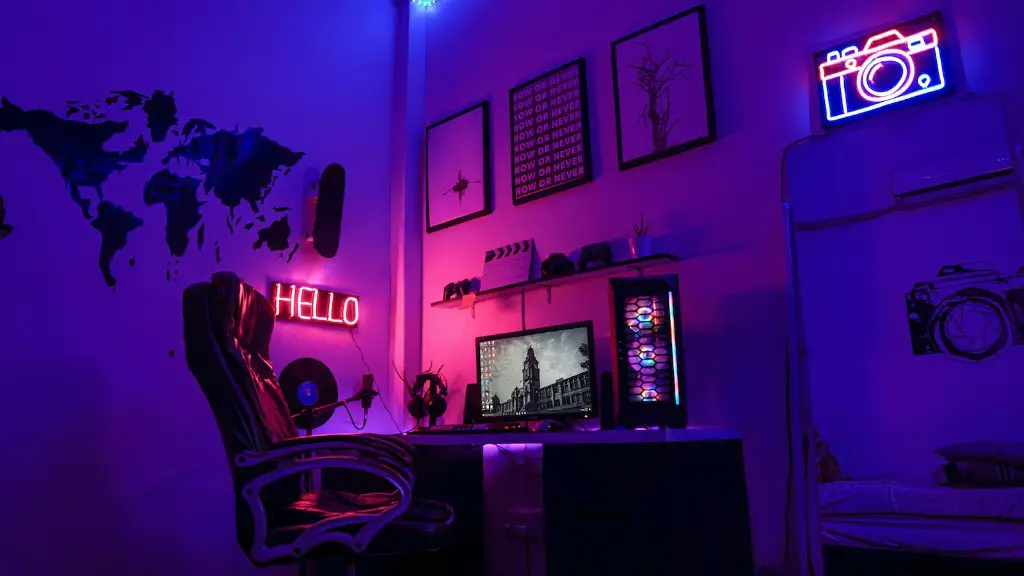
How To Build Your Own Gaming Pc For Beginners
Building a gaming PC is an exciting and fun experience. It’s tempting to just jump right in and start putting it together, but there are certain things you should know before getting started. Here are some tips and tricks to ensure that your gaming PC build goes smoothly and quickly.
Gather the Right Components
Firstthingsfirst: make sure you have all of the necessary components for your gaming PC. You’ll need a CPU, a motherboard, RAM, a power supply, a GPU, a case, storage, and a cooling solution. You’ll also need an operating system, preferably Windows 10. Additionally, consider buying a monitor, keyboard, mouse, and speakers if you don’t already have them.
Check Your Parts
Check all of your parts before you begin to assemble your gaming PC. Make sure they are compatible with each other and that there are no missing pieces. Double-check that you have a motherboard with a compatible CPU socket and a power supply with enough wattage to support all of your components.
Choose Some Good Case Fans
Your case will come with some fans pre-installed, but you should consider adding additional ones. A good set of fans can help keep your gaming PC cool and reduce noise. Try to buy quieter fans as you want to avoid too much noise.
Install the CPU, RAM and GPU
Installing your CPU, RAM and GPU is relatively straightforward. Firstly, align your CPU with the socket on the motherboard and then carefully place it inside. Secure the CPU with the correct screws or spring. Then, slot your RAM into the correct slots on the motherboard. Finally, install your graphics card and connect any necessary cables.
Install a CPU Cooler and the Power Supply
It is important to install a CPU cooler as this will keep your gaming PC cool and prevent any problems caused by overheating. There are various types of CPU coolers and these can be fitted to either the back or the top of your case. After that, mount your power supply in the case and use the screws provided to secure it.
Put It All Together
Now it’s time to finally assemble your gaming PC. Start by connecting your fans to the power supply, then install the storage drives and connect them to the motherboard. Connect any cables that you may have, such as a display port and a USB cable. Finally, install your operating system and you’re all set.
Monitor and Keyboard Considerations
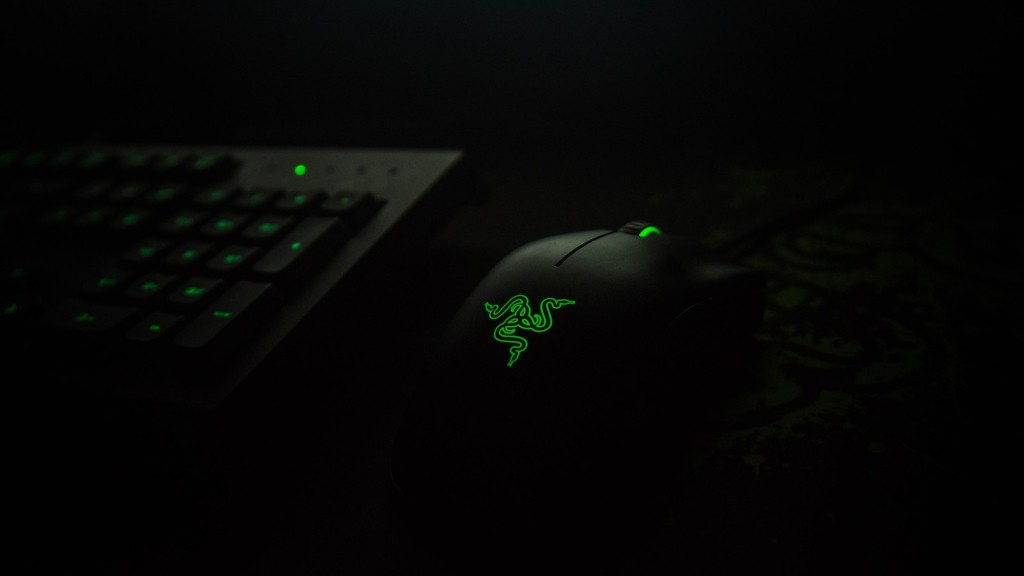
Building a gaming PC should come with the consideration of selecting a compatible monitor and keyboard. The type of monitor you choose will depend on the type of games you play. If you plan on mostly playing shooting and tactical games, a 144hz or 240hz monitor is recommended. On the other hand, if you plan on playing more casual or creative games, a monitor with higher resolution is suggested. When it comes to keyboards, a mechanical keyboard feels comfortable and gives you the advantage of reducing ghosting. A gaming mouse is also recommended for a smooth and responsive gaming experience.
Install Alternative Cooling Solutions
After finishing the build, you should consider alternative cooling solutions for your gaming PC to ensure optimal temperatures. Perhaps the most popular option is liquid cooling. This type of cooling is efficient in dissipating heat from the CPU and usually requires less fans than an air-cooled PC. Another option is a custom fan setup, which offers improved airflow, reducing the temperature of your PC, but is more difficult and expensive to install.
Check for Dust and Monitor Temperatures
To maintain the performance of your gaming computer, you should regularly check it for dust build-up. Since dust can clog up fans and block airflow, it is important to regularly clean it out using a can of compressed air. Additionally, make sure to monitor the temperatures of your components as they can be affected over time. If the temperatures are too high, consider updating your cooling system or installing additional fans.
Use Stress Testing Software
Stress testing is used to measure the performance of a gaming computer and is an important step for any PC build. This can be done through free software such as Prime95, FurMark, PassMark or UserBenchmark. Stress testing can help you identify capacity issues or hardware instability, helping to diagnose any potential problems before attempting to use the PC for gaming. This step may also help identify any hardware incompatibilities that were missed in the initial build.
Consider Customizing Your Build
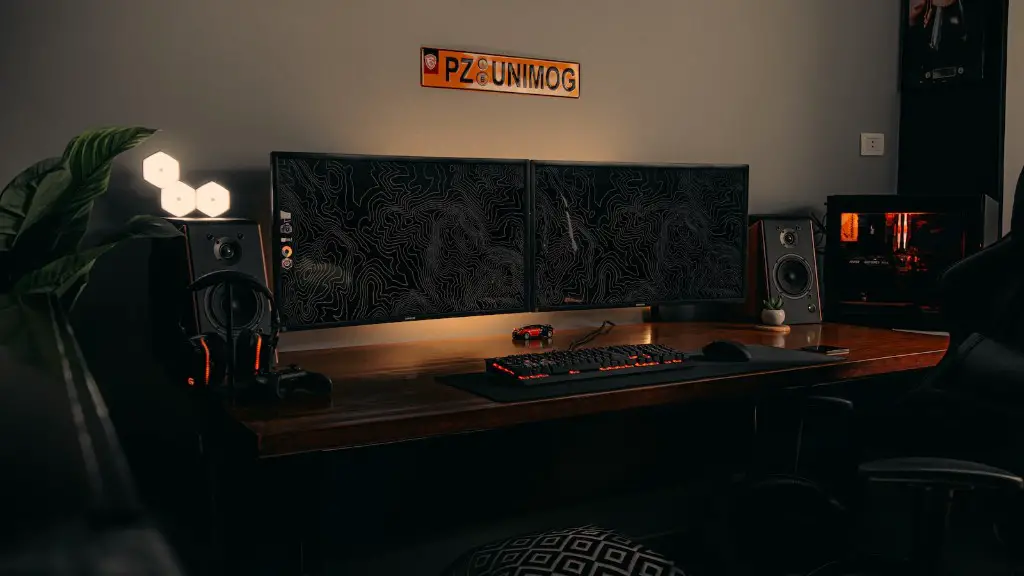
Before the build is completed, there are lots of customization options you can add to make your gaming computer unique. These can range from custom cables to different colored lighting systems and more. Customizing your rig can be more time consuming but allows you to express yourself and add a more personal touch on your PC. Additionally, customizing your hardware will ensure that the build is future proof and will last for years to come.
