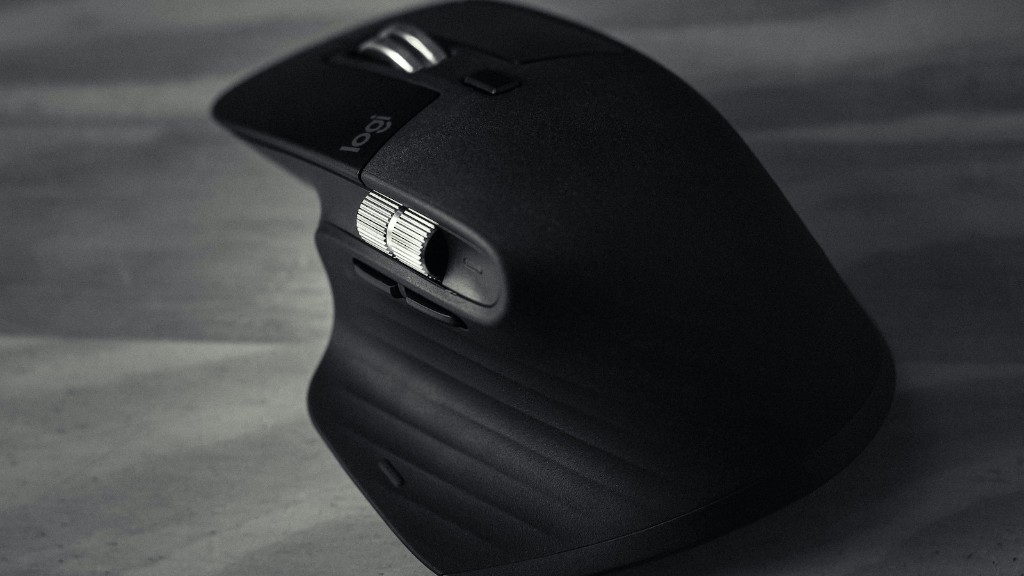
Gaming mice are an essential part of any PC gamer’s toolkit. But with so many different models and manufacturers to choose from, how do you know which one is right for you? In this guide, we’ll show you how to pick the best gaming mouse for your needs, whether you’re looking for a basic model or something with all the bells and whistles.
There is no one answer to this question as everyone’s preferences for a gaming mouse will differ. However, there are some general characteristics that a good gaming mouse should have in order to give you the best gaming experience possible. Some of these include a comfortable grip, adjustable sensitivity, and programmable buttons. You should also make sure that the mouse is compatible with your gaming PC or laptop.
What should I look for in a good gaming mouse?
There are four main playstyles in gaming: FPS, MOBA, RTS, and MMO. Each one requires a different type of gaming mouse to be most effective. Buttons are important for gaming mice because they can be programmed to perform different in-game functions. DPI is a measure of how sensitive a mouse is, and a higher DPI means the mouse is more accurate. Polling rate is the speed at which the mouse communicates with the computer, and a higher polling rate means the mouse is more responsive. Weight and size are important for gaming mice because they need to be comfortable to use for long periods of time. Wireless or wired is a matter of preference for most gamers. Grip style is also a matter of preference, but some gamers prefer a palm grip while others prefer a claw grip.

When choosing a mouse for your needs, it is important to keep in mind that the best FPS gaming mice should be lightweight and have low click latency. The shape of your FPS mouse is also key in ensuring comfort and precision. For example, if you have smaller hands, you may prefer a shorter and more compact mouse. Alternatively, if you have larger hands, you may prefer a longer and more ergonomic mouse. Ultimately, it is important to choose a mouse that feels comfortable for your hand size and grip type.
What mice do most gamers use
There are a few different types of gaming mice to choose from, depending on your budget and preferences. The Razer Basilisk V3 Pro is the best premium gaming mouse, offering excellent features and performance. The Glorious Model I is the most comfortable mouse, thanks to its ergonomic design. The Razer Viper Mini is the best gaming mouse for small hands, while the Corsair Sabre RGB Pro is the best gaming mouse for large hands. The Corsair Scimitar RGB Elite is the best MMO mouse, offering 12 programmable buttons and excellent performance.
DPI stands for “dots per inch”, and is a measure of how sensitive a mouse is. The higher the DPI, the more sensitive the mouse is. For most users, a mouse with a DPI ranging from 800 to 2000 is perfectly fine. Higher DPI mice are preferred by gamers who want extreme sensitivity, where little movement is needed through the mouse to move the pointer on the screen.
Is 1000Hz mouse good?
The best polling rate for gaming mice is usually the highest polling rate your mouse can achieve. In most gaming mice, that’s 1000Hz. This means that your mouse is sending 1000 signals per second to your computer, which is the highest possible rate.
For fast-paced games that rely on accurate mouse movements, we recommend using settings no lower than 500Hz. The industry standard is currently 1000Hz, with a few mice having higher polling options of 2000Hz, 5000Hz, and 8000Hz. These higher polling rates produce smoother and more consistent cursor movements.
What Hz is best for mouse?
The most common polling rate for basic mice is 125 Hz, though gaming mice often feature polling rates of 500 Hz to 1,000 Hz. The main advantage of a higher polling rate is that it can reduce the amount of lag between when you move your mouse and when your computer registers the movement.
It is often assumed that wired mice are always faster and have lower latency than wireless mice. However, this is not always the case. In fact, the difference in latency between a top tier wired and wireless mouse is so small as to be imperceptible, even for pro gamers. In online benchmarks like the video shown above, there is little correlation between whether a mouse is wired or wireless and whether it has low or high latency.
What size mouse is best for gaming
There is no perfect mouse for everyone, it depends on a bunch of factors like grip type, play style and hand size. Larger mice are usually better for gamers with large hands, while smaller mice are better for people with smaller hands.
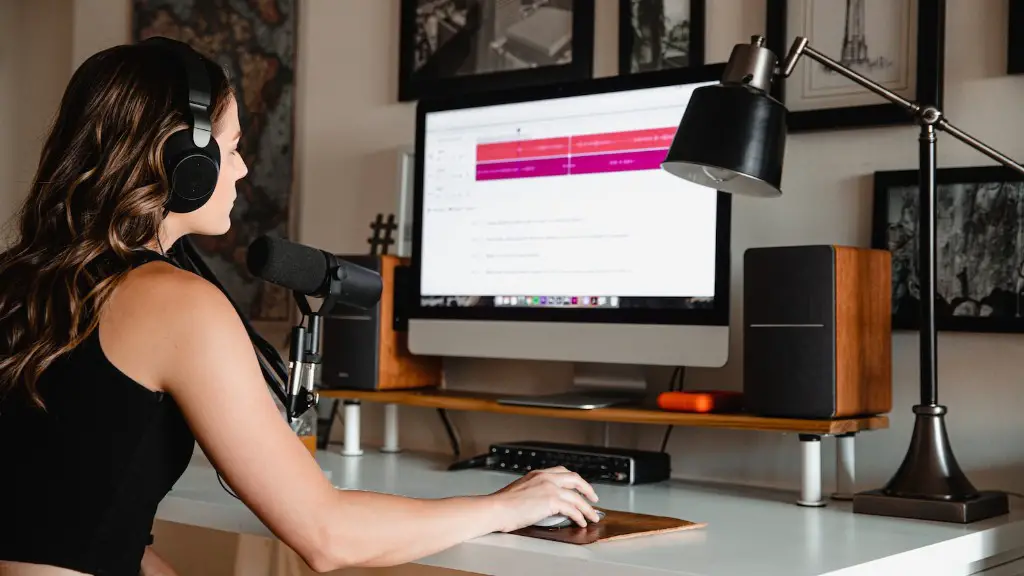
There are a few factors to consider when choosing a gaming mouse, such as sensitivity, weight, and shape. But for FPS gamers, one of the most important factors is the polling rate. A mouse with a higher polling rate will communicate with your computer more frequently, which can result in smoother gameplay.
Here are 8 of the best gaming mice for FPS gamers, based on their polling rate:
1. Logitech G Pro X Superlight: 1000 Hz
2. Razer Viper Ultimate: 1000 Hz
3. Logitech G Pro Wireless: 1000 Hz
4. Zowie EC1: 1000 Hz
5. SteelSeries Prime Wireless: 1000 Hz
6. ZOWIE FK2R: 1000 Hz
7. Razer DeathAdder V3 Pro: 1000 Hz
8. Zowie ZA12-B: 1000 Hz
How many clicks is a mouse good for?
This means that the lifespan of a mouse is approximately 20 million clicks. This number may differ depending on the quality of the mouse, but on average, a mouse can last for quite a while with moderate use.

A gaming mouse is generally more sensitive than a normal mouse, meaning that it can register smaller movements more accurately. This is important for video games, especially when playing competitively, as it can give players an edge over their opponents. The technology used in gaming mice also allows for more responsiveness, which can be the difference between winning and losing.
Does a good mouse make a difference FPS
First person shooters are a genre that is popular among gamers. A good FPS mouse can make a huge difference in your gameplay. FPS mice are designed to provide gamers with the best possible gaming experience. They offer features that are essential for first person shooters, such as high DPI, fast response time, and adjustable weights.
The Razer Viper 8KHz is excellent for FPS gaming. It’s surprisingly very light for a mouse without a honeycomb design and feels very well-built. Its ambidextrous body has a low profile that’s great for a fingertip grip, but small hands may struggle to reach some buttons.
Is 8KHz mouse good?
The Viper 8KHz is one of the best gaming mice on the market. It tracks incredibly well, and the wired connection never faltered in my testing. The buttons are just as consistent, and this is one of few gaming mice that includes thumb buttons for left-handed gamers. Overall, the Viper 8KHz is an excellent gaming mouse that is sure to give you the edge you need to win.

For shooting precision in FPS games, the recommended DPI is in the lower scope of 400-800. This allows for more accurate and consistent aiming, especially at long range targets.
Conclusion
There are a few things to consider when choosing a gaming mouse:
1. DPI (dots per inch): This is a measure of how sensitive the mouse is. The higher the DPI, the more sensitive the mouse will be.
2. Polling rate: This is the rate at which the mouse is polled, or checked, by the computer. A higher polling rate means that the mouse will be checked more often, and will be more responsive.
3. Button presses: Some gaming mice have extra buttons that can be programmed for certain actions. This can be helpful in games where you need to perform a lot of different actions.
4. Weight: A heavier mouse can be more difficult to control, but some gamers prefer the extra weight.
5. Price: Gaming mice can range in price from around $20 to $200. It’s important to find a mouse that’s comfortable for you and that has the features you want, but you don’t need to spend a lot of money to get a good mouse.
There are many factors to consider when purchasing a gaming mouse, such as size, weight, grip, buttons, and sensors. Some mice are designed for specific types of games, while others are more general purpose. It’s important to know what you need and want from a mouse before making a purchase. With so many options on the market, doing your research ahead of time is the best way to ensure you’ll be happy with your purchase.