
When it comes to playing video games or computing intensive applications, gamers need a system they can depend on. A good gaming PC is not just a work of art that looks good, but also a reliable and powerful platform to experience the best gaming experiences. The challenge is to find the right gaming PC that suits your needs and budget. Here are some tips and considerations when choosing a gaming PC.
Consider Your Budget
The first step of choosing a good gaming PC is, of course, budget planning. Know your spending limit and what kind of PC you can afford. If you are looking for an entry-level gaming PC, then there are options available in the market that don’t break the bank. But if you are looking for something more advanced, be sure to search for deals that fit your budget.
Evaluate Your Needs
The next step is to review your gaming needs and requirements. Do you need a laptop or desktop? Do you plan to upgrade any components of the PC? Do you want a PC with plenty of ports and connections or one that you can tuck away? By evaluating your gaming needs four answers you will be able to narrow down the selection of gaming PCs that meet your expectations.
Choosing Appropriate Components

When you have the budget and need in mind, it’s time to decide the individual components. Firstly, check for the processor, as it is the core component of the system. It should have clock speeds of minimum 2.7 GHz to 3.5GHz. Secondly, look at the RAM, a gaming PC should have least 8GB of RAM. Thirdly, decide a suitable GPU, as it’s majorly responsible for the gaming performance. Lastly, get a good cooling system which will sustain the PC while gaming.
Make Sure It Is Well Balanced
One of the most important aspects to look for in a gaming PC is the balance among the components. It is important to ensure that all the components are compatible with each other. You don’t want to end up putting in a great processor and GPU but find out that the rest of the components are not able to fully support them.
Check For Warranty & After Sales Support
Finally, before finalizing a gaming PC, make sure to check the warranty and after sales support of the manufacturer. It is always useful to have a good after-sales service that provides quick solutions for any issues that may arise with the PC. Also, check for returns policies in case the system does not meet your expectations.
Related Components
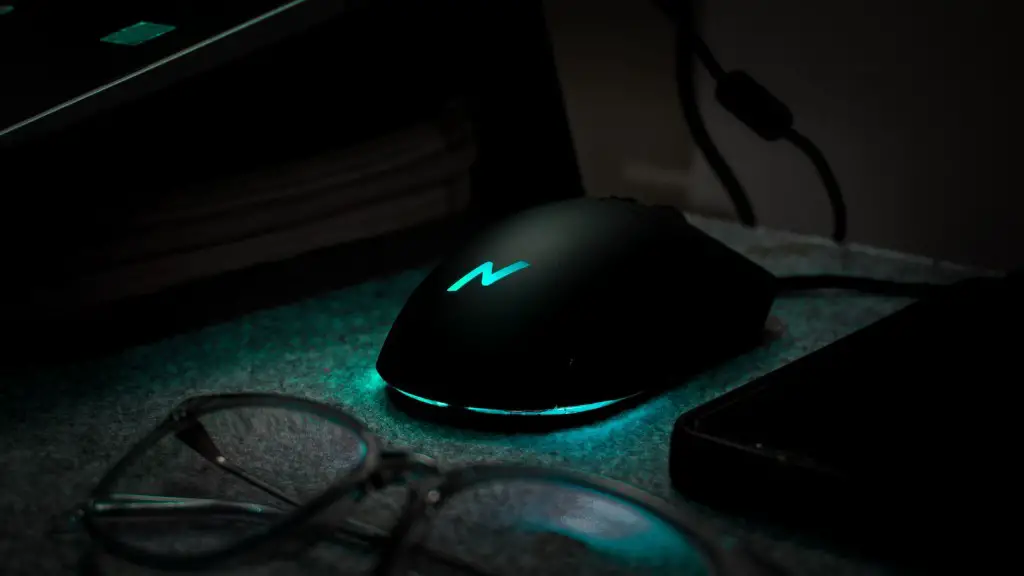
When choosing a gaming PC, its important to consider the related components that would go along with it. These include gaming headsets, gaming mouse, keyboard, etc. It’s best to buy gaming accessories that are compatible with the PC, so it’s important to check the system requirements of each component before purchasing.
Consider Upgrading Options
Another point to consider while looking for a gaming PC is if there are any upgrades available. It’s best to get a system that you can upgrade with more RAM or a better graphics card as your gaming needs grow over time. This will save you money in the long run, as you won’t need to purchase a whole new gaming PC when your older system can’t handle more games.
check Reviews and Vouchers
Before making a purchase, it is always important to check reviews from fellow gamers and even from tech experts. This will give you a fair idea of what kind of system you should purchase. Also, check for discount vouchers from the retailers and even from the manufacturers’ website, so you can get the best deal.
