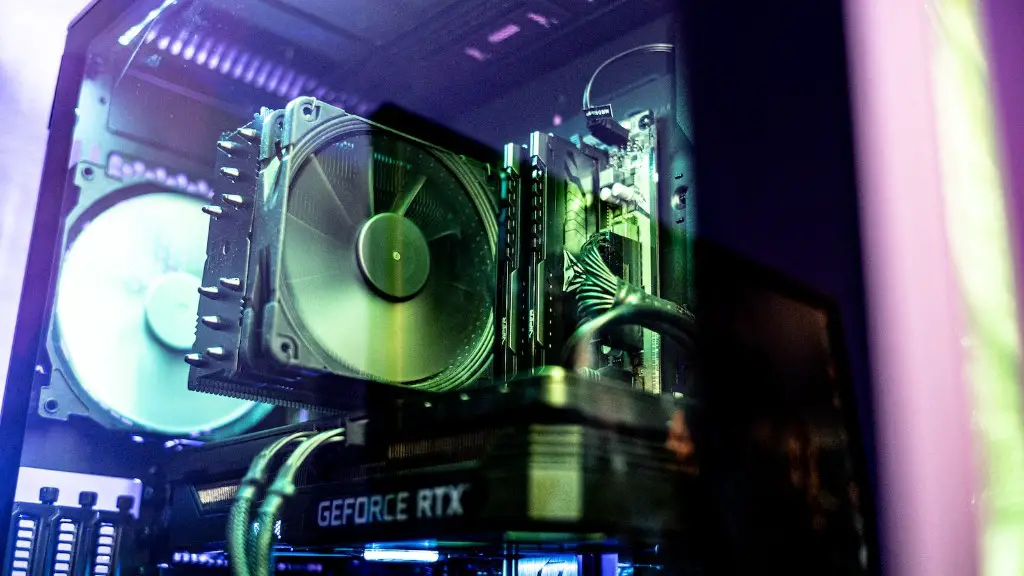
Building a gaming PC isn’t easy. It takes technical know-how and the right components. One of those components is a power supply unit (PSU). It’s the key that connects your computer to a reliable source of electricity. But choosing the right PSU for your gaming PC can be daunting. Without the right information, it’s easy to buy a PSU that’s overpowered or underpowered, which can damage your system. To help, here’s how to choose a good power supply for your gaming PC.
Know Your System Requirements
One of the most important steps in choosing a PSU is knowing what your system requires. GPUs and CPU have standard power requirements (measured as watts) that you have to adhere to. Most GPUs require at least 300 W and CPUs require a minimum of 200 W. Check your components’ power requirements before selecting a PSU. You don’t want to buy a 500 W PSU and then find out your components only need 300 W.
Understand Your Power Requirements
Power requirements are the most important factor when choosing a PSU. A good rule of thumb is to get a PSU that can deliver twice the power of what your system requires. This gives you plenty of overhead should you choose to upgrade down the line. Keep in mind, though, that the more power your PSU can deliver, the heavier and more expensive it will be.
Look for Efficiency Ratings
You’ve probably heard the term “energy efficiency” when it comes to power supplies. This refers to the efficiency rating of the PSU. A good efficiency rating helps you save electricity, which in turn helps you save money. Look for PSUs with at least 80 Plus Bronze certification. This certification tells you the PSU is at least 80-85% efficient at full load. For even better efficiency, you can go for PSUs with 80 Plus Gold or 80 Plus Titanium certifications.
Monitor the Temperature
Unless you plan to overclock your system, you don’t need a PSU with a lot of vents or cooling system. Overclocking, however, should always be done with caution. This means you’ll need a PSU with more heat dissipation capacity. Look for PSUs with a built-in fan and extra vents so your system can stay cool even when overclocking.
Check the Reputation of the Brand
It’s not enough to simply buy a PSU with good specifications. You also need to check the reputation of the brand. Read consumer reviews and look for customer feedback. This will tell you whether the PSU is reliable, sturdy, and built to last. Don’t be afraid to invest a little extra in a good PSU from a reputable brand.
Intake Wattage vs Maximum Wattage
It is important to differentiate between a PSU’s intake wattage and it’s maximum wattage. Intake wattage is the amount of power the PSU will draw from the wall and pass through to the PC. You may see this referred to as an “output” or “input” wattage rating. Maximum wattage is the amount of power (measured in watts) a PSU can provide to the computer. When choosing a power supply, look for one that has an intake wattage that is equal to or more than your maximum wattage requirement.
Calculating Total Power Requirements For Graphics Card
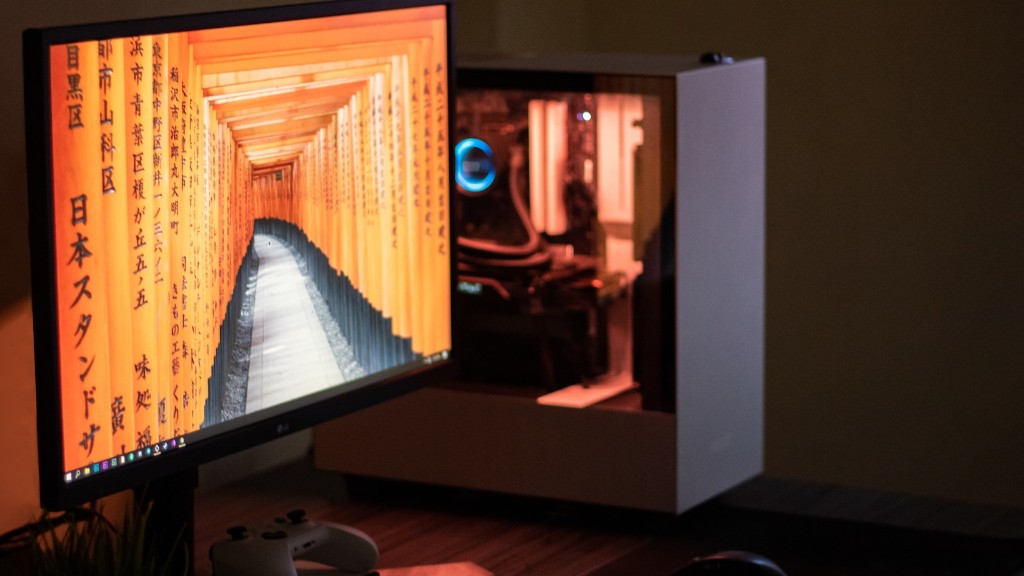
When it comes to gaming PCs, the graphics card is the most demanding component in terms of power requirements. To make sure you choose the right size PSU, it is important to calculate the total power requirements of your graphics card and all other components. Consider the power requirements of your CPU, graphics card, memory, storage, and even any extra components, such as lighting or water cooling systems. Once you have a total number, add a few extra watts to cover any unplanned additions in the future and store that number in the back of your mind when improving for the power supply.
Consider Other Pros and Cons
Beyond the technical specifications, there are other factors to consider when buying a power supply. What kind of warranty does it have? Does it support various types of connections? Does it have a modular design for easy installation and upgrade? When in doubt, stick to trusted brands, as they typically have better quality control. Also, don’t forget to factor in the price of the PSU, since more powerful options usually cost more.
Look For Future Upgrades
If you’re planning on upgrading your PC in the future, you need to consider the size of your PSU. Upgrading a component might mean you’ll need more power, so it’s best to get a PSU that can handle the load ahead of time. Fortunately, most PSUs come with multiple ports, so you won’t have to worry about upgradability.
Choose the Right Connectors
Modern power supplies come with a variety of connectors. These connectors plug into the motherboard and other components. Depending on the type of components you have, you’ll need to make sure your power supply has the right kind of connector. Common connectors include SATA and PEG. Make sure your PSU has the right number and type of connectors before buying.
Summarize and Verify Your Power Supply Selection

Once you’ve done the research and picked out the right power supply, it’s time to double-check. Look at the power rating, efficiency rating, number of available ports and connectors, as well as any additional features. If everything looks good, you can go ahead and buy the PSU. If you have any doubts, there’s no harm in seeking a second opinion from a trusted source.
