When it comes to choosing parts for a gaming PC, there are some key considerations to bear in mind. Firstly, understanding the type of games you’ll be playing will help guide the components you choose. What type of graphics card do you need? How much memory and storage will you require? Do you need an overclocked processor and cooling system? And what type of motherboard is necessary for your build? With so many considerations to bear in mind, it can be hard to determine which gaming PC parts to opt for. Here’s a quick guide to help you begin your journey into choosing the perfect gaming PC components.
CPU
Thinking of a new gaming PC build? The CPU should be the first part you purchase. As more advanced processors are increasingly available on the market, one should carefully look through the features they offer and determine whether they meet their specific gaming needs. If a more advanced graphics card is the main concern, clients should look for a CPU that can handle the card but can also provide the extra power to run other hardware too. As gaming hardware is becoming more sophisticated, higher-end processors are available for gaming PCs.
Graphics
Graphics, or GPUs, are an important part of any gaming PC build. This will likely be the most expensive part of your gaming PC build and determines how the game will look and perform. In today’s market, the two main graphics cards to choose from are AMD or Nvidia. When deciding on a card, consideration should be given to budget, memory, availability and performance. Gamers should also take their platform choice into account as this could influence the graphics card decisions they make.
Memory
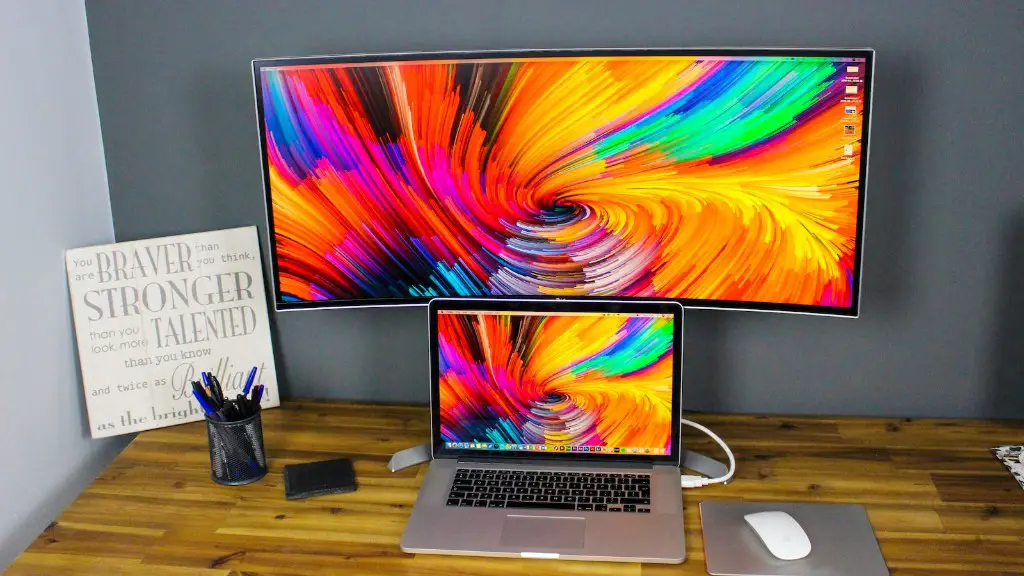
Memory, or RAM, is essential to consider when building a gaming PC. Generally, more memory means better performance but the type of memory you choose is also important. DDR4 RAM is the standard on the market, however DDR5 is currently being tested and could soon reach the consumer market. When looking for RAM it’s important to factor in compatibility and requirements, as well as budget.
Storage
Storage is an essential part of a gaming PC build, as it is the part where you will install your games and applications. The two main types of storage to choose from are Solid State Drives and Hard Disk Drives. In terms of speed, stability and reliability, SSDs are the clear winner. Although hard drives offer more storage for a lower cost and are the preferred option to back up files or store large-sized games. In general, it’s best to get an SSD for your operating systems and some games, and supplement it with a hard drive for backups.
Power Supply
The power supply unit is important to consider when constructing a gaming PC. It is responsible for providing power to the other parts, so it is important that it can do this efficiently. Additionally, you should factor in the wattage, brand and efficiency rating of the power supply when making your choice. Also, consider the type of cooling fan required too.
Motherboard
Motherboards are complex components that are essential when constructing a gaming PC. They link all of the components together and determine which peripherals you can use with your PC. When choosing a motherboard, it is important to factor in the compatibility, size, slots and I/O ports that are available. Look at the range of motherboards available on the market and determine which best fits your system.
Cooling System
Is it worth investing in a cooling system for your gaming PC? It’s a question that many PC builders are asking. As overclocking can increase the temperatures of individual components, it is definitely beneficial to invest in a decent cooling setup. Consider the type and size of cooling system you need for your build, it should be big enough to cool the whole system.
Peripherals
The types of peripherals you choose are personal preference and should be matched with the type of games you play. When it comes to peripherals, consider input devices such as gaming keyboards, gaming mice, controllers and headsets. Such components are what really make the gaming experience, so factor in your budget and select the peripherals that fulfill your gaming needs.
Monitor
Arguably the most important peripheral you can own, the monitor should be selected with care. Look for a monitor that provides the best picture quality and refresh rate for your budget. As higher refresh rates mean lower input lag and smoother visuals, monitors with 1,440p resolutions and higher should be considered.
Accessories
Gaming accessories are the finishing touches that can really make your gaming PC stand out. Items such as case lighting, custom decals and gaming chairs can have an incredible effect on a gaming setup. Consider the style of your gaming setup and factor in extra costs into your budget.
Warranties and Return Policies
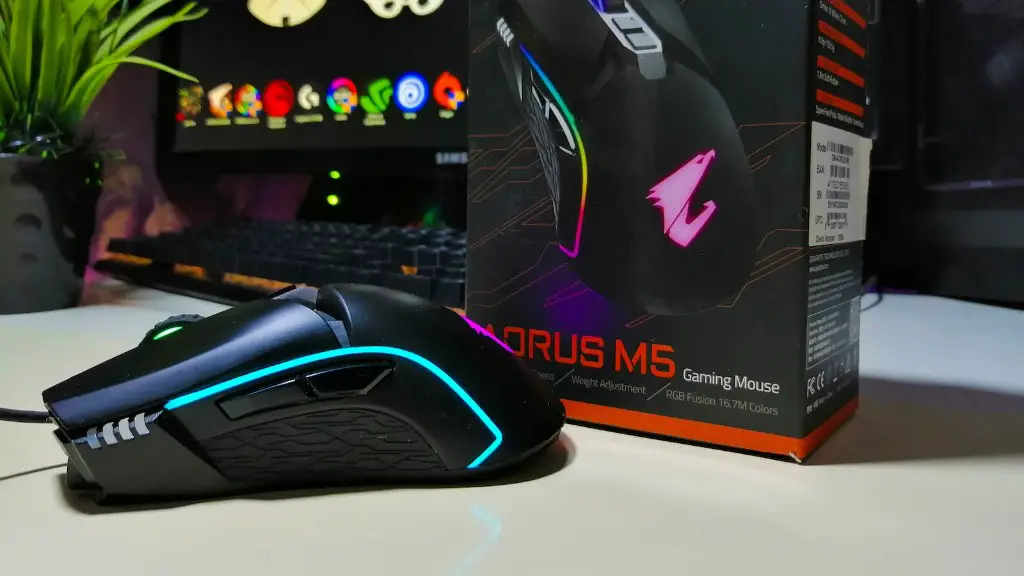
Warranties and return policies can act as security for your gaming PC build. Many gaming parts come with warranties so, when possible, try and opt for the longest warranty duration. This is especially important for highly expensive items such as CPU and graphics cards. In addition, return policies can also be a great form of post-purchase security, as PC parts can be returned in the event something isn’t as expected.
