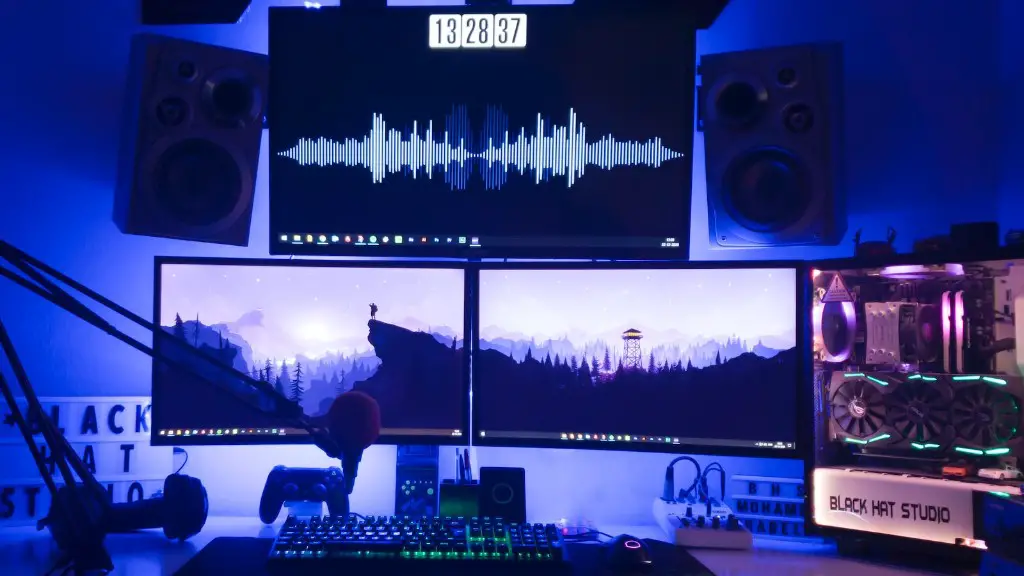
Gaming PCs require specific hardware and software for optimal gaming performance. With the right configuration, your gaming PC will be able to handle just about any game available today. This article will explain the basics of how to configure a gaming PC from scratch.
First, it is important to assess your current gaming needs. There are certain components that are necessary for certain kinds of games, such as a fast processor and a powerful graphics card. You will also need to consider how much RAM you need to run your games without any lag.
Once you have determined your gaming needs, you can begin to purchase the specific components you will need. You’ll want to purchase a motherboard that is compatible with your processor and other components, as well as compatible with the gaming software you will be using. Then, you’ll need to purchase the processors, RAM, hard drive, and graphics card. Be sure to double-check that the hardware you choose is compatible with the gaming software.
You will also need to purchase a compatible monitor. Depending on the size and resolution of the monitor, you will need to configure the PC to fit the monitor’s specifications. This can be done through the control panel settings of Windows.
Next, it is important to install the gaming software and configure the game settings. Many gaming programs come with several great-looking presets, so you’ll be able to tweak the settings for each game you play. This can help to maximize the performance of your gaming PC.
Finally, once all the necessary software and hardware is installed, it is important to configure all the details of the gaming environment. For example, you will need to determine the optimal resolution and graphics settings, as well as the microphone and speaker settings.
Graphics Card Configuration
When it comes to gaming PCs, one of the most important components is the graphics card. In order to get the best performance out of your graphics card, you need to make sure that it is configured properly. This includes configuring the graphics settings in the game, as well as changing the settings in the display properties.
The first step is to determine the optimal resolution for the game that you are playing. The best way to do this is to run the game at the highest resolution and then adjust the settings until it looks smooth and sharp. Once you have determined the optimal resolution, you should also adjust the graphics settings to match.
Once the resolution and graphics settings have been set, it is important to check the performance of the graphics card. This can be done by running a benchmarking tool, such as 3DMARK, which will test the graphics card’s performance in a variety of scenarios. This can help you to adjust the settings for maximum performance.
Finally, once the graphics card settings have been configured, it is important to ensure that the PC has enough power to run the games smoothly. If the PC does not have enough power, you may need to upgrade the power supply to ensure that the games run smoothly.
Audio Configuration
For a great gaming experience, it is important to make sure that the audio is configured correctly. This includes configuring the settings in the game and also making sure that the sound cards and speakers are set up correctly.
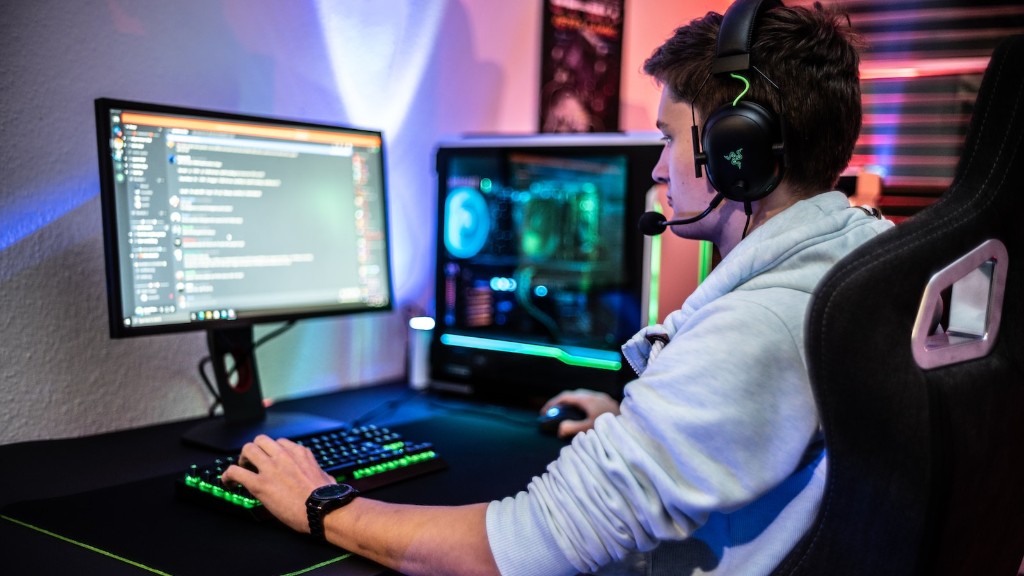
First, you will need to configure the audio settings in the game. This should include selecting the best sound settings, such as the volume and effects settings. You should also make sure that the game’s music settings are set correctly.
Once the game audio is configured, it is important to make sure that the sound cards and speakers are set up correctly. This includes ensuring that the speakers are connected to the correct ports, as well as setting up the sound cards to use the correct audio drivers. It is also important to make sure that the sound cards and speakers are compatible with the game that you are playing.
Finally, once the sound cards and speakers are set up correctly, it is important to test the audio settings. This includes testing the game’s sound effects, as well as making sure that the game’s music is playing correctly. By doing this, you can make sure that you have the best audio experience possible when playing your games.
Keyboard/Mouse Configuration
In order to get the most out of your gaming experience, it is important to configure the keyboard and mouse correctly. This means configuring the settings in the game as well as setting up the mouse and keyboard correctly.
First, it is important to make sure that the game’s keyboard and mouse settings are set correctly. This includes setting the sensitivity and speed of the mouse as well as other settings such as the button layout of the keyboard. It is also important to make sure that the mouse and keyboard are compatible with the game that you are playing.
Once the in-game settings are set, it is important to configure the mouse and keyboard outside of the game. This includes setting the mouse sensitivity and speed as well as setting the keybindings. It is also important to make sure that the mouse and keyboard are configured correctly with the operating system.
Finally, once the mouse and keyboard are set up correctly, it is important to test them out. This means playing the game and performing various actions with the keyboard and mouse to make sure that they are working correctly. By doing this, you can make sure that you have the best gaming experience possible.
Internet Connection Configuration
For most games, it is important to configure the internet connection correctly. This includes setting up your modem and router correctly as well as configuring the networking settings in the game.
First, it is important to make sure that the modem and router are set up correctly. This includes making sure that the network adapter is set up correctly as well as making sure that the modem and router are compatible with your internet service provider.
Once the modem and router are set up correctly, it is important to configure the network settings in the game. This includes setting the port forwarding settings as well as configuring the game’s online settings.
Finally, once the networking settings are configured correctly, it is important to test the connection to make sure that the game runs smoothly online. This can be done by attempting to join an online game or by running an internet speed test. This can help to ensure that your gaming experience is as smooth as possible.
Optimization
Once all the settings have been configured and tested, it is important to optimize the PC for gaming. This includes making sure that the PC is running at its optimal speeds as well as configuring the game’s settings for maximum performance.
First, it is important to optimize the hardware for gaming. This includes checking for system updates as well as setting the PC to run at its optimal speeds. This can include adjusting the power settings as well as overclocking the hardware.
Once the hardware is optimized, it is important to optimize the game’s settings. This includes setting the graphics settings and audio settings to provide the best performance possible. It is also important to check the game’s online settings to make sure that they are configured correctly.
Finally, once the hardware and game settings are configured correctly, it is important to make sure that the PC is running smoothly. This means checking the system for errors and updating the driver software. By doing this, you can make sure that your gaming setup is running at peak performance.
