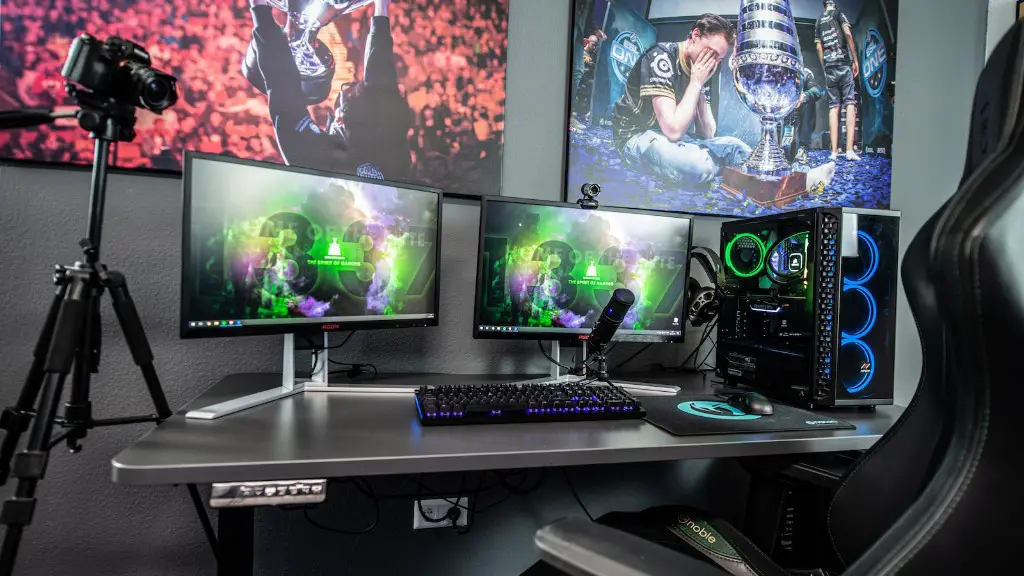
Customizing a gaming PC can be a great way to stay within budget while still playing the latest video games. Being able to build your own PC allows you to save money on the parts you need and lets you customize the PC to your needs and preferences. Here are some tips on how to customize a gaming PC.
Choose a Suitable Case
The first thing you’ll need to decide on is which case your PC will go in. Most cases offer different sizes and designs, as well as features like air flow, cooling, and noise levels. It’s important to choose a case that can accommodate all the components that you need, without any space restrictions. Also, consider the size of the case, as you’ll need to fit it in your space.
Select the Right CPU and GPU
The CPU and GPU are the two most important components when it comes to gaming performance. The CPU is responsible for running the programs, while the GPU is responsible for handling the graphics. For best gaming performance, look for a CPU with at least 4 cores and a GPU that supports your desired graphic settings. Also, make sure to check for compatibility with other components to ensure everything runs smoothly together.
Choose Appropriate RAM and Storage
Your RAM and storage are also essential components to consider when customizing a gaming PC. RAM is the temporary memory that stores the data that the PC needs quickly. Look for at least 8GB of RAM and make sure it is compatible with the CPU and motherboard. Consider the storage you will need around. If you tend to store and download lots of games, then opt for a larger hard drive and possibly an SSD as well.
Choose the Right Motherboard and PSU
Your motherboard and power supply unit (PSU) are important components too. Make sure you get a motherboard that is compatible with the CPU, GPU, RAM and storage. The motherboard will also determine the kind of features and connectivity you can get. Get a PSU that is powerful enough to power all your components, plus some extra in case you add more components in the future.
Think About Connectivity and Cooling
You should also consider other components like fans, monitors, and peripherals. Think about which ports, slots and connectors you need to ensure all your components are compatible. For a cool, quiet build, install fans to keep the PC running at its best. You may also want to look into overclocking for an extra boost for gaming performance.
Install OS and Software
Once your PC is built, you’ll need to install an operating system (OS) such as Windows 10 or Linux. Choose one that you’re comfortable with and has the features you need. You’ll also want to install any necessary software to go along with the OS — things like a web browser, system utilities, and gaming software. Make sure to pay attention to system requirements when installing software.
Assemble the PC and Configure the Settings
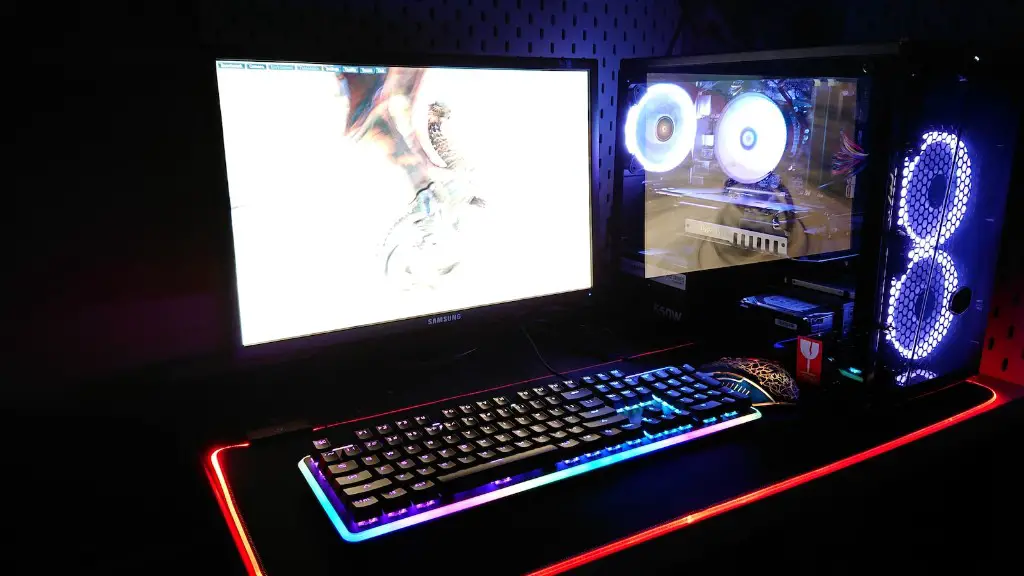
Once you have all the components and software, it’s time to put it all together. Follow the instructions in the manual to assemble the PC, and don’t forget to be neat and organized when you do it. When it’s done, you’ll need to configure the settings like display, audio and more to get the best gaming experience. Once that’s done, you’re ready to get gaming.
Maintain Your PC for Optimal Performance
Maintaining your PC regularly is important to keep it running at its best. You’ll need to keep the components clean, keep them cool with adequate air flow, and replace worn out components like case fans or thermal paste. Also, look out for any new drivers or system updates to keep your system running smoothly.
Upgrade Your PC Over Time
As new video games come out, you’ll need to get updated components to keep up. Think about budgeting for components like a better processor or graphics card, or more RAM for improved performance. It’s easier to upgrade when you have already customized your PC, so you won’t have to reinvest in a whole new system.
Choose the Right Accessories
Apart from the components and software, you should also invest in some accessories to get the most out of your gaming PC. Think about getting a good gaming chair, a quality headset, and a gaming control pad. These will help you to enjoy gaming to the fullest.
