Building the Frame
Customizing a gaming PC takes planning, skill and patience. It’s not as simple as plugging in some new parts and cranking up the graphics. As such, the first step is to figure out what you need for the gaming PC. To do this, you’ll want to find a pre-built PC frame, with all the ports, slots, and cooling bays that you’ll need. Make sure to do some research to find out which type of frame works best for your gaming needs.
Graphic Card
The next step is to find a good Graphics Card. A good Graphics Card is essential to any gaming PC because it affects the performance of the PC. You’ll want to look for features like memory and clock speed. You can also look for higher quality models that offer more features like ray tracing, or support for new technologies like DirectX 12 or Vulkan.
Processor
Now that you’ve chosen the Graphics Card, the next step is to choose a Processor. It’s important to pick a Processor that can handle the load of the Graphics Card. You’ll want to look for features like the number of cores, the type of architecture and the clock speed. Also, make sure to look for a model that has a good balance of performance and price.
RAM
The next step is to pick RAM. RAM is important for multitasking in games as it allows you to open multiple applications in the background. Look for RAM with a high clock speed and a high capacity. It’s also a good idea to look for RAM with low latency, as this will help with loading times.
Storage
The next step is to pick a storage device. A good gaming PC should have plenty of storage for games, applications and media. Look for a type of storage that offers high speed and large capacity.You can choose from traditional hard drives, or more modern Solid State Drives (SSD). Different types of storage have different advantages, so make sure to do some research to decide which is best for you.
Power Supply
Once you’ve decided on the other parts, you’ll need a Power Supply to power them. Look for a Power Supply with enough wattage to adequately power all your components. You should also make sure it has enough connectors to power all your components.
Cooling
Finally, make sure to get a good Cooling system. A good cooling system will help to reduce temperatures and prolong the life of your components. A liquid cooling system can be a good choice, as it is more efficient than a traditional fan based system. Just remember to research the different types of cooling systems and pick one that is right for your gaming PC.
Personalization and Optimization
Now that you’ve selected all the components, you’re ready to start customizing and optimizing your gaming PC. You will want to start by making sure all your components are compatible with each other. You should also make sure that your PC is optimized for the types of games you plan to play. This may include adjusting your settings, such as resolution and anti-aliasing, as well as tuning settings for your CPU and graphic cards.
Accessories and Peripherals
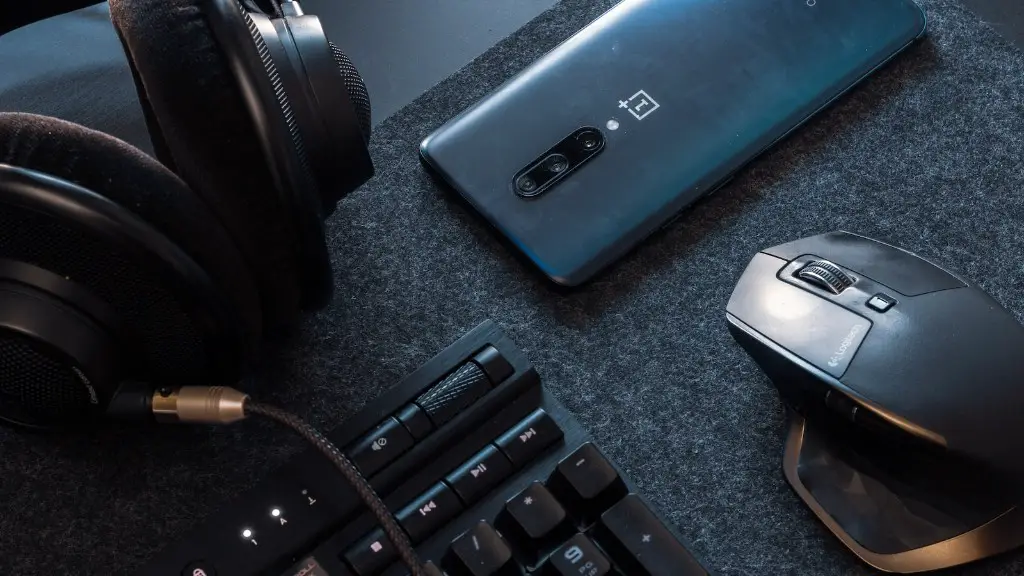
Finally, you’ll want to look into accessories and peripherals for your gaming PC. This might include items like a monitor, keyboard, mouse or headset. You’ll want to make sure that these components are compatible with your gaming PC. You’ll also want to research the different types of accessories and peripherals to make sure you’re getting the best features for your budget.
Casting and Streaming
When customizing and optimizing your gaming PC, you’ll also want to consider what type of streaming or casting software you’d like to use. If you plan to stream your gameplay, you’ll want to make sure that your PC is powerful enough to handle the strain of intense gaming and uninterrupted streaming. You’ll also want to find the streaming software that best suits your needs.
Networking and Servers
Another thing to consider when customizing your gaming PC is the network connection you’ll use. Depending on what type of games you plan on playing, you might need a faster network connection and a more reliable server. For example, if you’re playing online with other people you’ll want to make sure your network connection is capable of handling the demands of online multiplayer gaming.
Custom Software and Security
Finally, you’ll want to make sure that the software you use is specific to your gaming needs. Depending on the type of game you’re playing, you may need custom gaming software that’s specifically designed for gaming. Additionally, you’ll want to make sure you have a good firewall and antivirus software to protect your PC and keep it safe from any malicious software or threats.
