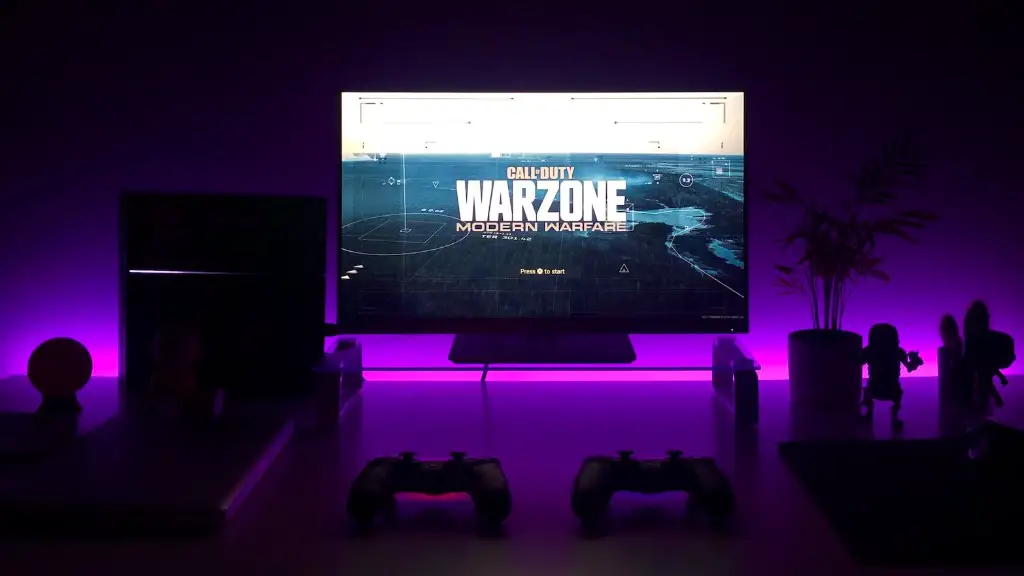
Building a gaming PC doesn’t have to be intimidating. It’s easier than you think. Whether you’re looking for an all-in-one solution or a custom-built machine, these steps will get you started. Here’s a guide on how to make a gaming PC from scratch in seven easy steps.
1. Get Familiar With Your Parts: Before you start building your gaming PC, it’s important to understand the parts needed and how they fit together. Research motherboards, processors, graphics cards, and other components to get a better understanding of your needs.
2. Choose Your Components: Once you have an understanding of the parts you’ll need, it’s time to choose components that are compatible with one another. Make sure to stick within your budget while still considering the performance of the parts.

3. Install a Processor: Installing a processor is the first step in building a gaming PC. Make sure to properly ground yourself to prevent ESD (electrostatic discharge) damage and follow the manufacturer’s instructions to properly install the processor.
4. Install a Motherboard: Once the processor is installed, you can now install a motherboard. Place the motherboard on top of the standoffs and secure it with screws. Ensure the ports line up with their respectiveI/O panels and the Processor socket is compatible with the processor.
5. Install a Graphics Card: This is the most important step in building a gaming PC. Install the graphics card in its PCI-Express slot and secure it with a screw. Make sure to plug in any necessary auxiliary power cables and install the appropriate drivers.
6. Install the Memory and Storage: Once the graphics card is installed, it’s time to install the memory modules. Ensure the memory modules are compatible with the motherboard and follow the manufacturer’s instructions to properly install them. Now you can install the storage such as a hard drive or SSD.
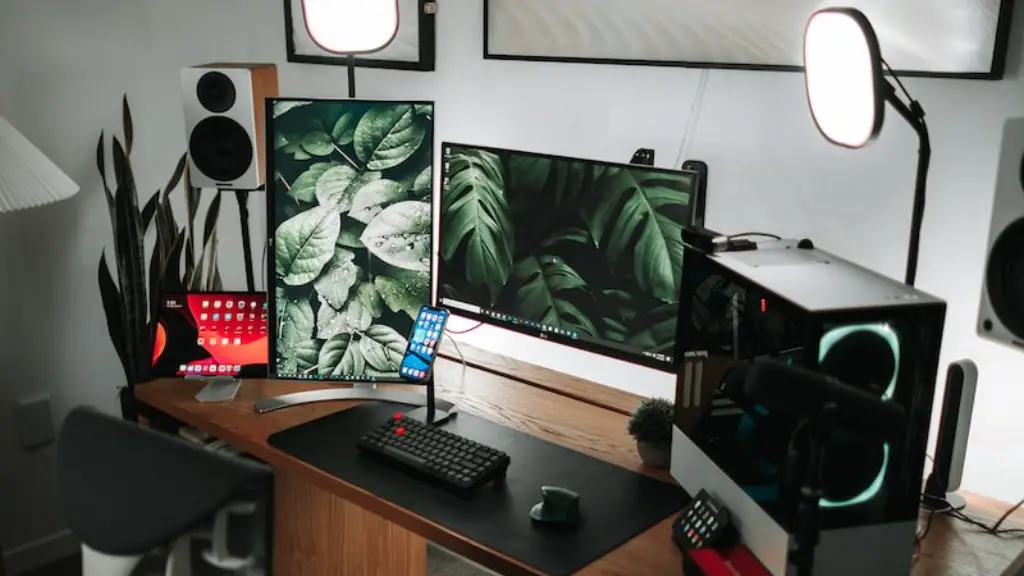
7. Connect the Power Supply and Case Fans: Now it’s time to connect the case fans, power supply, and all other necessary cables. Make sure all cables are correctly connected for a successful boot. Once everything is connected and secured, you can now install the operating system and other applications.
The Benefits of Building Your Own Gaming PC
Building your own gaming PC has several advantages. It will be more cost effective than buying a prebuilt machine and you can customize it to your own gaming needs. By building a gaming PC yourself, it will be much easier to upgrade components and add features as your needs change. Additionally, you can customize the look and colors to create a unique gaming experience.
Building a gaming PC can also be a fun and educational experience. You’ll learn valuable skills like troubleshooting and problem solving while gaining a better understanding of how computers work. In the end, you’ll have a powerful gaming machine and a greater appreciation for technology.
Finally, you’ll also gain a sense of pride and accomplishment. It’s incredibly satisfying to build something with your own two hands and by building your own gaming PC you’ll have that feeling every time you boot up for a gaming session.
Why Use a Prebuilt Gaming PC?
While there are many benefits to building a gaming PC yourself, a prebuilt gaming PC can be a great option for those who may not have the time or experience. Prebuilt gaming PCs are ready to go out of the box and come with a warranty in case something goes wrong. Additionally, they can often be more cost effective as they may include components that would be difficult to obtain at a reasonable price.
One of the biggest advantages of using a prebuilt gaming PC is convenience. You don’t have to worry about assembling components or troubleshooting problems. Just plug it in, install the drivers, and you’re ready to game. This can be a great option for those intimidated by the idea of building their own gaming PC or who need a gaming machine quickly.
Prebuilt gaming PCs also come with the benefit of support. Manufacturers are available to answer questions and provide assistance if you encounter a problem. This can be incredibly beneficial for someone who may not be comfortable troubleshooting problems on their own.
Choosing the Right Parts for Your Gaming PC
Choosing the right parts for your gaming PC is essential for optimal performance. It’s important to consider the type of games you’ll be playing, how often you’ll be gaming, and the budget you have available. Additionally, it’s important to make sure all parts are compatible with one another.
You’ll also want to make sure the parts you choose are not outdated too quickly. This can be especially important for those who will be gaming heavily as the latest games may require better hardware. Doing research on the latest CPUs and GPUs can help to ensure you get a machine with longevity.
Finally, it’s important to pay attention to details such as cooling and power consumption. CPUs and GPUs generate a lot of heat, so you’ll want to make sure your machine has adequate cooling solutions. Additionally, pay attention to the total power consumption of the components you choose to ensure your power supply can handle the load.
The Cost of Building a Gaming PC
The cost of a gaming PC depends on several factors, including the quality and type of components used. Generally speaking, the more powerful the components, the more expensive it will be. Additionally, prebuilt gaming PCs can be more expensive than building a machine yourself due to added labour costs.
When building a gaming PC, the cost can range from several hundred to several thousand dollars. High-end machines typically cost more than budget PCs. It’s also important to consider long-term costs such as power consumption and upgrade costs. Ultimately, the cost of building a gaming PC is up to you and your budget.
Common Mistakes to Avoid When Building a Gaming PC
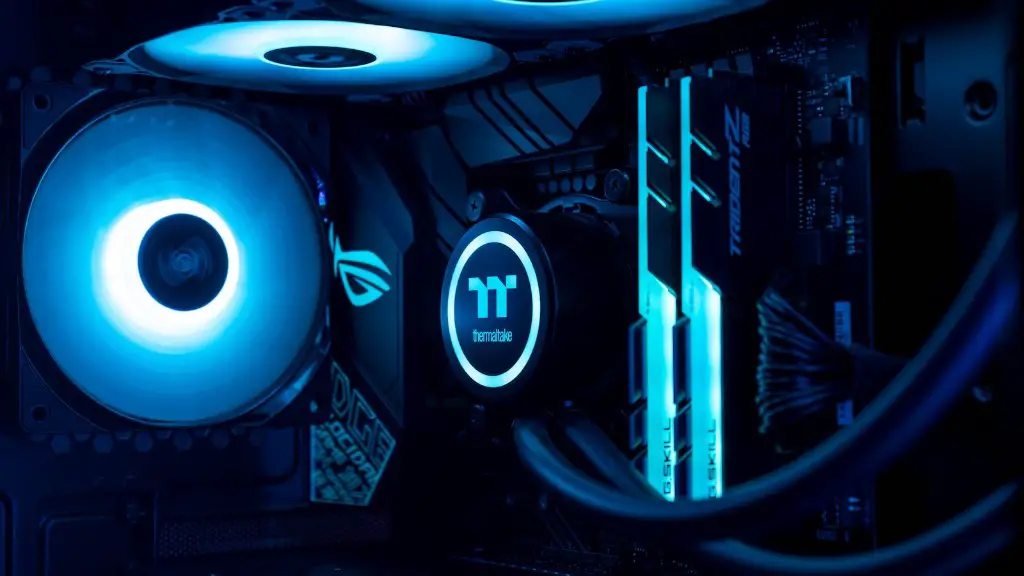
Building a gaming PC can be intimidating, but it doesn’t have to be. Here are some common mistakes to avoid when building a gaming PC: Not researching the parts you’ll need; Not double-checking for compatibility between components; Installing parts in the wrong order; Failing to properly ground yourself before installation; Not connecting all necessary connections; Not using the appropriate thermal paste; Not plugging in auxiliary power cables; Not installing necessary drivers; Not customizing BIOS settings; and Forgetting to plug in the power supply.
By avoiding these common mistakes, you can save time and reduce stress when building your gaming PC. Armed with this knowledge, you can build a gaming PC with confidence.
